
UbiBot Sensor Calibration Tool
2020-10-30 07:18:34
Overview:
If you are a user of RS485 soil sensor or PT100 sensor, and you have strict requirements for measurement accuracy, then you will need to use UbiBot Sensor Calibration Tool with USB-RS485 Adapter to periodically calibrate the sensor to achieve the highest accuracy.
Download link: [download id="3909"].
Please see below for detailed instructions:
If you are a user of RS485 soil sensor or PT100 sensor, and you have strict requirements for measurement accuracy, then you will need to use UbiBot Sensor Calibration Tool with USB-RS485 Adapter to periodically calibrate the sensor to achieve the highest accuracy.
Download link: [download id="3909"].
Please see below for detailed instructions:
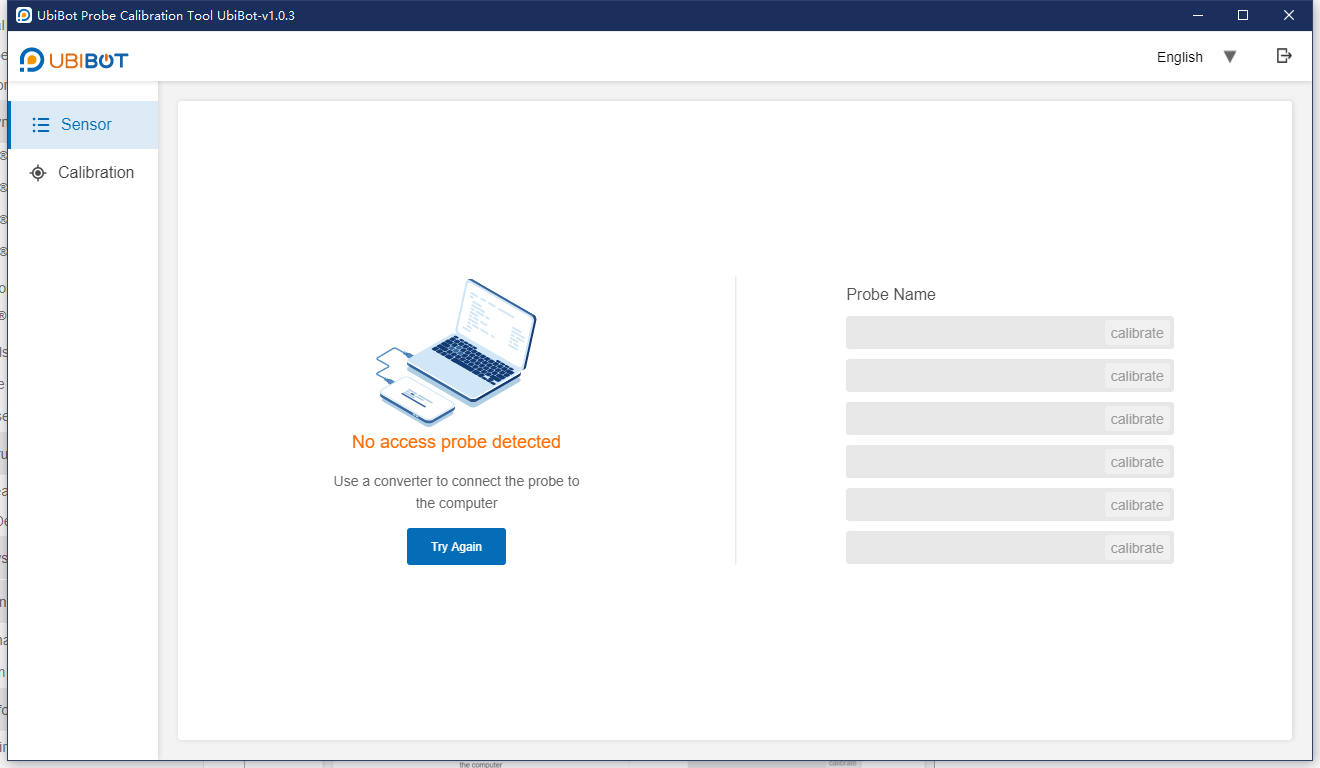
- Launch the UbiBot Sensor Calibration Tool.
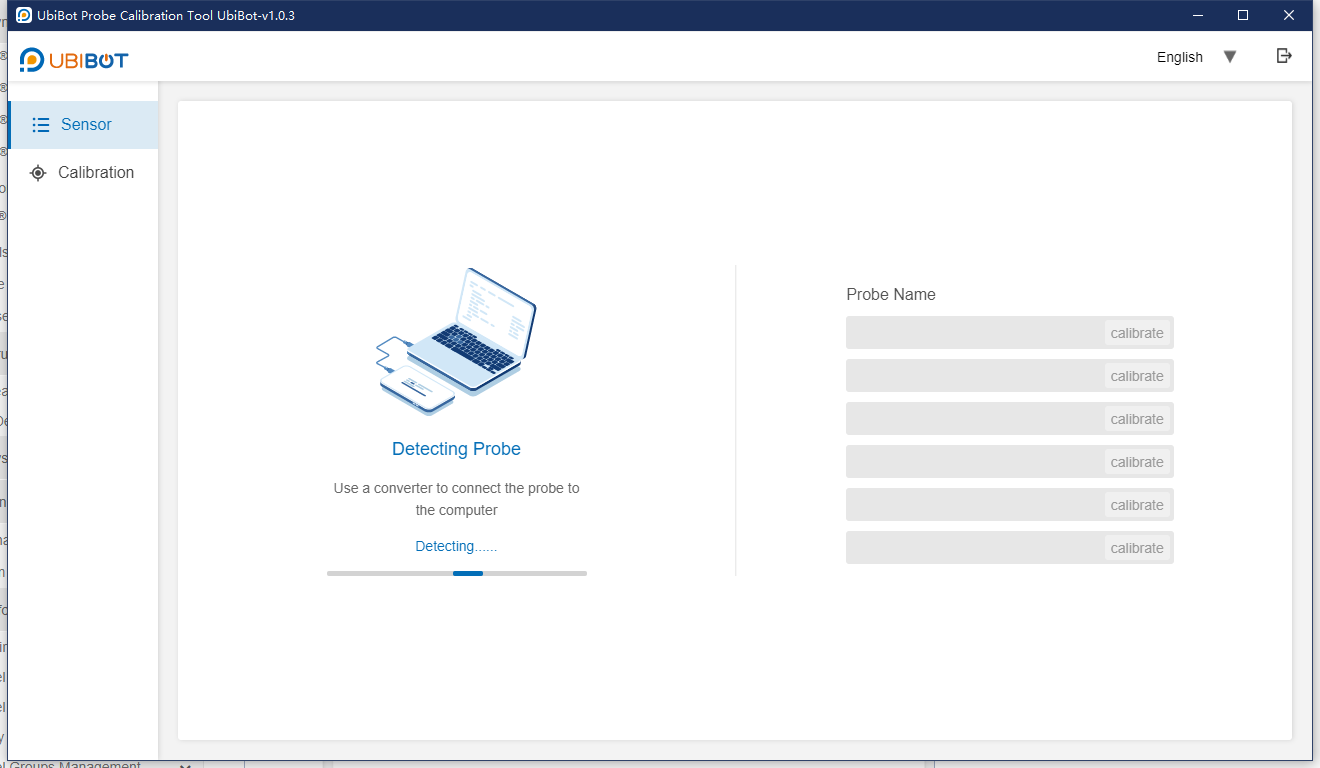
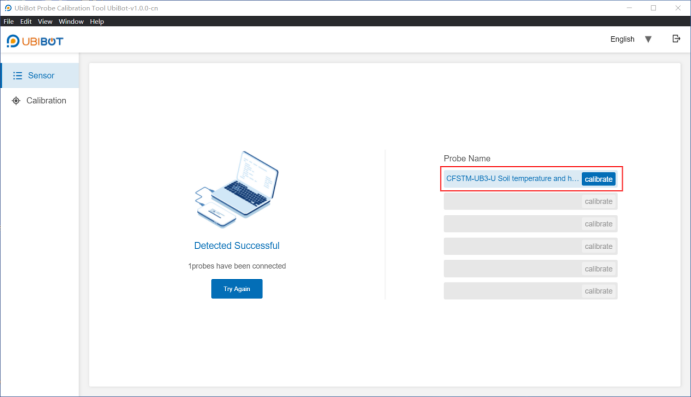
- Connect the sensor that needs to be calibrated to the computer through USB-RS485 Adapter, then the software will identify the sensor type automatically.
- Click "Calibrate" to enter the calibration page.
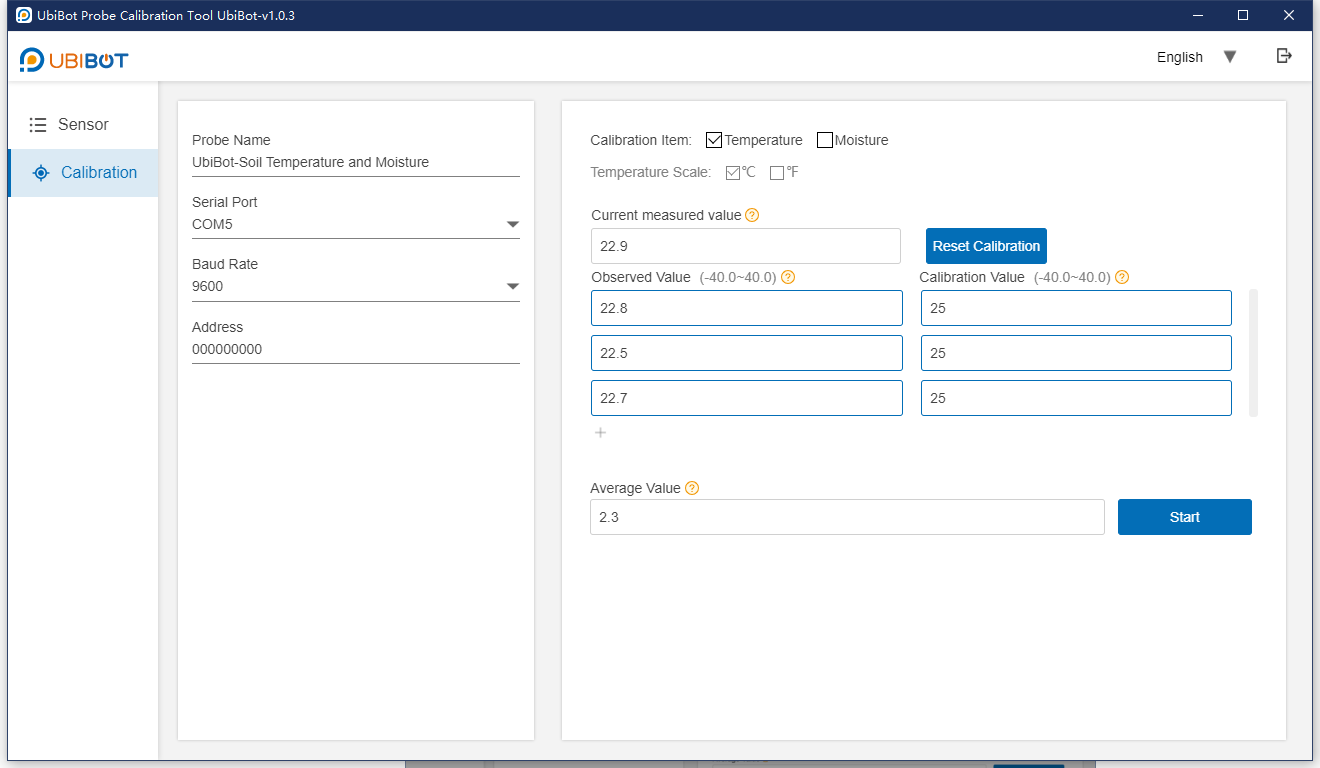
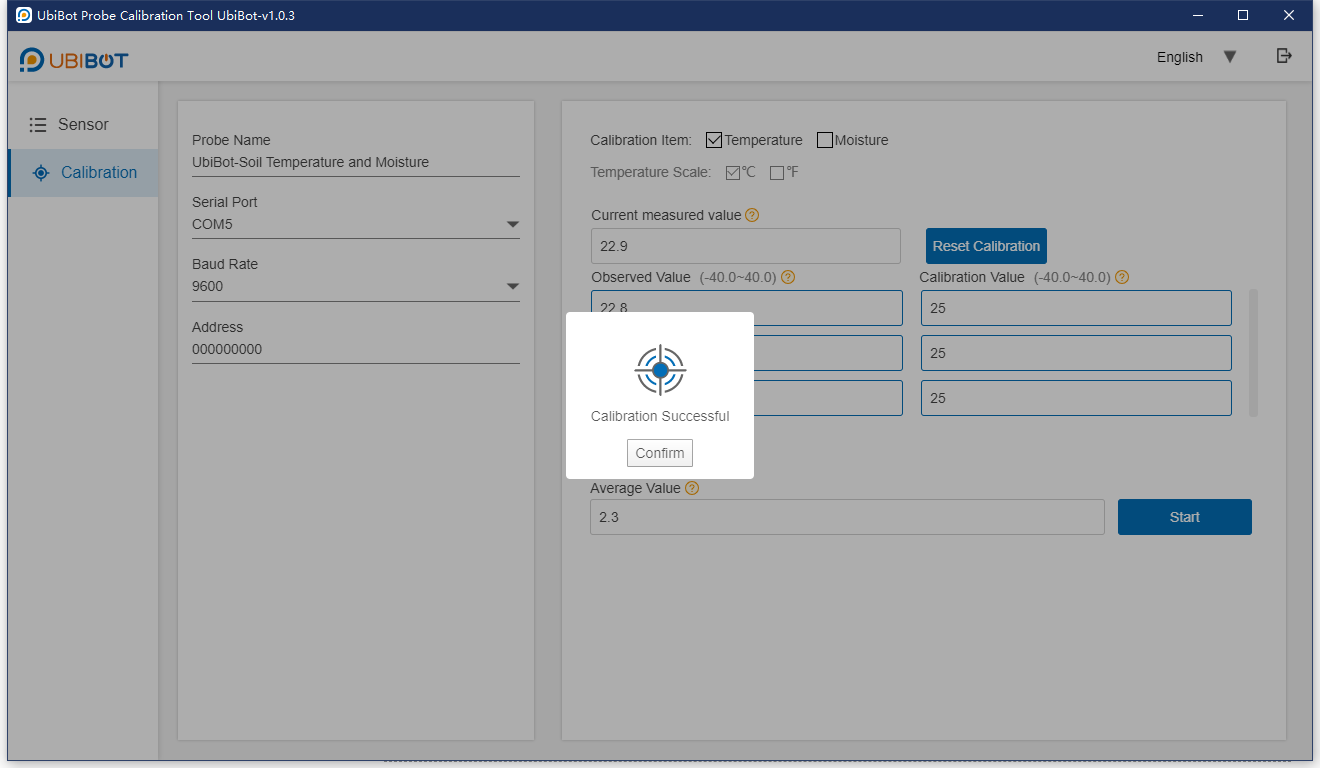
- On the calibration page, select the item to be calibrated, such as "Temperature", and fill in the observed value and the calibration value. It is suggested to fill in multiple sets of observed values to improve the accuracy of the calibration. Then click "Start".
- Calibration will be done in a few seconds.