Smart Sensing
Wireless Smart Sensor WS1
Wireless Smart Sensor WS1 Pro
Wireless Smart Multi-Sensor GS1
Wireless Smart Multi-Sensor GS2

Wireless Motion Sensor MS1
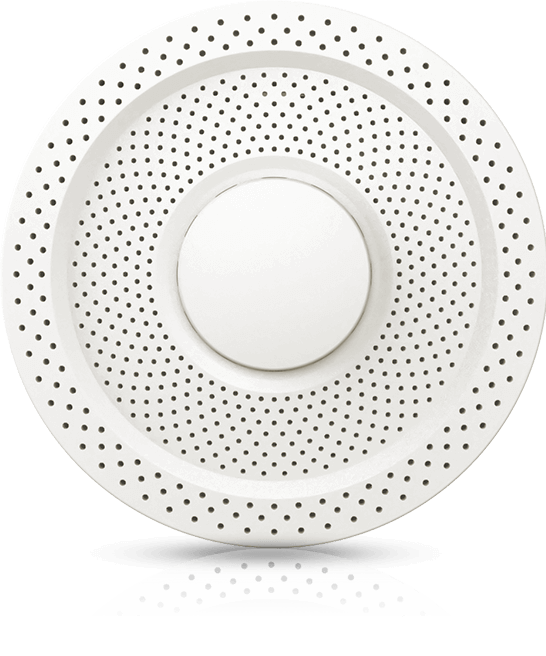
Air Quality Sensor AQS1
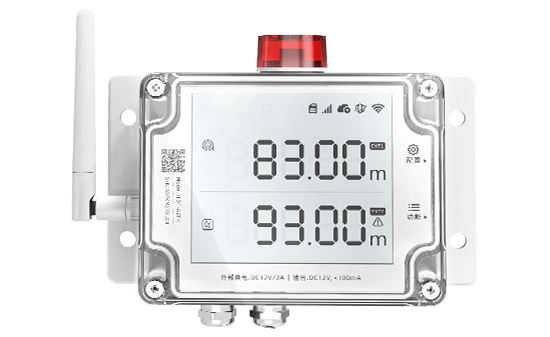
Smart Leak Detector LD1
Smart Watch HW1

Digital Power Line DPL1
Industrial-grade Temperature and Humidity Sensor THS-NEX

Wireless Temperature & Humidity Sensor WS4
Smart Control
Wireless Smart Plug SP1
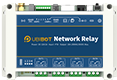
Network Relay NR1

Metering Network Relay NR2
Smart Video
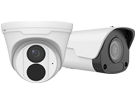
IP Camera IPC
Vision AI Box VA1 / VE1
LoRa Gateway
LoRa Gateway GW1
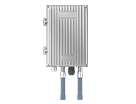
LoRa Outdoor Gateway GW1-O
LoRa Node

LoRa Data Collector DC1-L-1RS
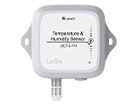
Temperature and Humidity Sensor DC1-L-TH
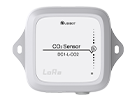
LoRa CO2 Sensor DC1-L-CO2
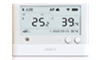
LoRa Sensor WS1 Pro-L
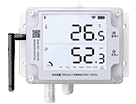
LoRa Smart Sensor GS1-L
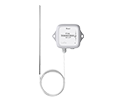
PT 100 Temperature Sensor DC1-L-PT
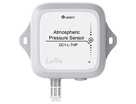
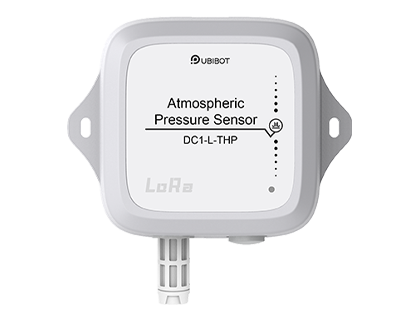
Atmospheric Pressure Sensor DC1-L-THP
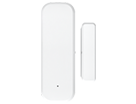
LoRa Magnetic Contact Sensor DC1-DM
LoRa Temperature & Humidity Sensor DC1-TH
LoRa Water Leak Sensor DC1-LD
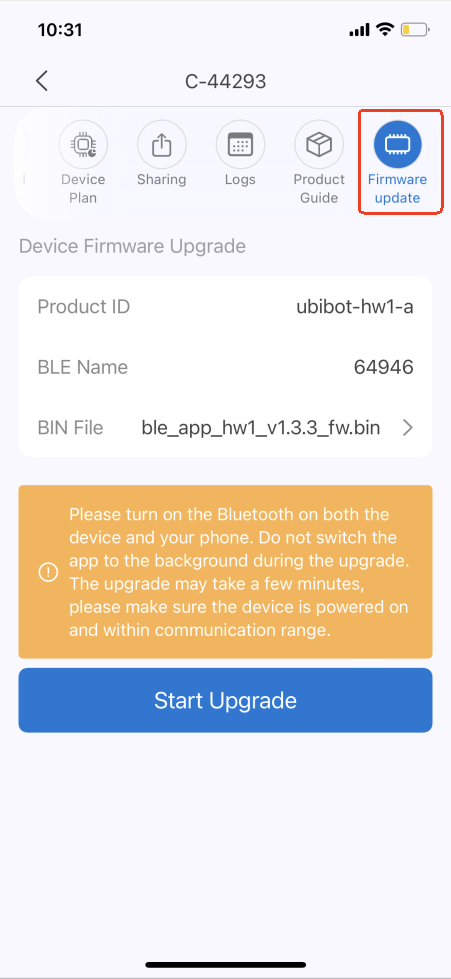
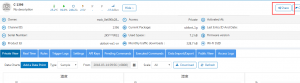
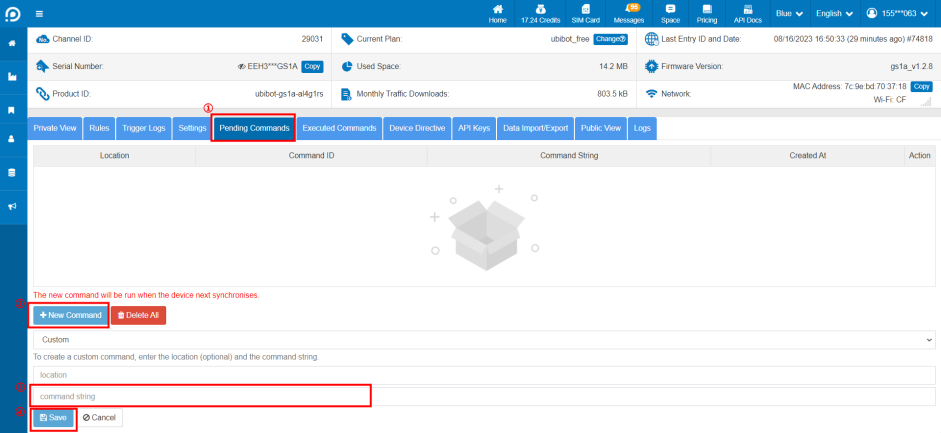
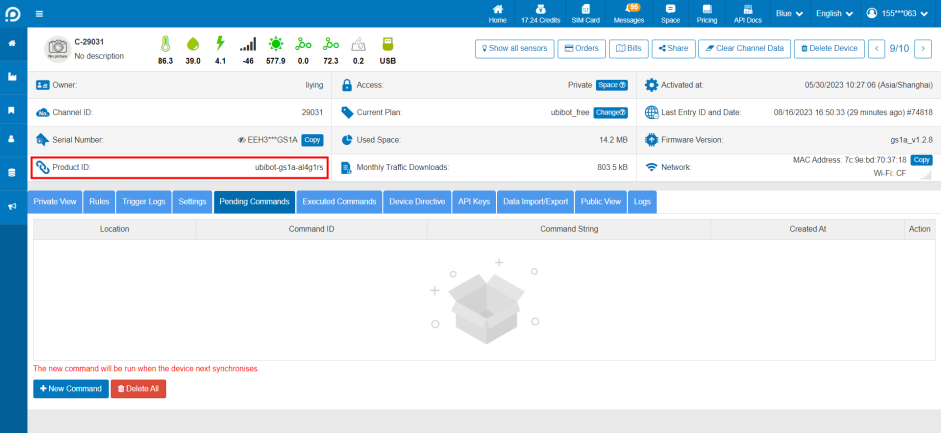 Click [Pending Commands] - [New Command], enter the upgrade instruction at the command string and click Save. Please confirm the upgrade instruction with the after-sales staff.
 After saving, the device will execute the command and complete the upgrade in the next sync cycle, please check the device firmware version and confirm it in time.
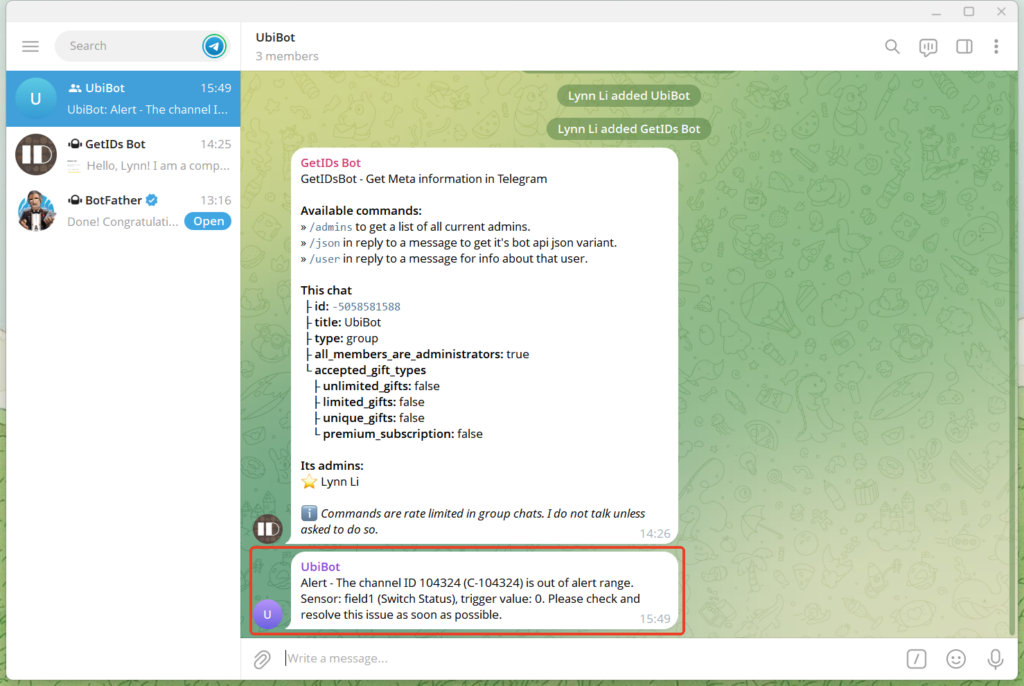
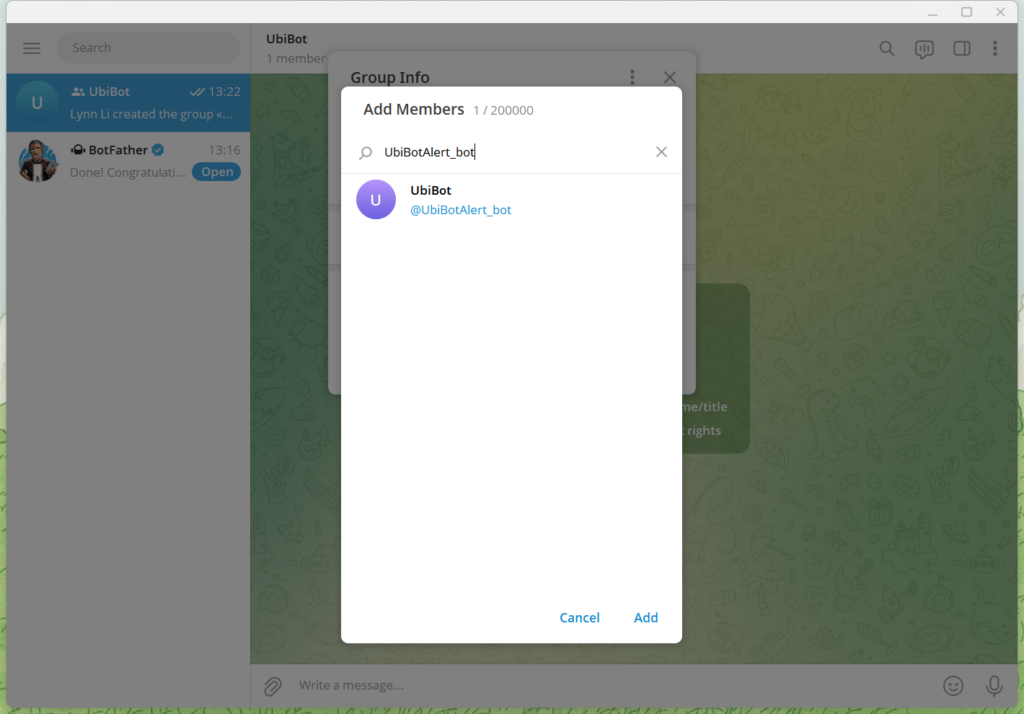 Note: If the bot cannot be added, it may be due to privacy mode settings or group permission restrictions. Please follow the steps below to adjust the settings.
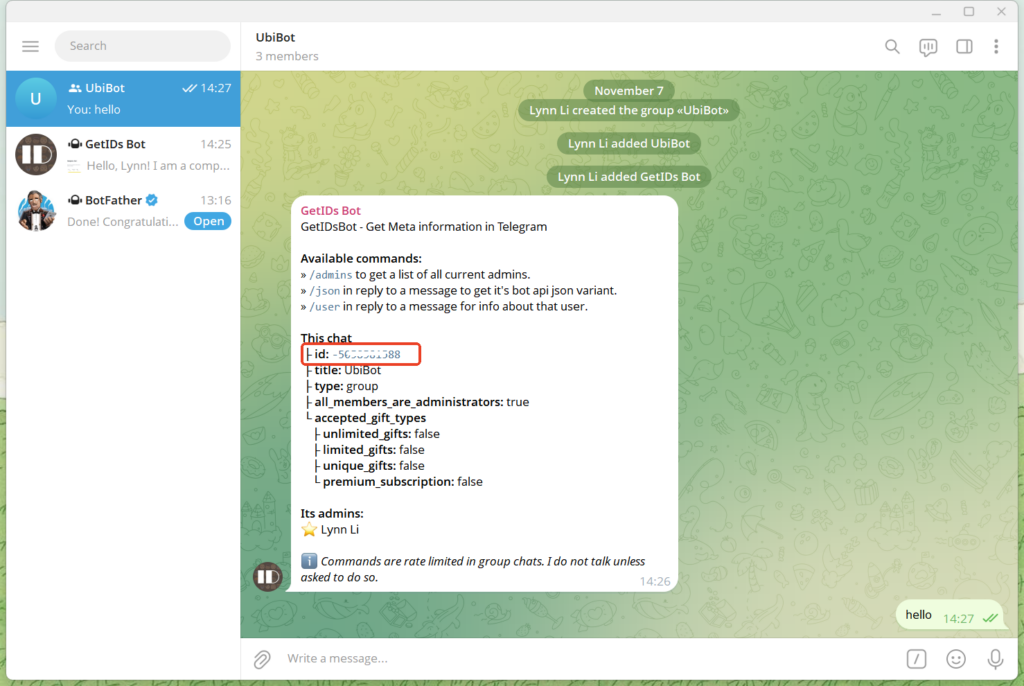
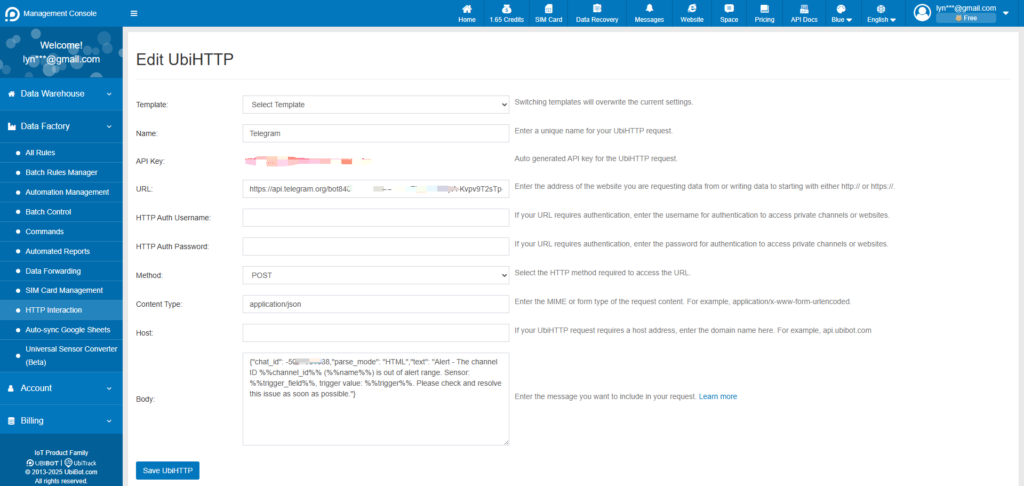
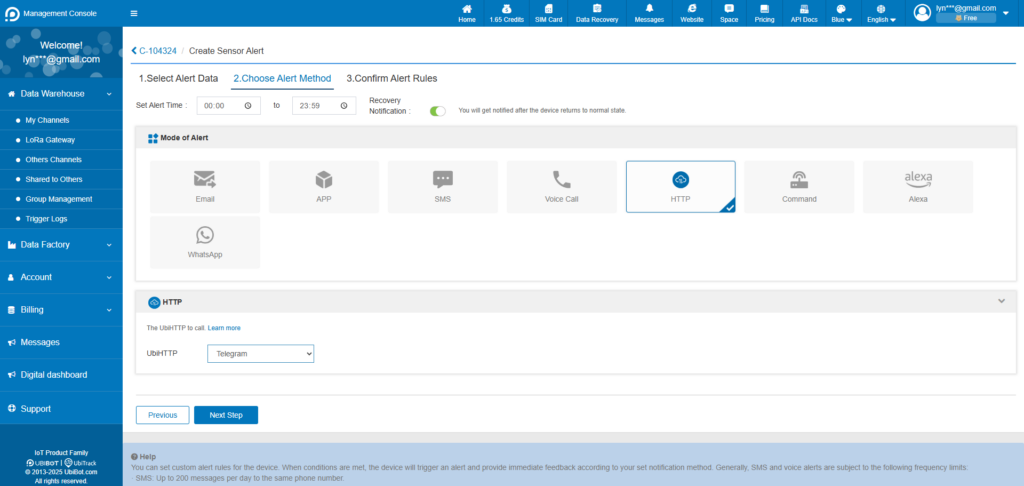
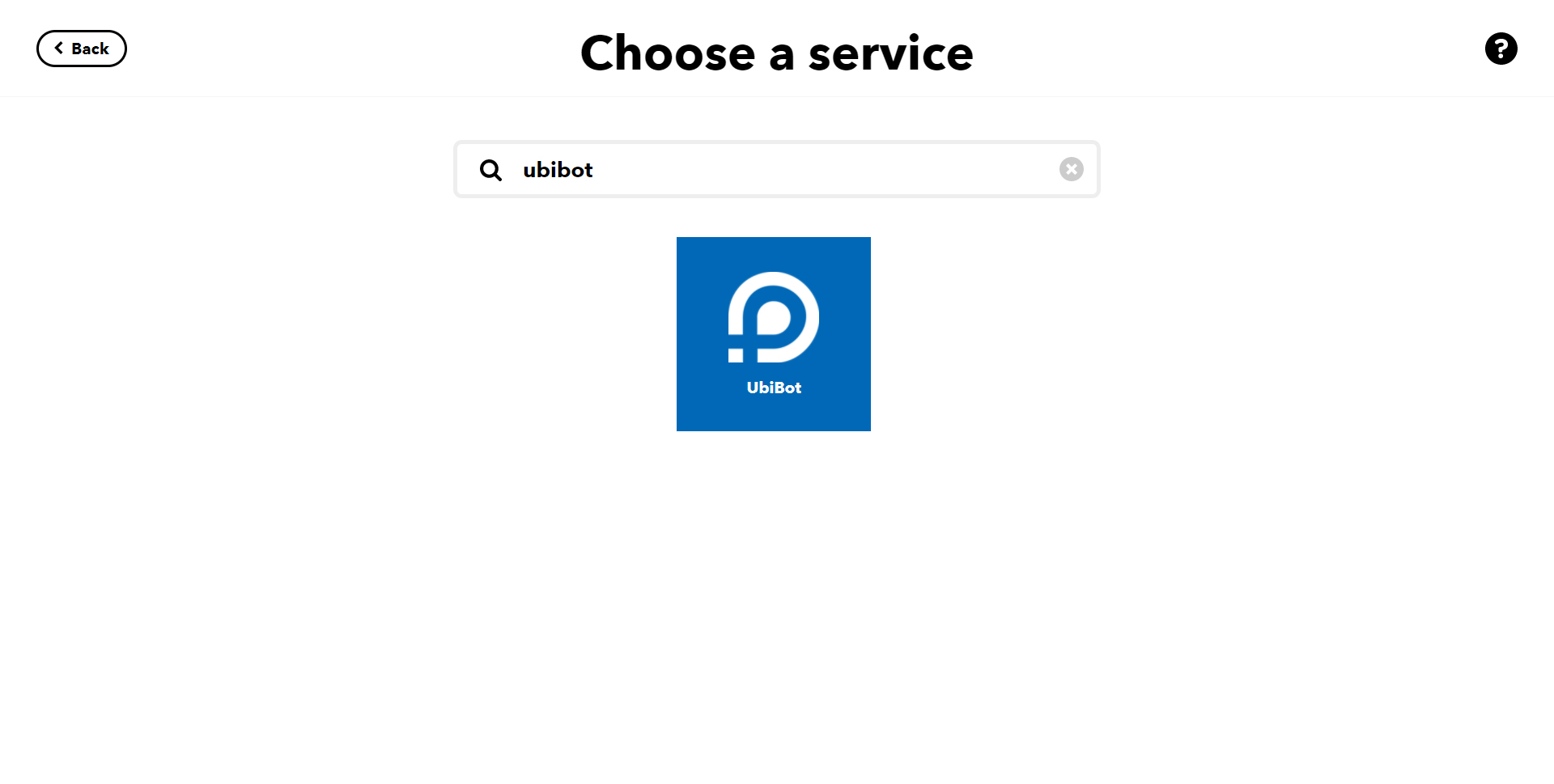
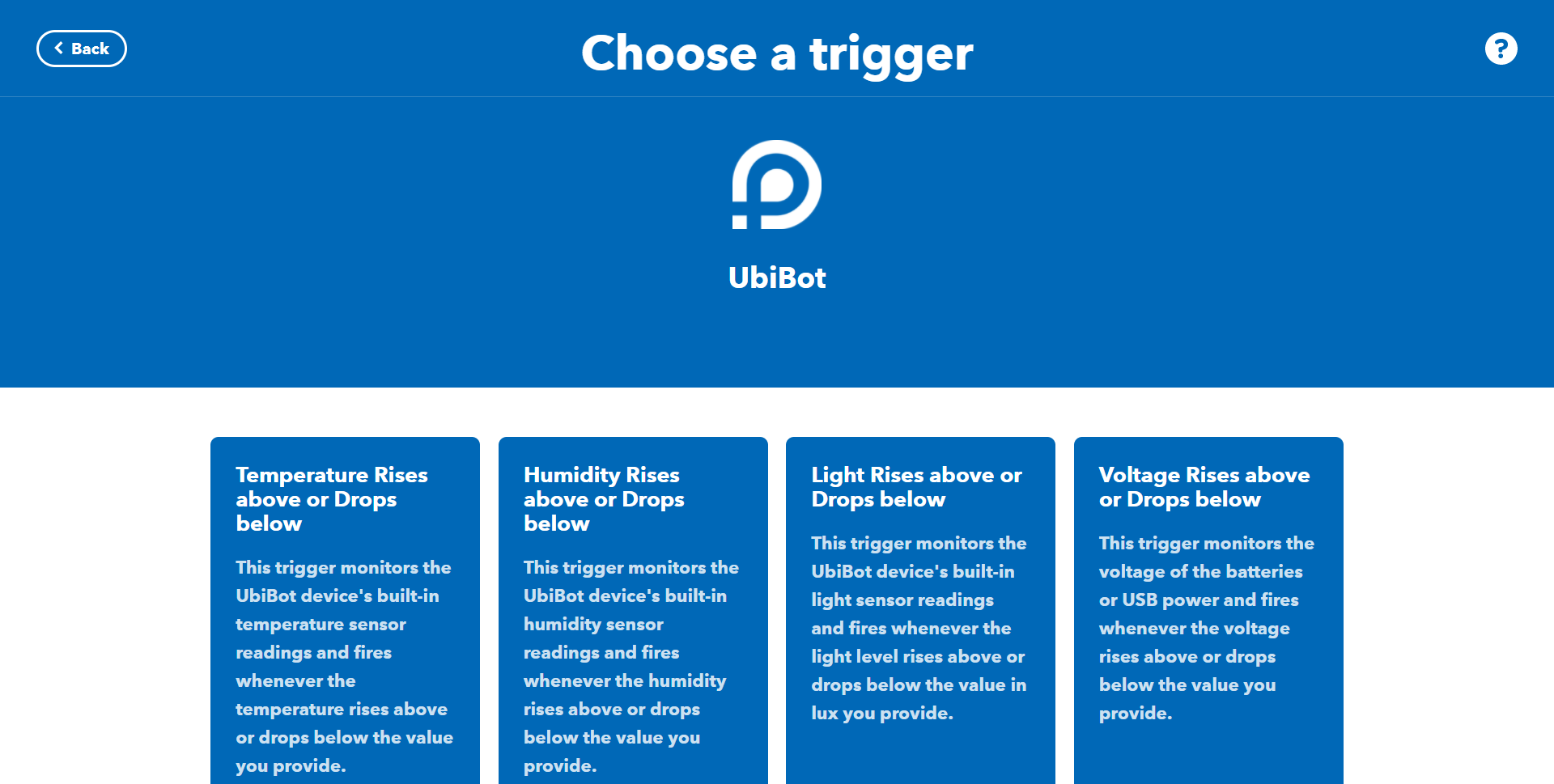
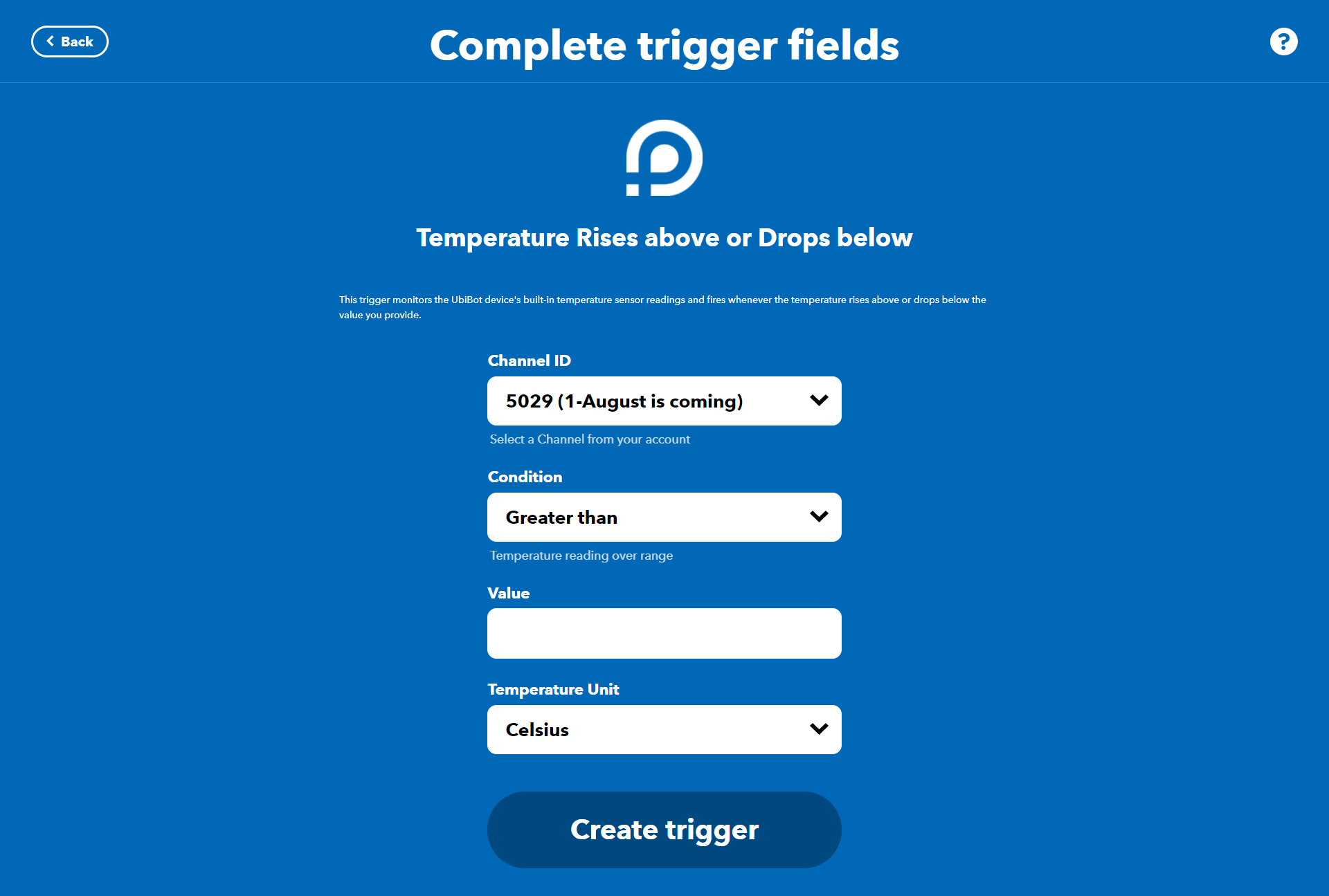
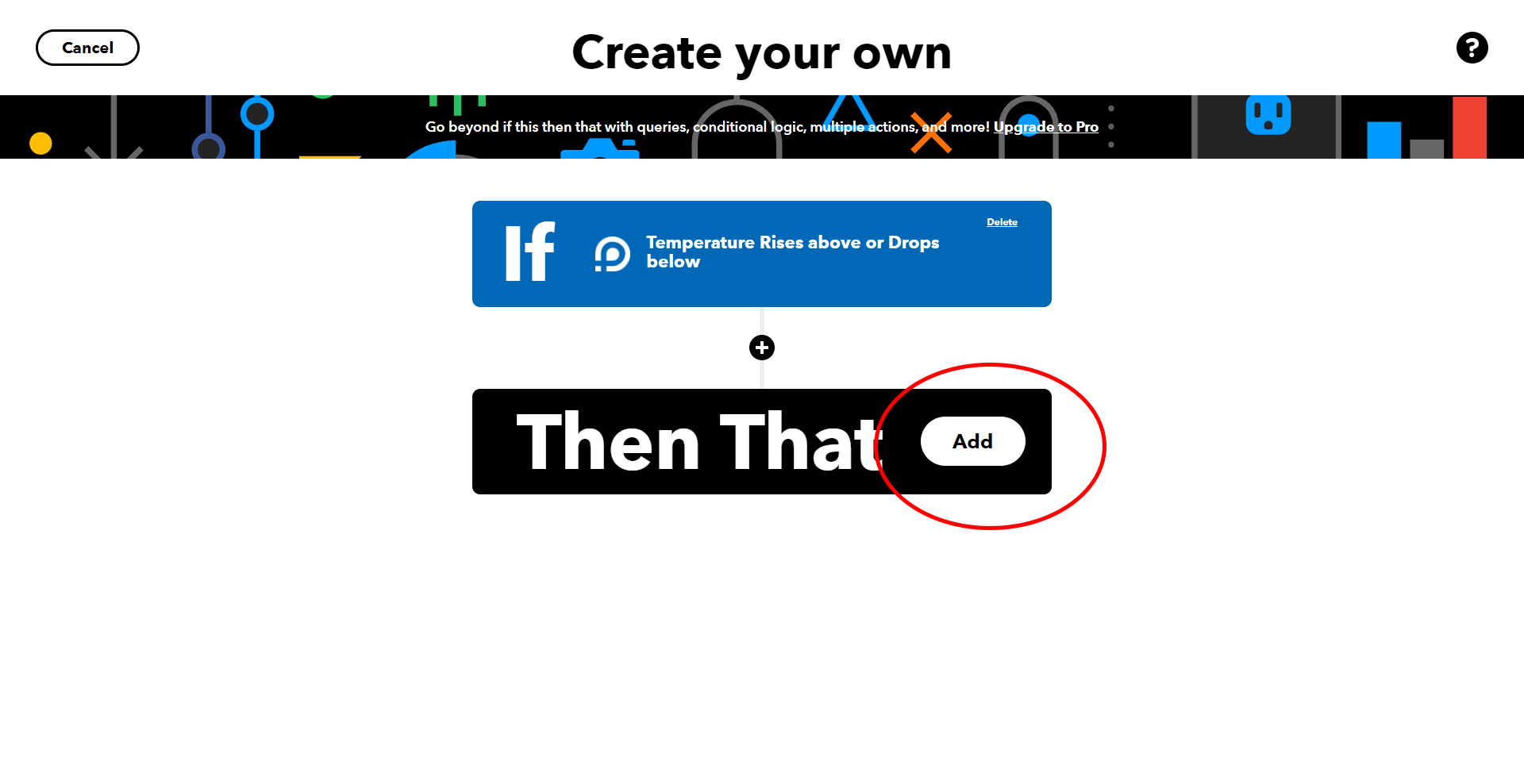
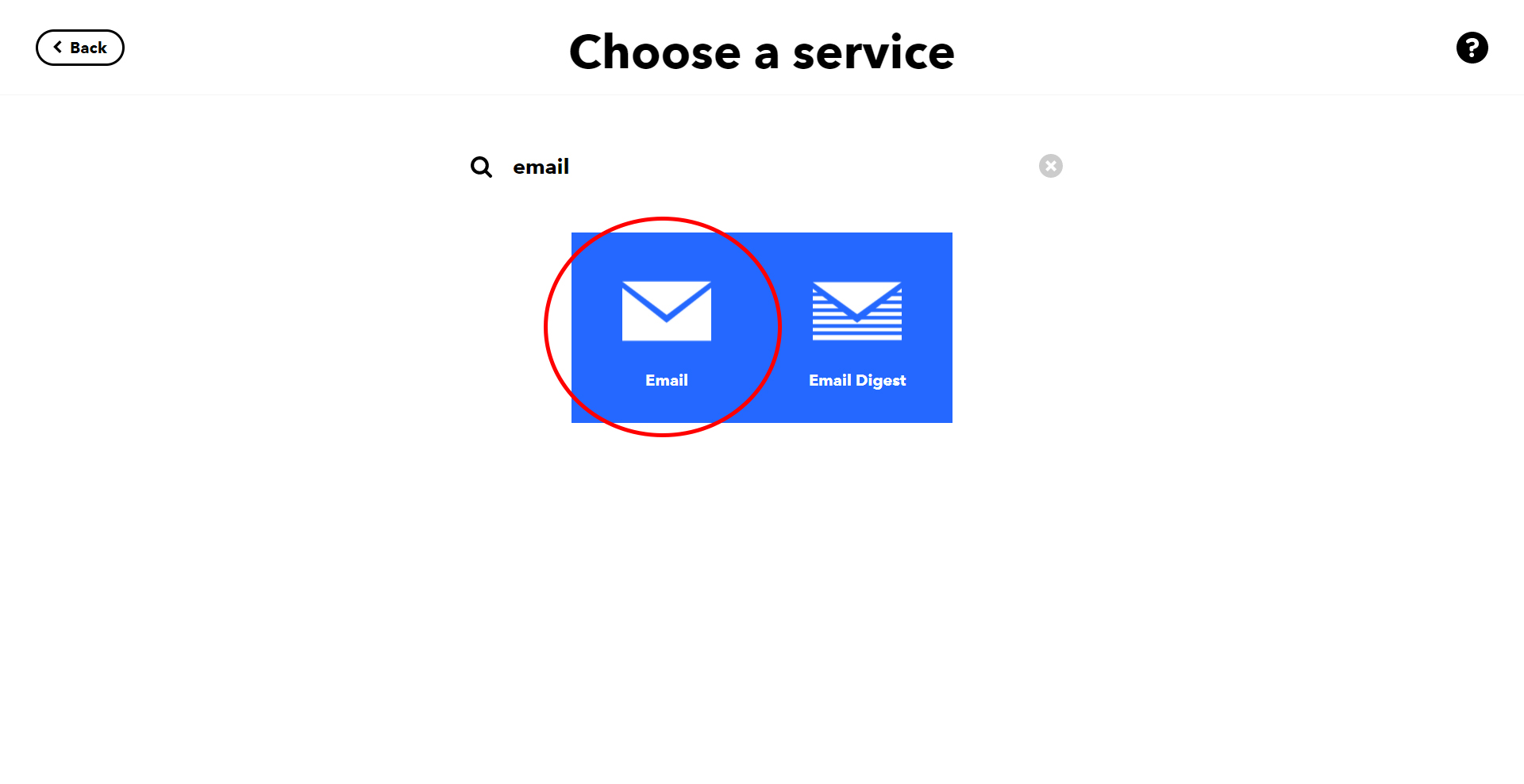
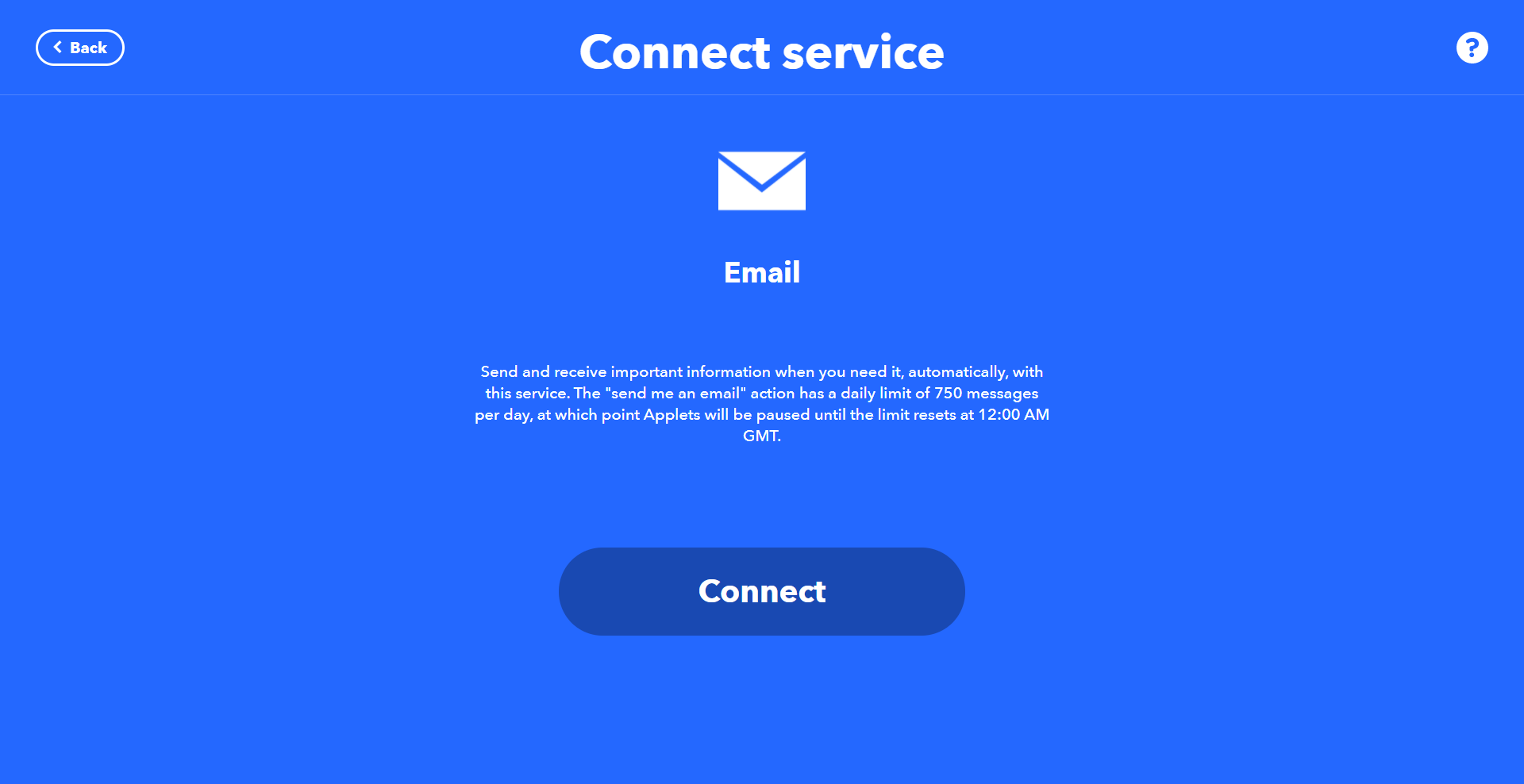
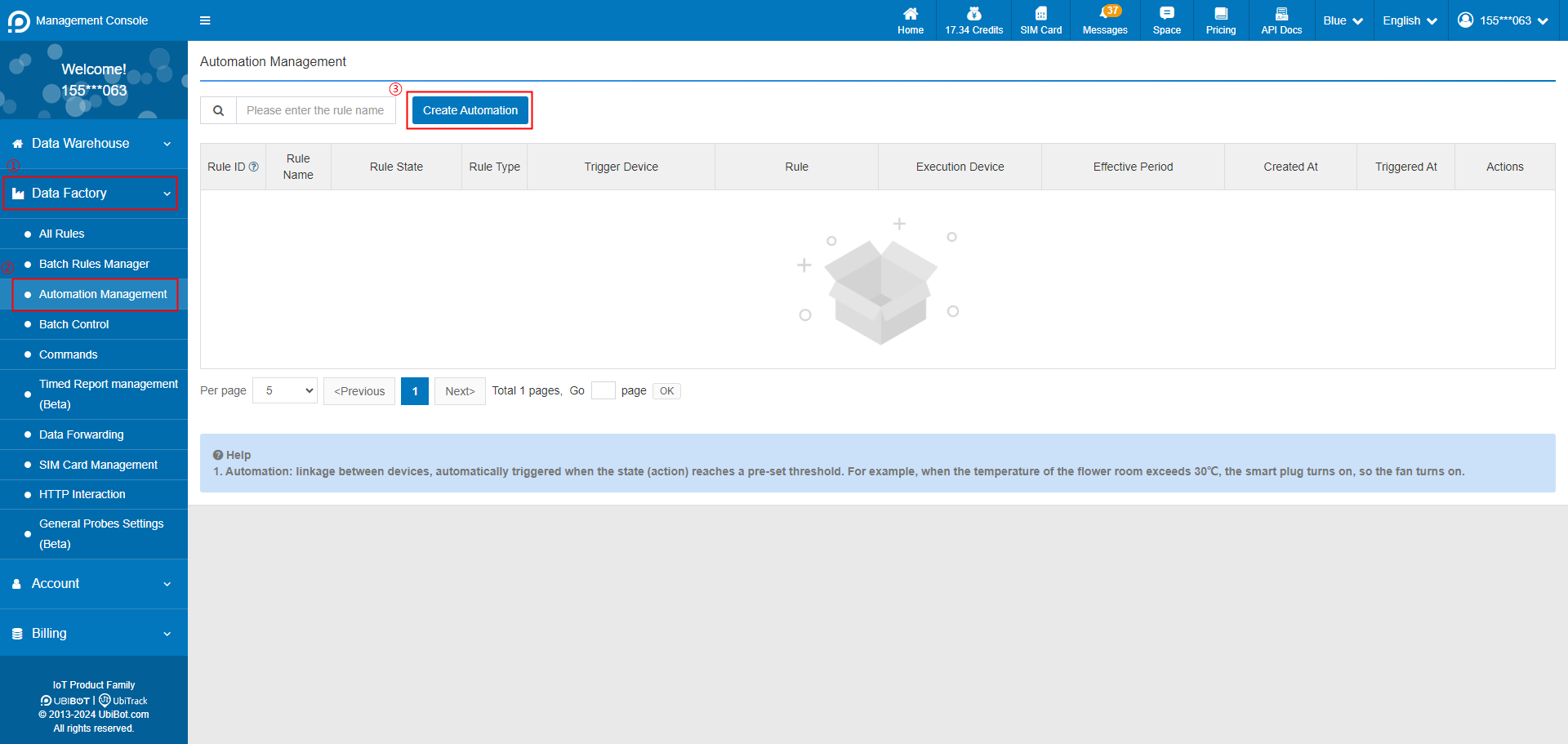 2. Select trigger device, and set the trigger condition.
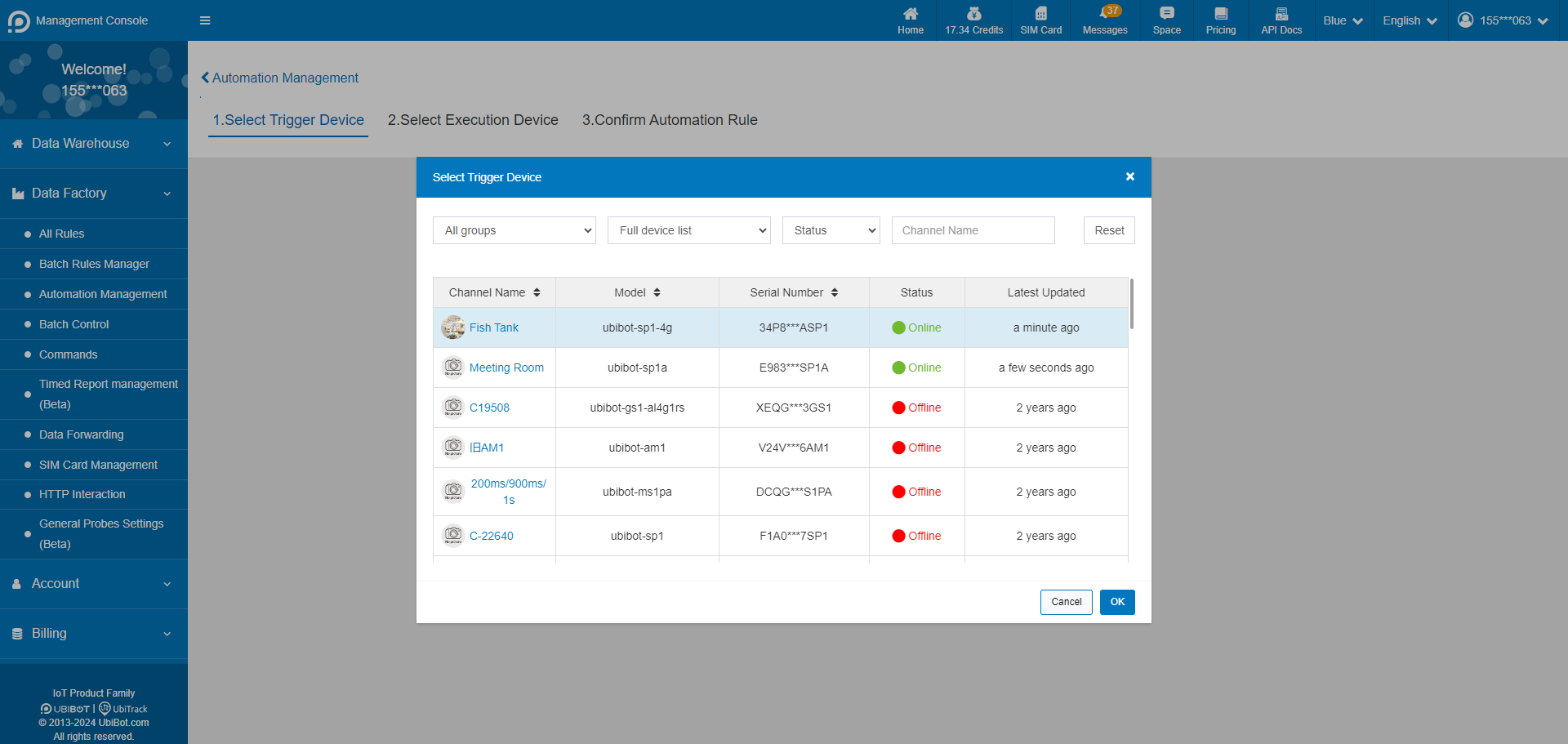
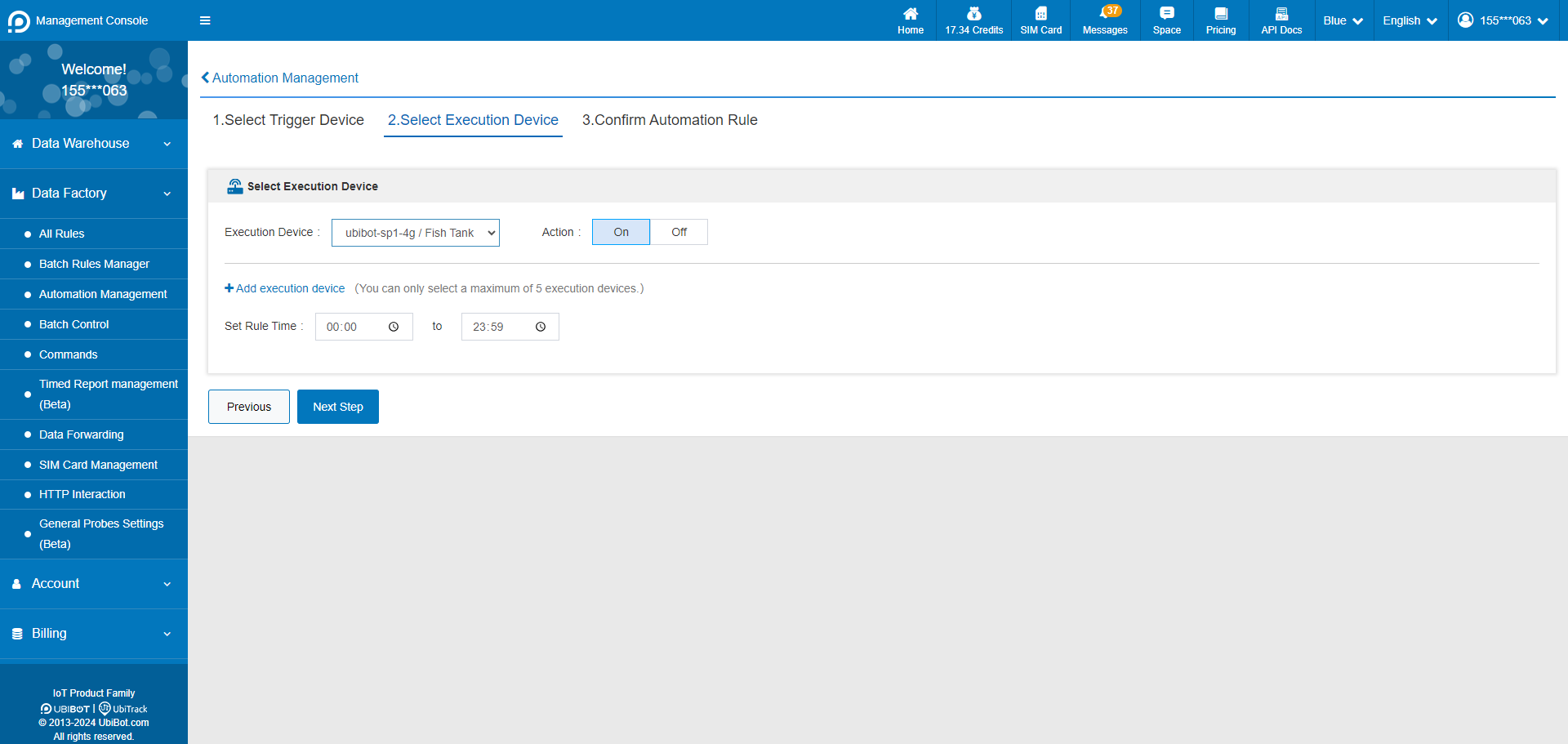
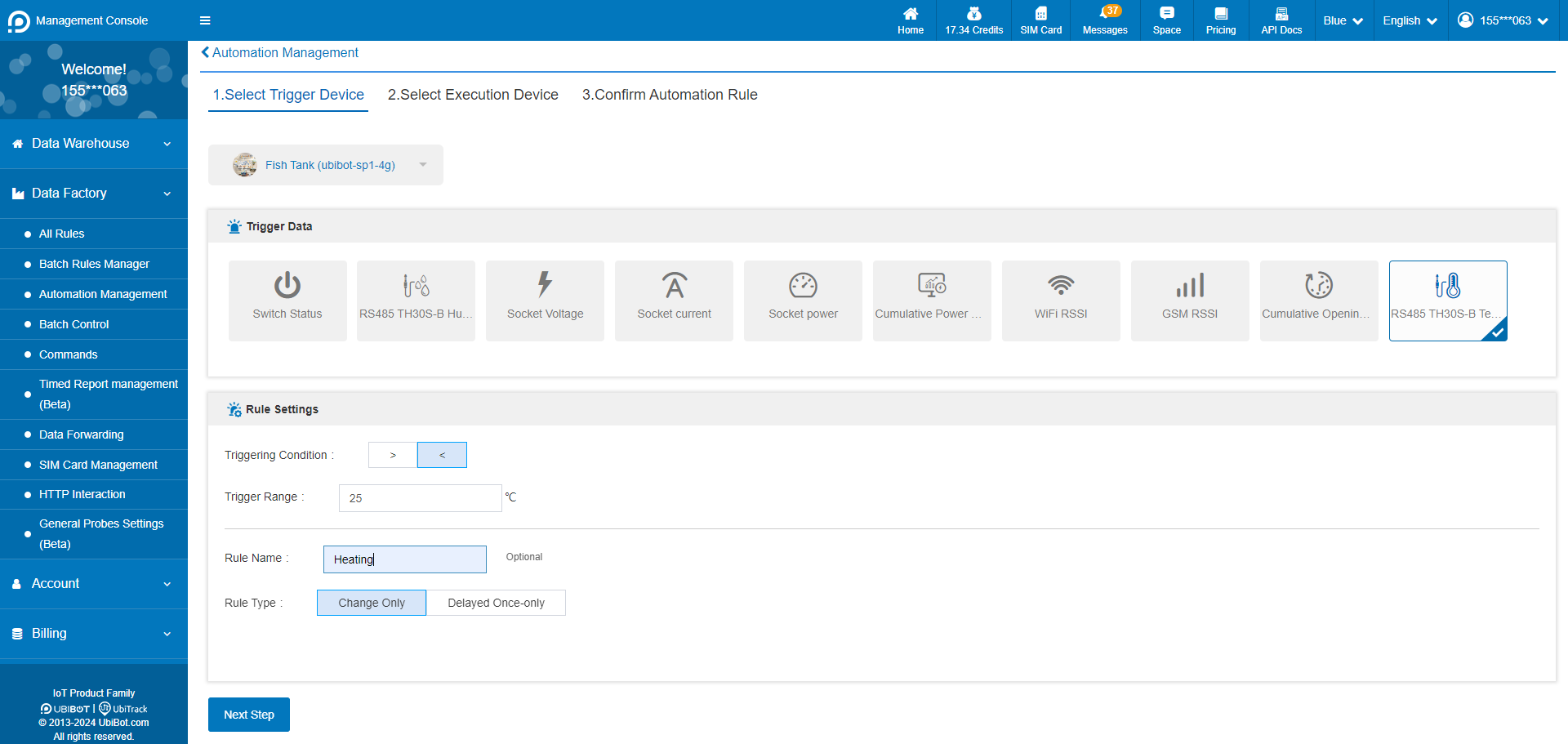 3. Select the execution device and action. Execution devices only support intelligent control devices such as Smart Plug SP1 and Network Relay NR1, and up to 5 execution devices can be set at the same time.
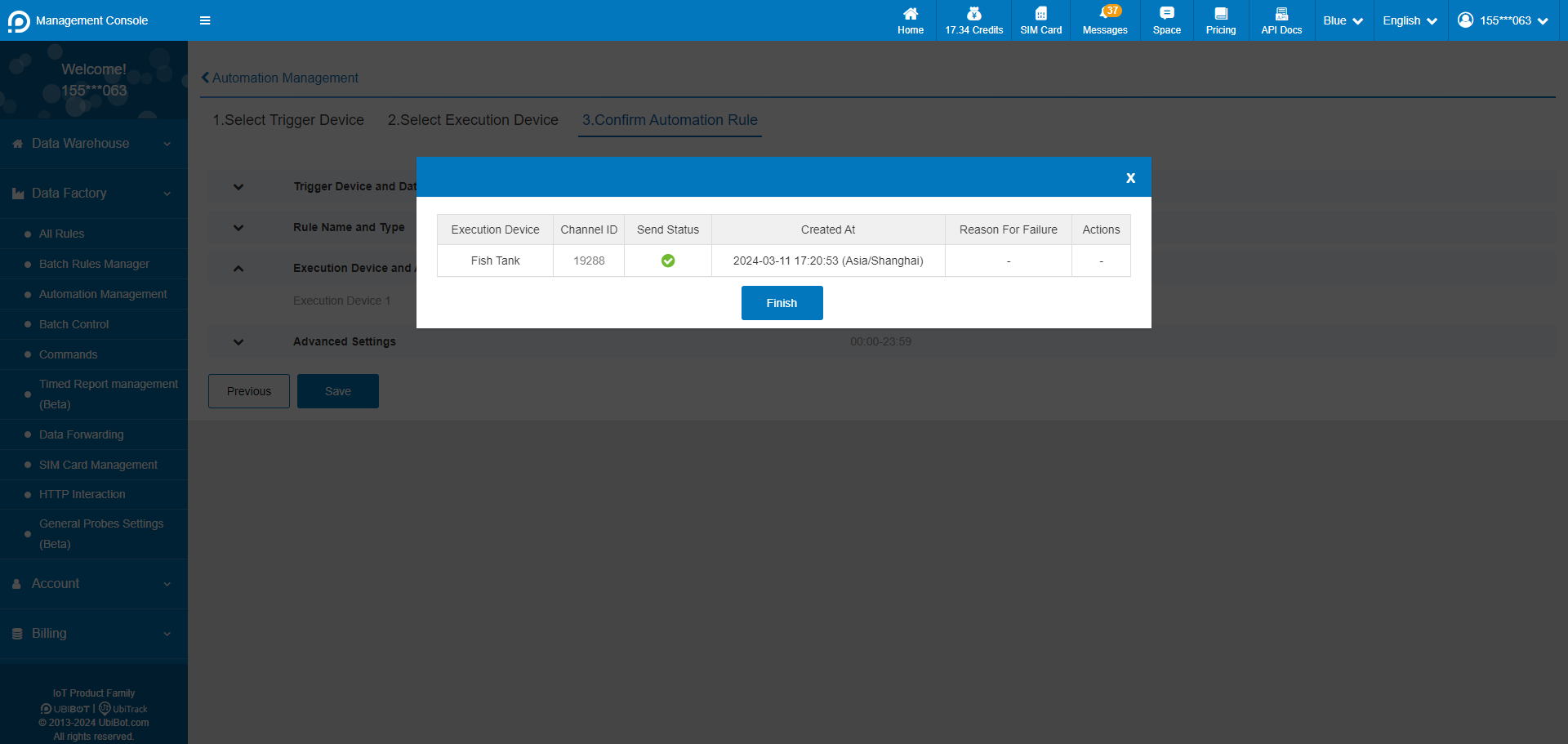
 4. Confirm the automation rule and save it.
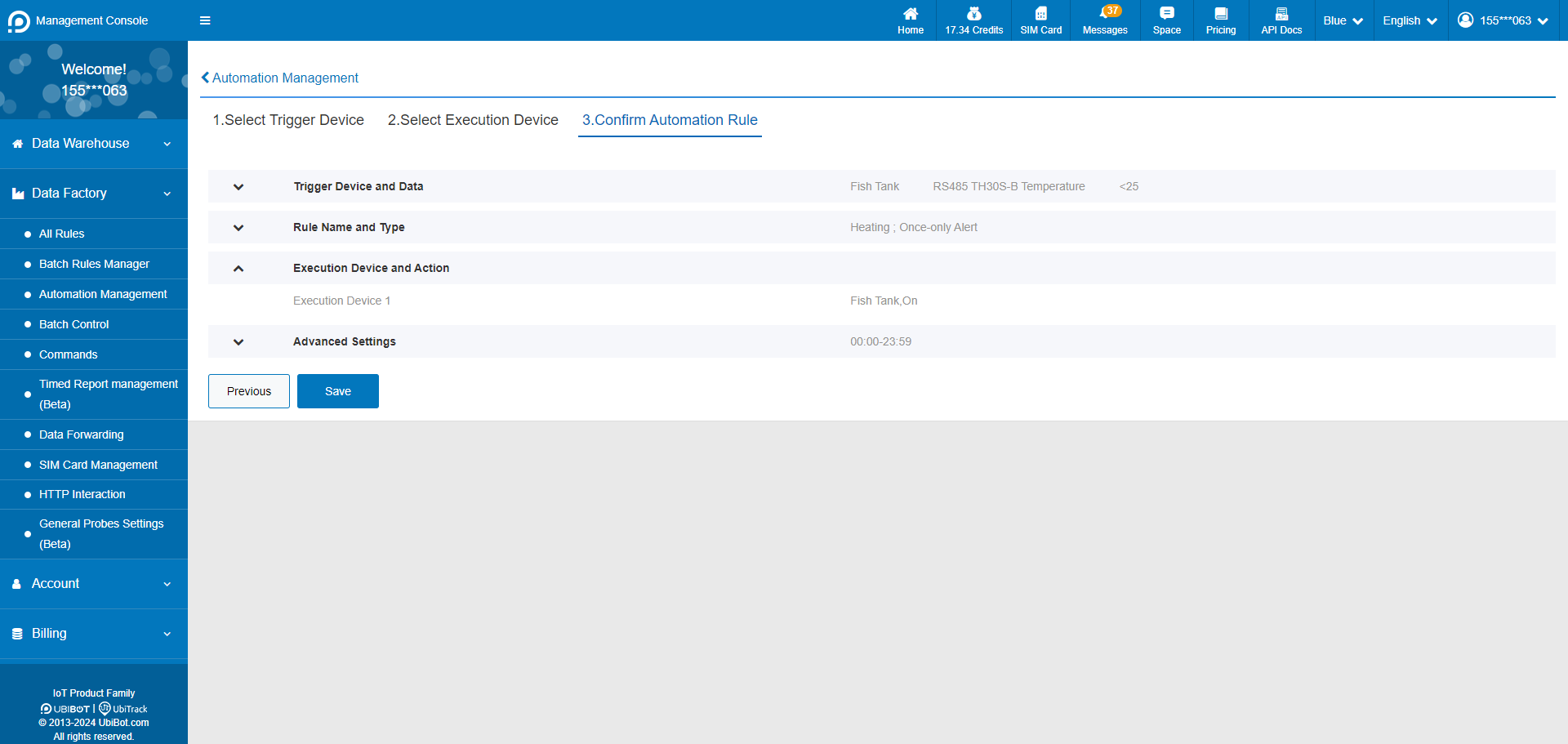 5. Setup successful.
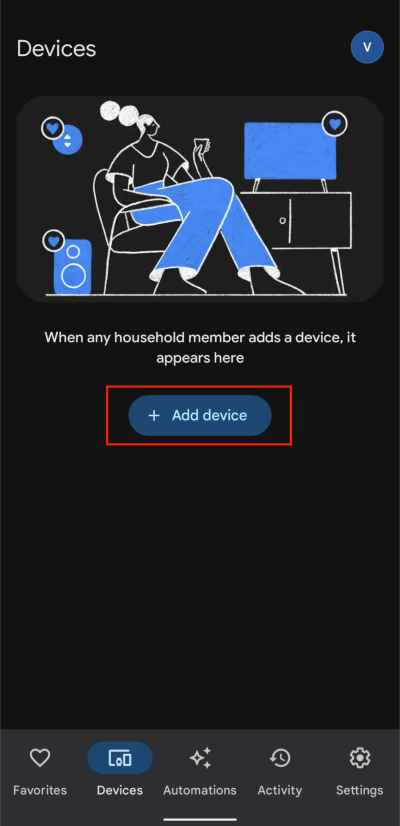
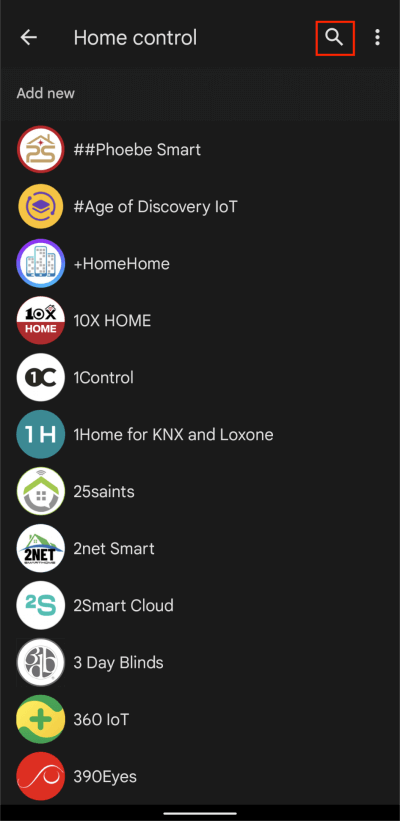
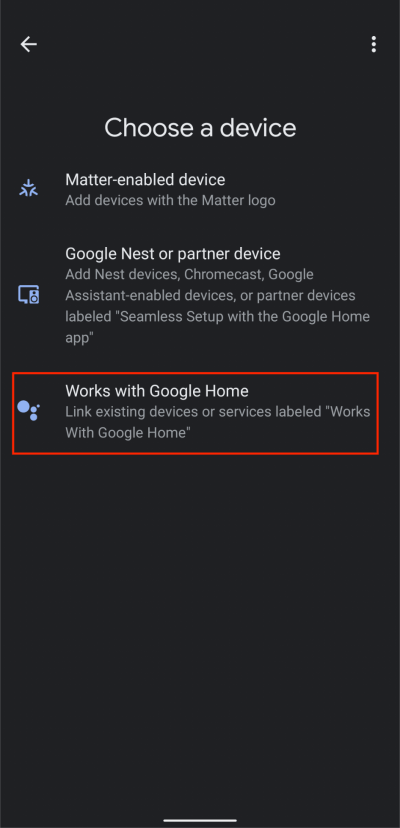 2. Tap Search button, then type UbiBot and select the UbiBot from the list.
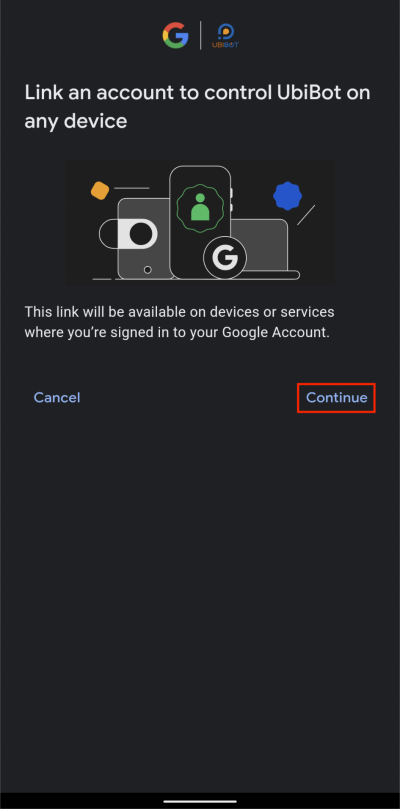
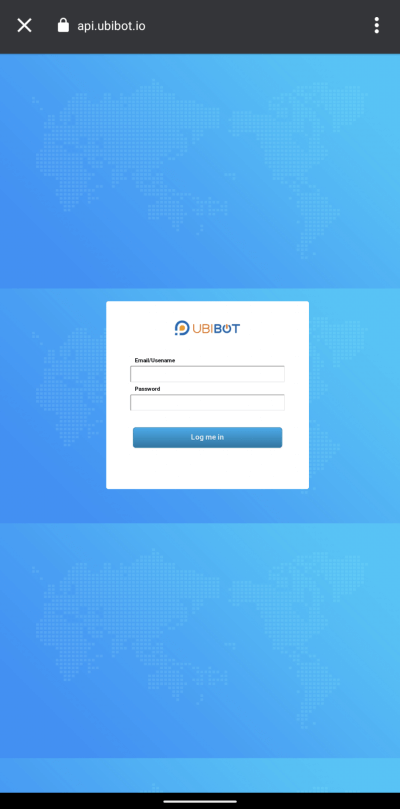
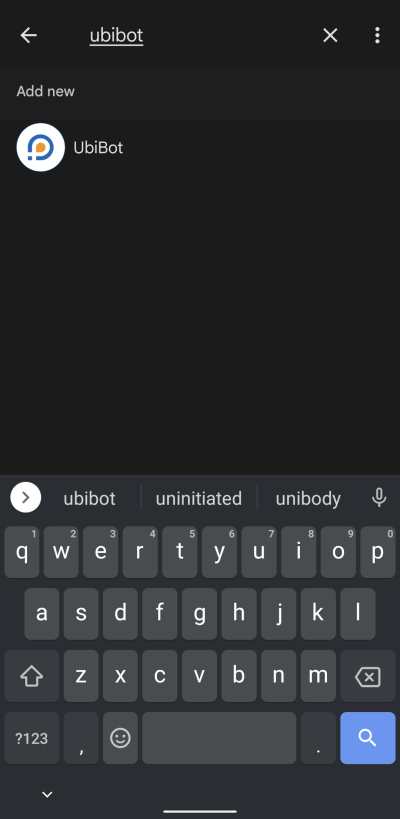 3. Tap Continue, then enter your UbiBot account information to connect it to Google Home.
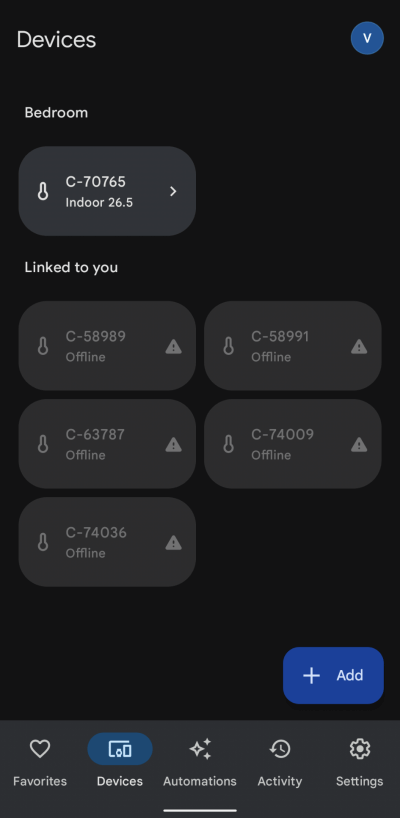
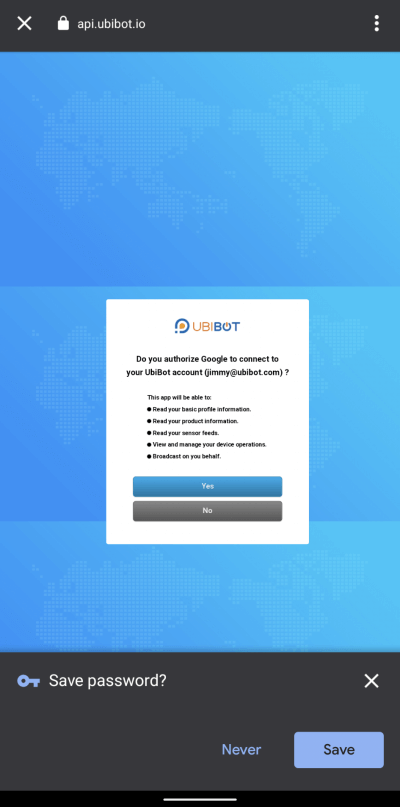 4. Select a channel ID (device) and room for it.
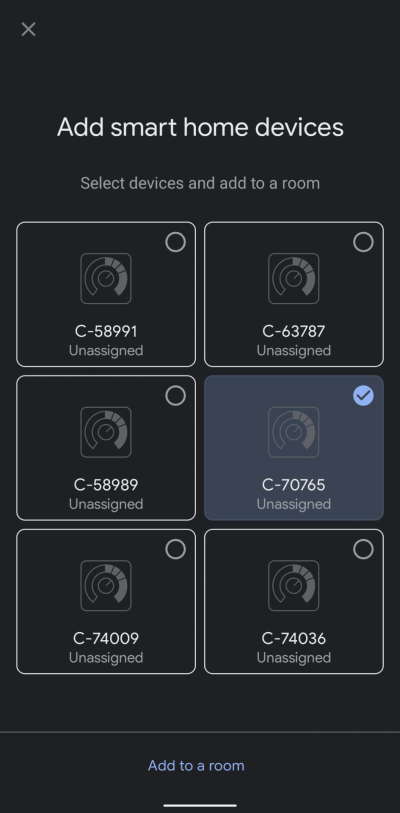
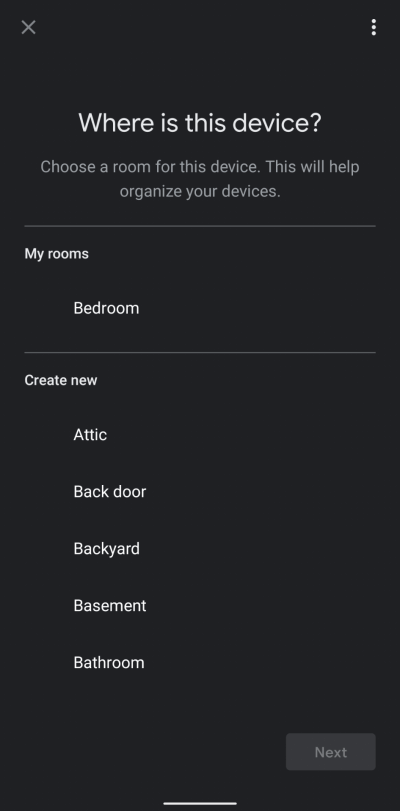 5. Now you can see the UbiBot device successfully.