Smart Sensing
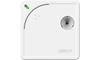
Wireless Smart Sensor WS1
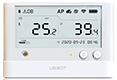
Wireless Smart Sensor WS1 Pro
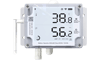
Wireless Smart Multi-Sensor GS1
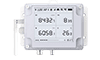
Wireless Smart Multi-Sensor GS2

Wireless Motion Sensor MS1
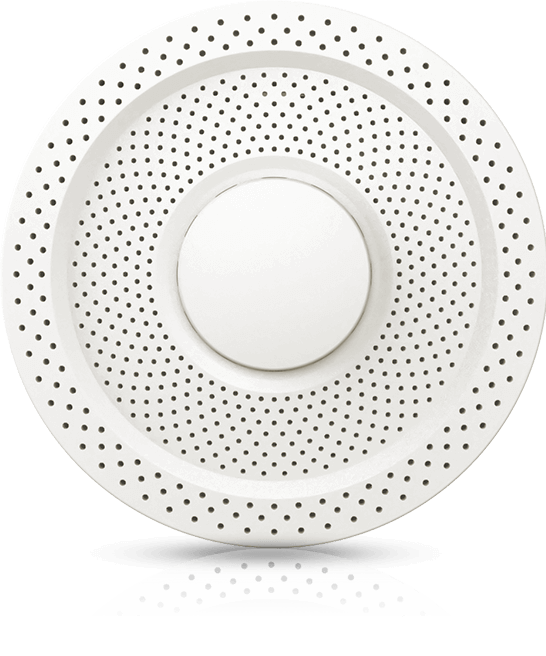
Air Quality Sensor AQS1
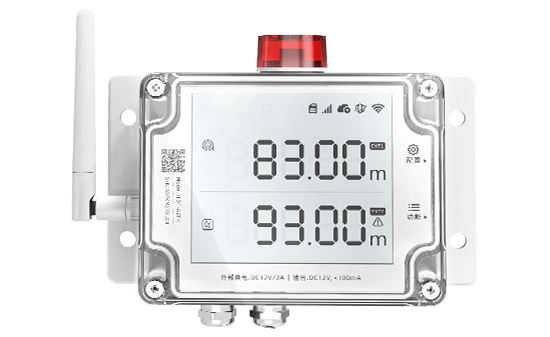
Smart Leak Detector LD1
Smart Watch HW1

Digital Power Line DPL1
Industrial-grade Temperature and Humidity Sensor THS-NEX

Wireless Temperature & Humidity Sensor WS4
Smart Control
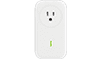
Wireless Smart Plug SP1
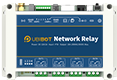
Network Relay NR1

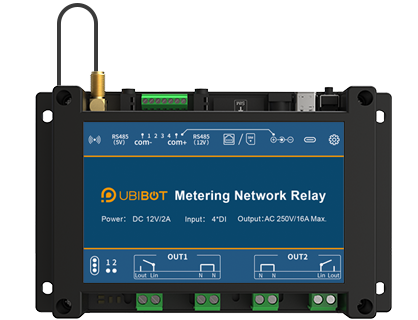
Metering Network Relay NR2
Smart Video
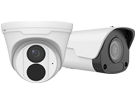
IP Camera IPC
Vision AI Box VA1 / VE1
LoRa Gateway
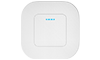
LoRa Gateway GW1
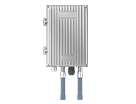
LoRa Outdoor Gateway GW1-O
LoRa Node

LoRa Data Collector DC1-L-1RS
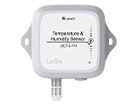
Temperature and Humidity Sensor DC1-L-TH
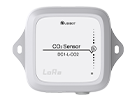
LoRa CO2 Sensor DC1-L-CO2
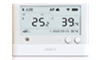
LoRa Sensor WS1 Pro-L
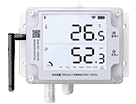
LoRa Smart Sensor GS1-L
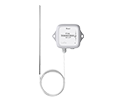
PT 100 Temperature Sensor DC1-L-PT
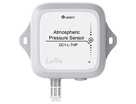
Atmospheric Pressure Sensor DC1-L-THP
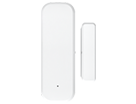
LoRa Magnetic Contact Sensor DC1-DM
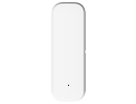
LoRa Temperature & Humidity Sensor DC1-TH
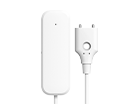
LoRa Water Leak Sensor DC1-LD
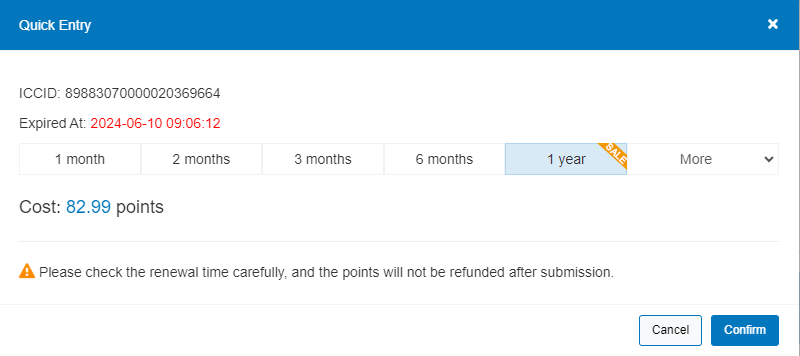
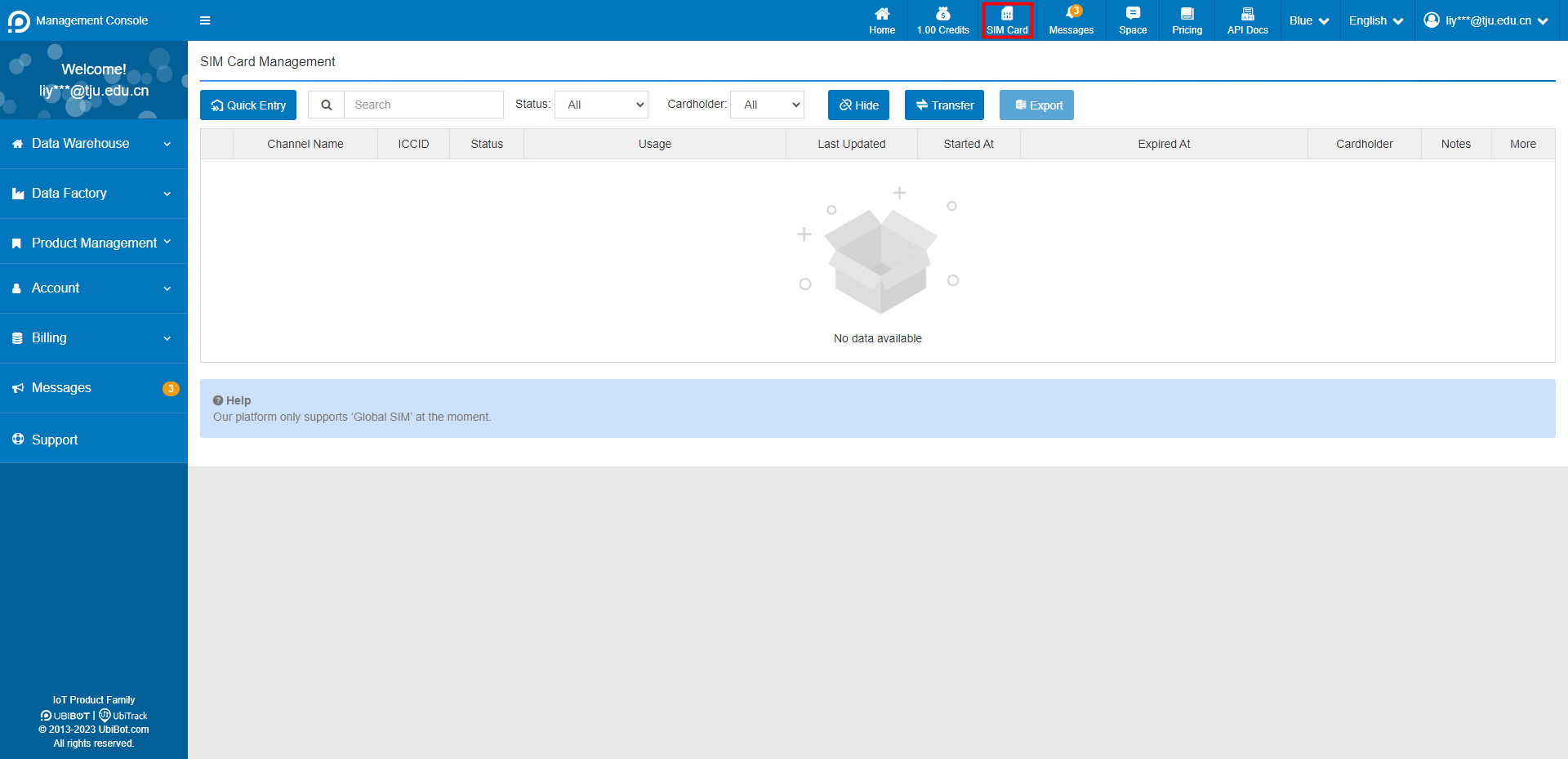 Click "Quick Enter" to add your SIM card
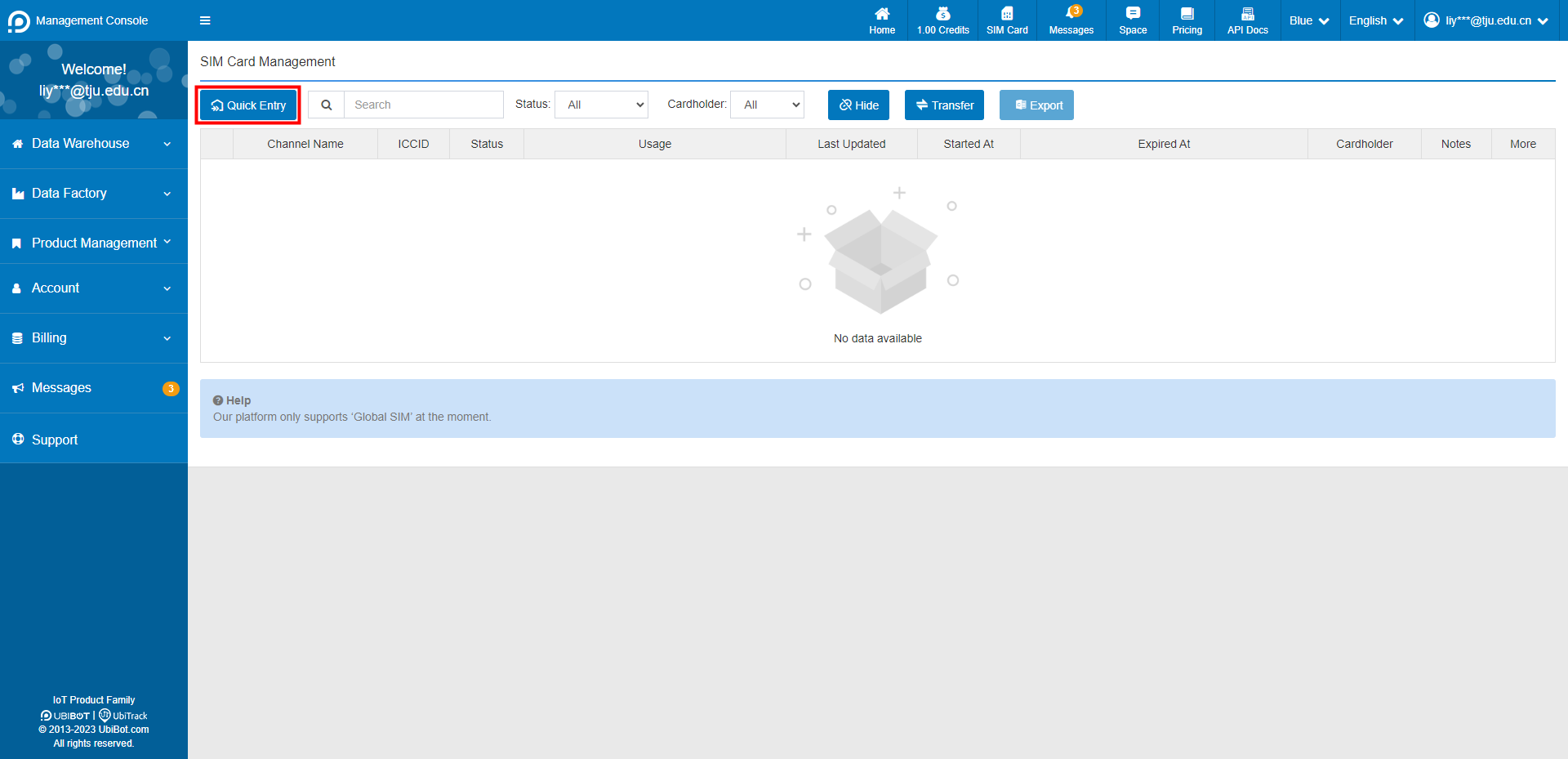 Enter the SIM card ICCID
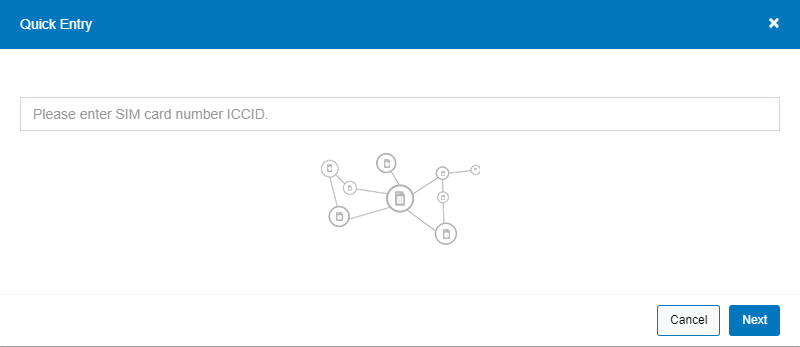 Select the Traffic Plan you need
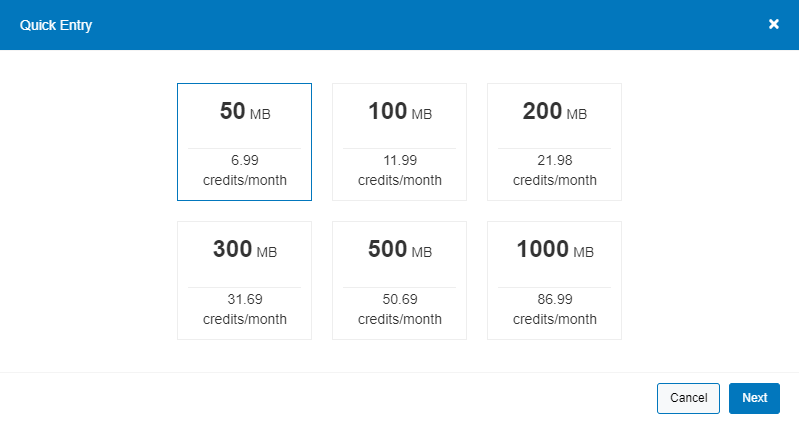 Select the Renew duration
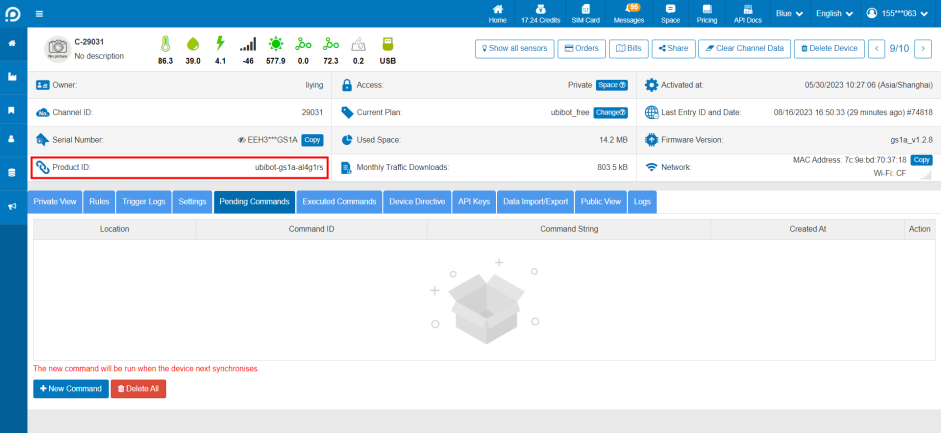 Click [Pending Commands] - [New Command], enter the upgrade instruction at the command string and click Save. Please confirm the upgrade instruction with the after-sales staff.
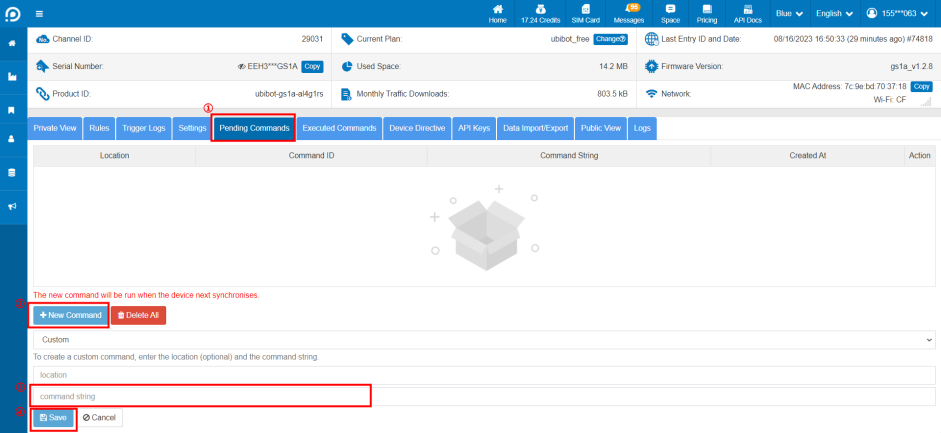 After saving, the device will execute the command and complete the upgrade in the next sync cycle, please check the device firmware version and confirm it in time.
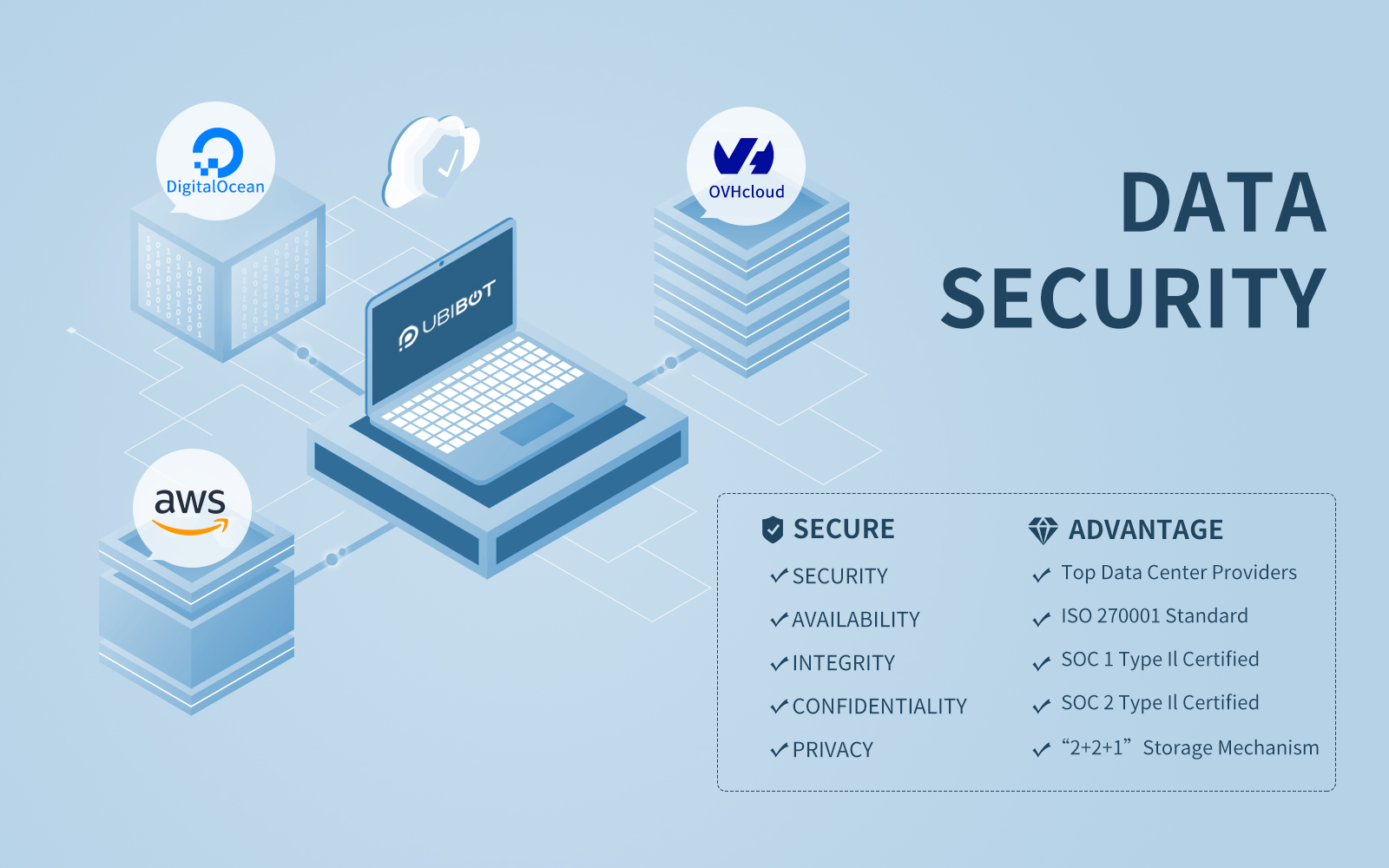 Cloud Storage is a durable and readily available object repository with advanced security and sharing capabilities. This service is used for storing and accessing data on UbiBot Cloud infrastructure. Building a reliable IoT solution requires careful consideration of devices, cloud services, and how they interact. The choices you make for device hardware, connectivity, protocols, and cloud services affect your solution's reliability requirements and capabilities.
Since its inception, the UbiBot team has made maintaining the security of our customer's data and information the primary goal of our Research & Development (R&D) and Operation & Maintenance (O&M) divisions. In addition, our customers' needs, along with shared sense of responsibility, drive the UbiBot team to innovate as a means of ensuring there are no errors in data security.
Working with Leading Cloud Providers
UbiBot public platform's storage servers are hosted in the New York City data centers of the world's fastest and second largest growing cloud computing platform; in respect to the number of public facing apps and websites - DigitalOcean and the data centers of the largest
Cloud Storage is a durable and readily available object repository with advanced security and sharing capabilities. This service is used for storing and accessing data on UbiBot Cloud infrastructure. Building a reliable IoT solution requires careful consideration of devices, cloud services, and how they interact. The choices you make for device hardware, connectivity, protocols, and cloud services affect your solution's reliability requirements and capabilities.
Since its inception, the UbiBot team has made maintaining the security of our customer's data and information the primary goal of our Research & Development (R&D) and Operation & Maintenance (O&M) divisions. In addition, our customers' needs, along with shared sense of responsibility, drive the UbiBot team to innovate as a means of ensuring there are no errors in data security.
Working with Leading Cloud Providers
UbiBot public platform's storage servers are hosted in the New York City data centers of the world's fastest and second largest growing cloud computing platform; in respect to the number of public facing apps and websites - DigitalOcean and the data centers of the largest 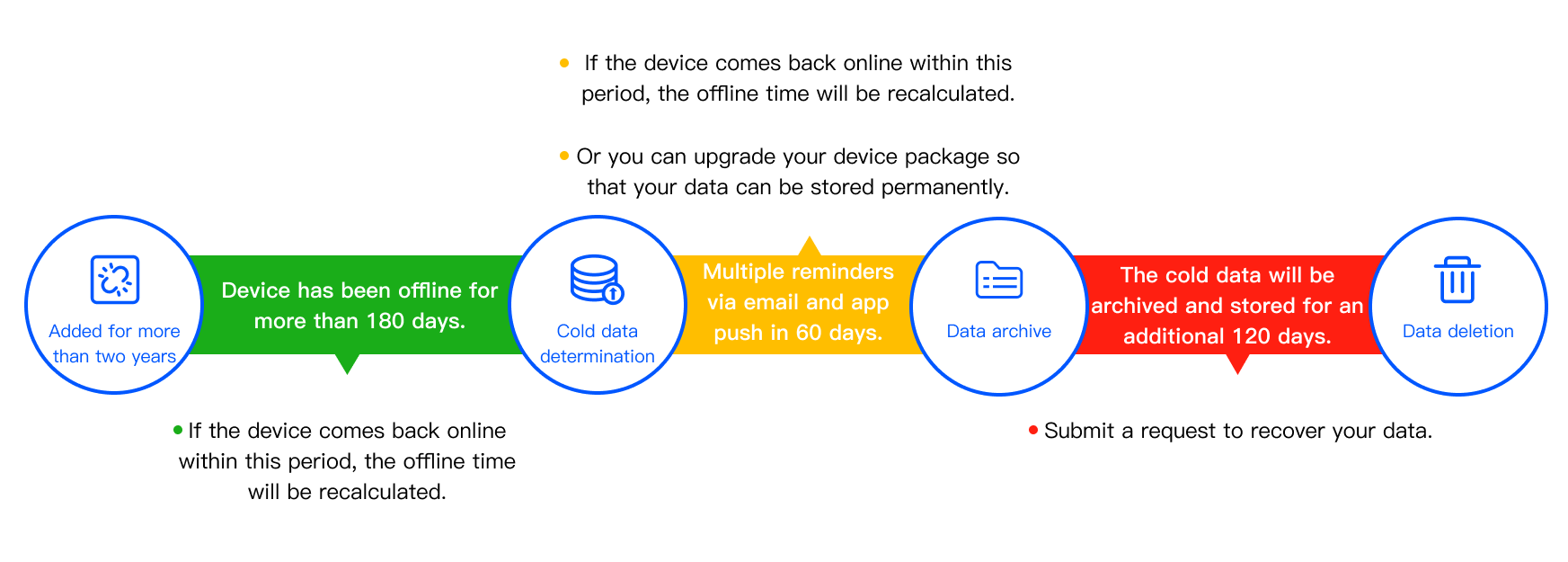
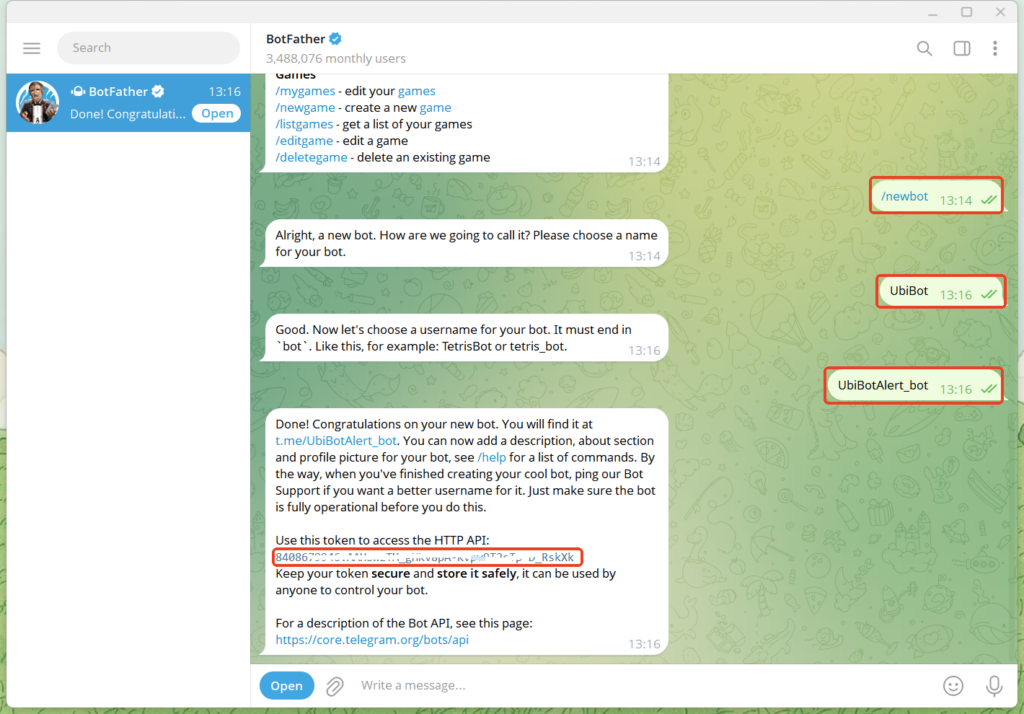
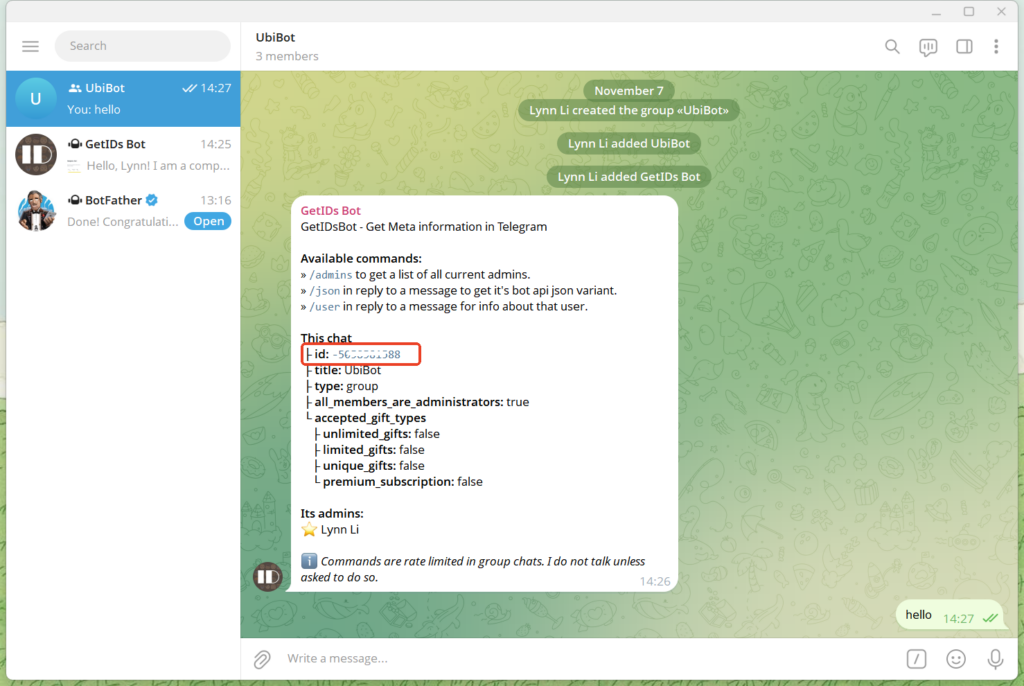
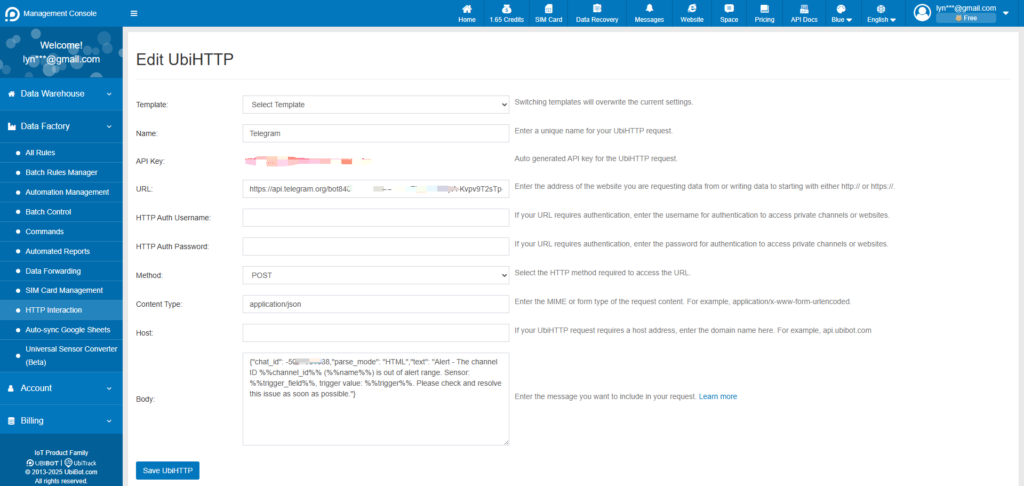
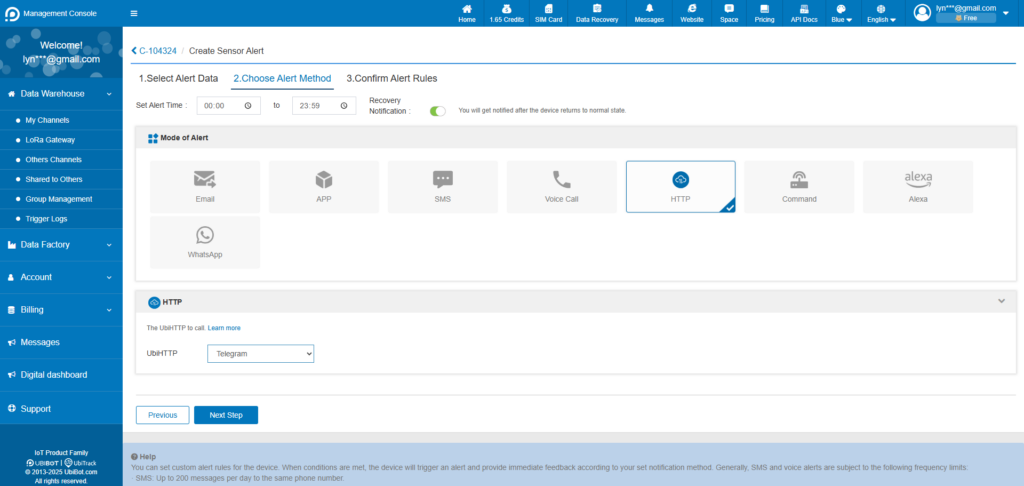
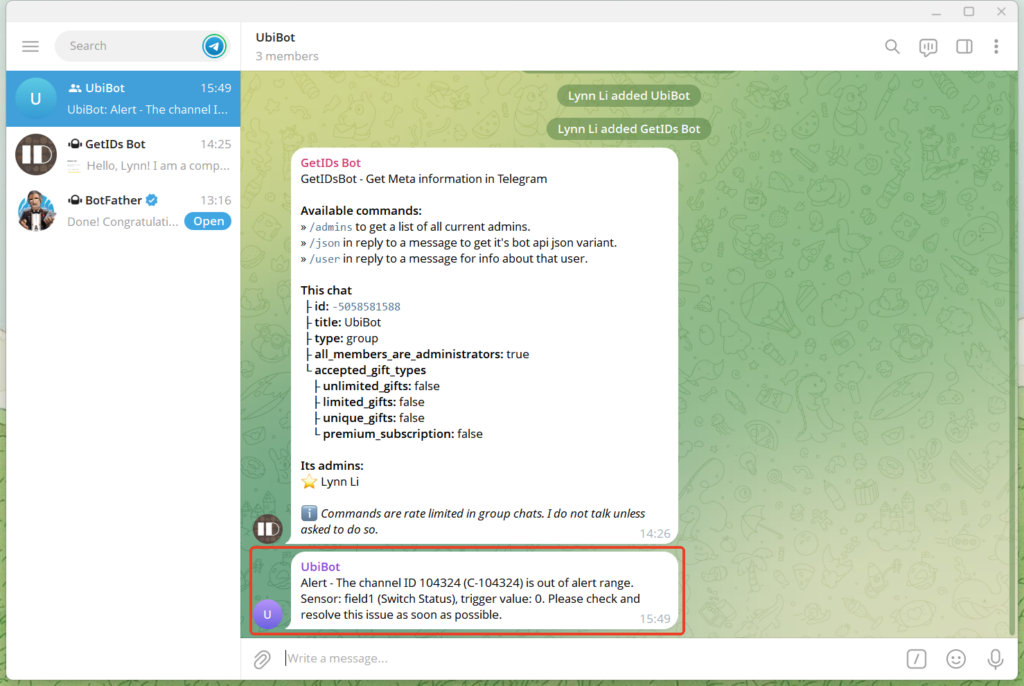
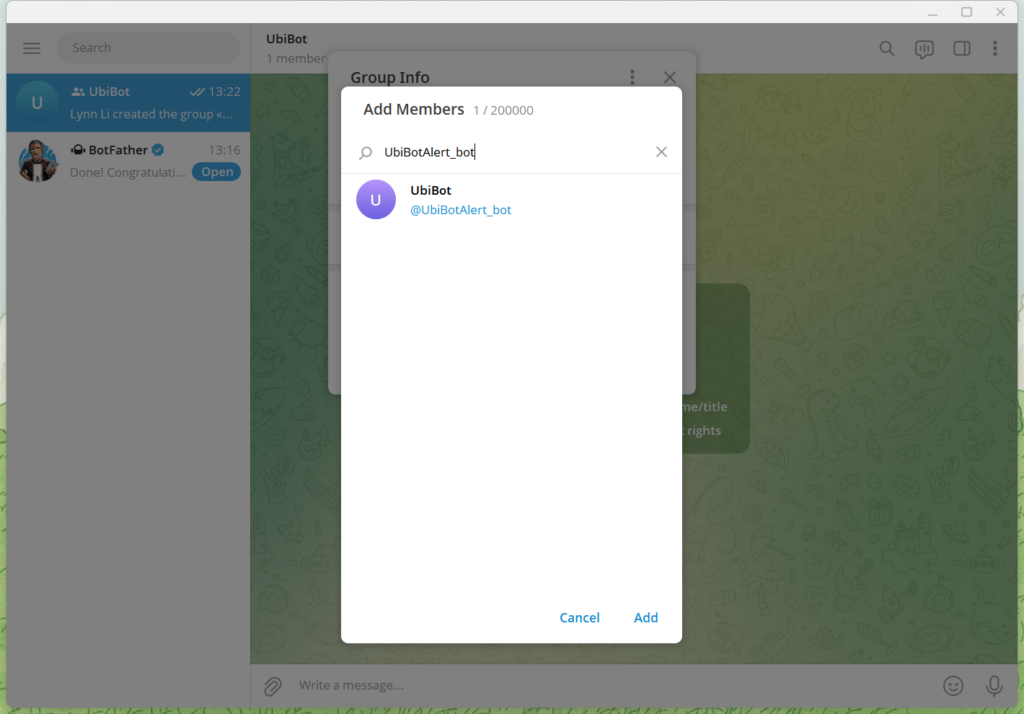 Note: If the bot cannot be added, it may be due to privacy mode settings or group permission restrictions. Please follow the steps below to adjust the settings.
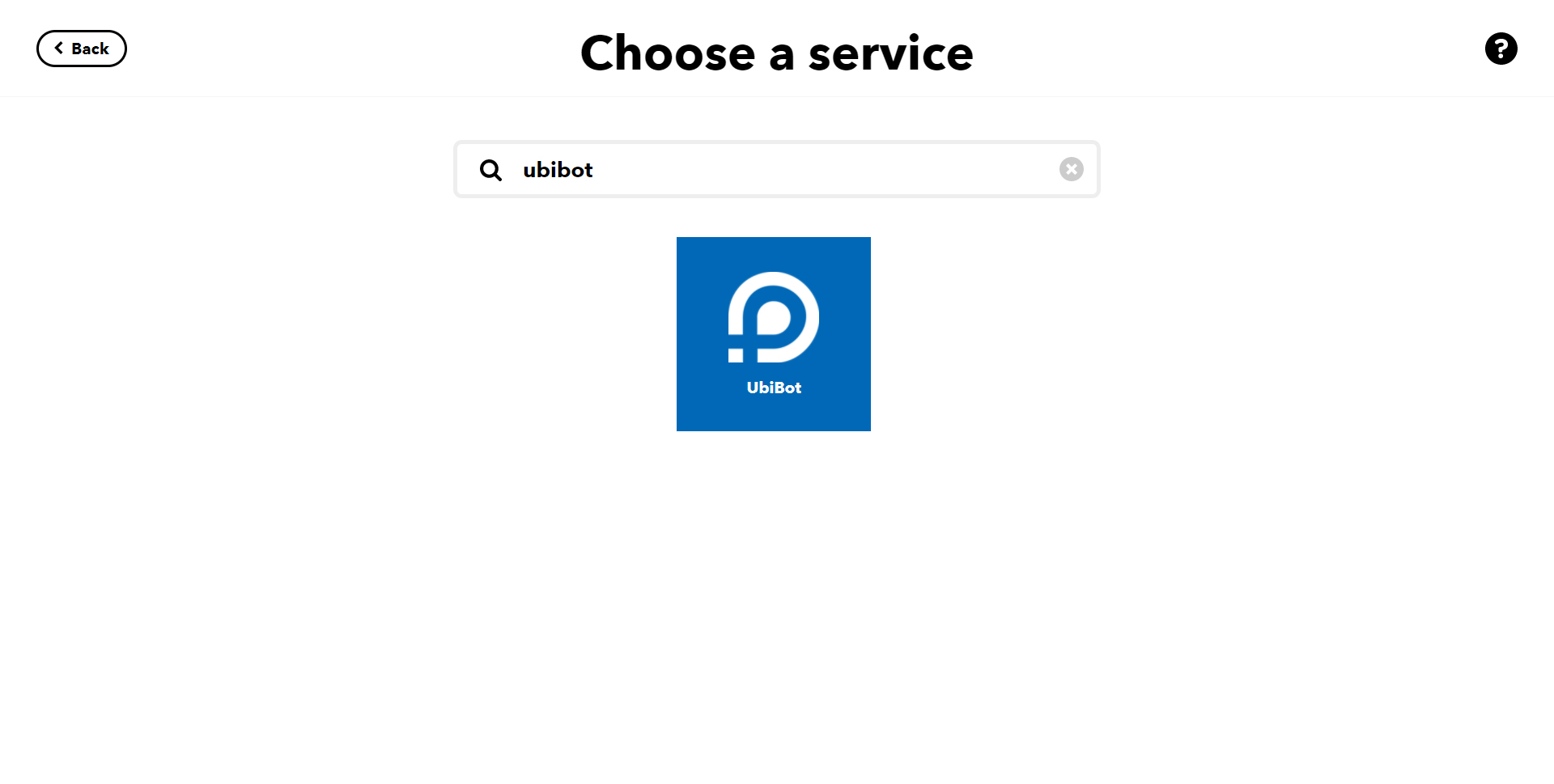
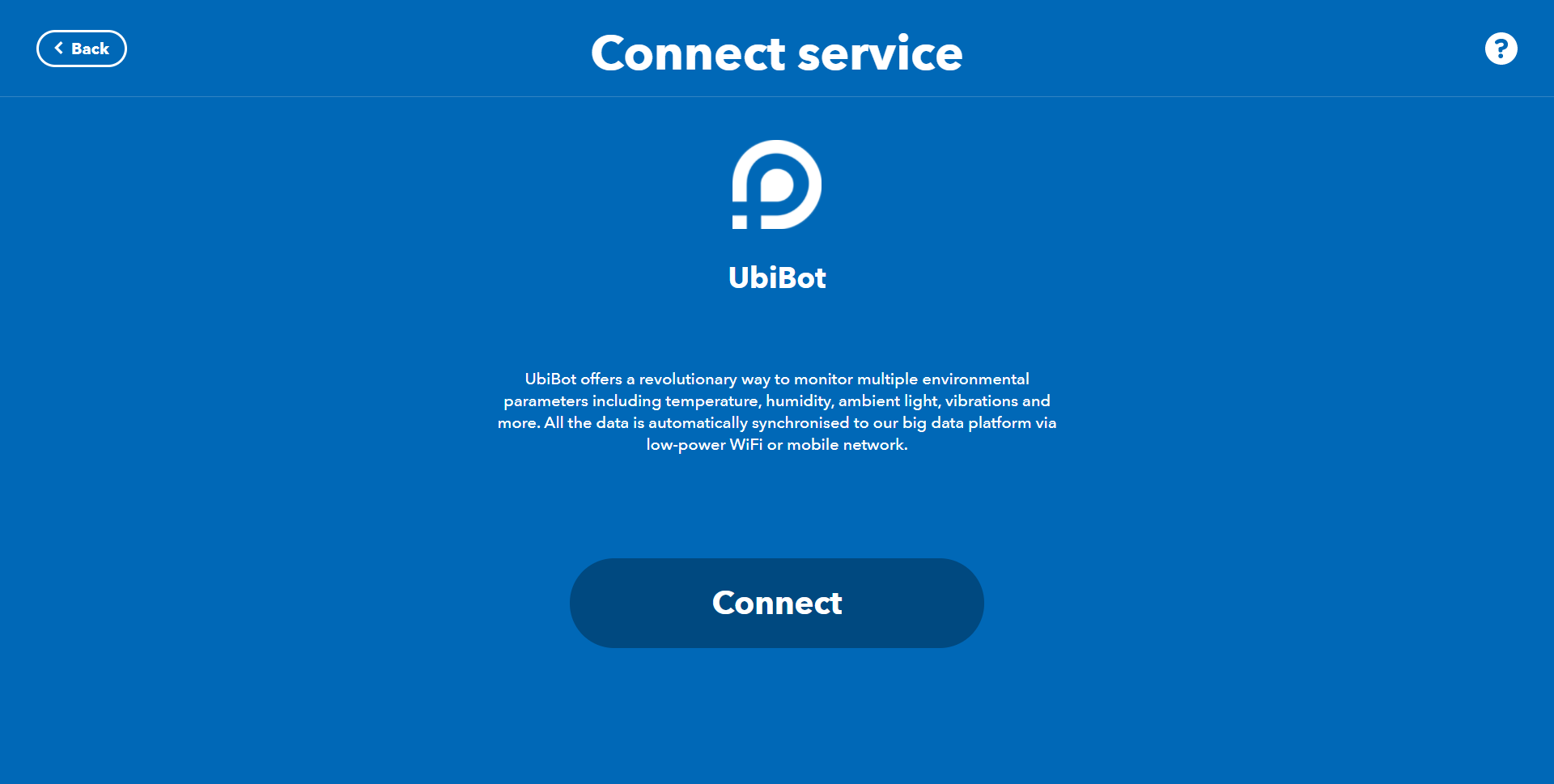
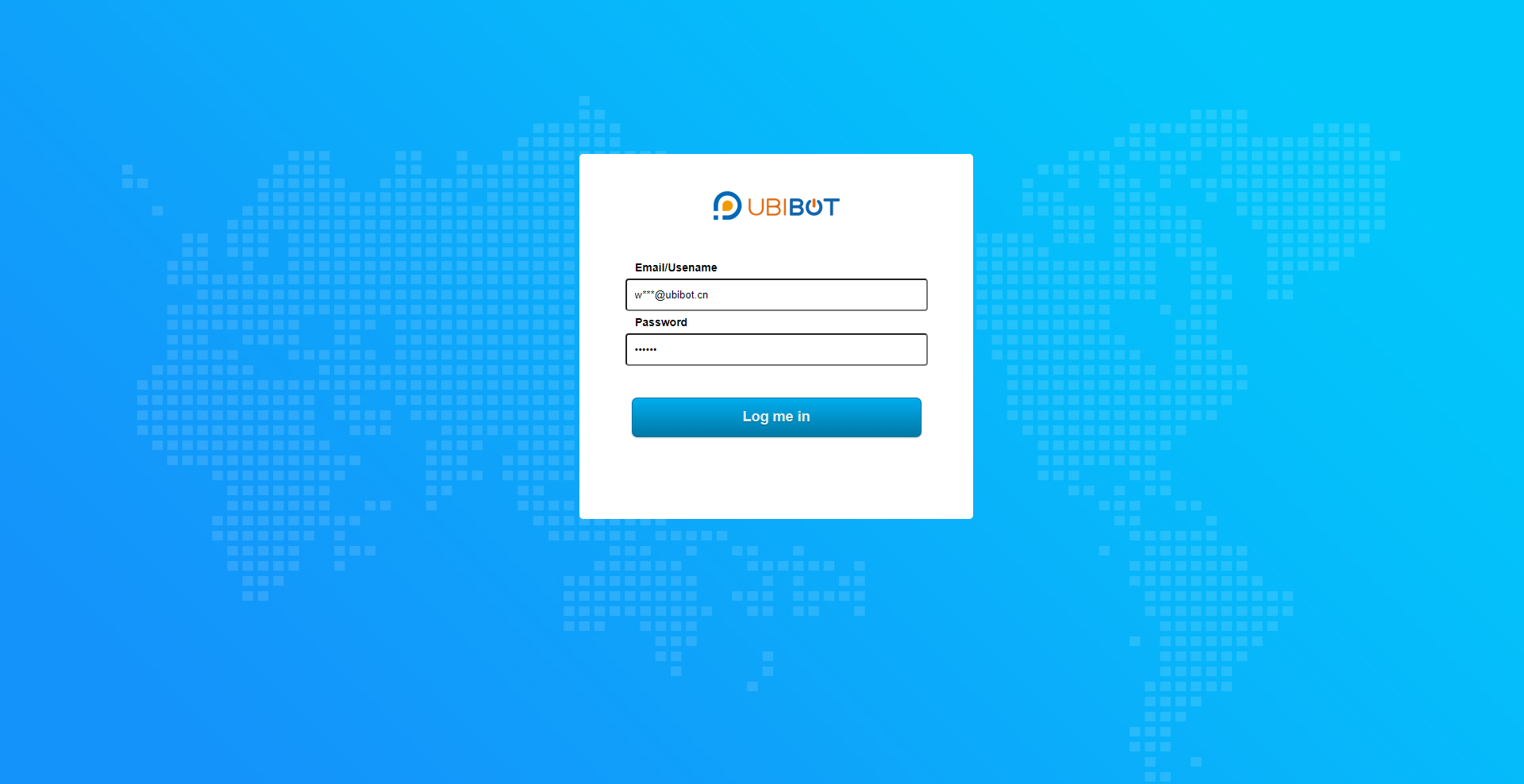
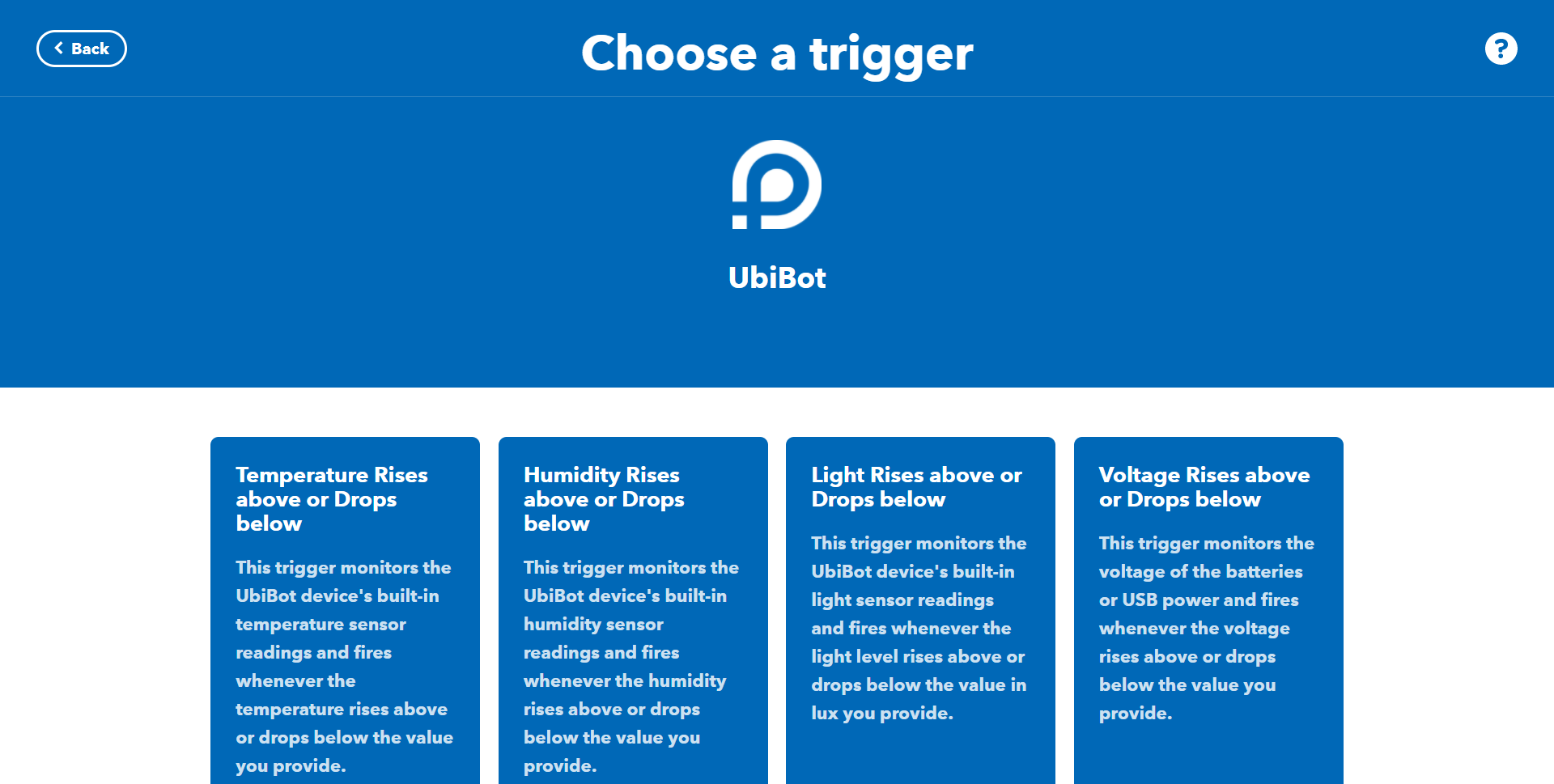
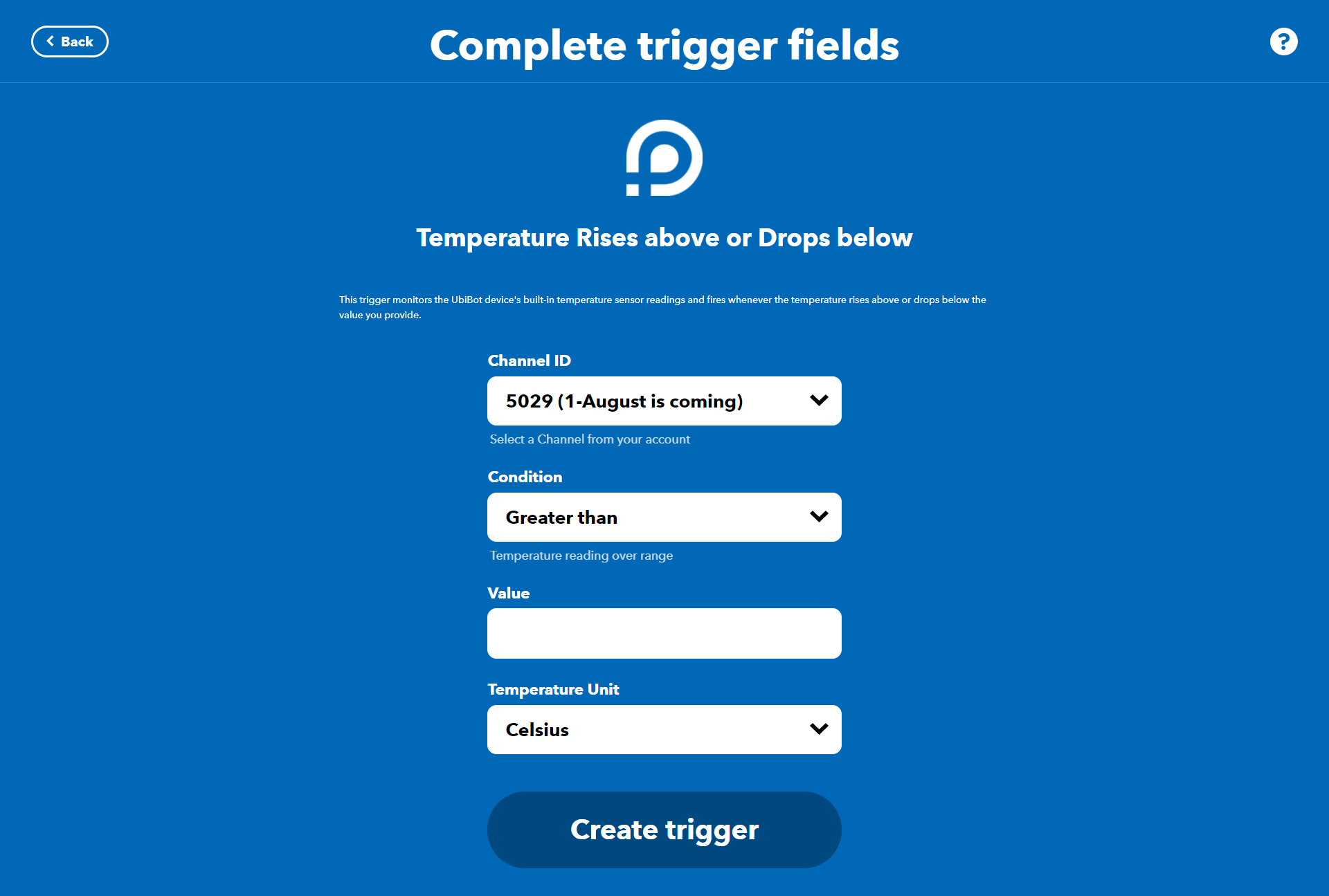
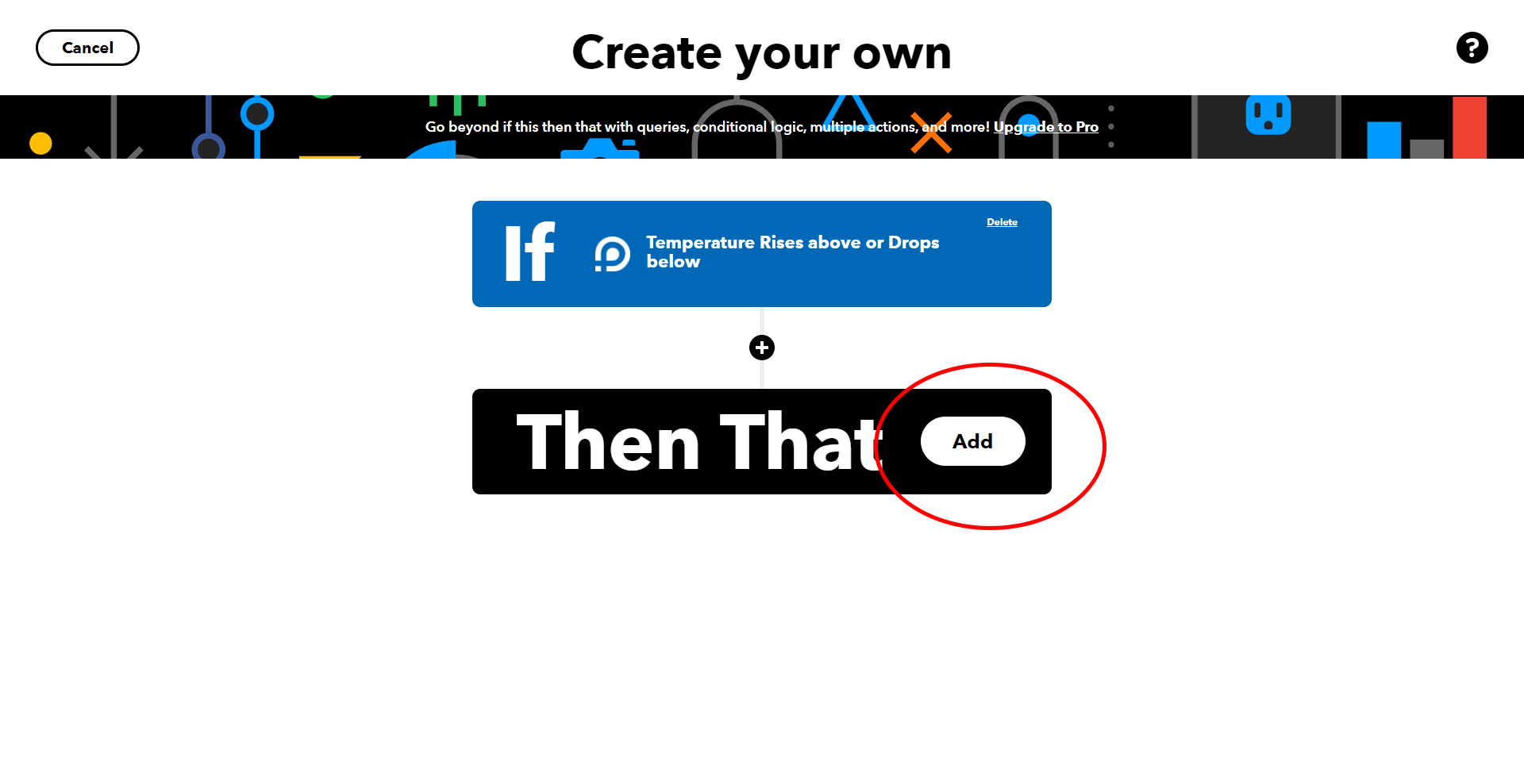
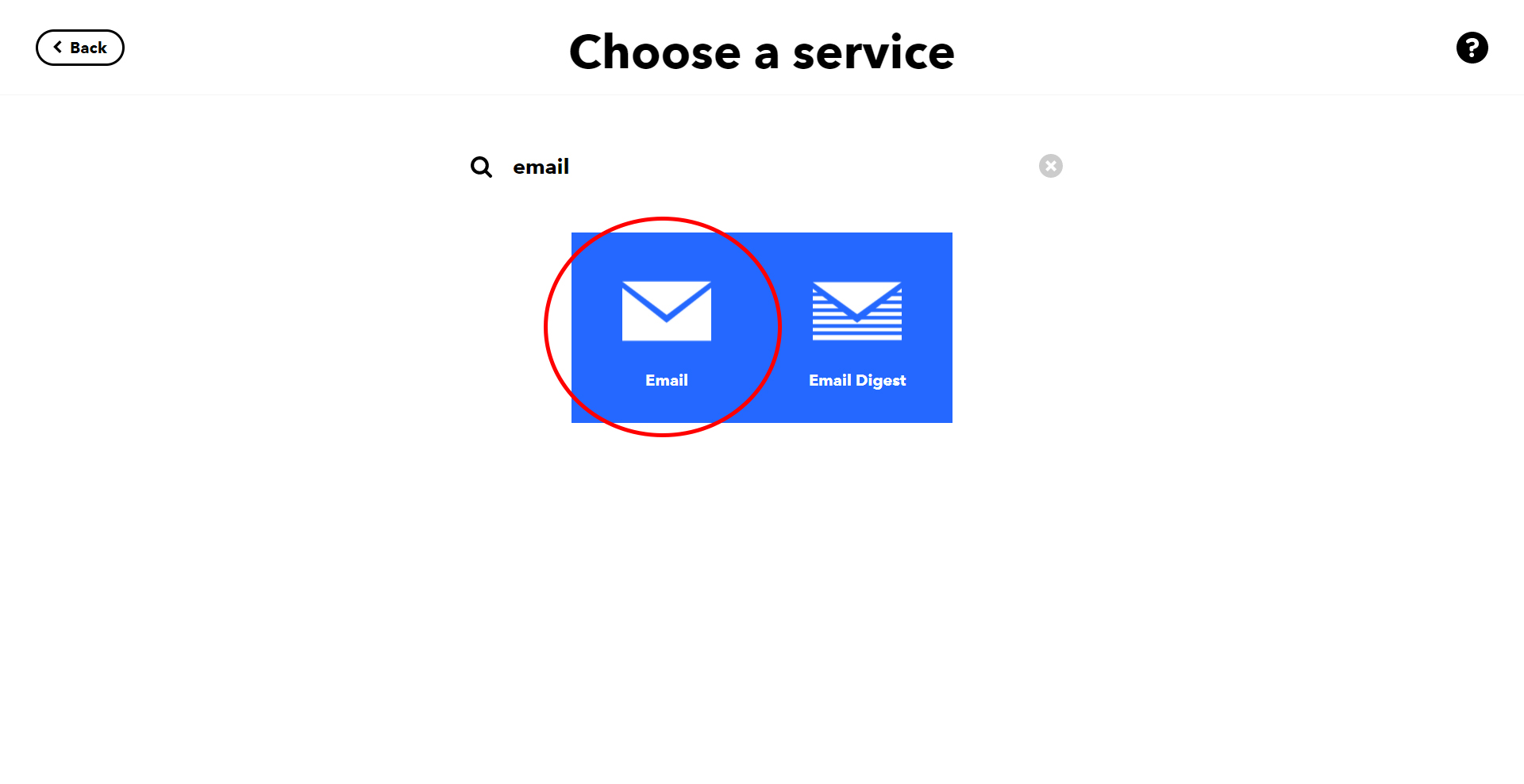
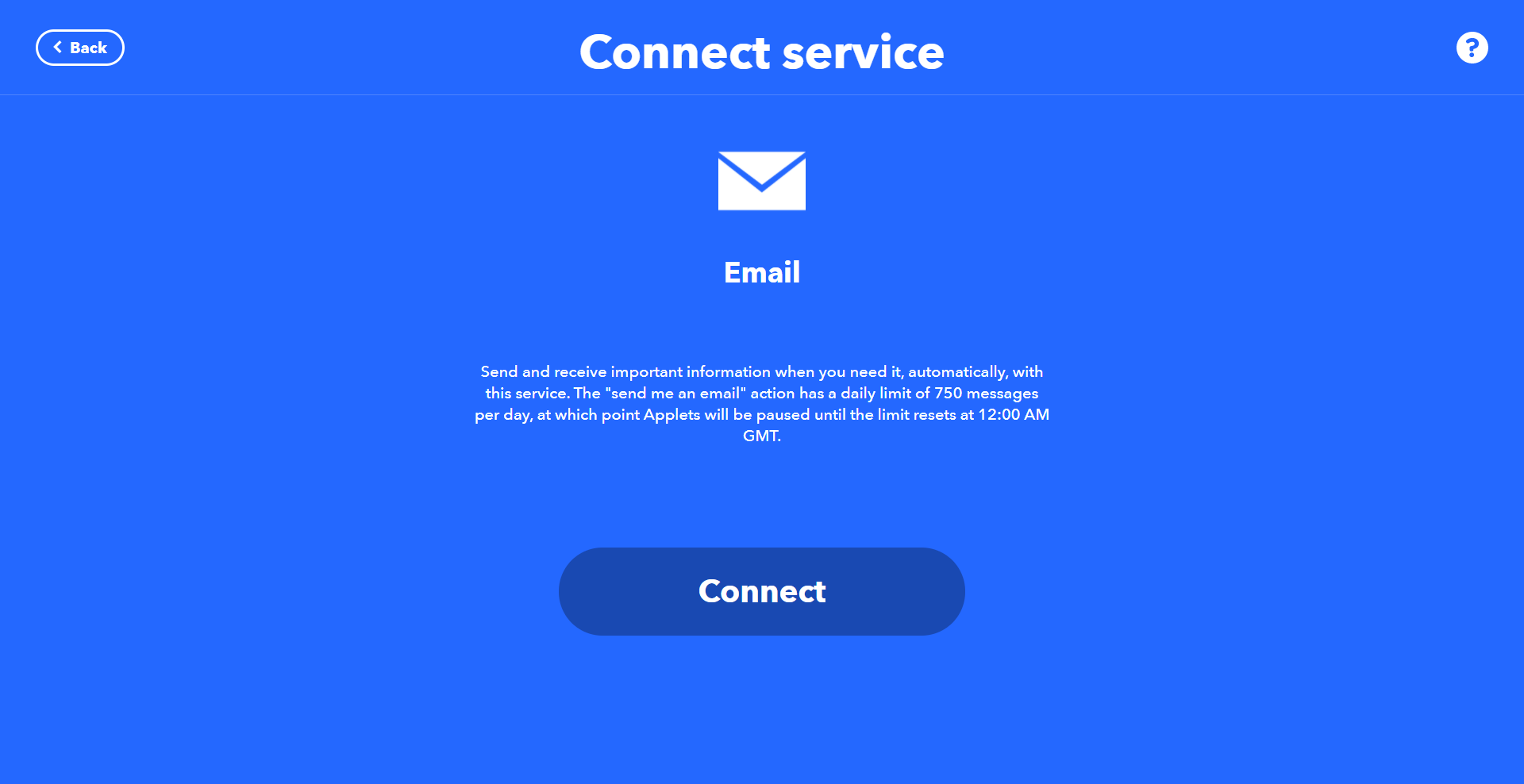
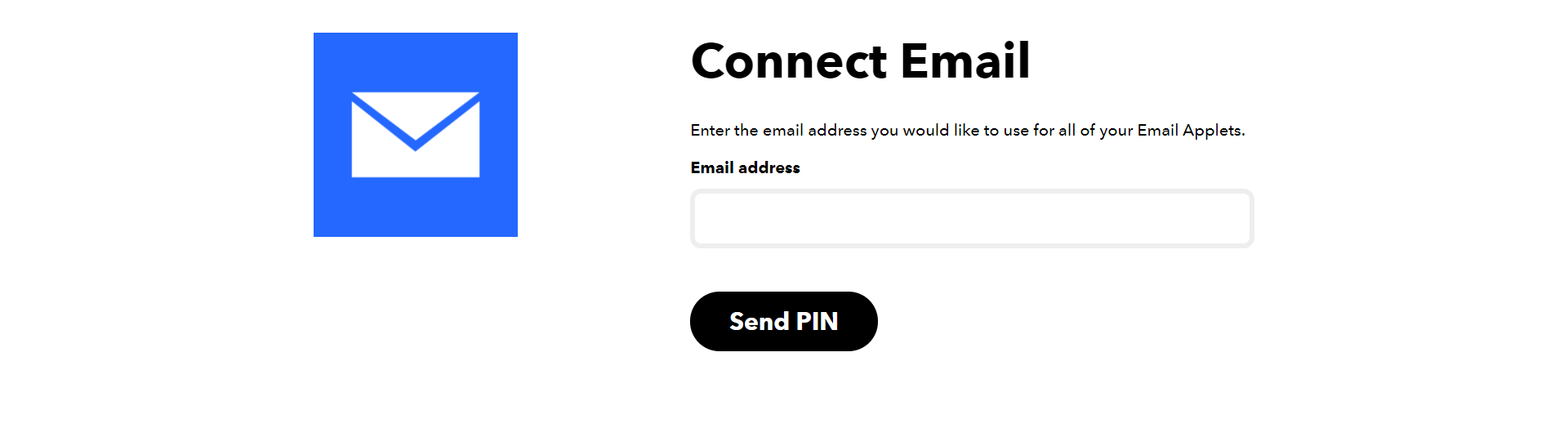
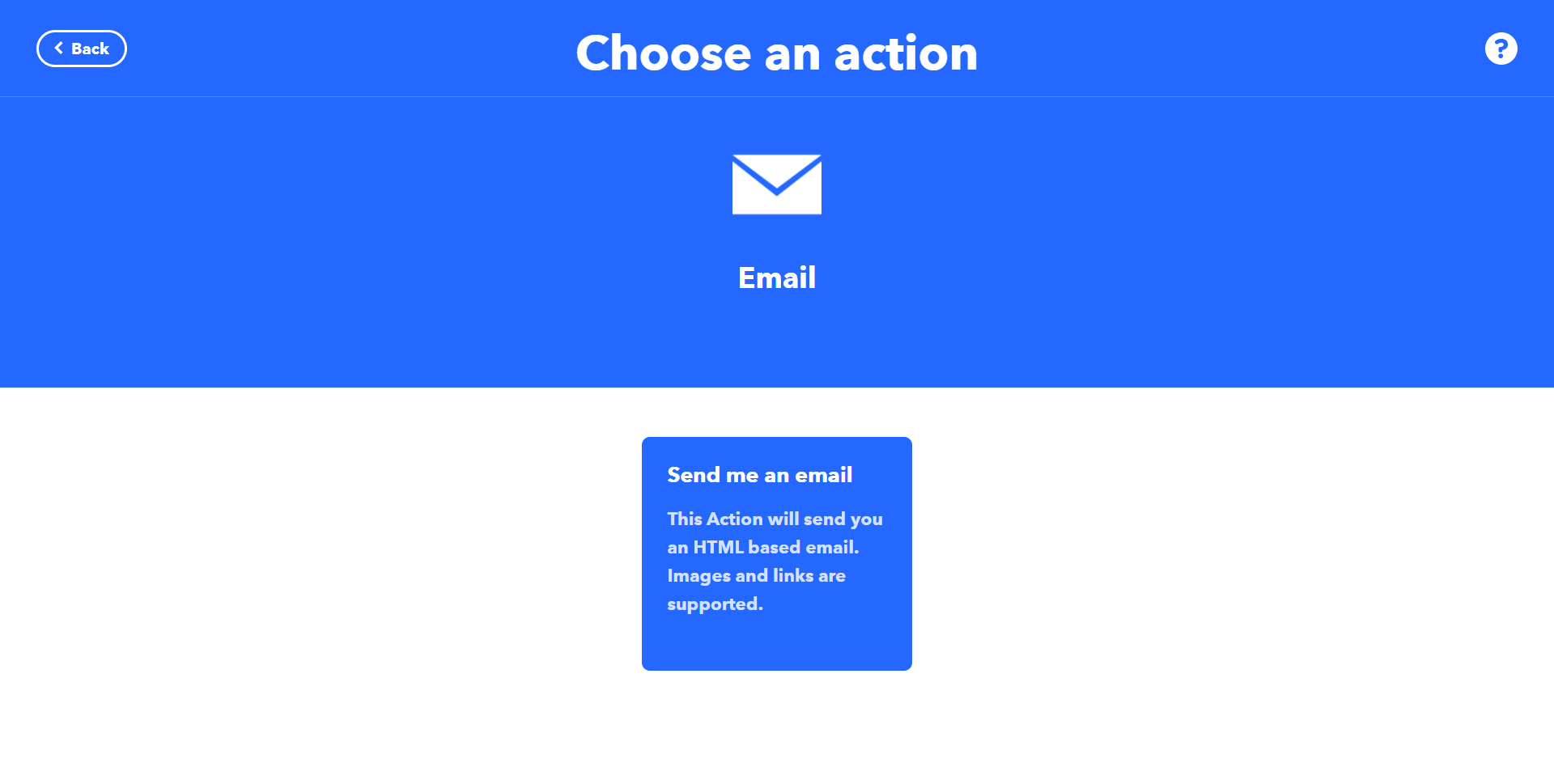
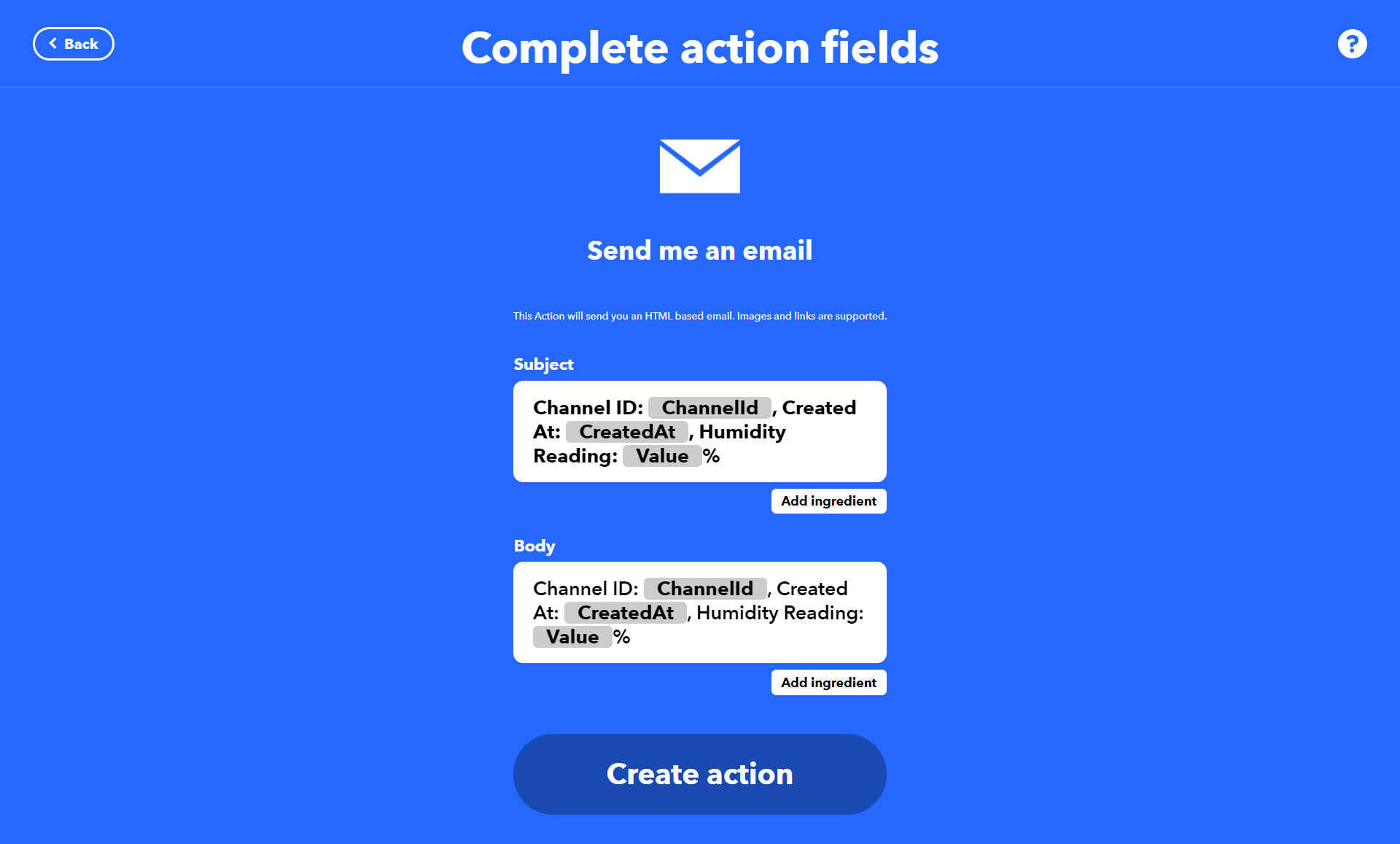
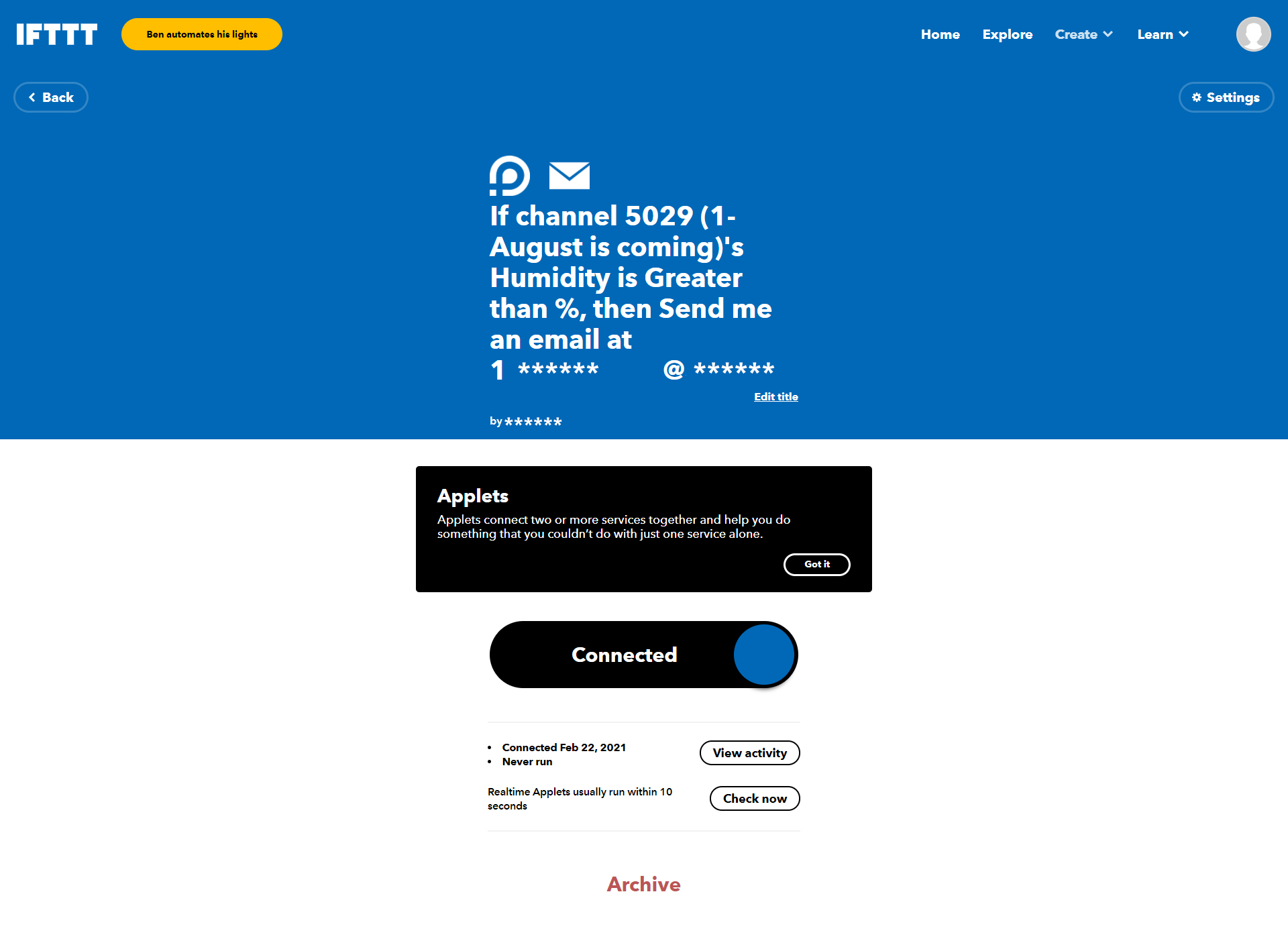
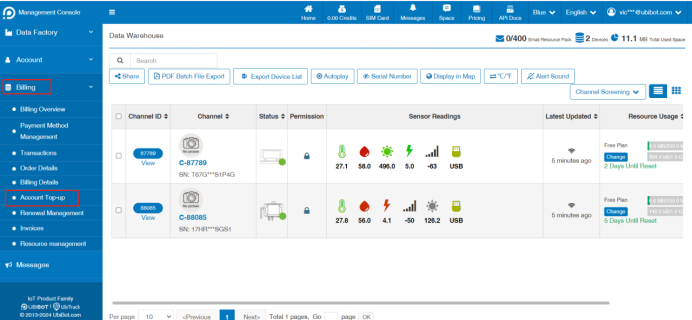
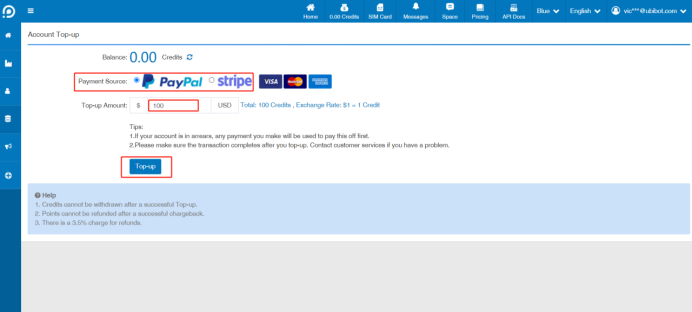
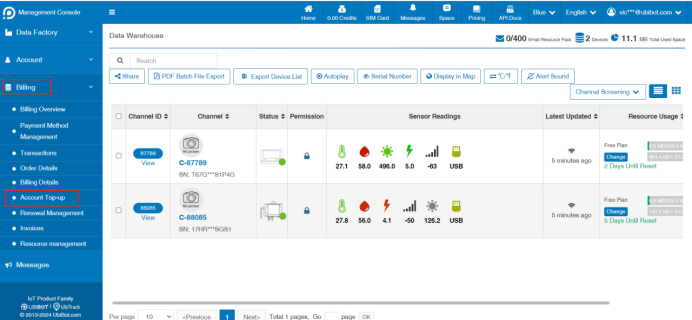
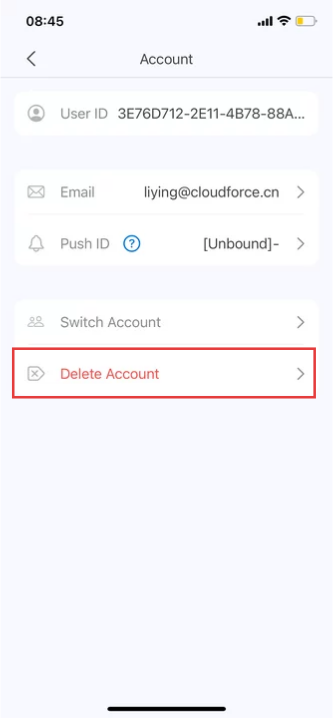
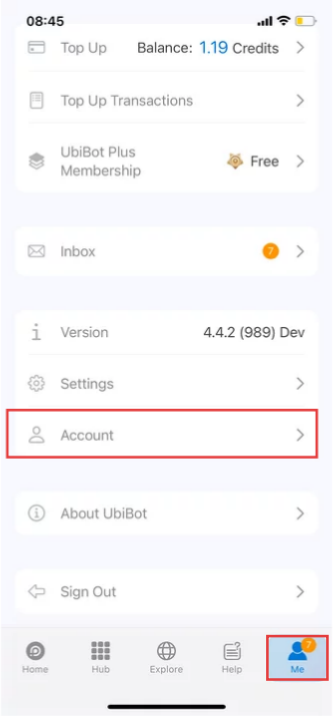 2. Click [Delete Account].
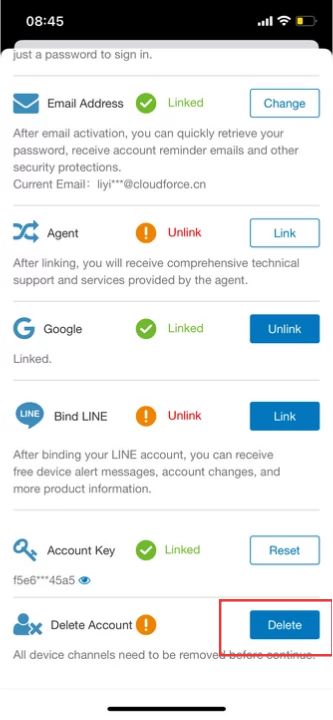
 3. Click [Delete].
 4. Follow the prompts to obtain and enter the verification code, and then enter your password.
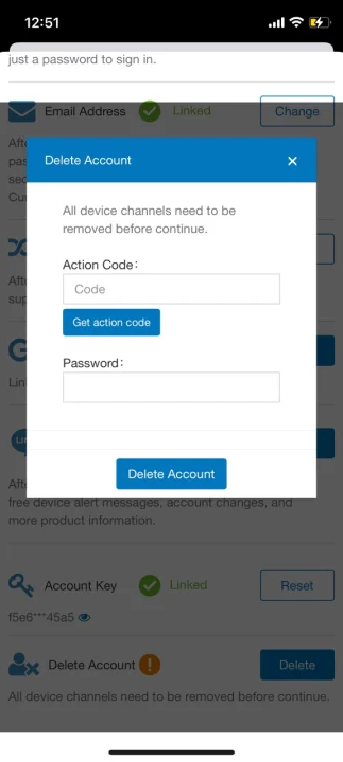 5. Once confirmed, we will immediately delete your account and all related data.
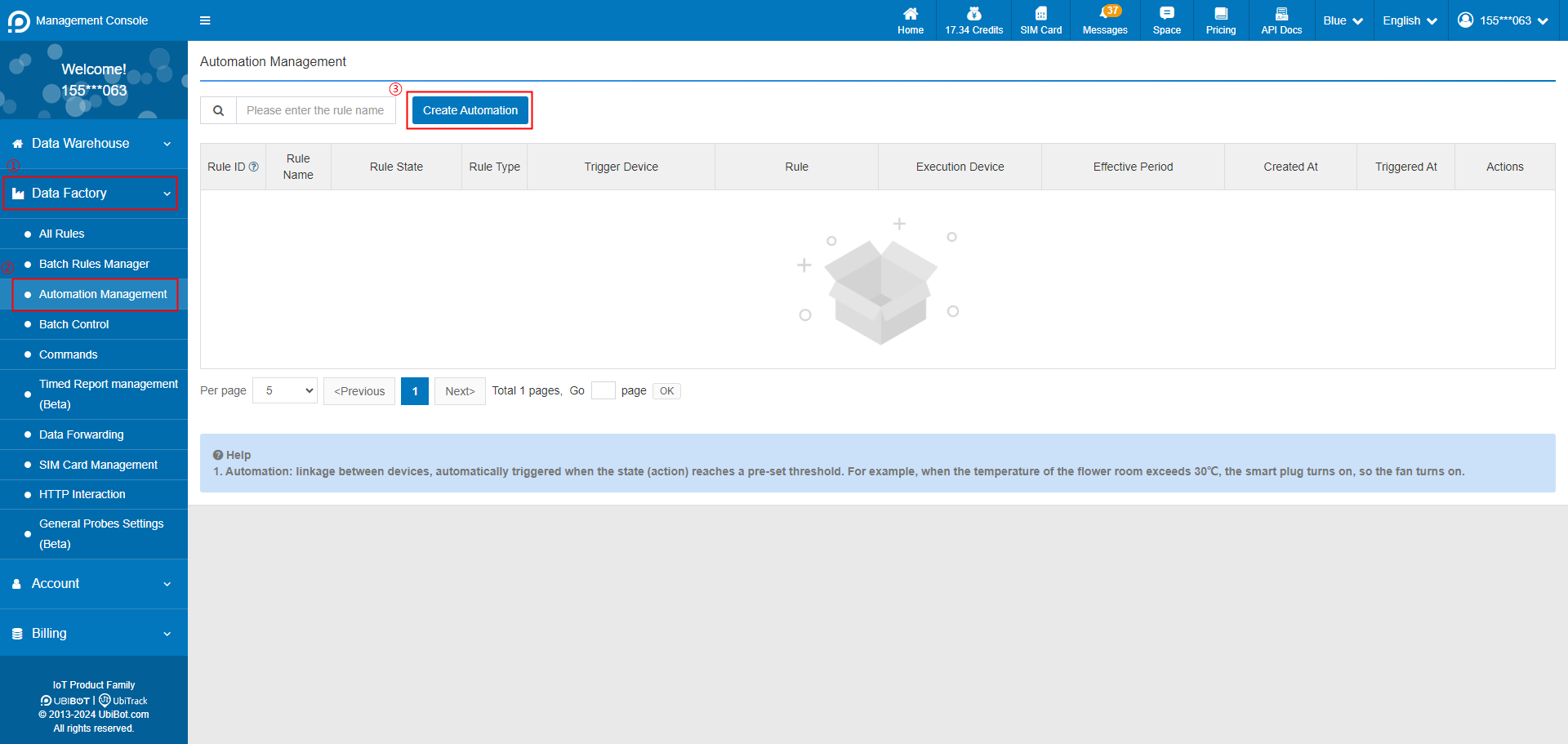 2. Select trigger device, and set the trigger condition.
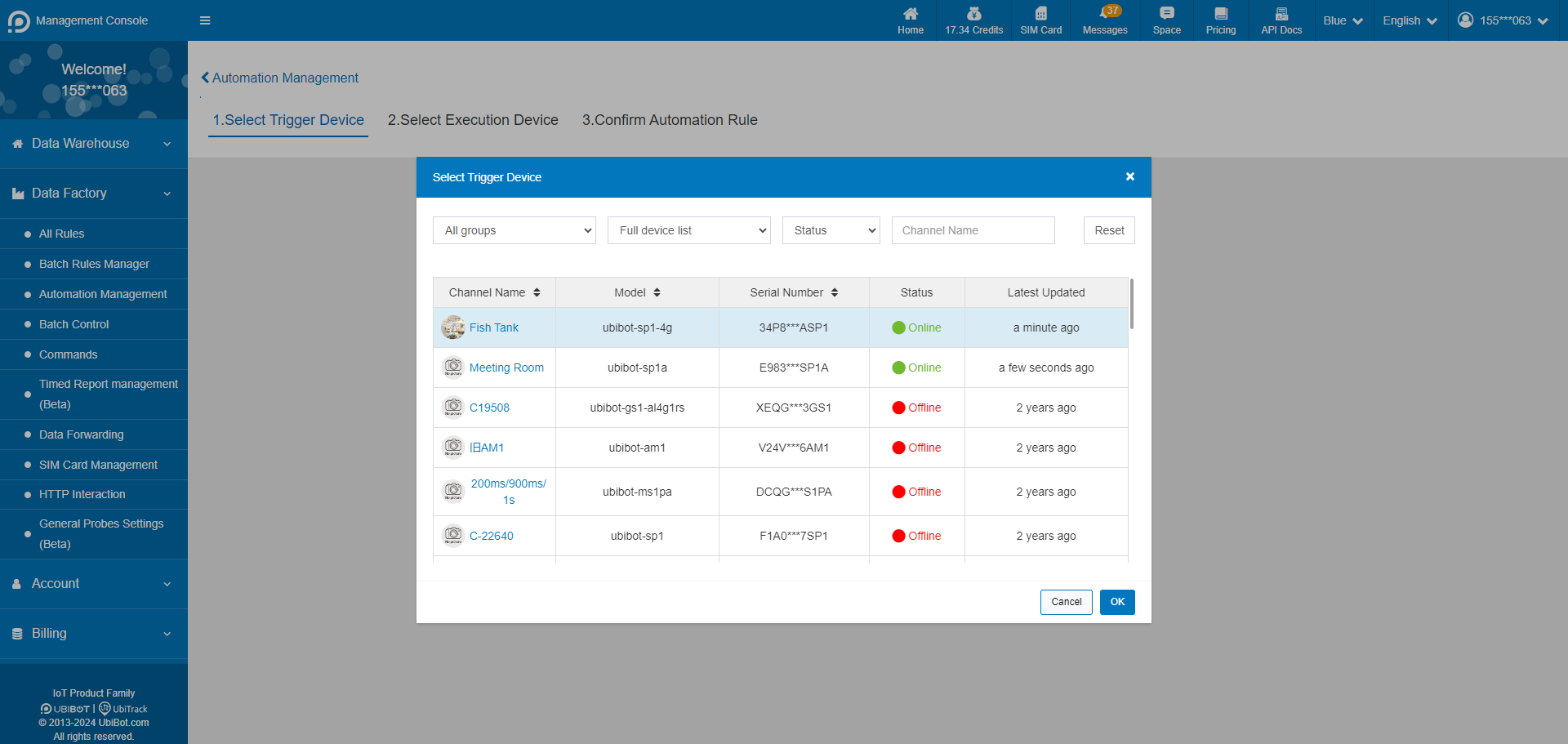
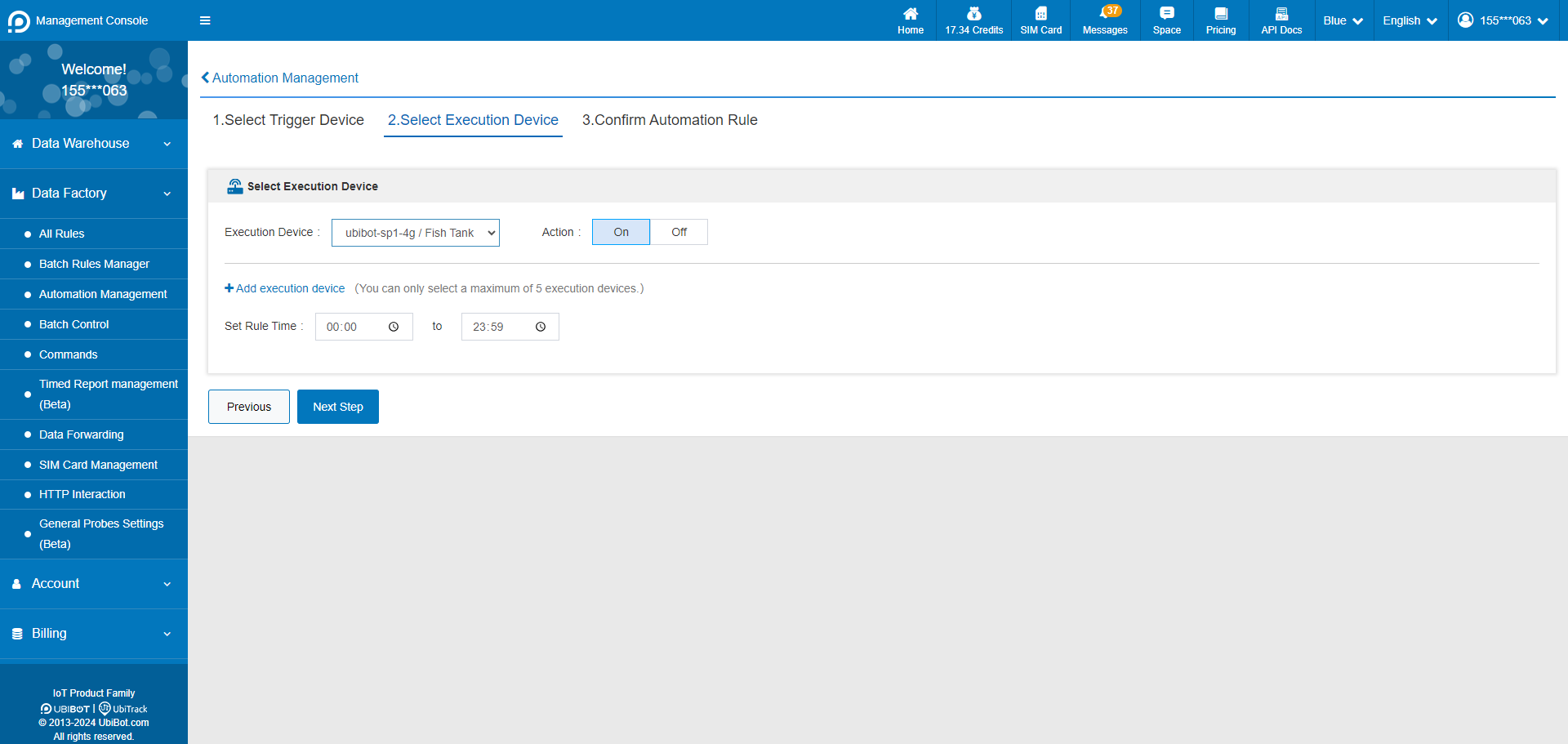
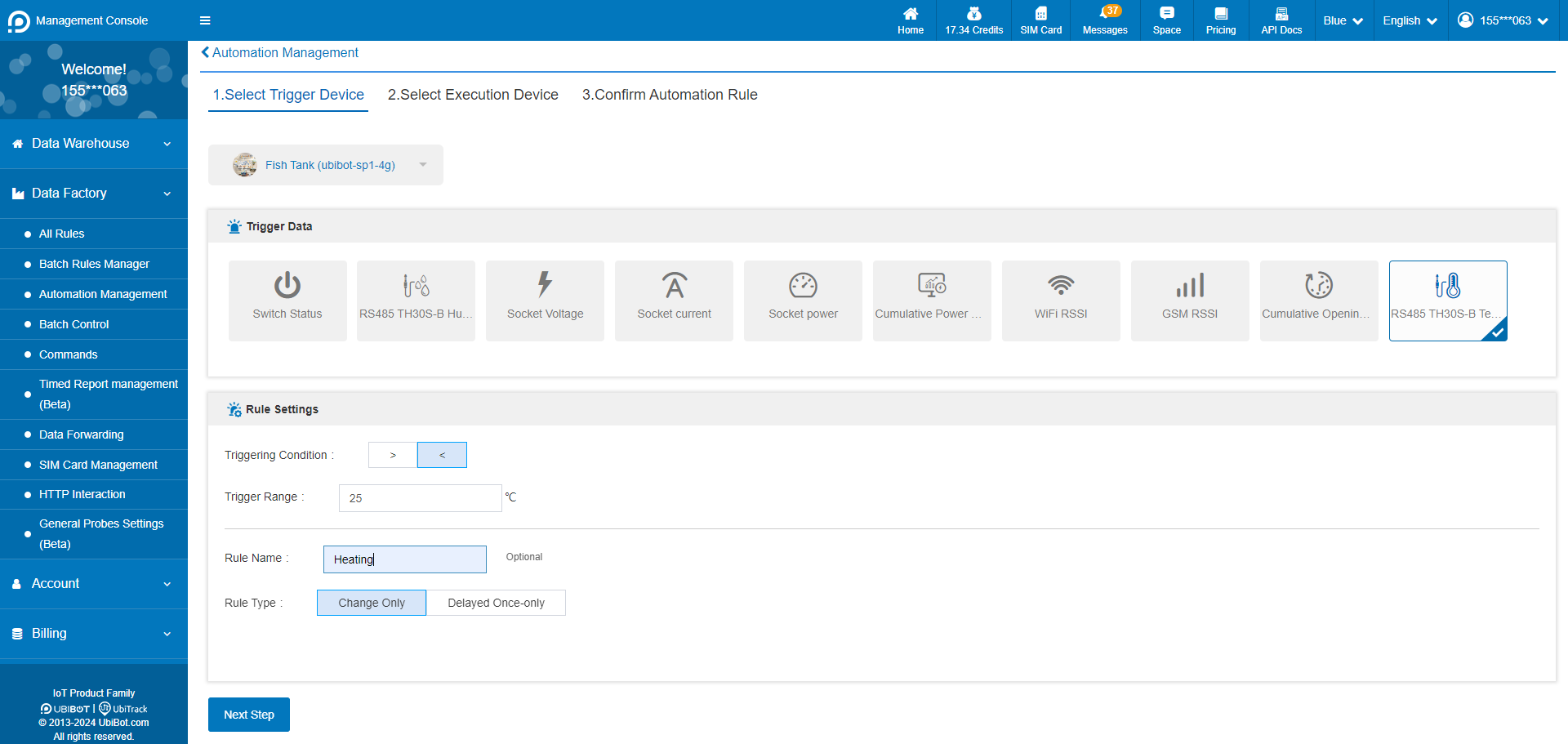 3. Select the execution device and action. Execution devices only support intelligent control devices such as Smart Plug SP1 and Network Relay NR1, and up to 5 execution devices can be set at the same time.
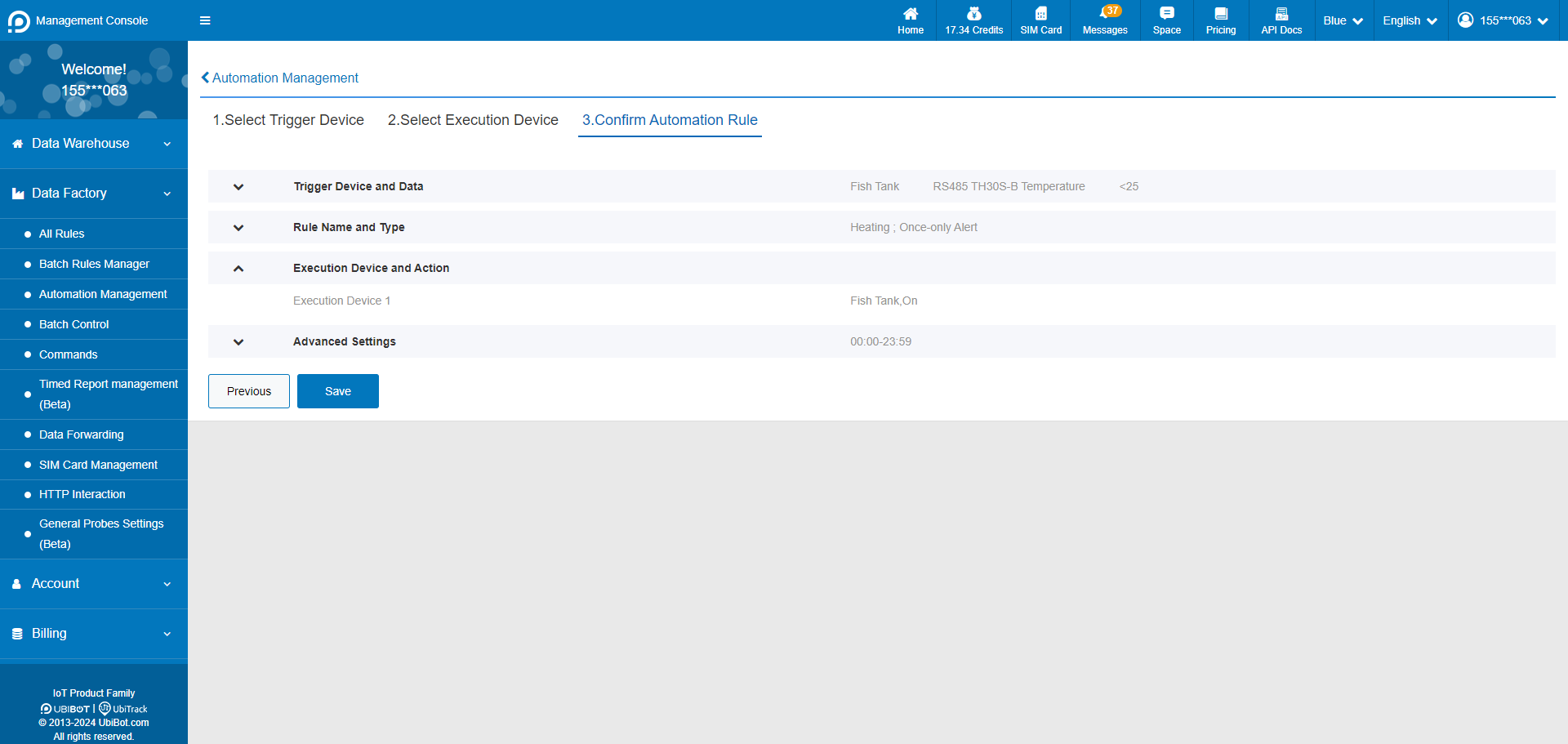
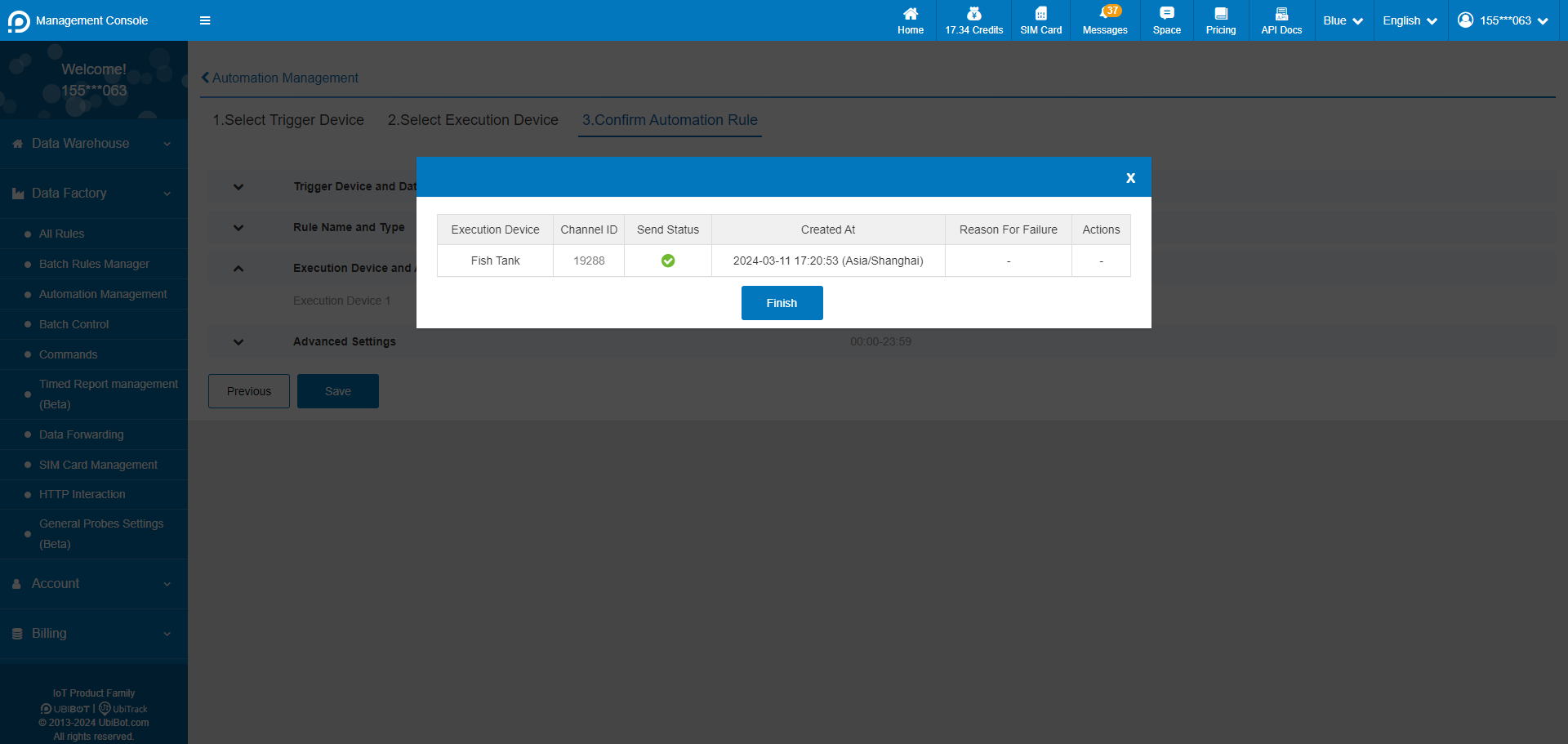
 4. Confirm the automation rule and save it.
 5. Setup successful.
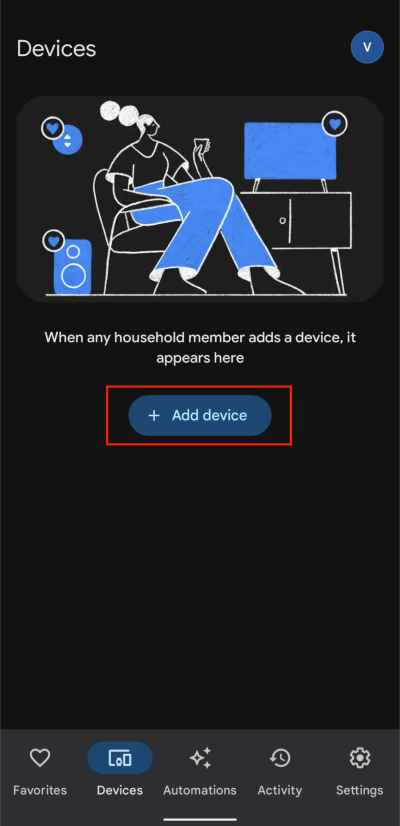
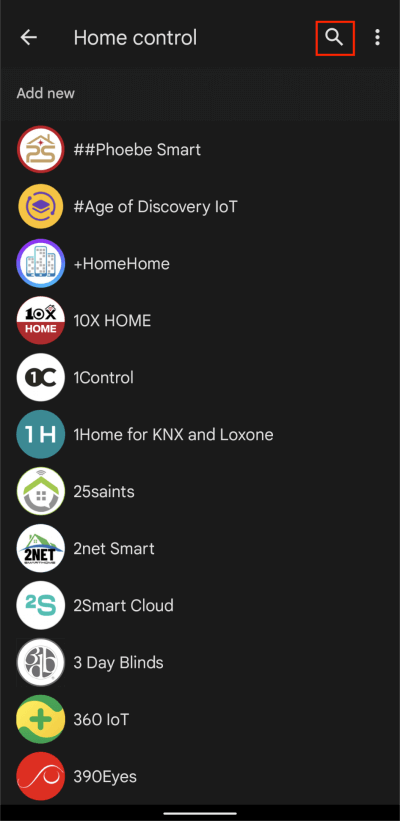
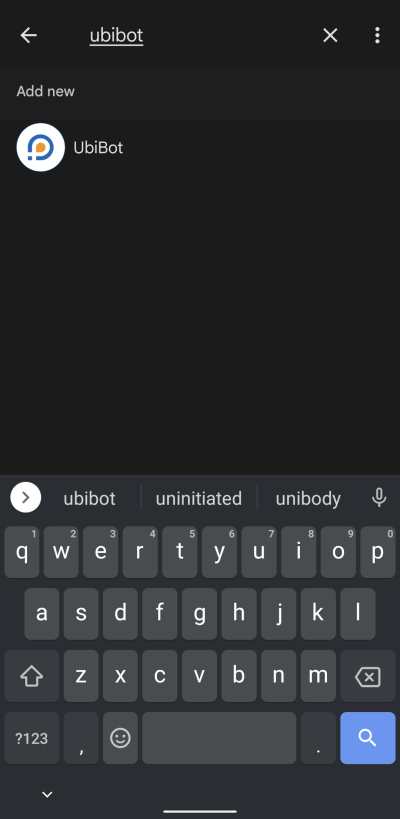
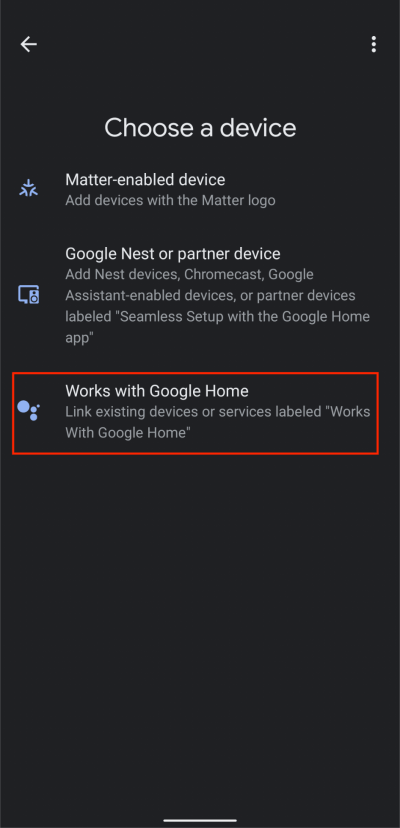 2. Tap Search button, then type UbiBot and select the UbiBot from the list.
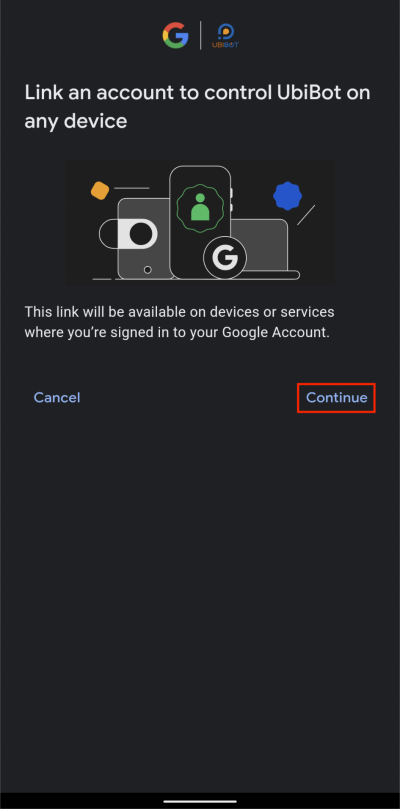
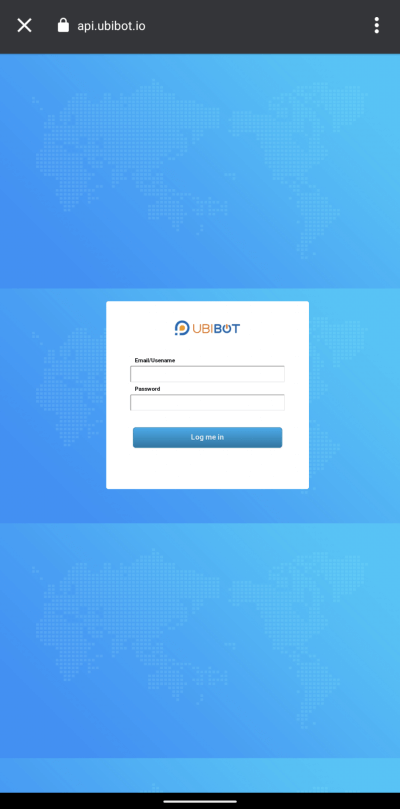
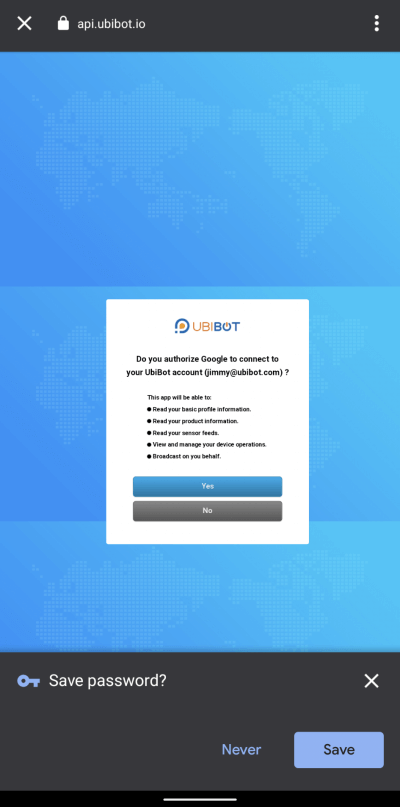
 3. Tap Continue, then enter your UbiBot account information to connect it to Google Home.
 4. Select a channel ID (device) and room for it.
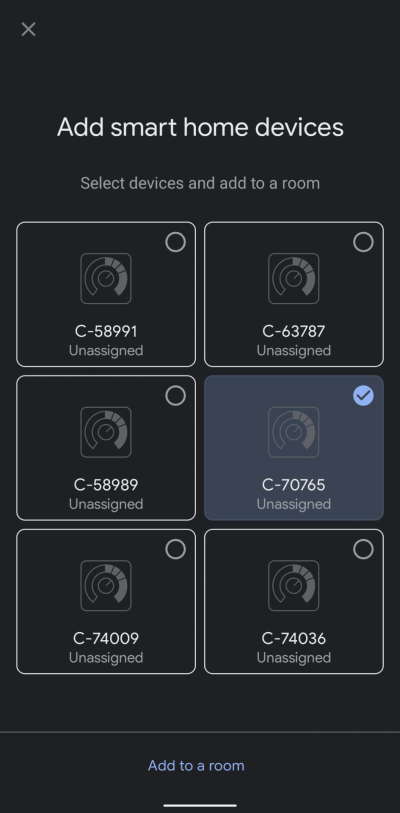
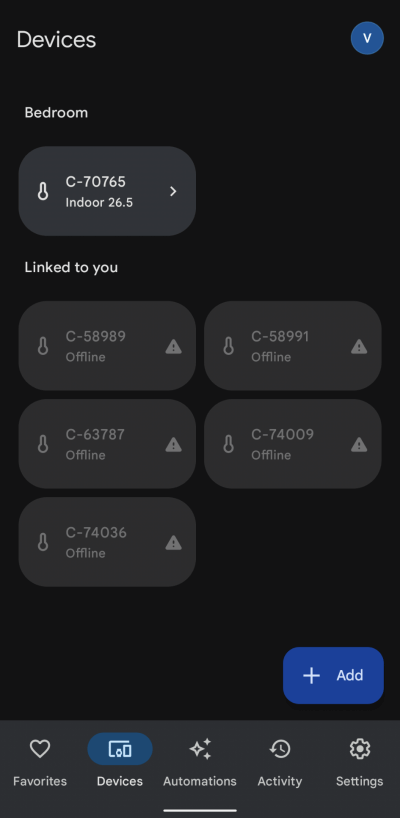
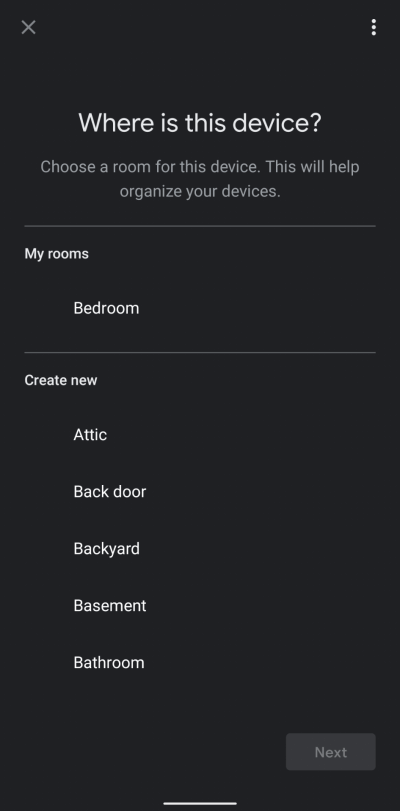 5. Now you can see the UbiBot device successfully.
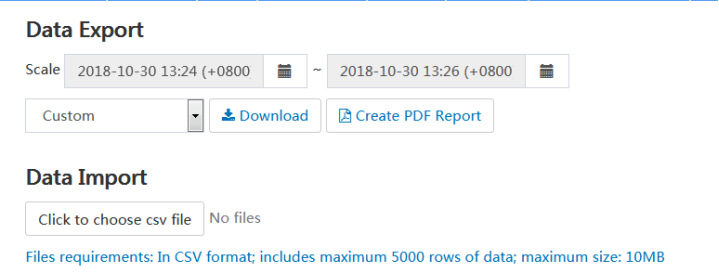
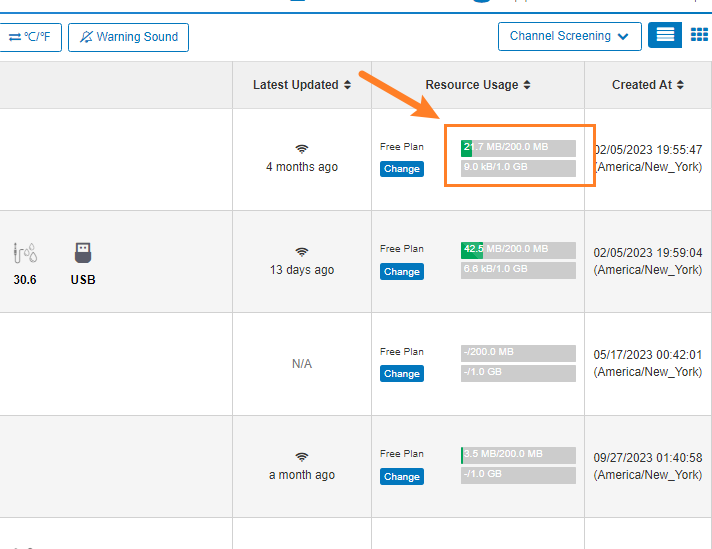 When the device's storage is full, it cannot record fresh data and may result in dropped connections. The previous data can be saved and then cleared as shown below.
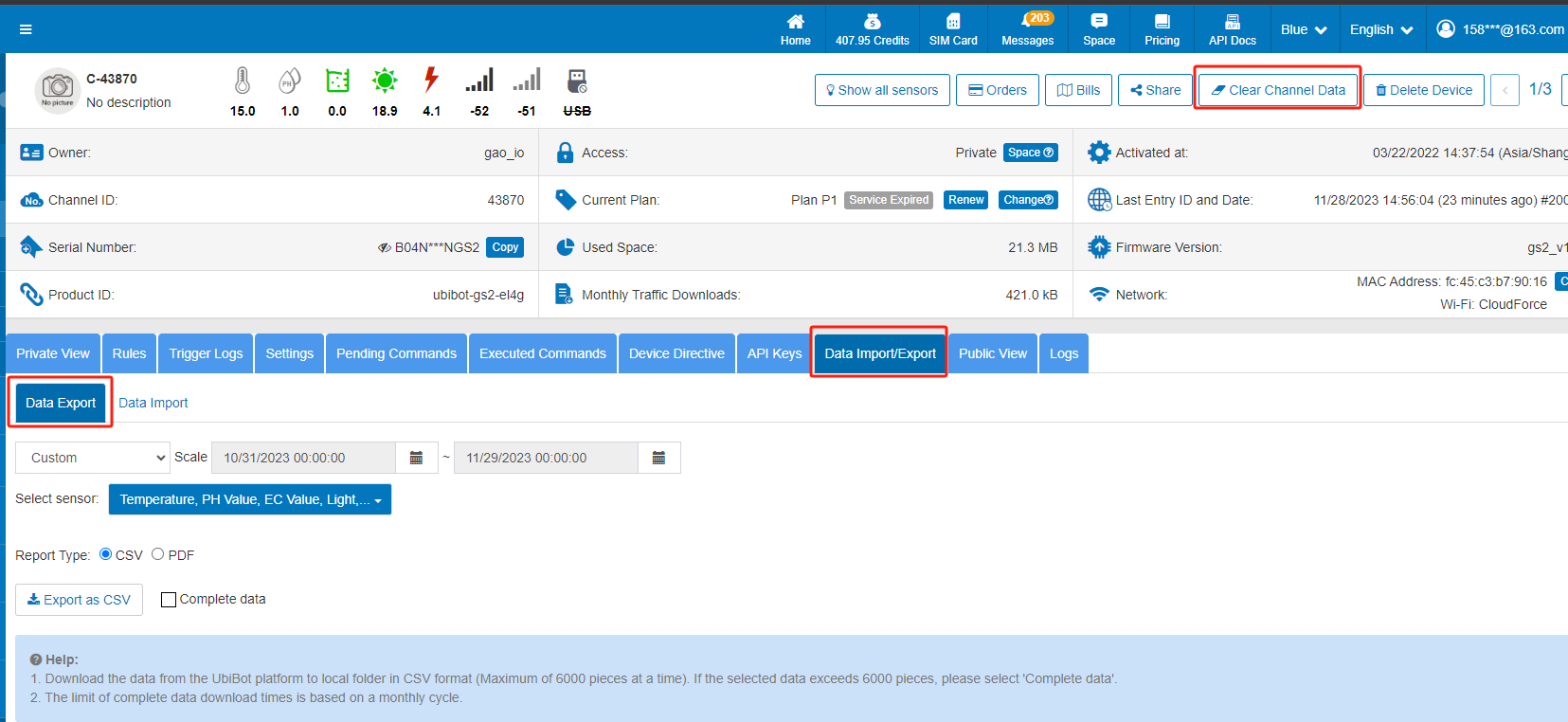 For mobile apps, you can operate as below.
 Important : the action will delete all the data, please DO download the previous data and save it!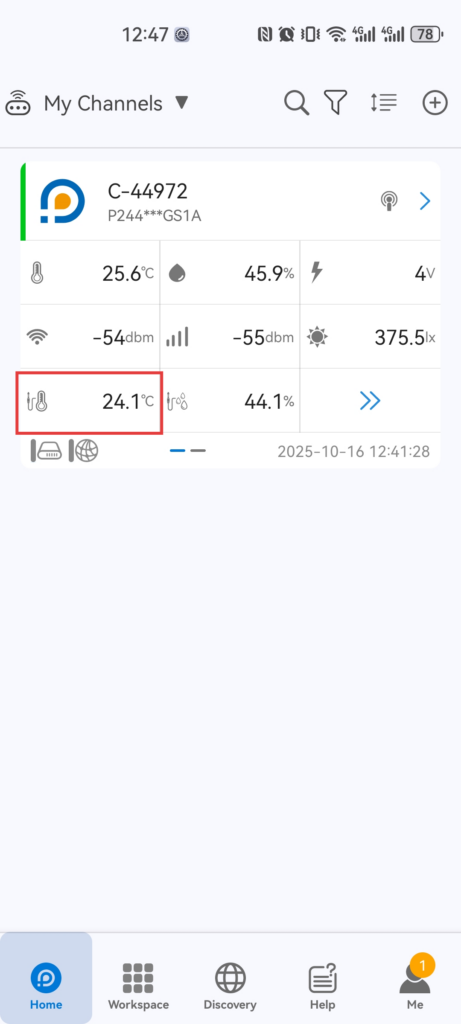
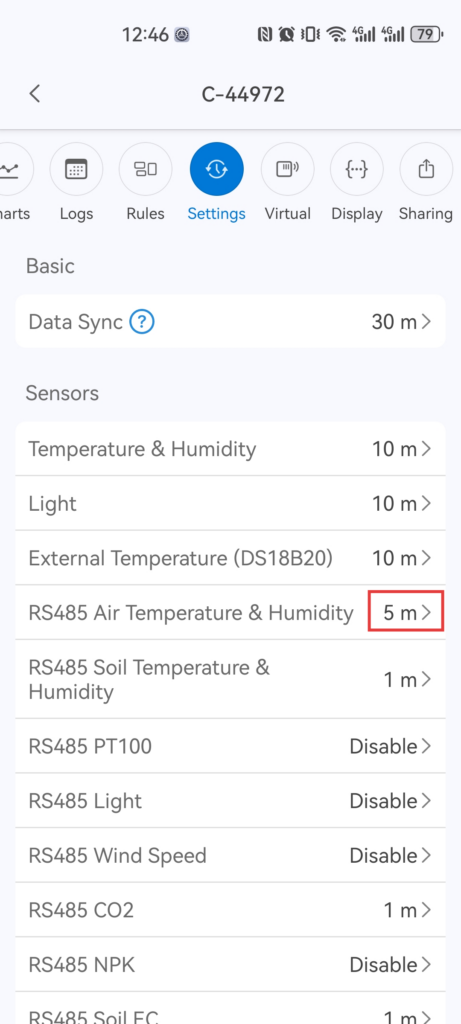
 where
where