Smart Sensing

Wireless Smart Sensor WS1
Wireless Smart Sensor WS1 Pro
Wireless Smart Multi-Sensor GS1
Wireless Smart Multi-Sensor GS2

Wireless Motion Sensor MS1
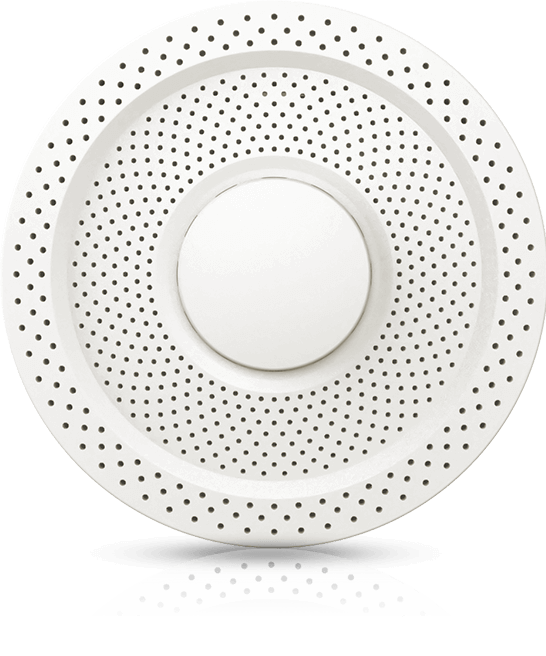
Air Quality Sensor AQS1
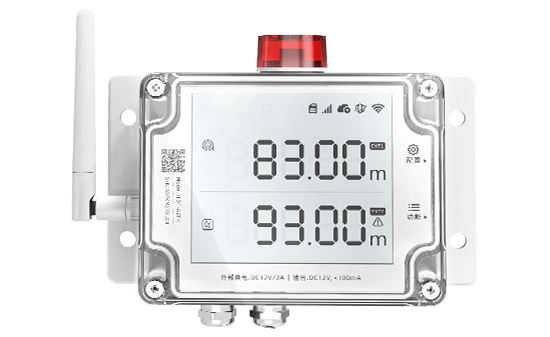
Smart Leak Detector LD1
Smart Watch HW1

Digital Power Line DPL1
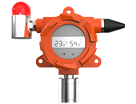
Industrial-grade Temperature and Humidity Sensor THS-NEX

Wireless Temperature & Humidity Sensor WS4
Smart Control

Wireless Smart Plug SP1
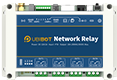
Network Relay NR1

Metering Network Relay NR2
Smart Video
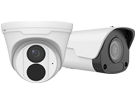
IP Camera IPC
Vision AI Box VA1 / VE1
LoRa Gateway
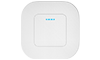
LoRa Gateway GW1
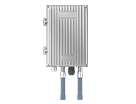
LoRa Outdoor Gateway GW1-O
LoRa Node

LoRa Data Collector DC1-L-1RS
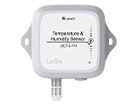
Temperature and Humidity Sensor DC1-L-TH
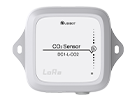
LoRa CO2 Sensor DC1-L-CO2
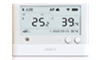
LoRa Sensor WS1 Pro-L
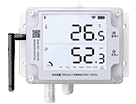
LoRa Smart Sensor GS1-L
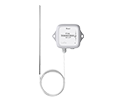
PT 100 Temperature Sensor DC1-L-PT
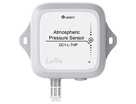
Atmospheric Pressure Sensor DC1-L-THP
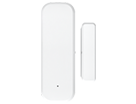
LoRa Magnetic Contact Sensor DC1-DM
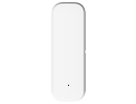
LoRa Temperature & Humidity Sensor DC1-TH
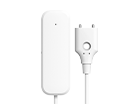
LoRa Water Leak Sensor DC1-LD

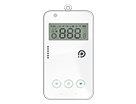

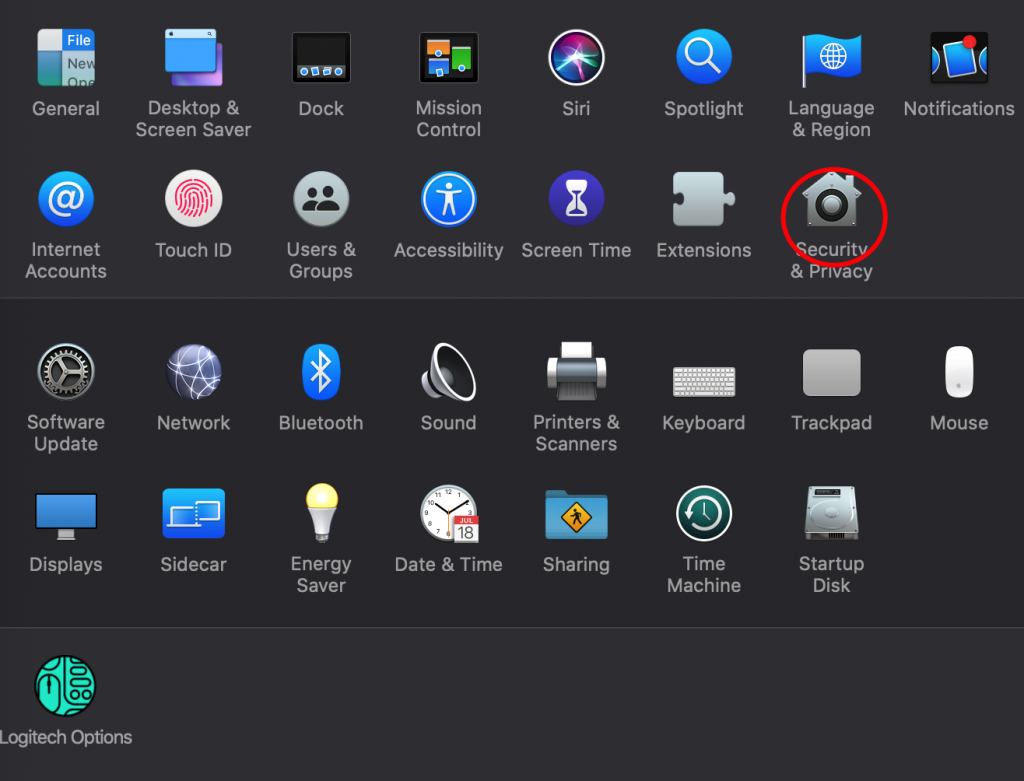
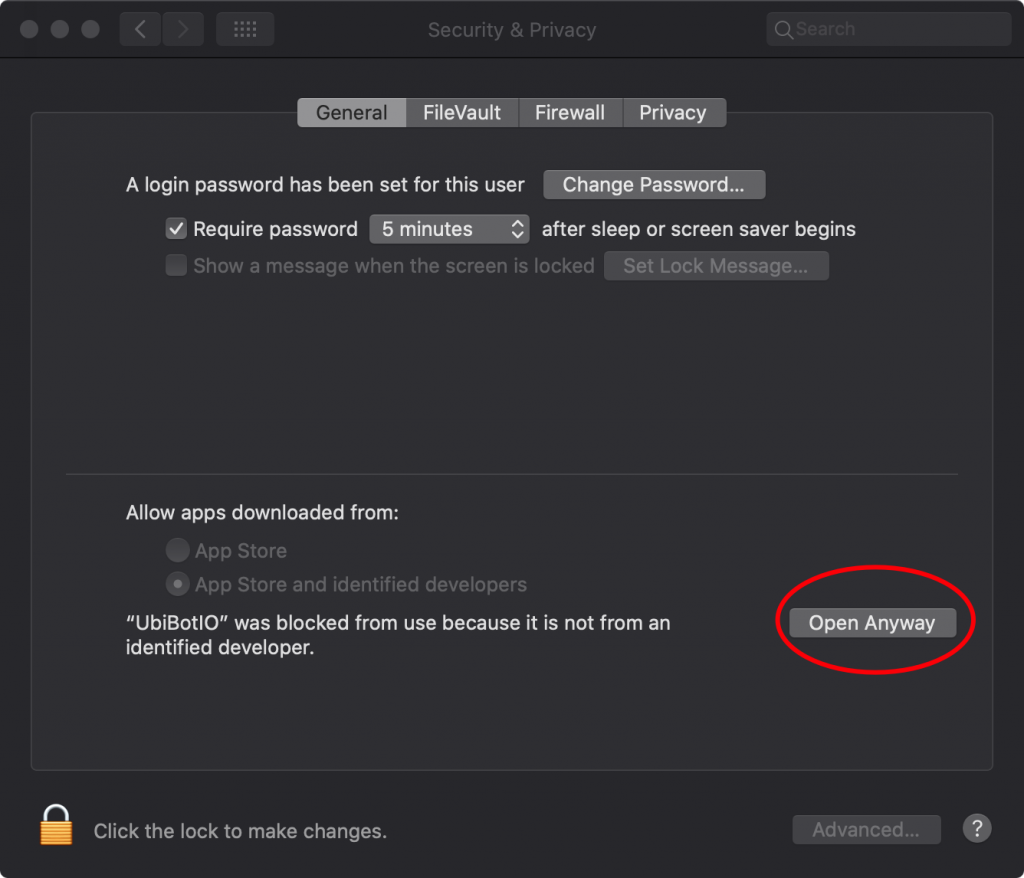
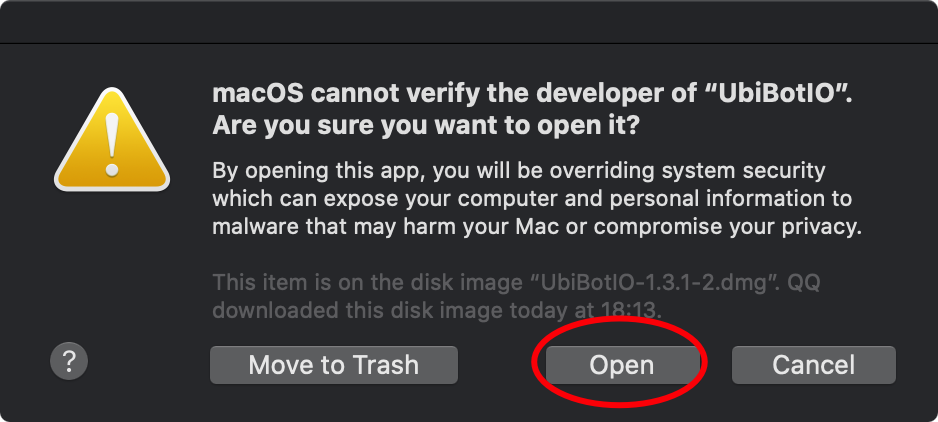
 Apple drop-down menu.
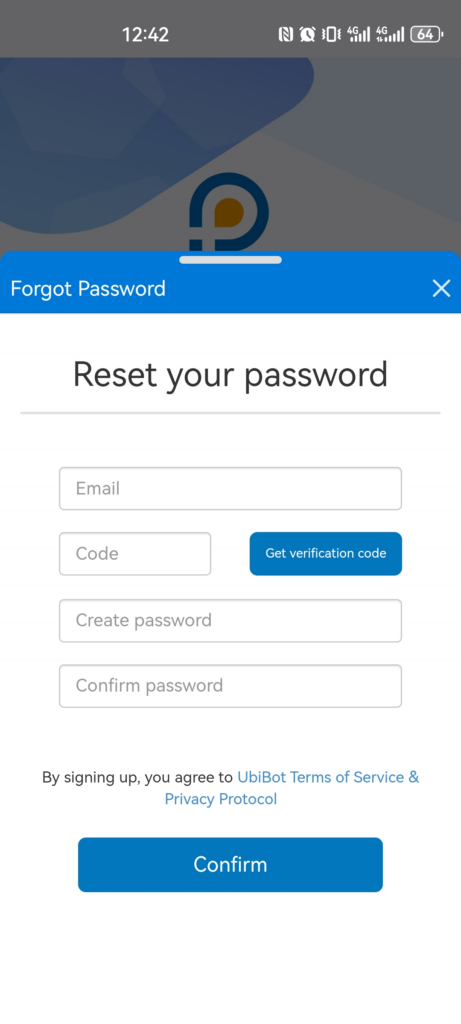
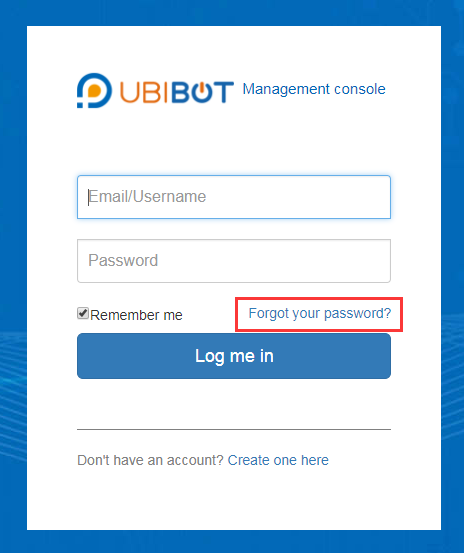

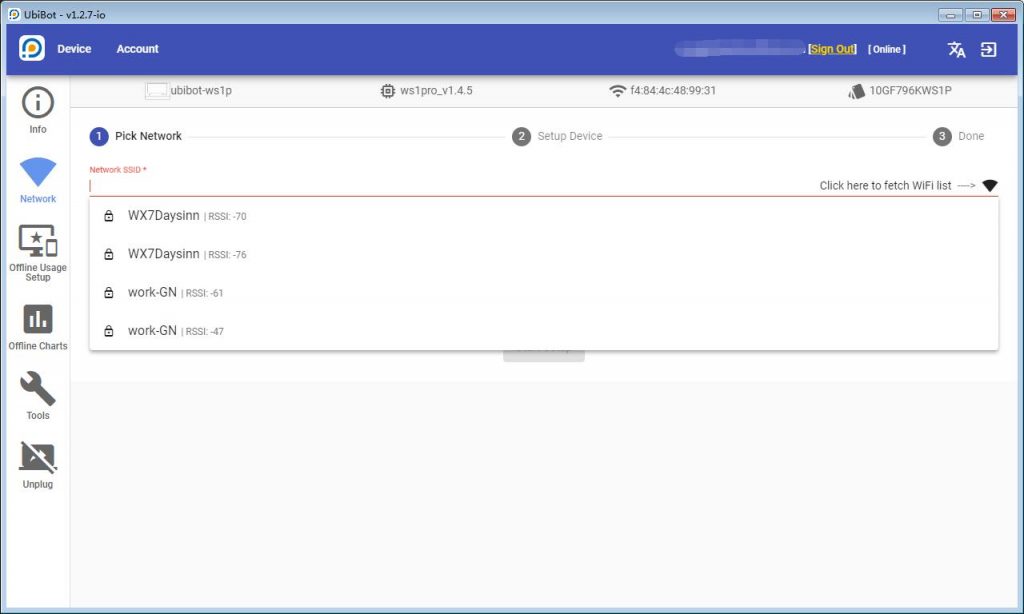
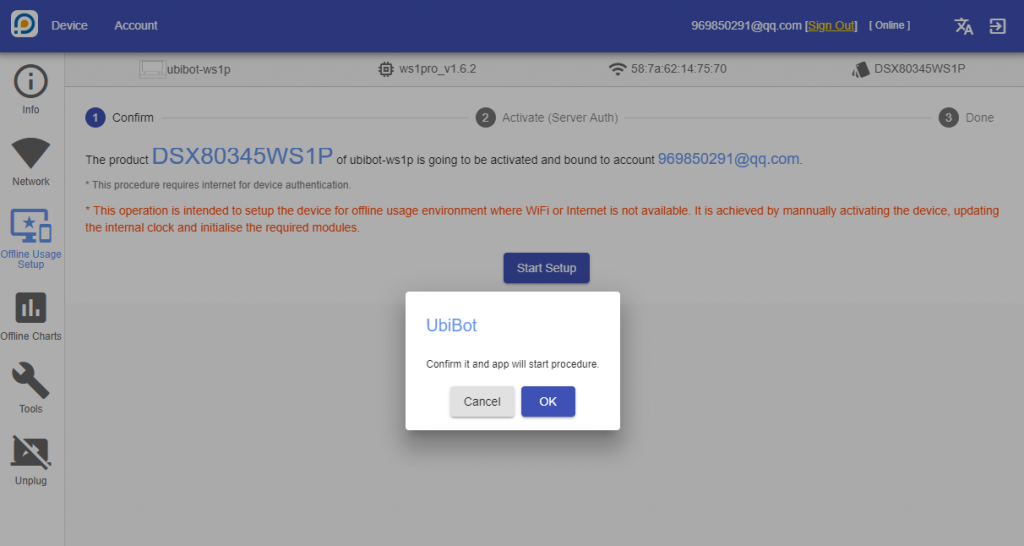
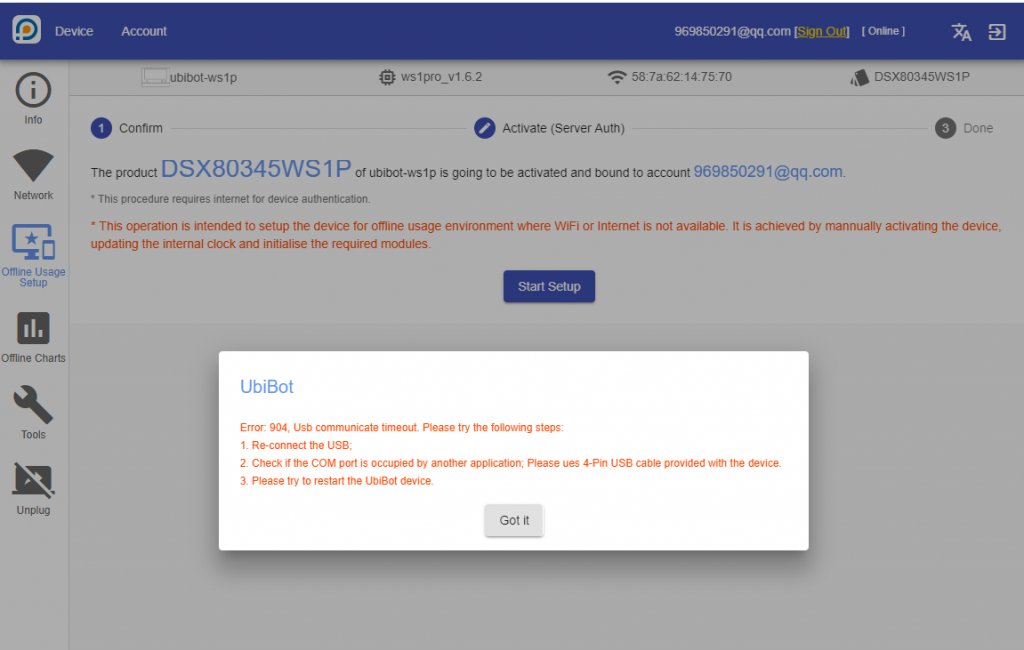
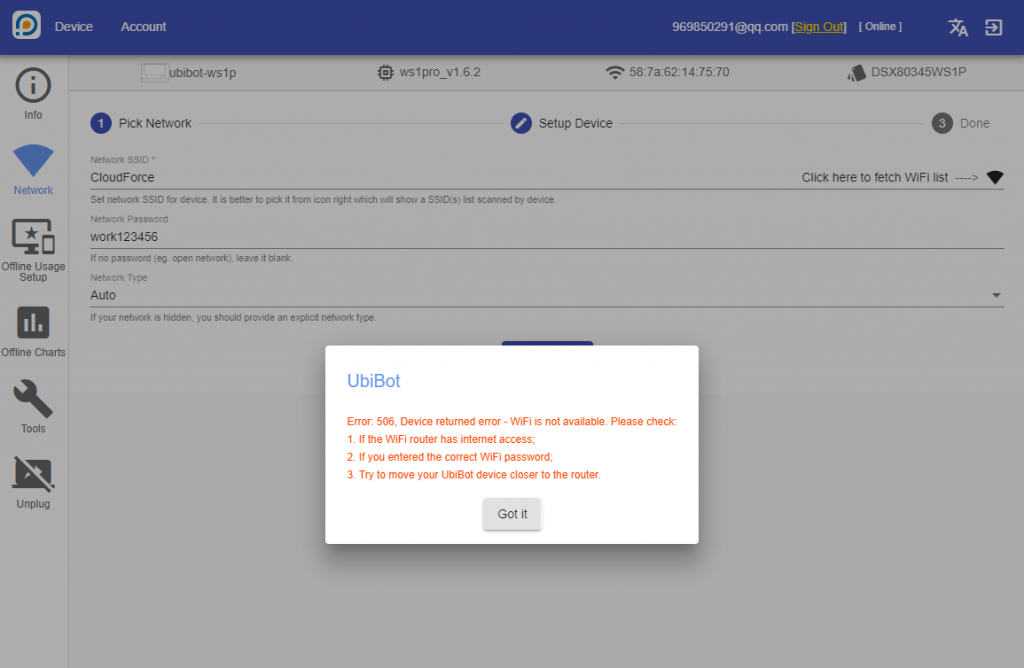
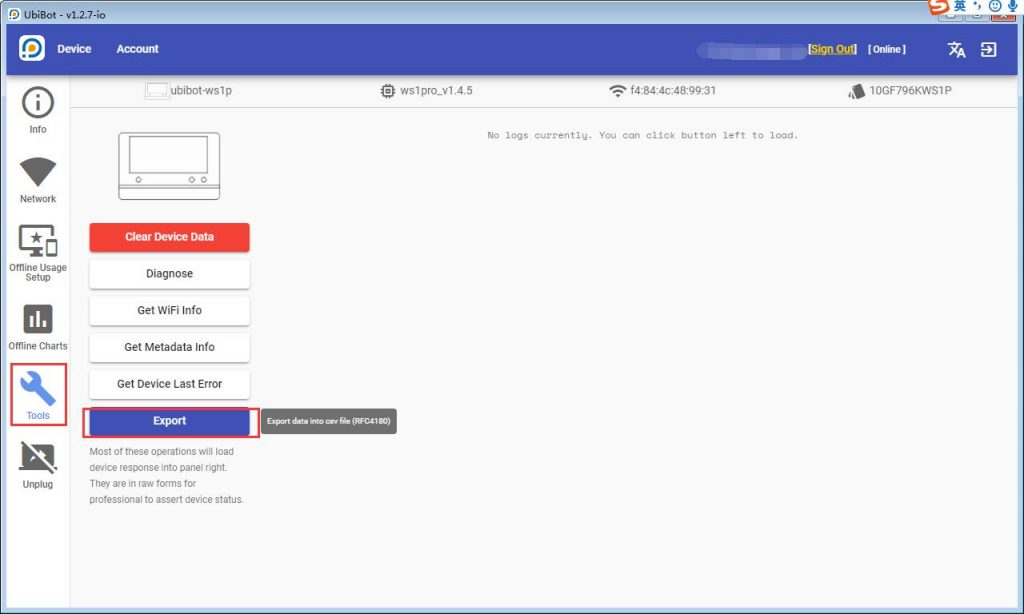
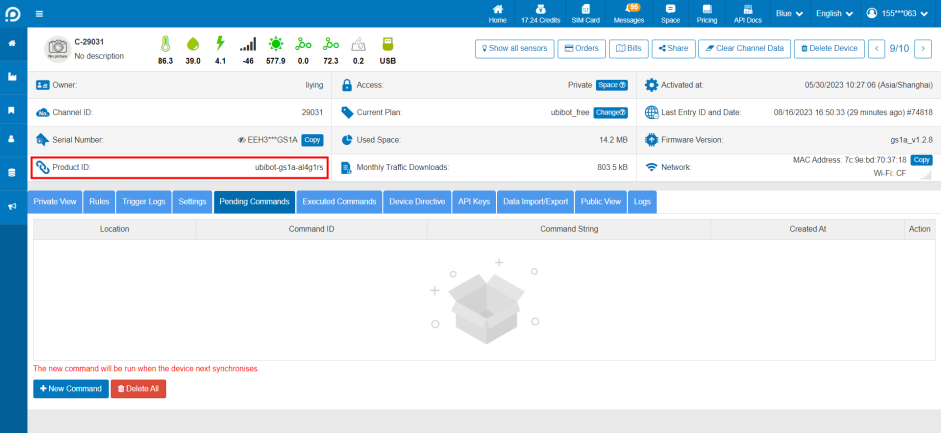 Click [Pending Commands] - [New Command], enter the upgrade instruction at the command string and click Save. Please confirm the upgrade instruction with the after-sales staff.
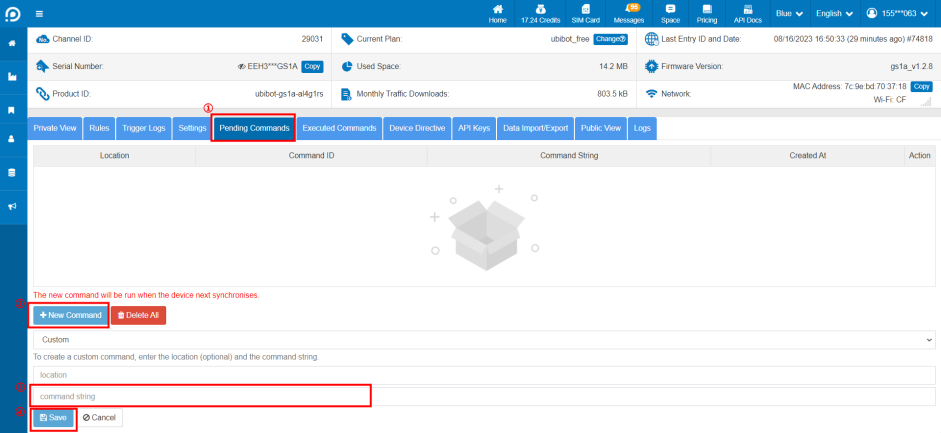 After saving, the device will execute the command and complete the upgrade in the next sync cycle, please check the device firmware version and confirm it in time.
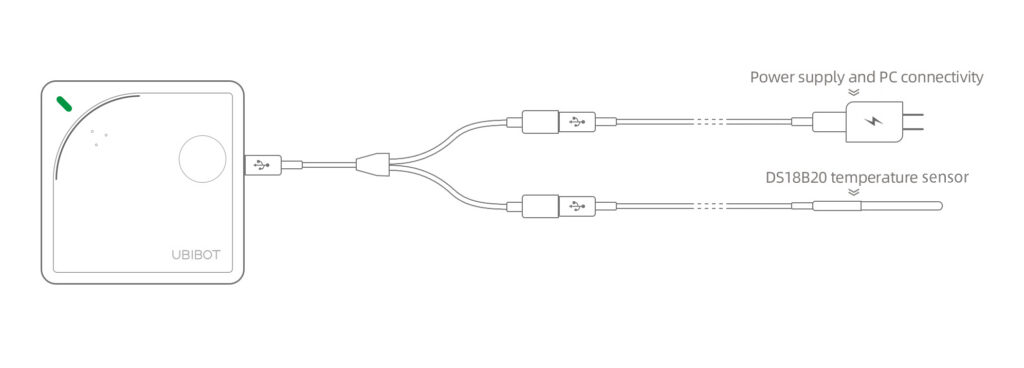 Using WS1 Pro device:
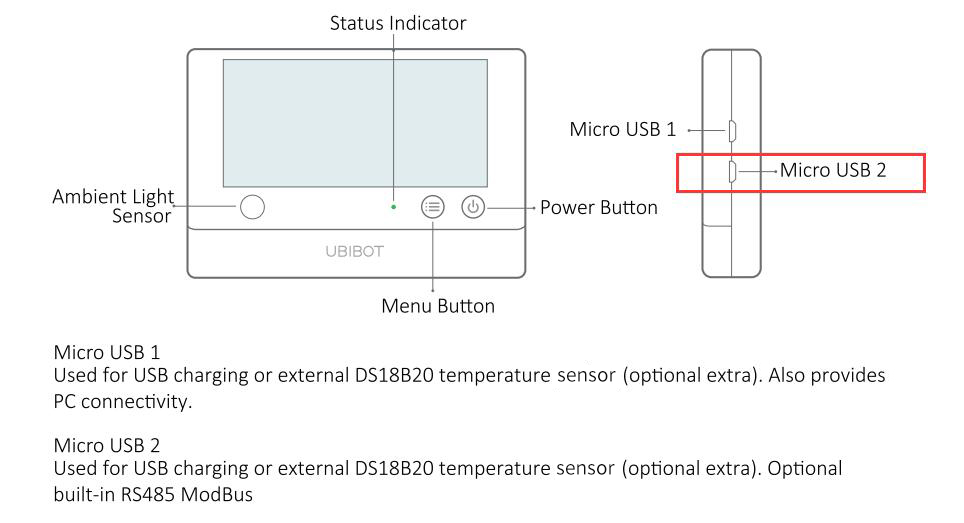
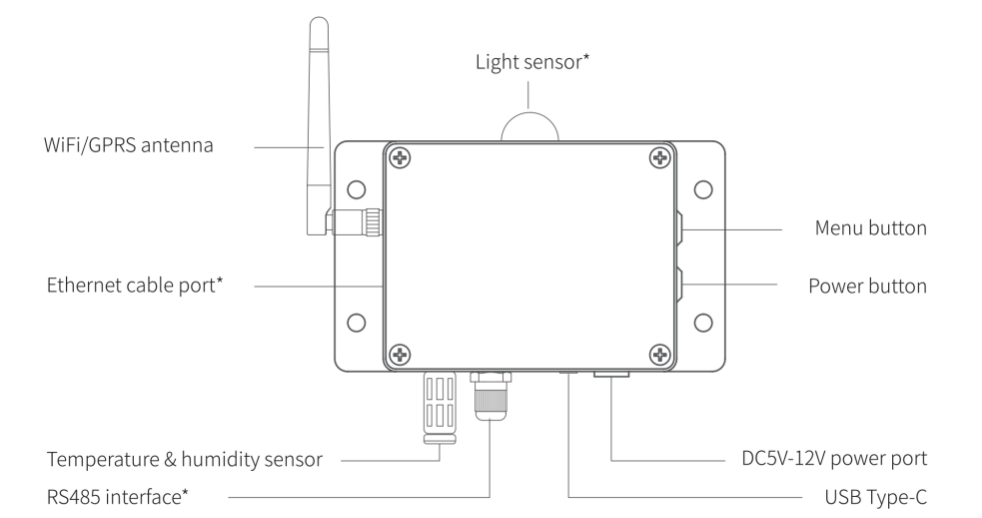
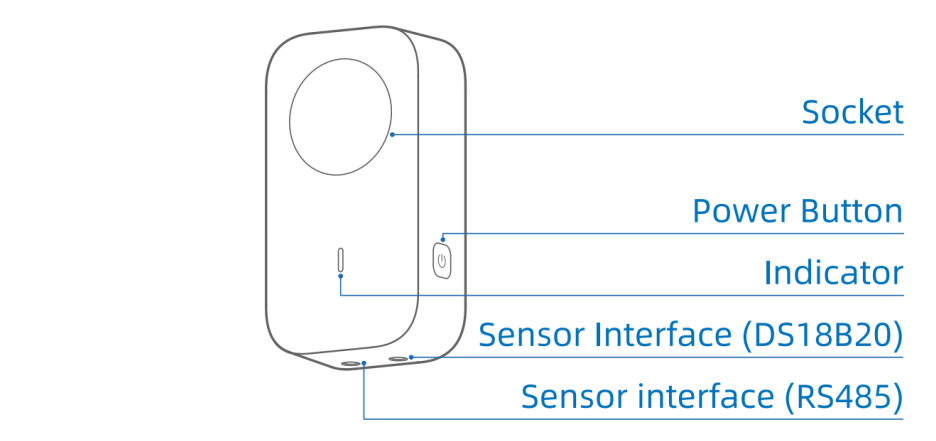
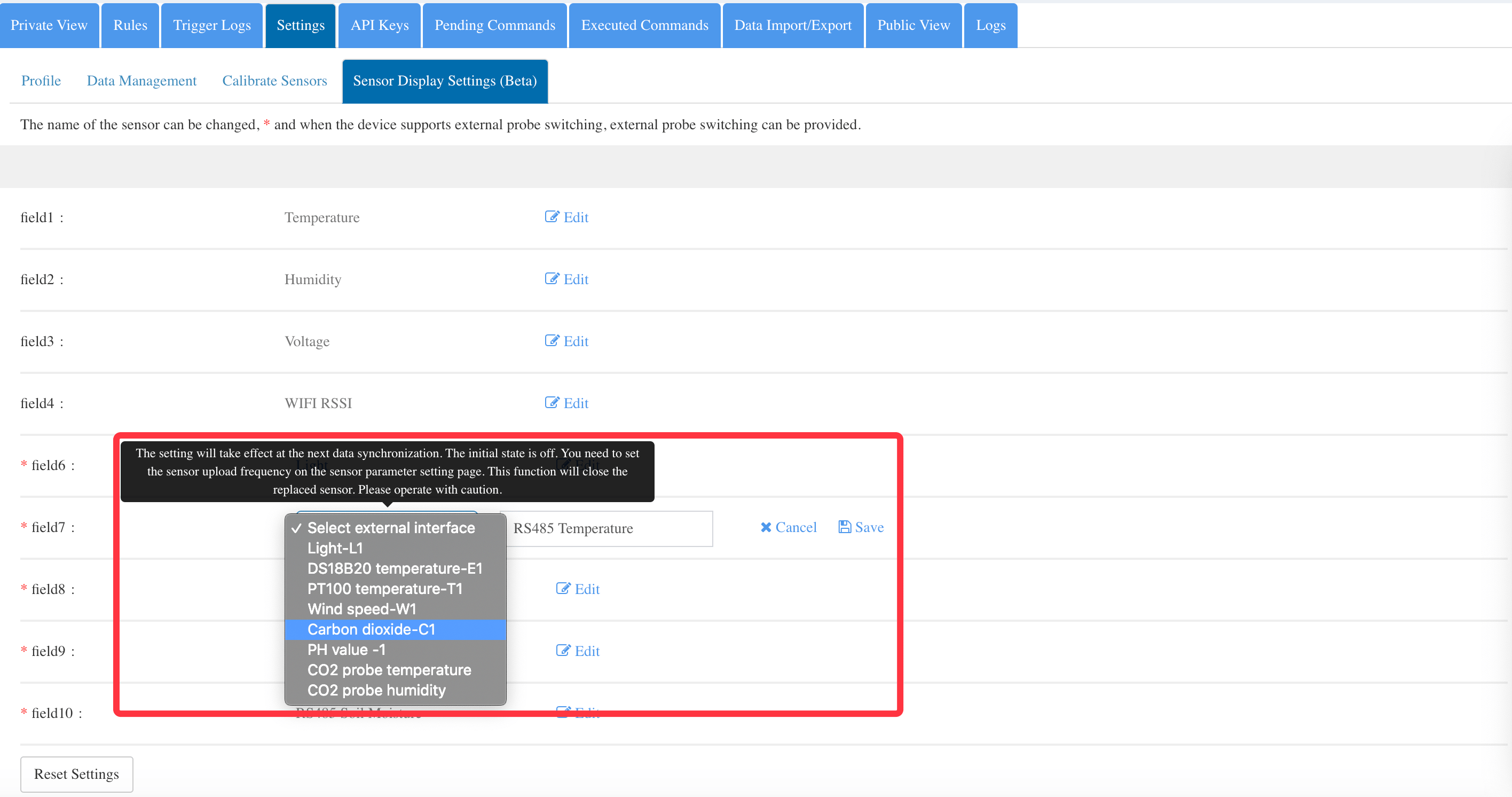
This device supports external temperature sensor, Air temperature & humidity sensor, Soil temperature and moisture sensor, PT100 temperature sensor, and wind speed sensor.
It has two USB ports, of which the lower one is embedded with RS485 interface. Except the temperature sensor, the others both need to be connected to this lower USB port. While, you can use temperature sensor on either of the USB port. When you need to power the device via Micro USB and you want to connect more than two sensors at the same time, please remember, the ends of the splitter must be connected with one power supply and one sensor, or one temperature sensor and one RS485 sensor. Two same sensors are not supported on one port.
Using WS1 Pro device:
This device supports external temperature sensor, Air temperature & humidity sensor, Soil temperature and moisture sensor, PT100 temperature sensor, and wind speed sensor.
It has two USB ports, of which the lower one is embedded with RS485 interface. Except the temperature sensor, the others both need to be connected to this lower USB port. While, you can use temperature sensor on either of the USB port. When you need to power the device via Micro USB and you want to connect more than two sensors at the same time, please remember, the ends of the splitter must be connected with one power supply and one sensor, or one temperature sensor and one RS485 sensor. Two same sensors are not supported on one port.
 Using GS1 device:
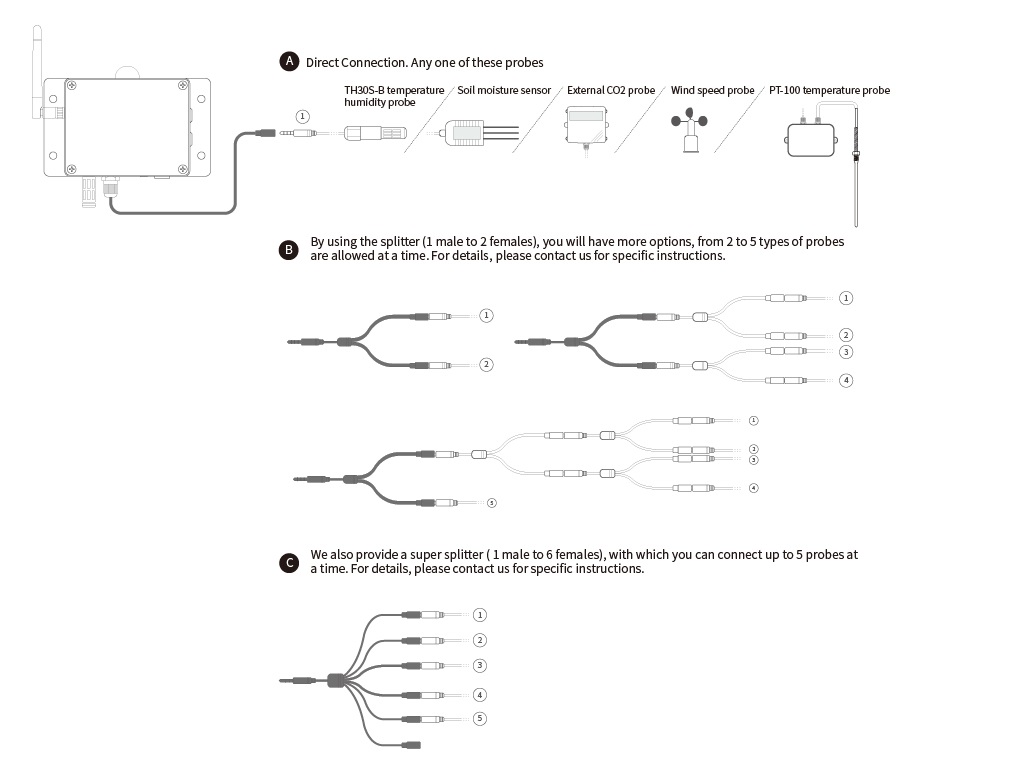
The GS1 device is built with RS485 interface and audio jack. It supports all of the 6 types of Ubibot sensors , such as TH30S-B temperature humidity sensor, Soil moisture sensor, PT-100 temperature sensor, CO2 sensor, wind speed sensor, external light sensor.
If you only need one type sensor, you can connect it to the device directly. If you need more than one type, our splitters will allow you to attach multiple sensor simultaneously. Please see the following cutline for reference.
Please note, only one piece of sensor of each type is supported. You can not attach two or more of the same sensors at a time. For details, please contact us for specific instructions.
Using GS1 device:
The GS1 device is built with RS485 interface and audio jack. It supports all of the 6 types of Ubibot sensors , such as TH30S-B temperature humidity sensor, Soil moisture sensor, PT-100 temperature sensor, CO2 sensor, wind speed sensor, external light sensor.
If you only need one type sensor, you can connect it to the device directly. If you need more than one type, our splitters will allow you to attach multiple sensor simultaneously. Please see the following cutline for reference.
Please note, only one piece of sensor of each type is supported. You can not attach two or more of the same sensors at a time. For details, please contact us for specific instructions.
 *Please note, the sensors are under one year limited warranty since the purchase date. For details, please click
 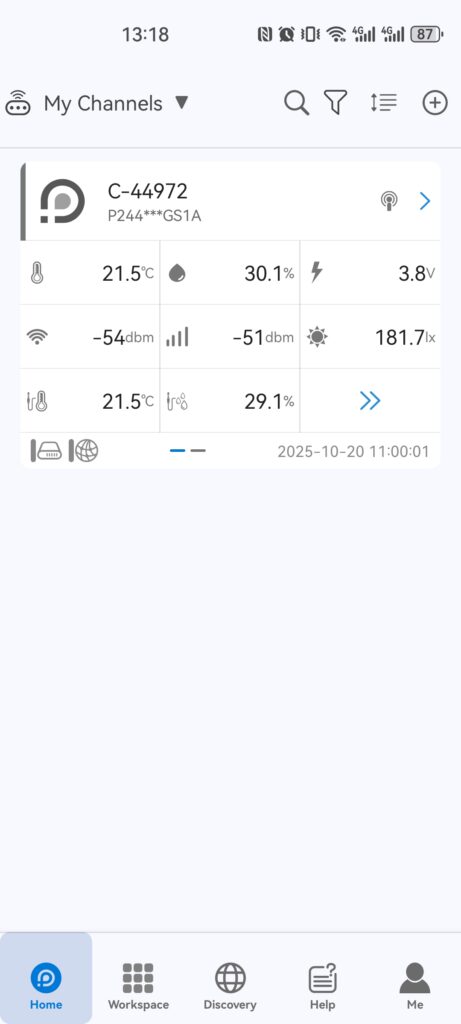 Go to the "Settings" page.
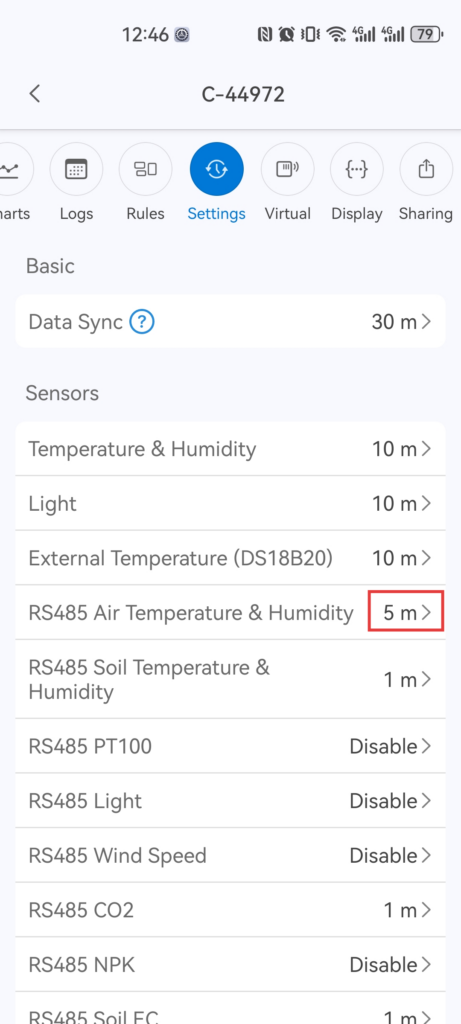
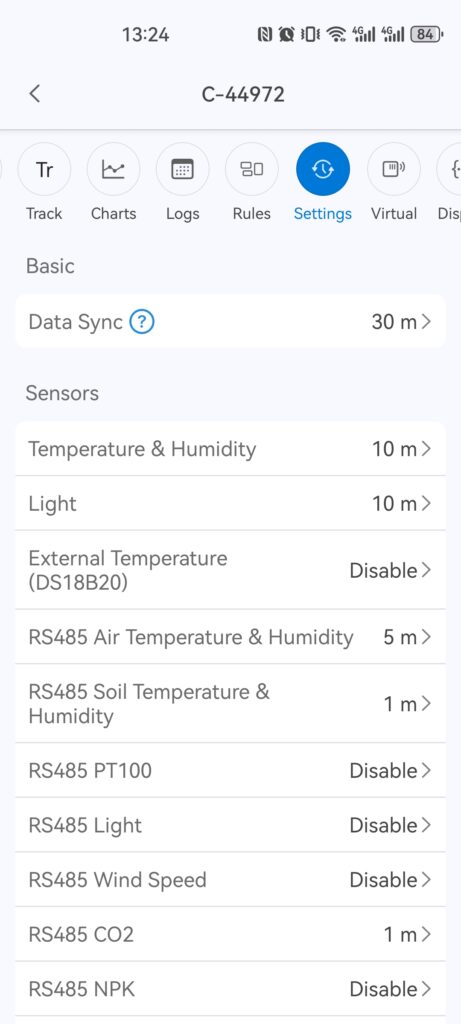
Down at the page, you would see a tab for "External Temperature (DS18B20)".
Go to the "Settings" page.
Down at the page, you would see a tab for "External Temperature (DS18B20)".
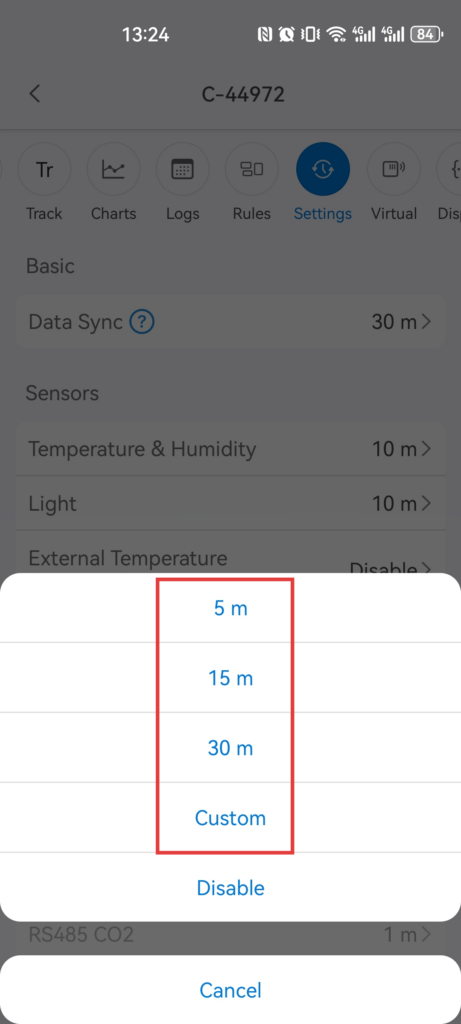
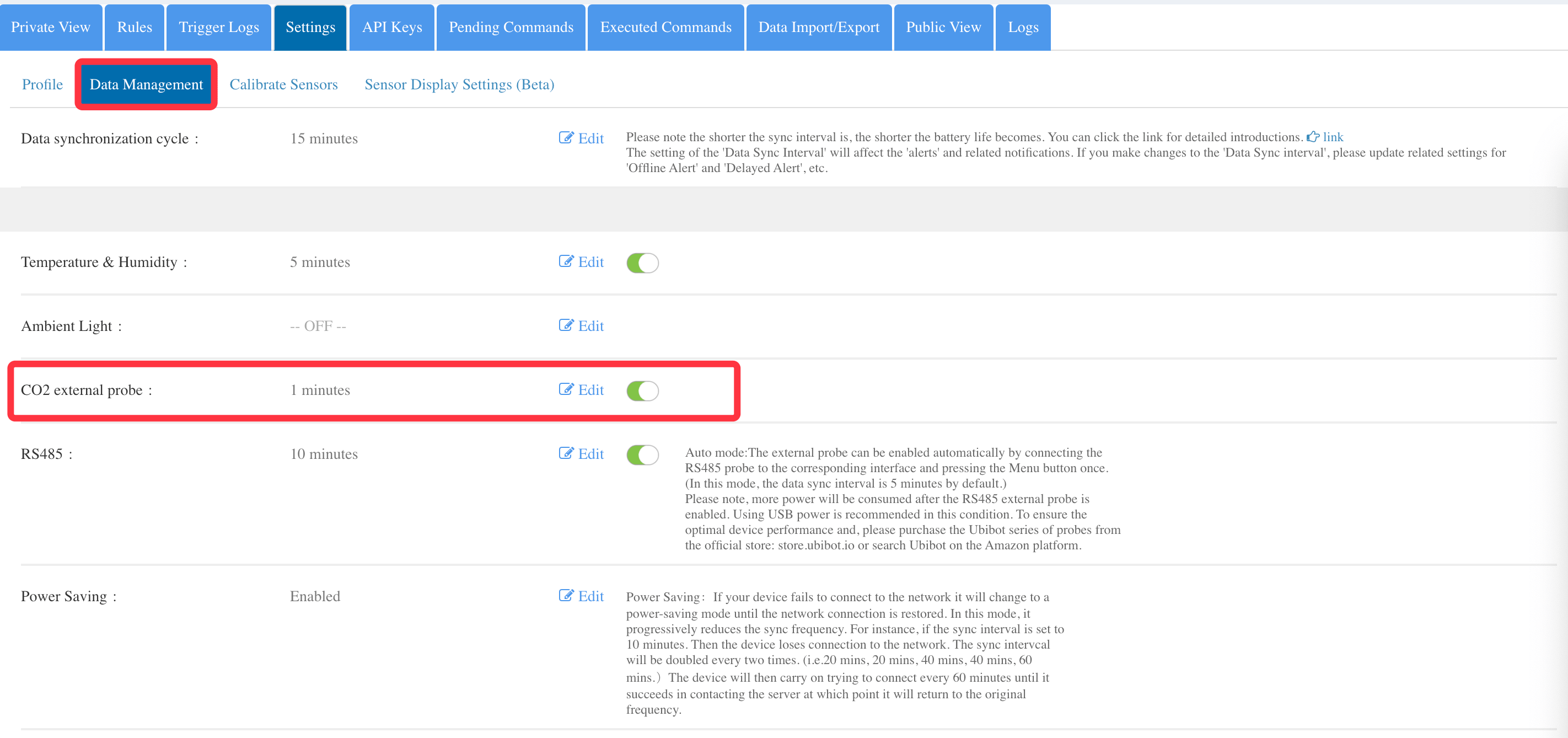
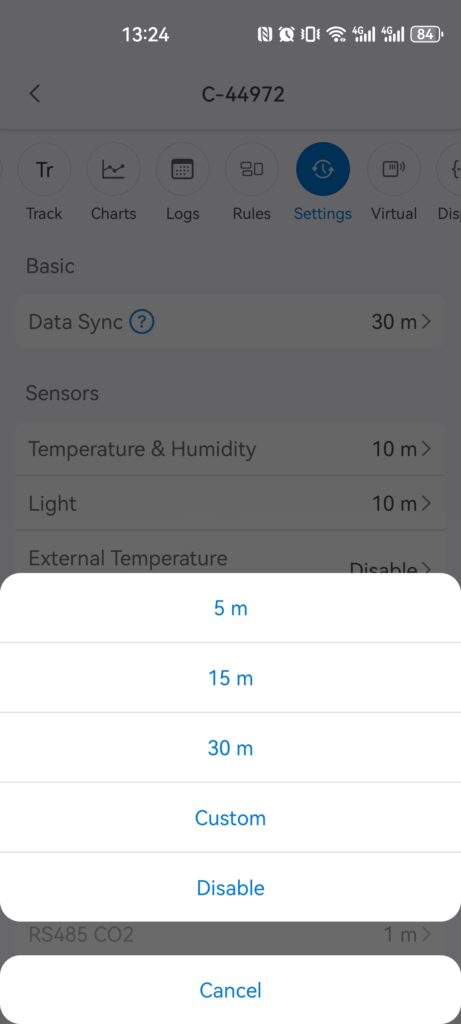
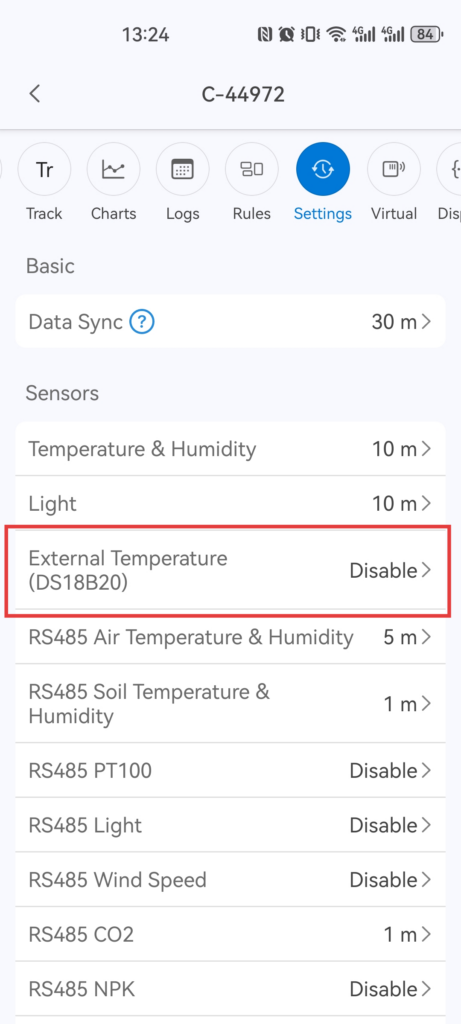 Enable it, then select the sensing inputs interval.
 You have to press the power button to manually sync the data if you'd like to view the data immediately. Or, you have to wait 5 minutes (for example, you set 5 minutes interval) for the data to automatically sync to the platform.
Tips: the data sync interval will have direct impact on the data update. So, sometimes, you need to wait for a little while before the data displayed on your app or the platform. Setup the interval in your preference, then you are able to have peace of mind.
You have to press the power button to manually sync the data if you'd like to view the data immediately. Or, you have to wait 5 minutes (for example, you set 5 minutes interval) for the data to automatically sync to the platform.
Tips: the data sync interval will have direct impact on the data update. So, sometimes, you need to wait for a little while before the data displayed on your app or the platform. Setup the interval in your preference, then you are able to have peace of mind.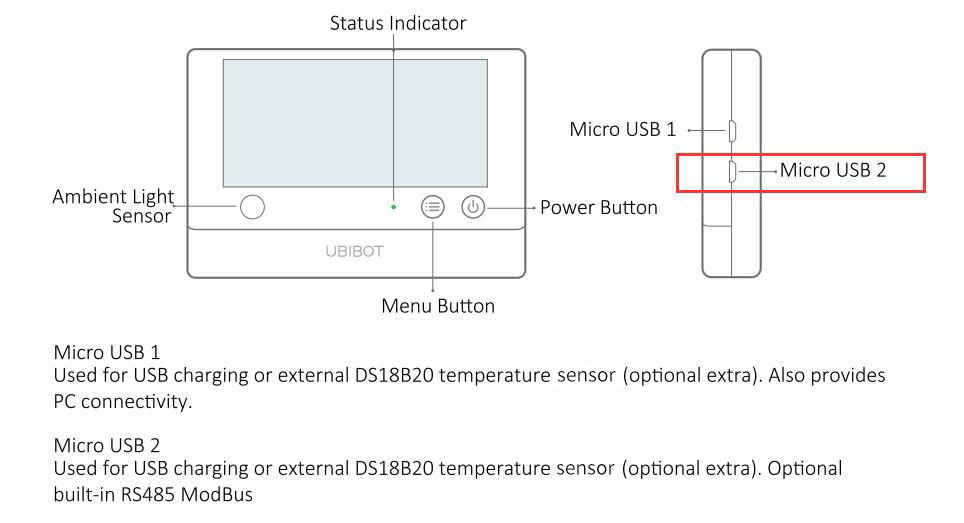
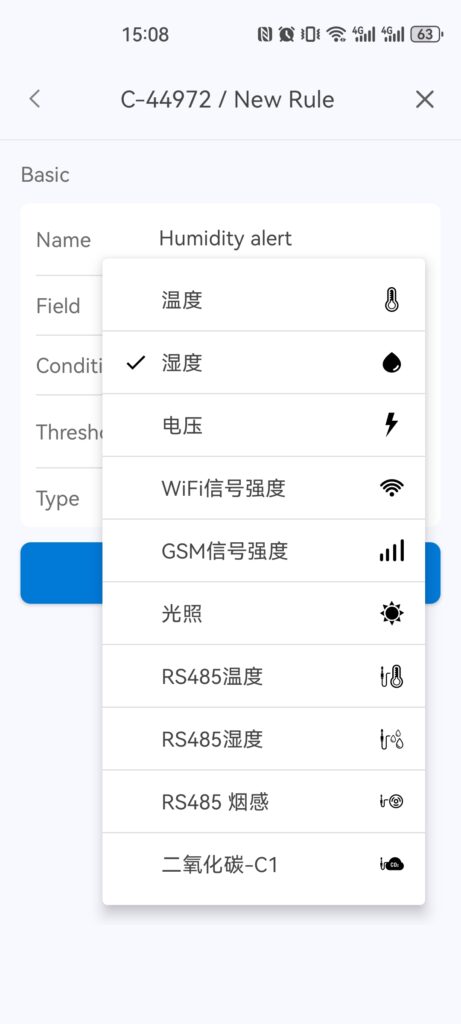
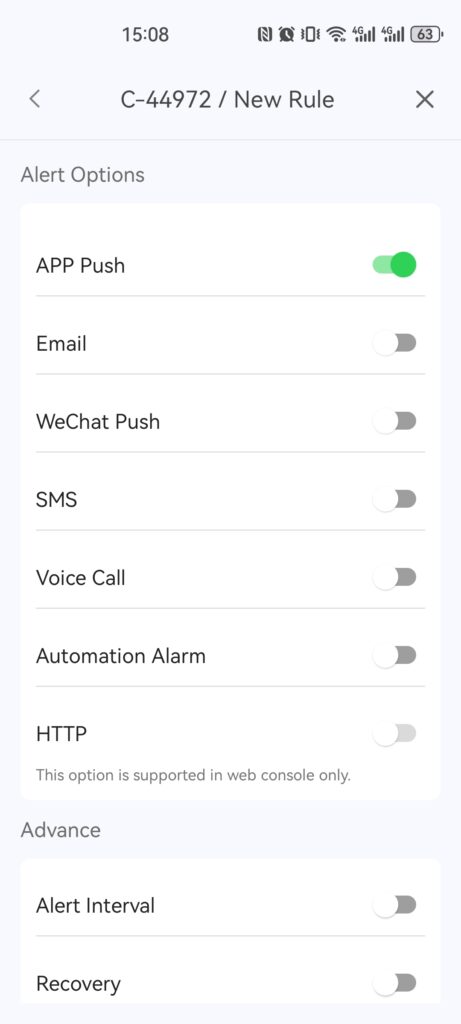
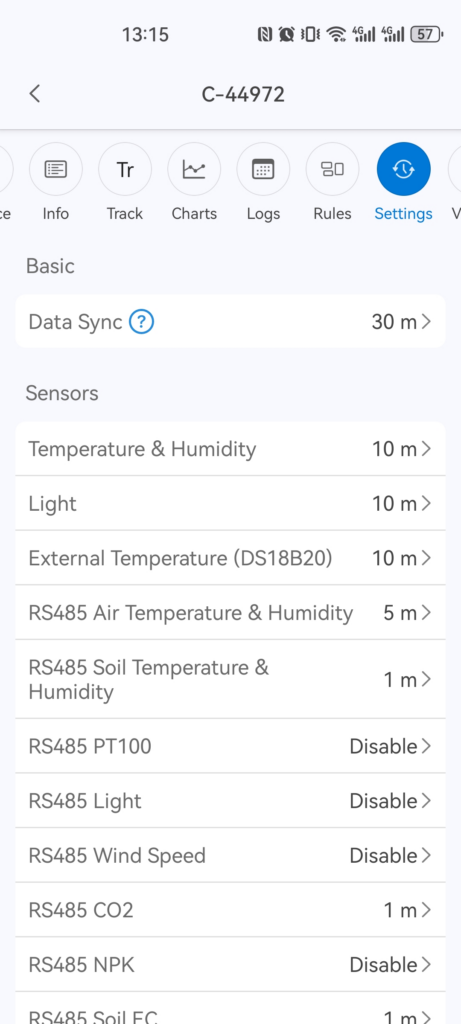
 (b)UbiBot App please follow below screenshot:
 3.Press the power button once, you can manually sync the data to the platform. After the synchronisation completely, you can view the data on device LCD screendirectly or via mobile app or web-console remotely.
*Please note, the sensors are under one year limited warranty since the purchase date. For details, please click
3.Press the power button once, you can manually sync the data to the platform. After the synchronisation completely, you can view the data on device LCD screendirectly or via mobile app or web-console remotely.
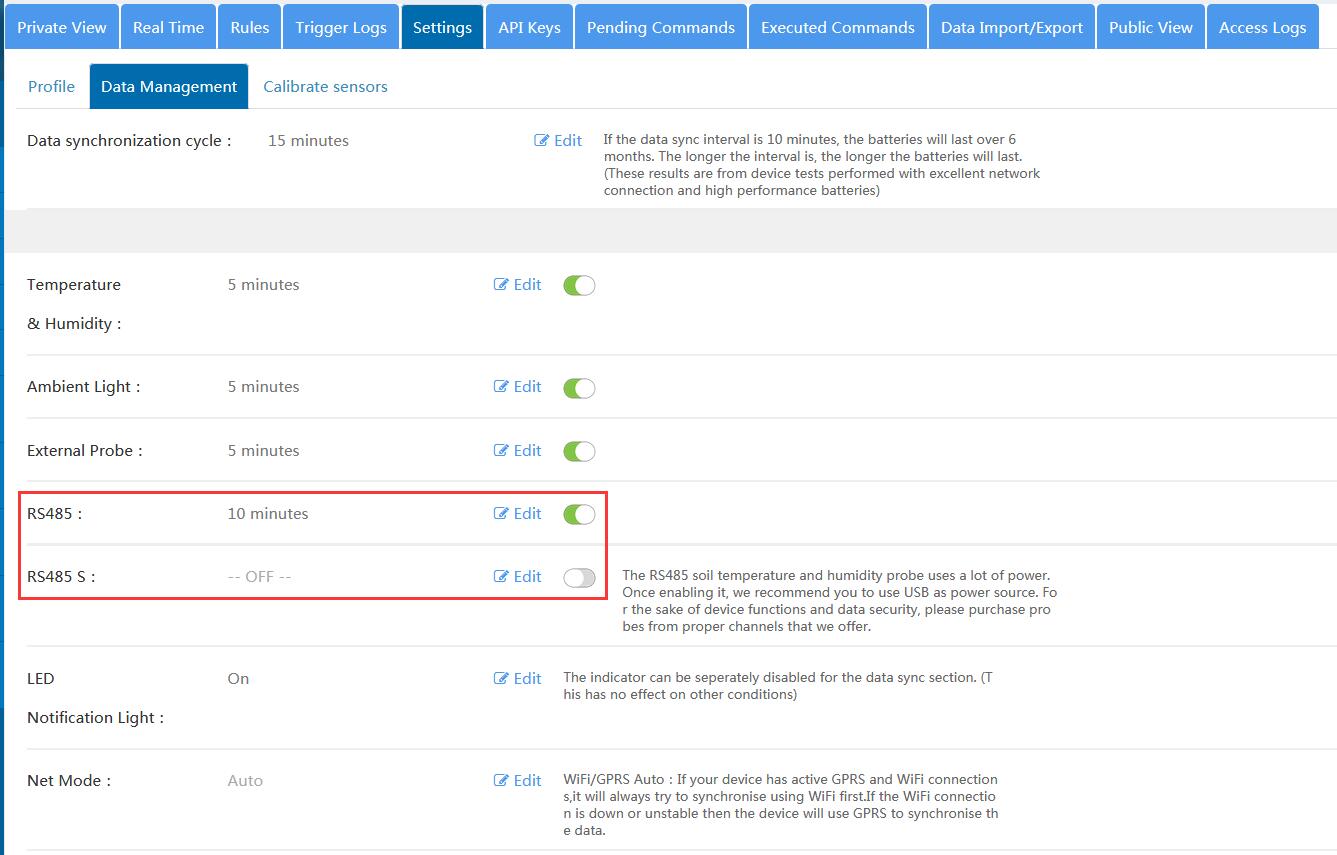
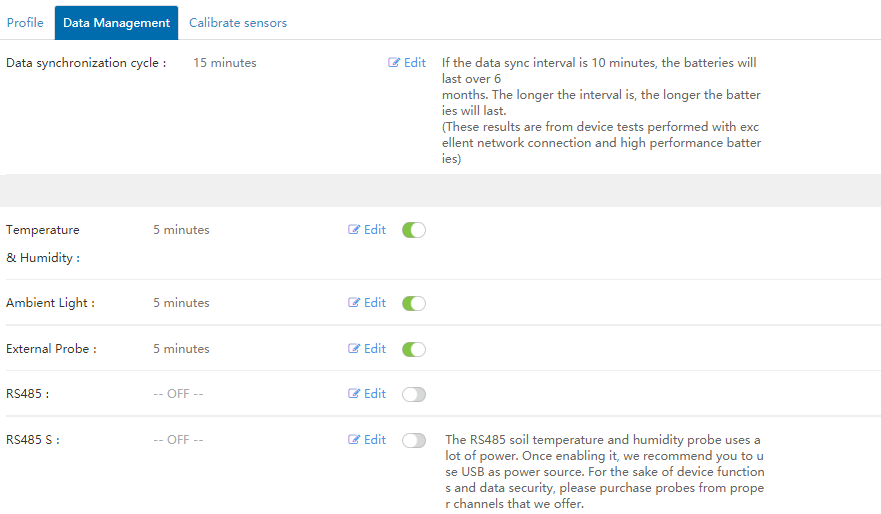
*Please note, the sensors are under one year limited warranty since the purchase date. For details, please click 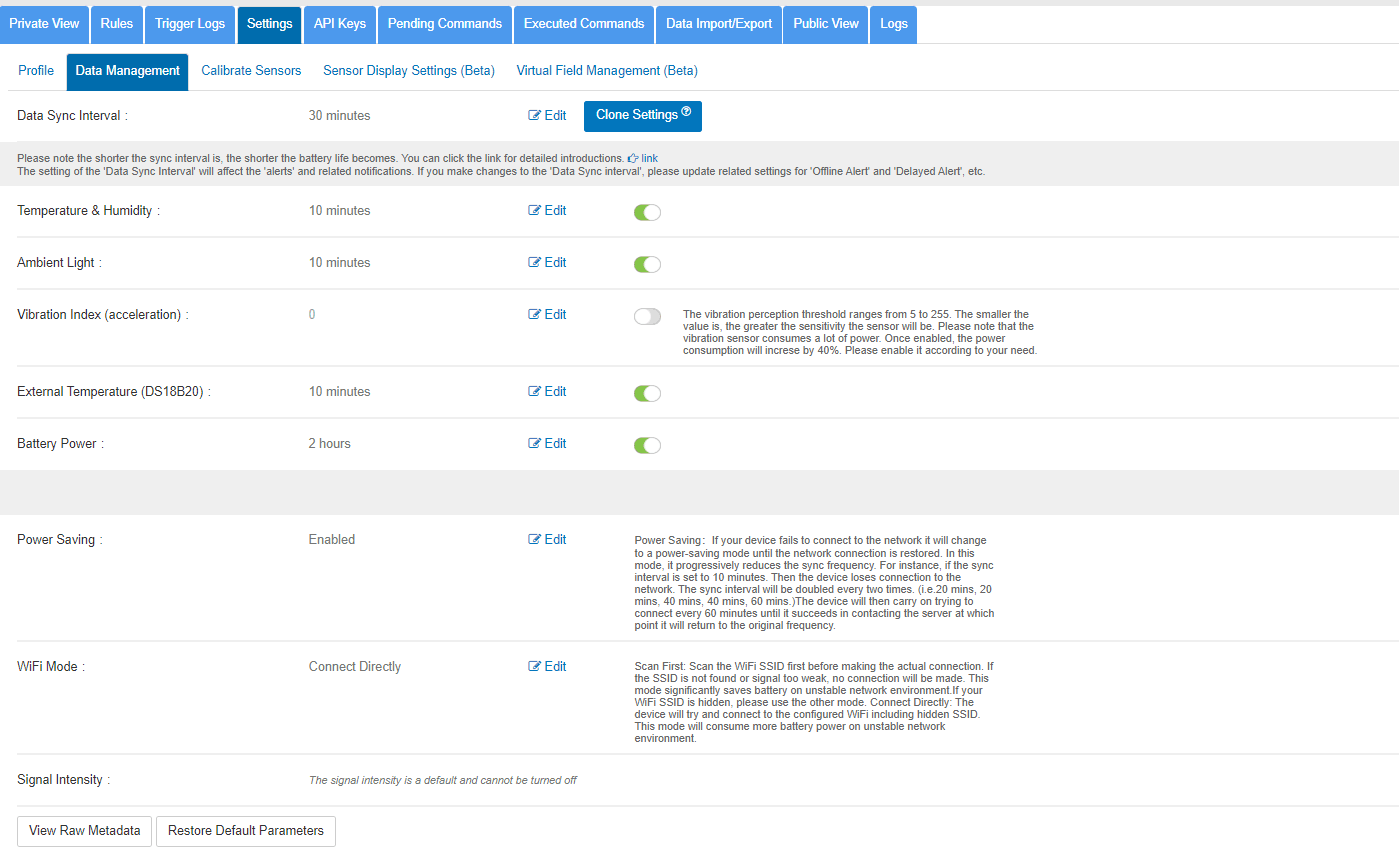 The screenshot below is the default settings of the UbiBot platform for WS1 Pro:
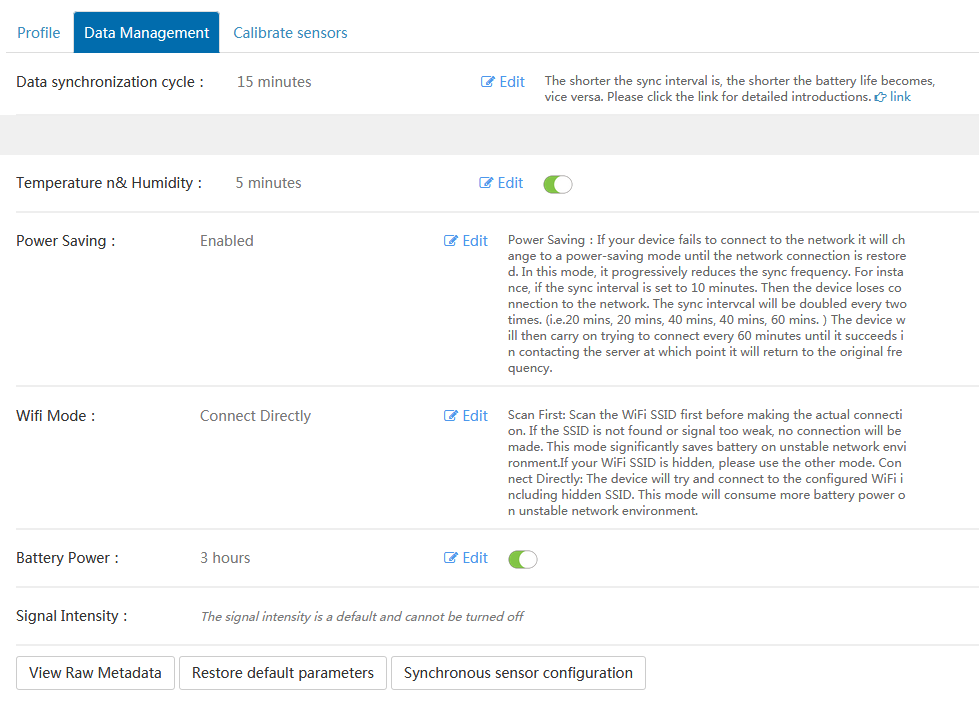
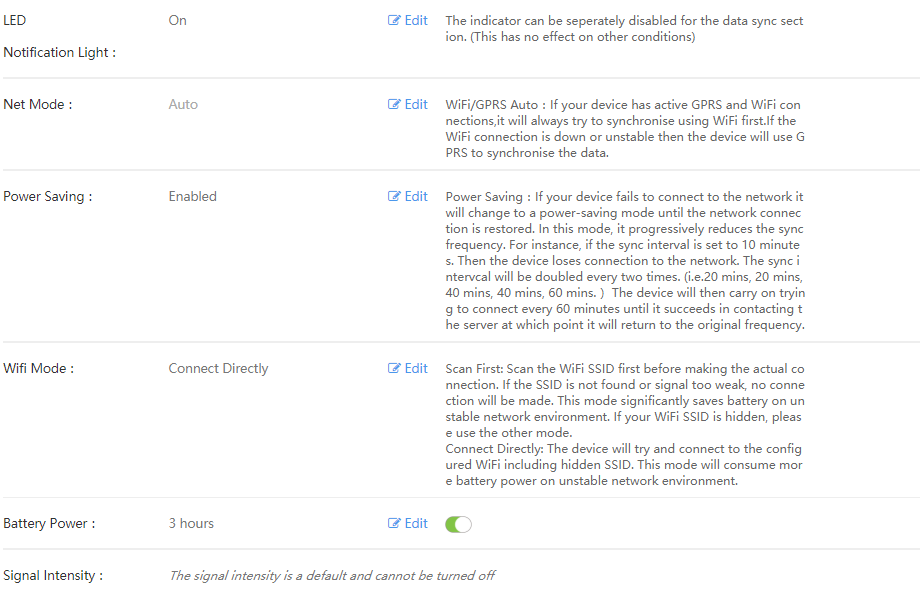 The screenshot below is the default settings of the UbiBot platform for GS1:
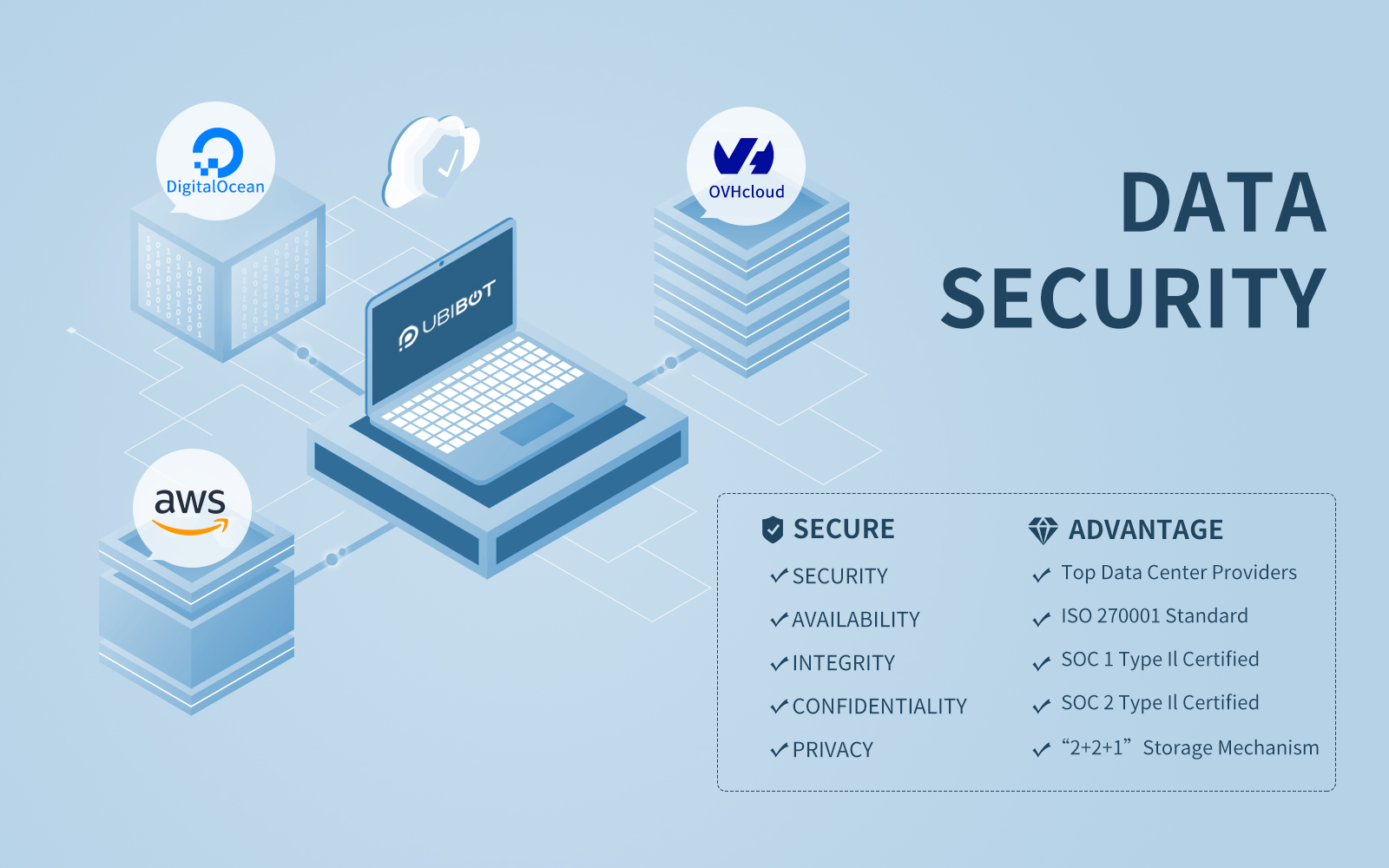 Cloud Storage is a durable and readily available object repository with advanced security and sharing capabilities. This service is used for storing and accessing data on UbiBot Cloud infrastructure. Building a reliable IoT solution requires careful consideration of devices, cloud services, and how they interact. The choices you make for device hardware, connectivity, protocols, and cloud services affect your solution's reliability requirements and capabilities.
Since its inception, the UbiBot team has made maintaining the security of our customer's data and information the primary goal of our Research & Development (R&D) and Operation & Maintenance (O&M) divisions. In addition, our customers' needs, along with shared sense of responsibility, drive the UbiBot team to innovate as a means of ensuring there are no errors in data security.
Working with Leading Cloud Providers
UbiBot public platform's storage servers are hosted in the New York City data centers of the world's fastest and second largest growing cloud computing platform; in respect to the number of public facing apps and websites - DigitalOcean and the data centers of the largest
Cloud Storage is a durable and readily available object repository with advanced security and sharing capabilities. This service is used for storing and accessing data on UbiBot Cloud infrastructure. Building a reliable IoT solution requires careful consideration of devices, cloud services, and how they interact. The choices you make for device hardware, connectivity, protocols, and cloud services affect your solution's reliability requirements and capabilities.
Since its inception, the UbiBot team has made maintaining the security of our customer's data and information the primary goal of our Research & Development (R&D) and Operation & Maintenance (O&M) divisions. In addition, our customers' needs, along with shared sense of responsibility, drive the UbiBot team to innovate as a means of ensuring there are no errors in data security.
Working with Leading Cloud Providers
UbiBot public platform's storage servers are hosted in the New York City data centers of the world's fastest and second largest growing cloud computing platform; in respect to the number of public facing apps and websites - DigitalOcean and the data centers of the largest 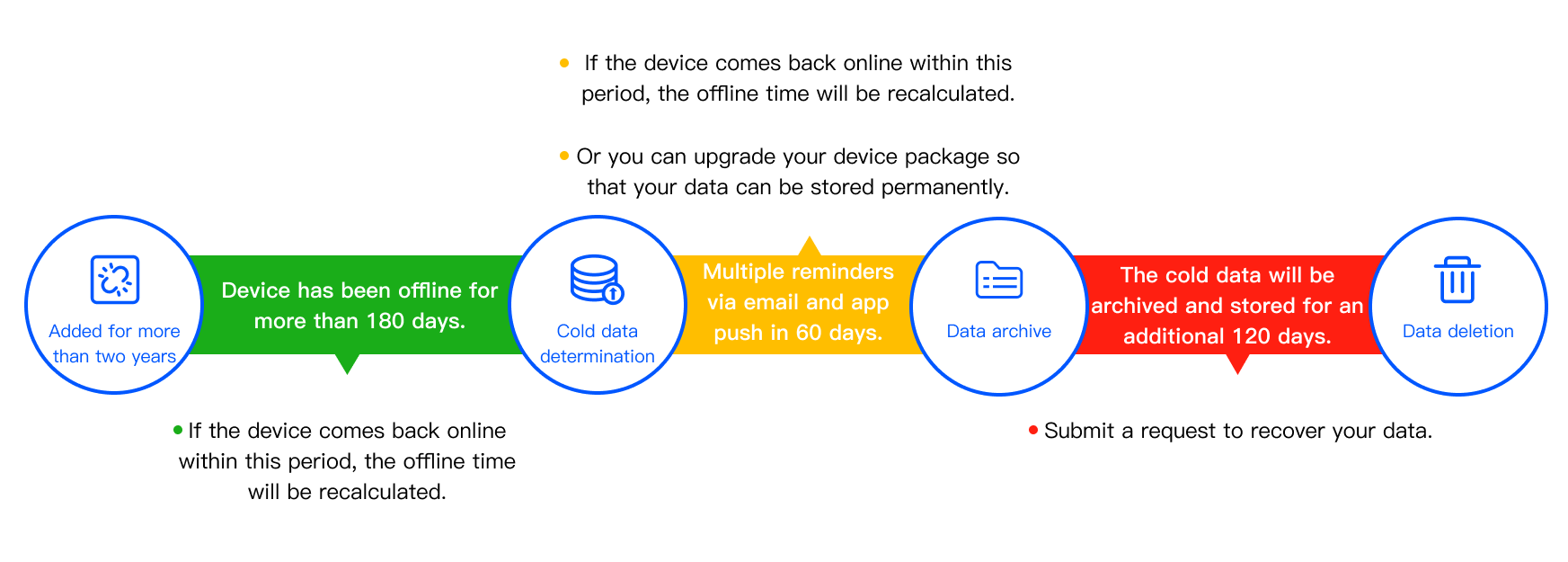
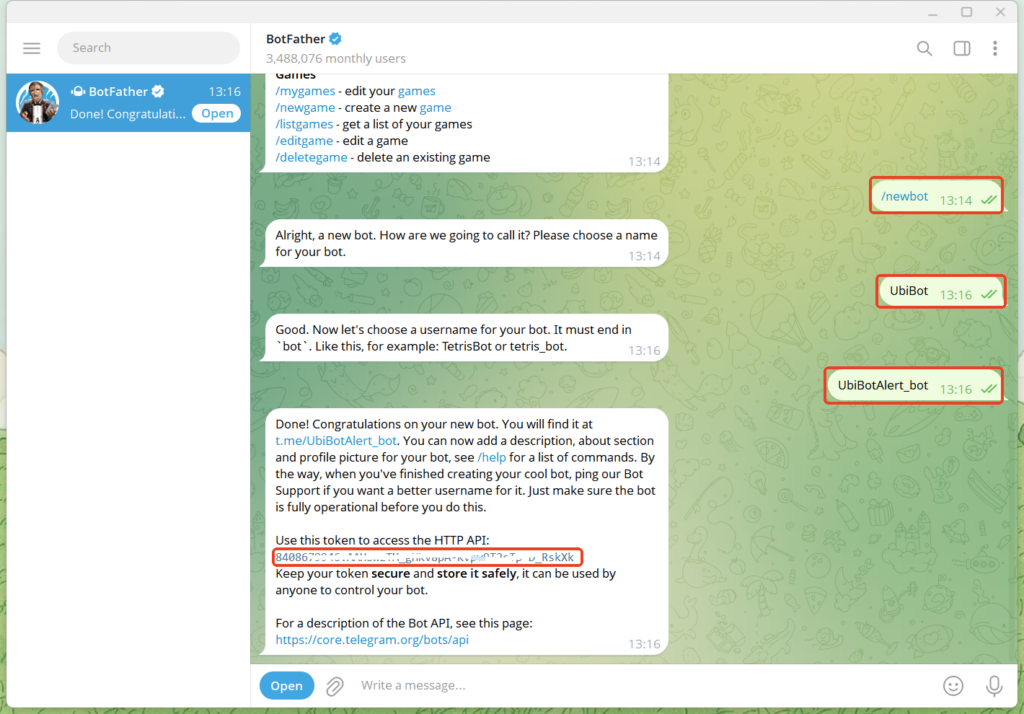
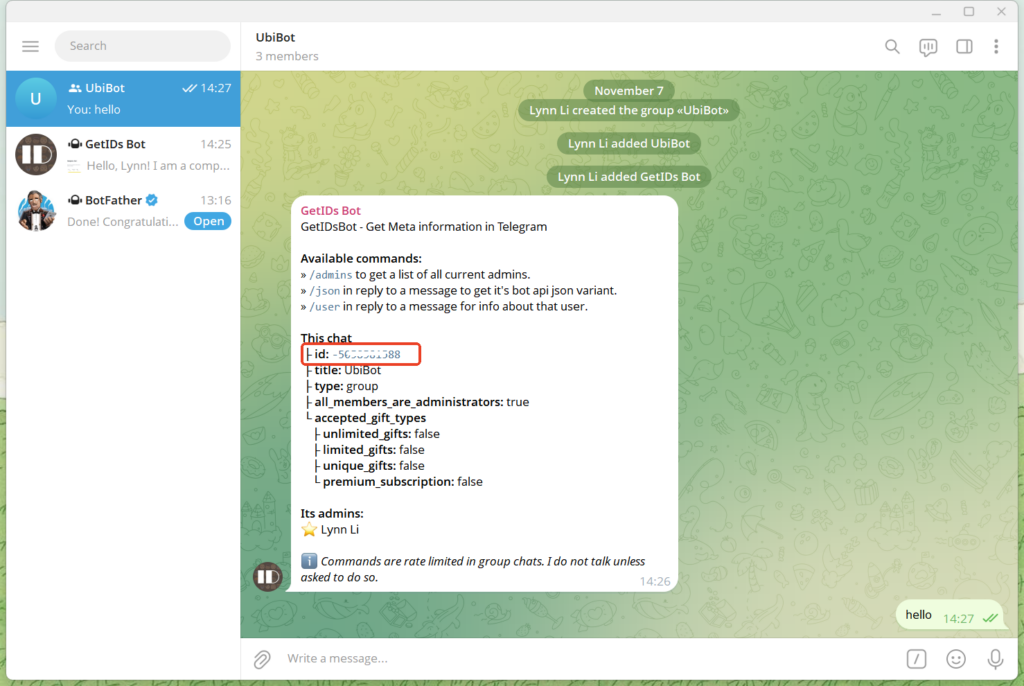
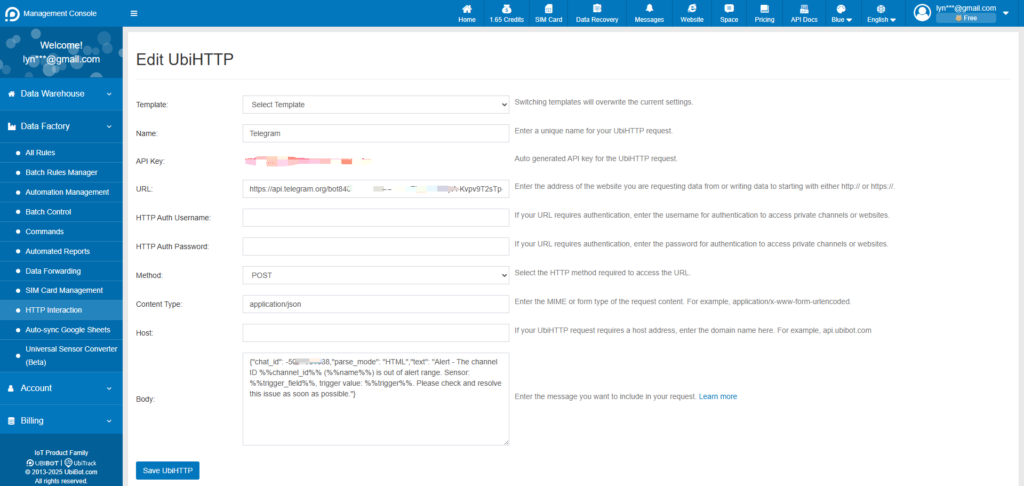
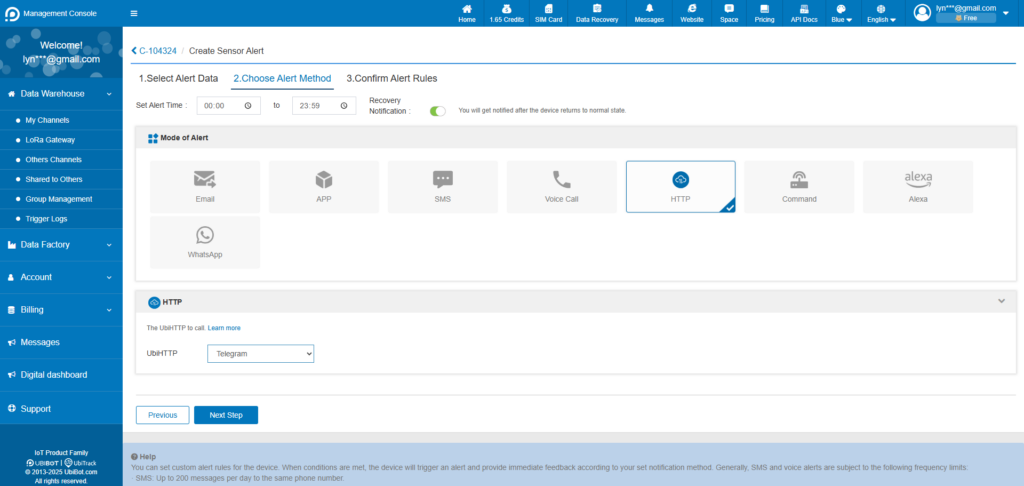
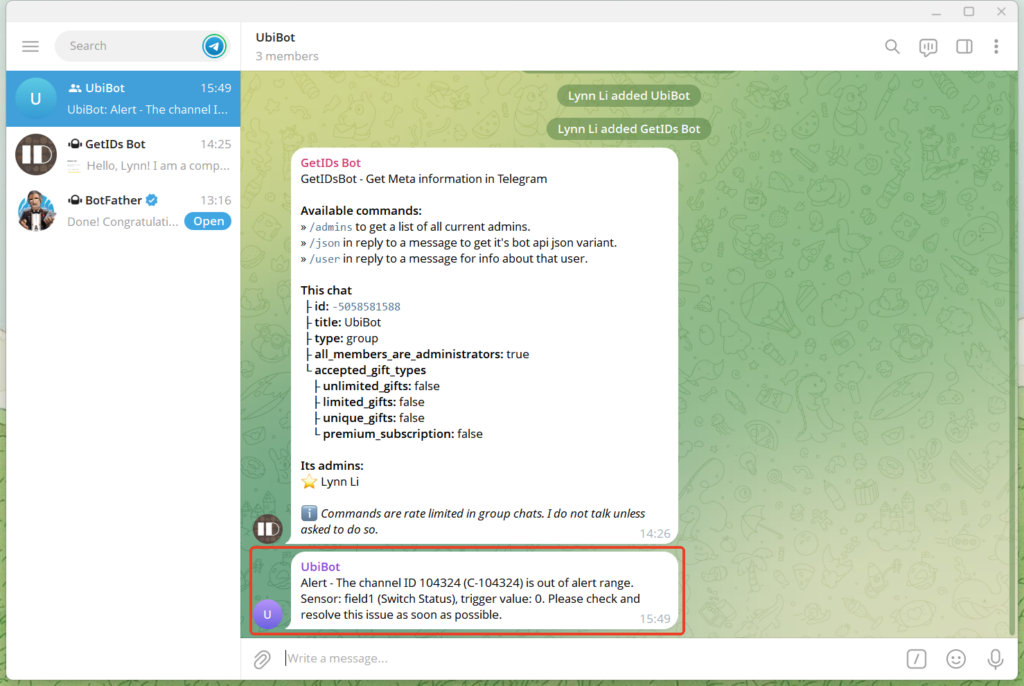
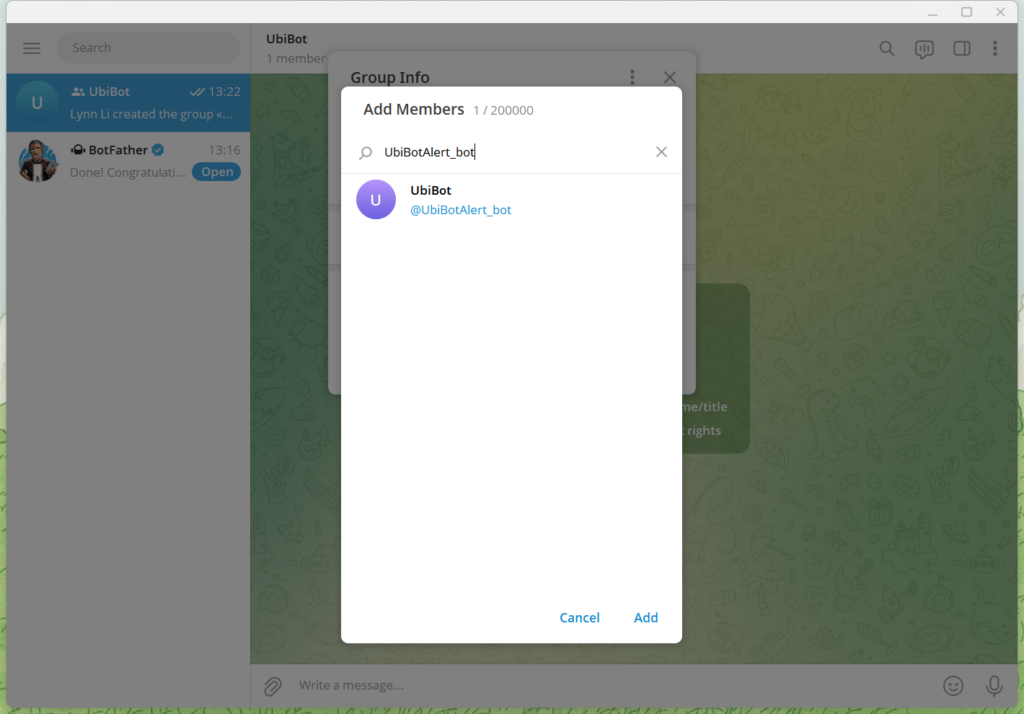 Note: If the bot cannot be added, it may be due to privacy mode settings or group permission restrictions. Please follow the steps below to adjust the settings.
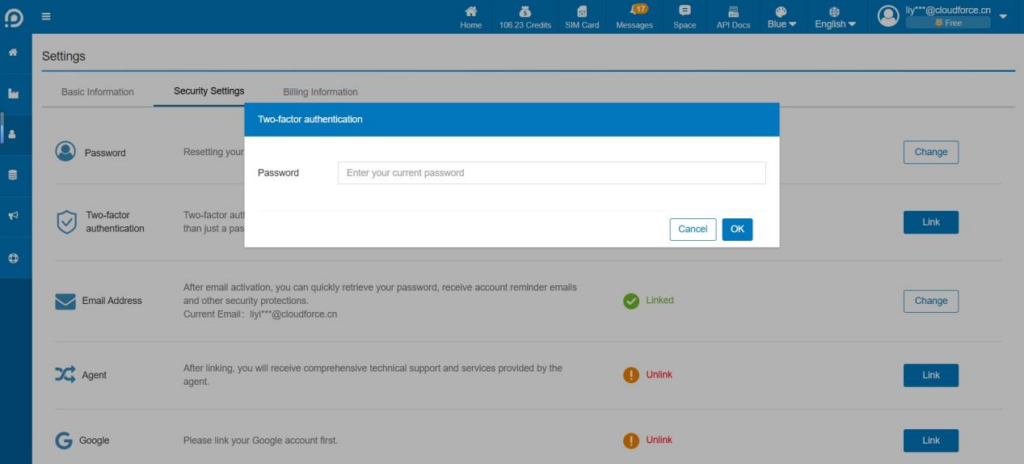
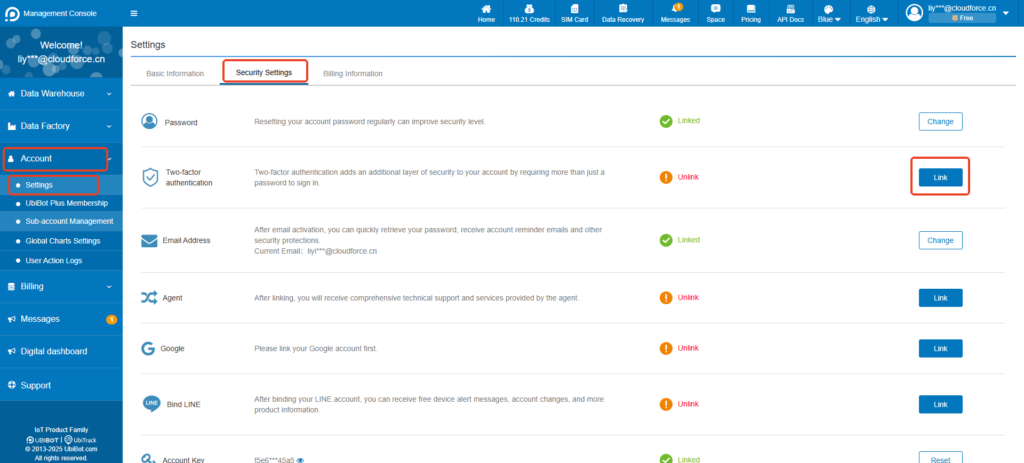 ② Enter your password.
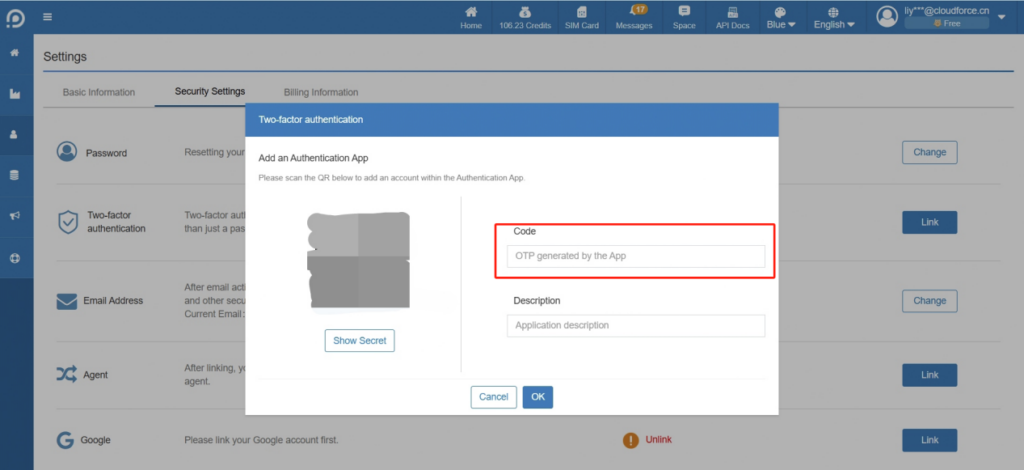
 ③ A QR code is generated, scan it via your OTP application. If your OTP application does not offer this option, click Show secret to display a code to enter into the OTP application.Your application then generates a one-time code. Enter this code in the field to the right of the QR code. You can also add a description for this authentication method.
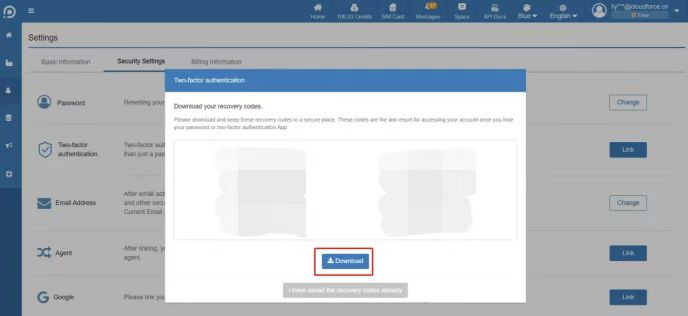
 ④ When you enable two-factor authentication for the first time, you will see 10 single-use recovery codes displayed in the Console. Please keep them safe.
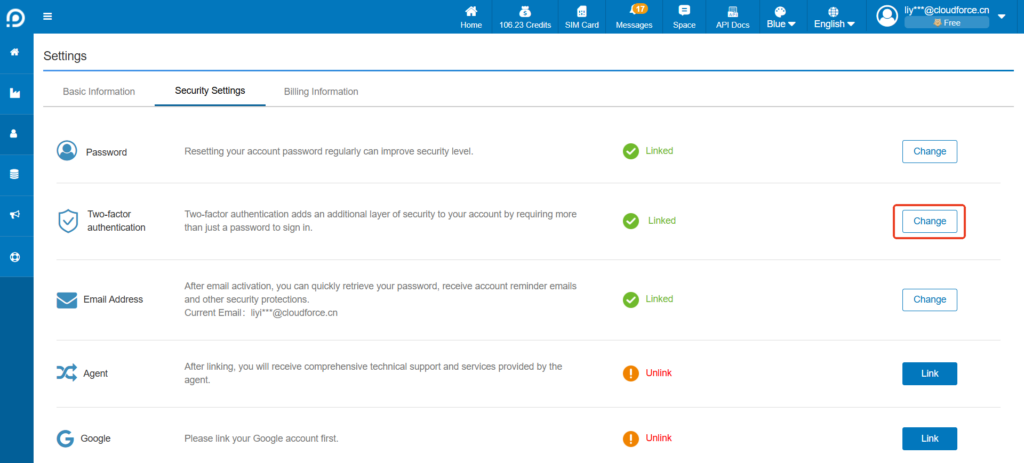
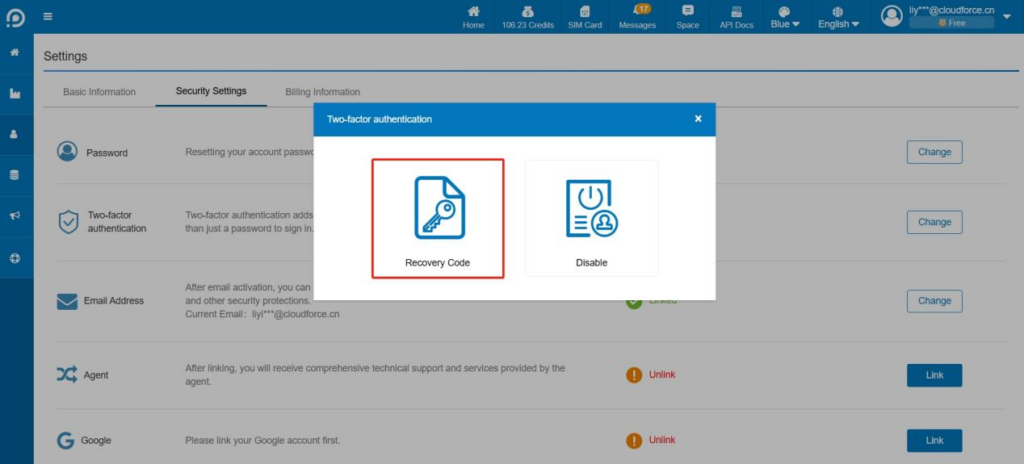
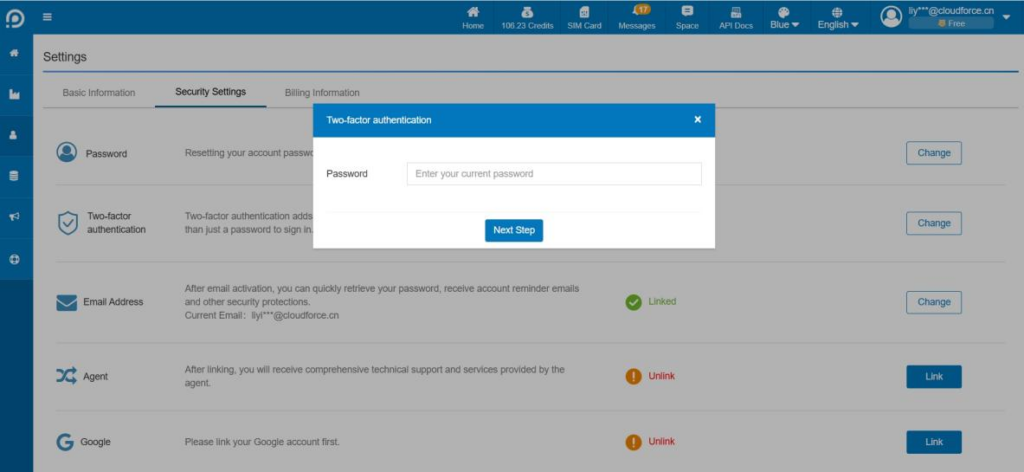 ② Click Recovery Code.
 ③ Enter the one-time code on your OTP App.
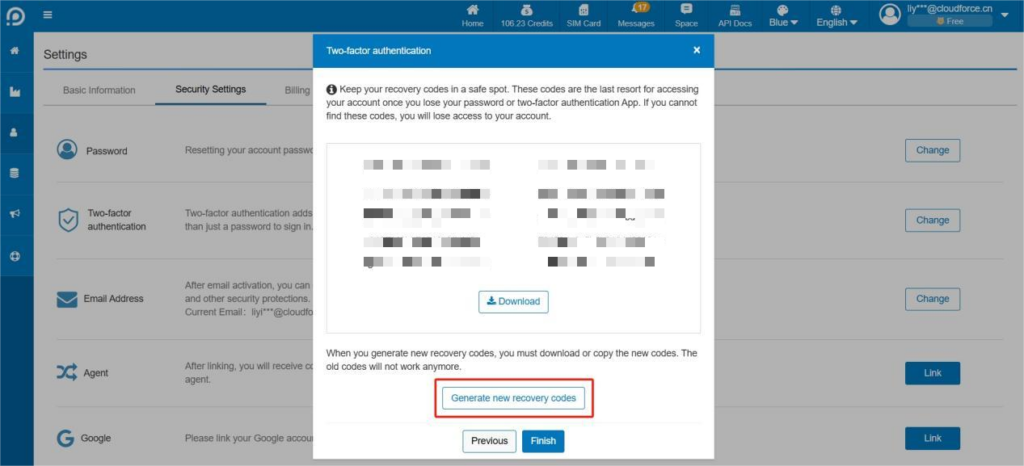
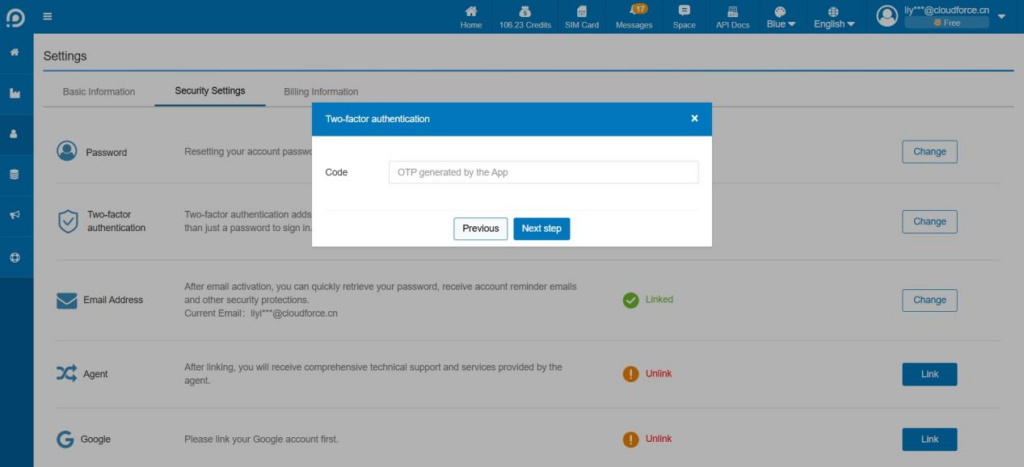 ④ Now you can view and re-download or reset the recovery code. After reset, all the original recovery codes are invalidated.
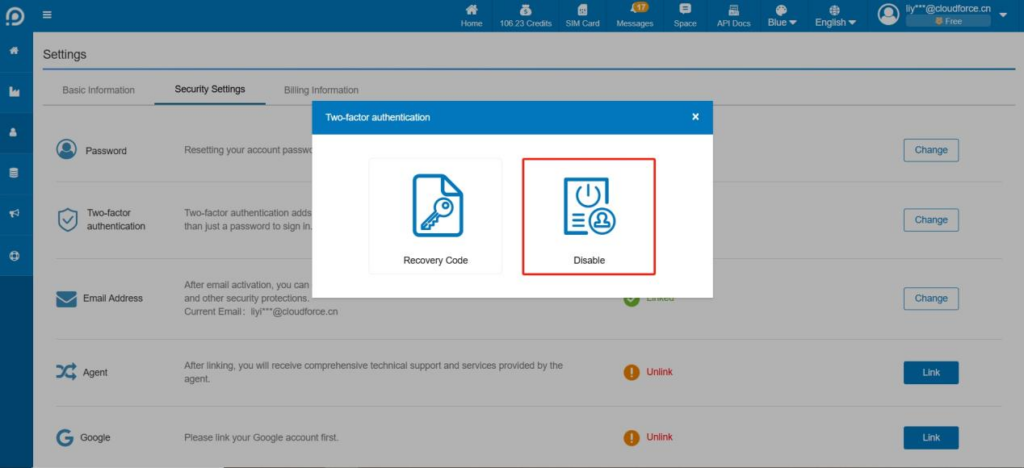 ② The console supports both Authentication App and Email.
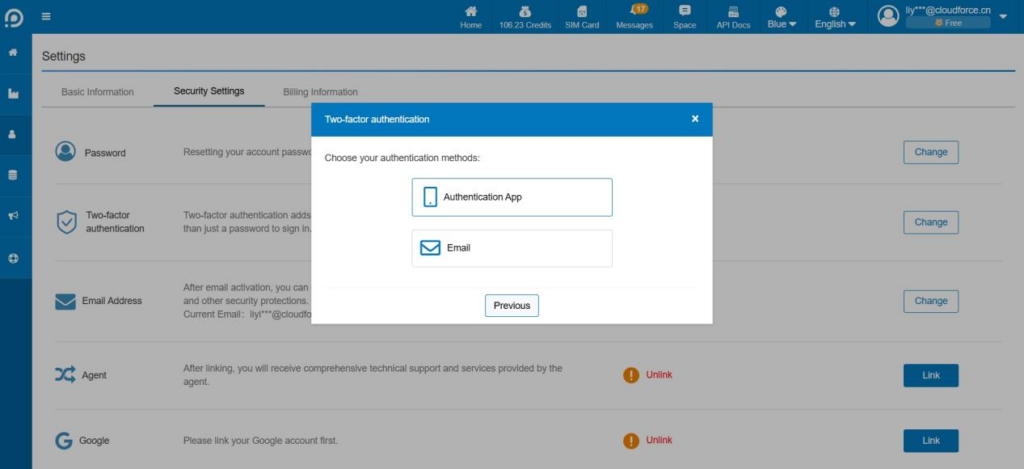 Authentication App: Enter the one-time code in the App to completely disable the two-factor authentication function. Two-factor authentication is no longer required after disabling.
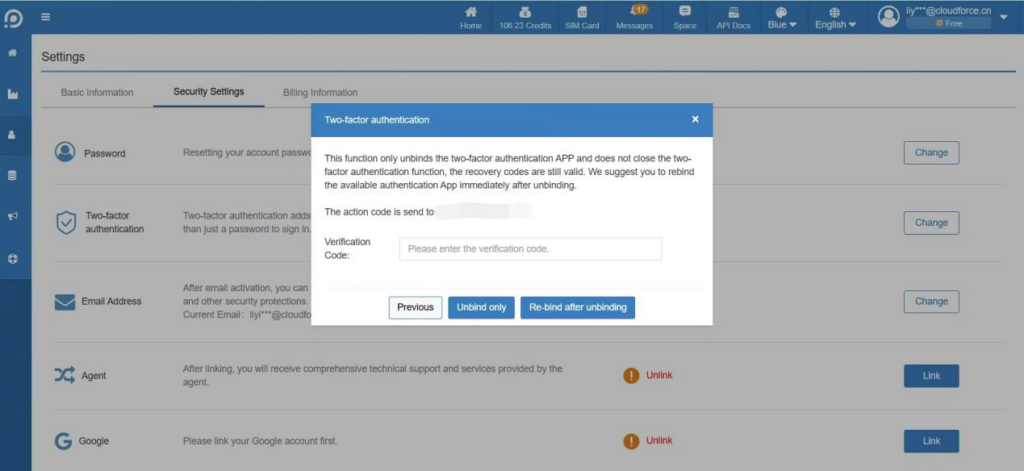
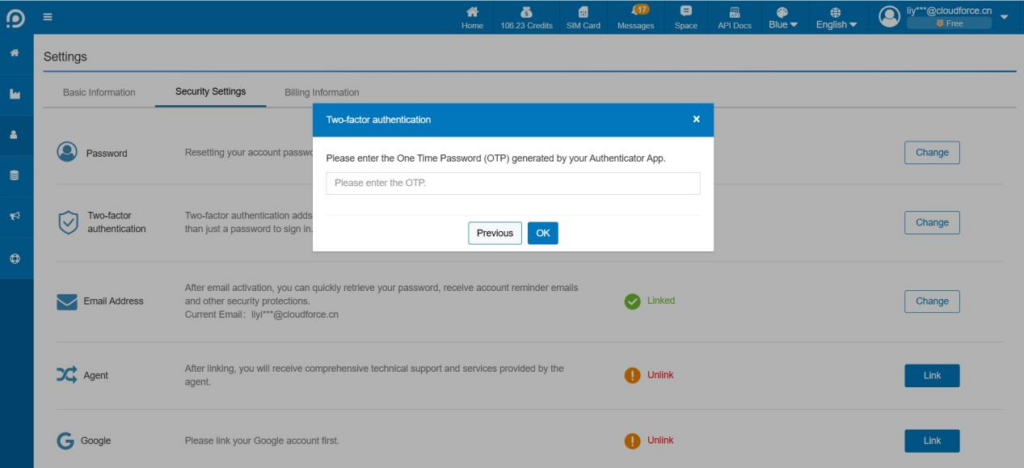 Email: Only unbind the Authentication APP, does not disable the two-factor authentication function, the backup code is still valid. It is recommended to relink the available authentication APP immediately after unlink.
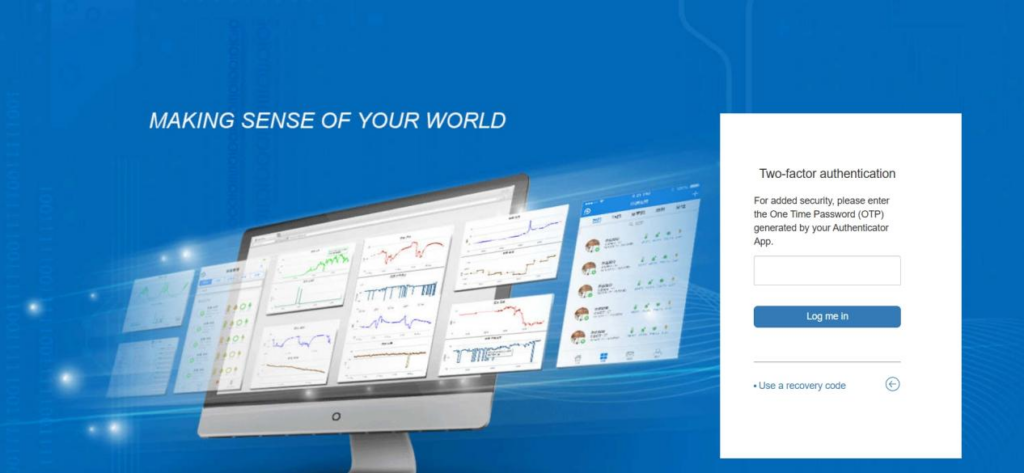
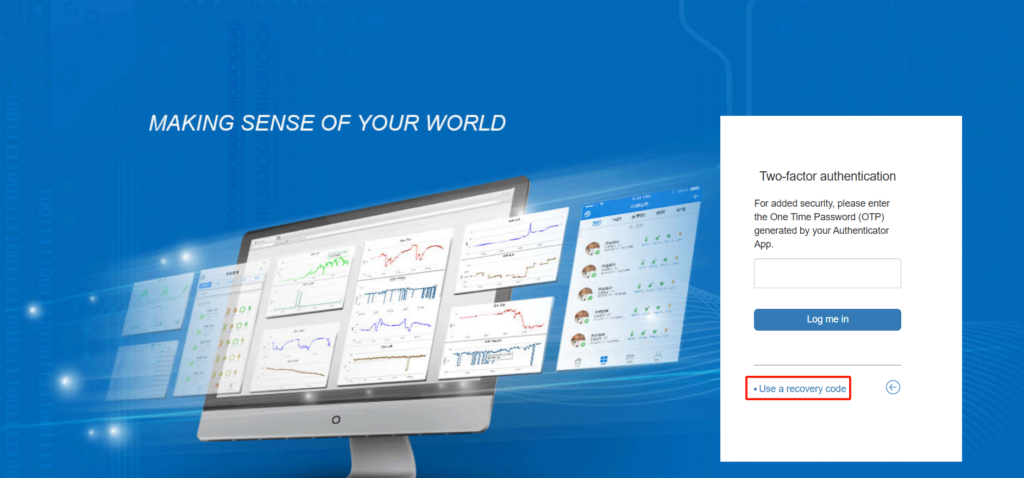
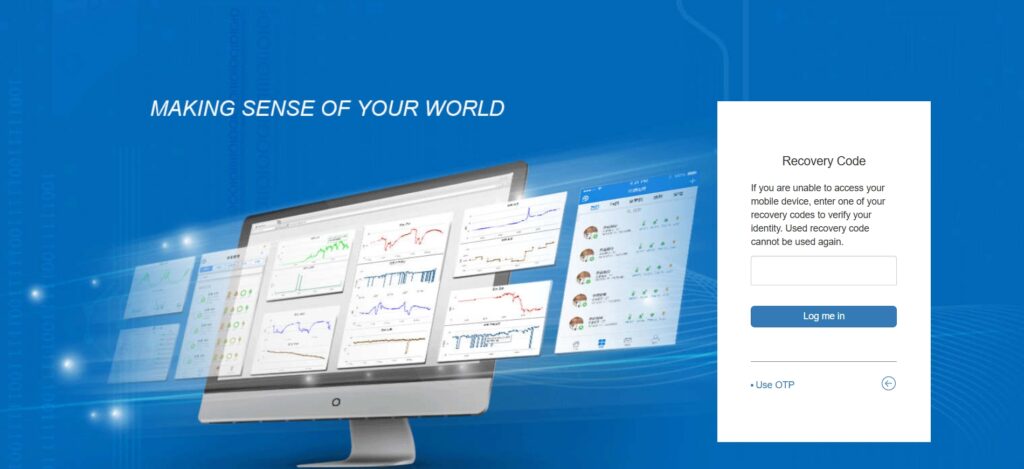
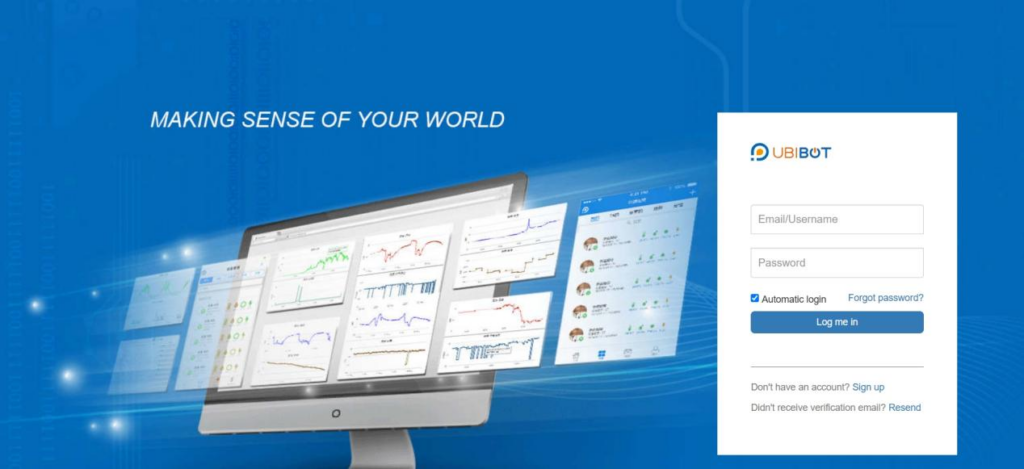 Enter the one-time code within the Authentication App to complete the login. Recovery code can also be used to log in.
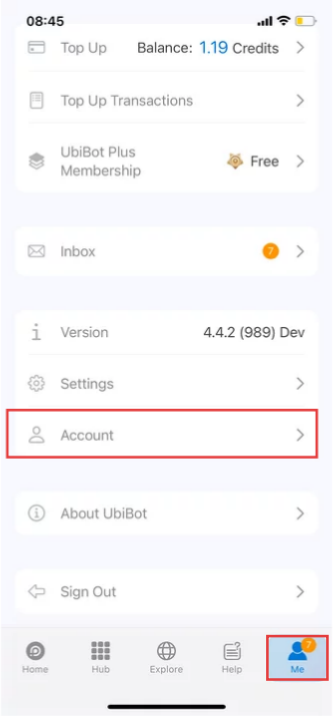 2. Click [Delete Account].
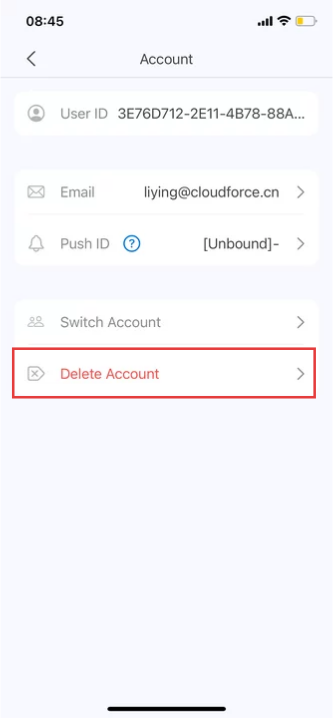 3. Click [Delete].
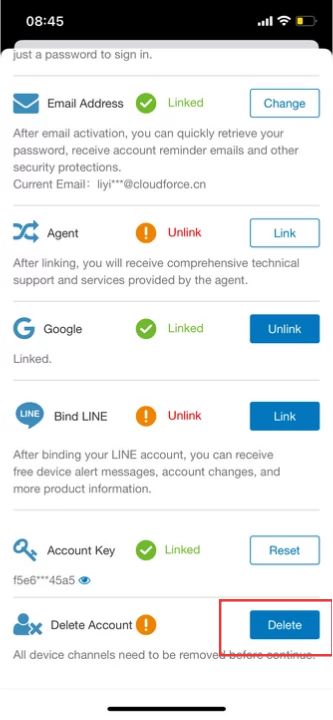 4. Follow the prompts to obtain and enter the verification code, and then enter your password.
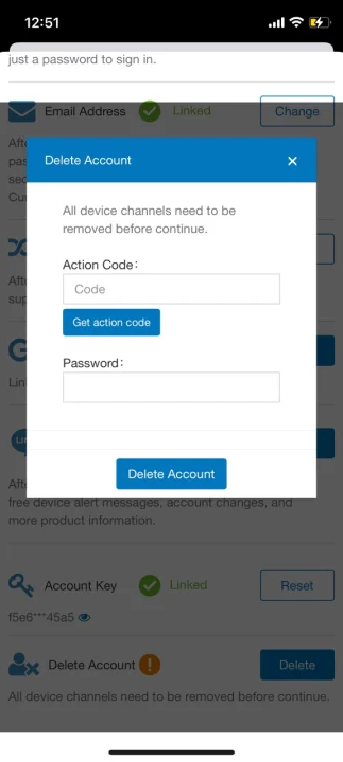 5. Once confirmed, we will immediately delete your account and all related data.
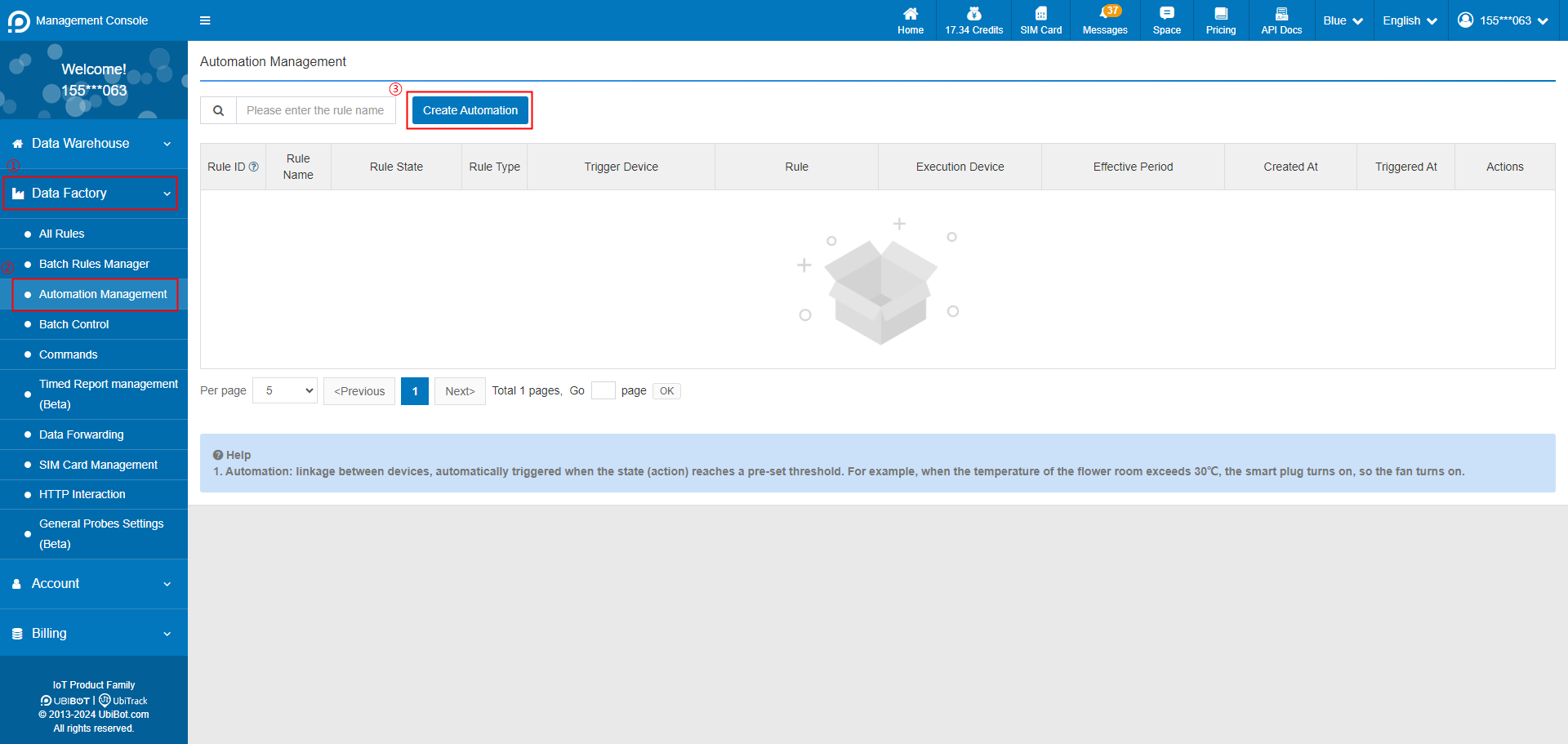 2. Select trigger device, and set the trigger condition.
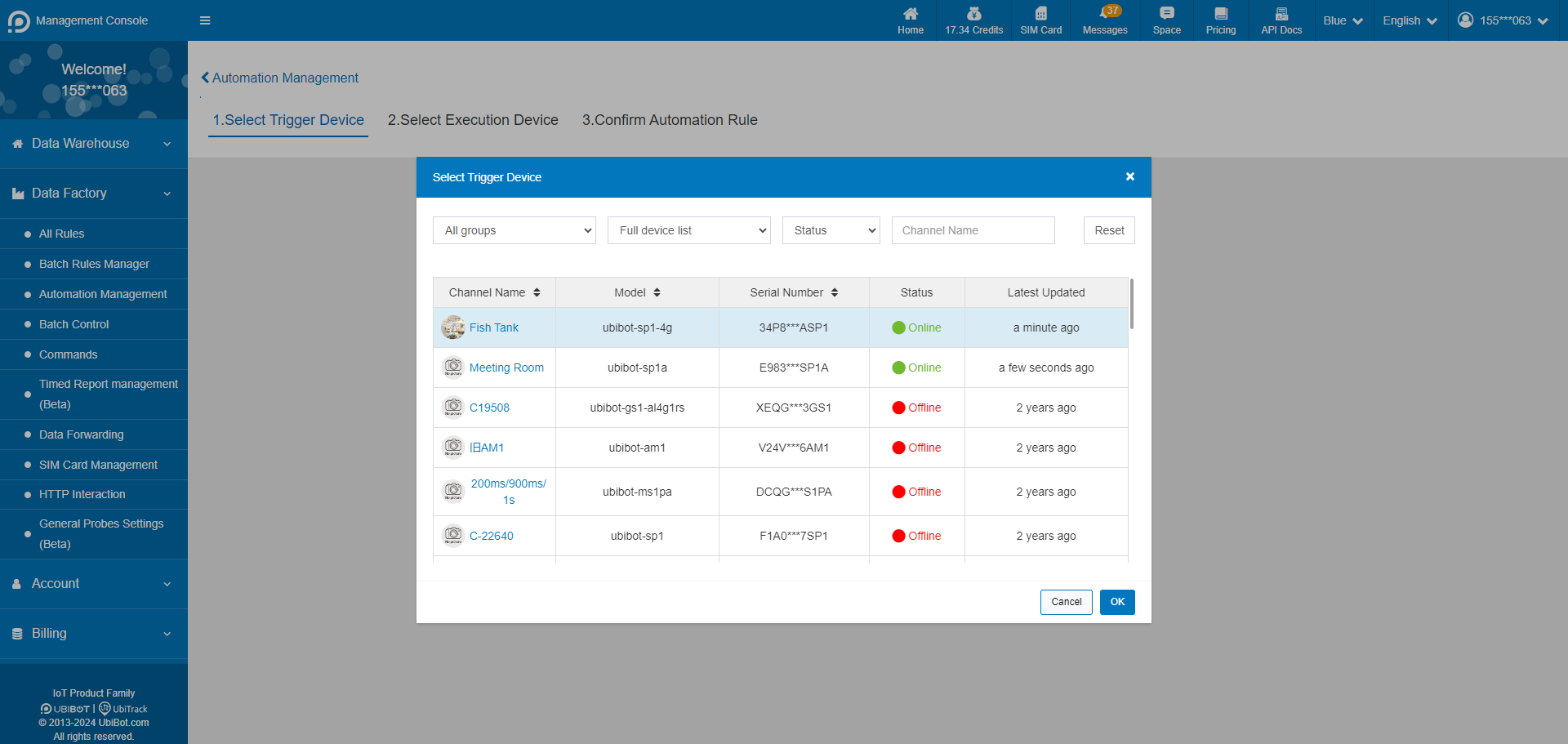
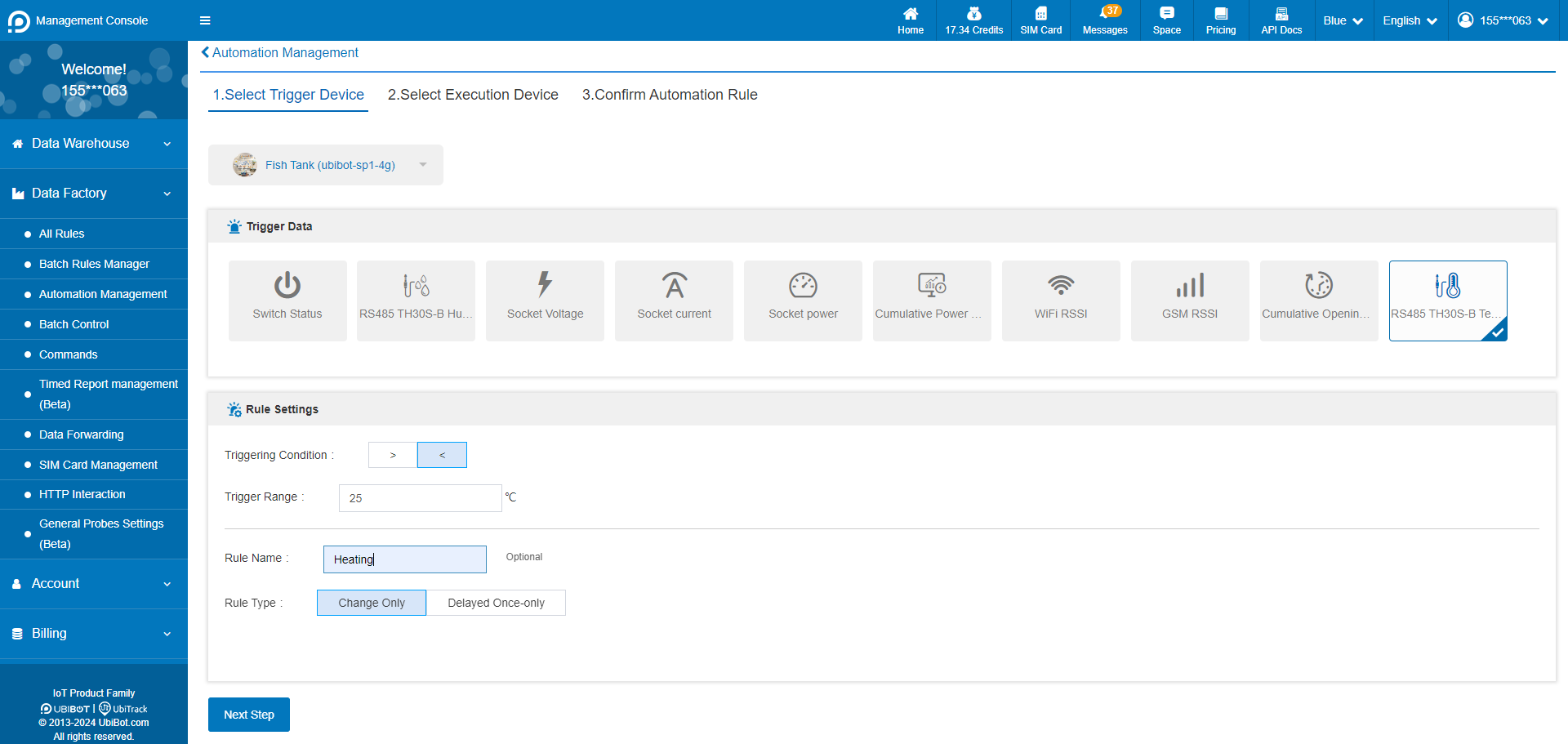 3. Select the execution device and action. Execution devices only support intelligent control devices such as Smart Plug SP1 and Network Relay NR1, and up to 5 execution devices can be set at the same time.
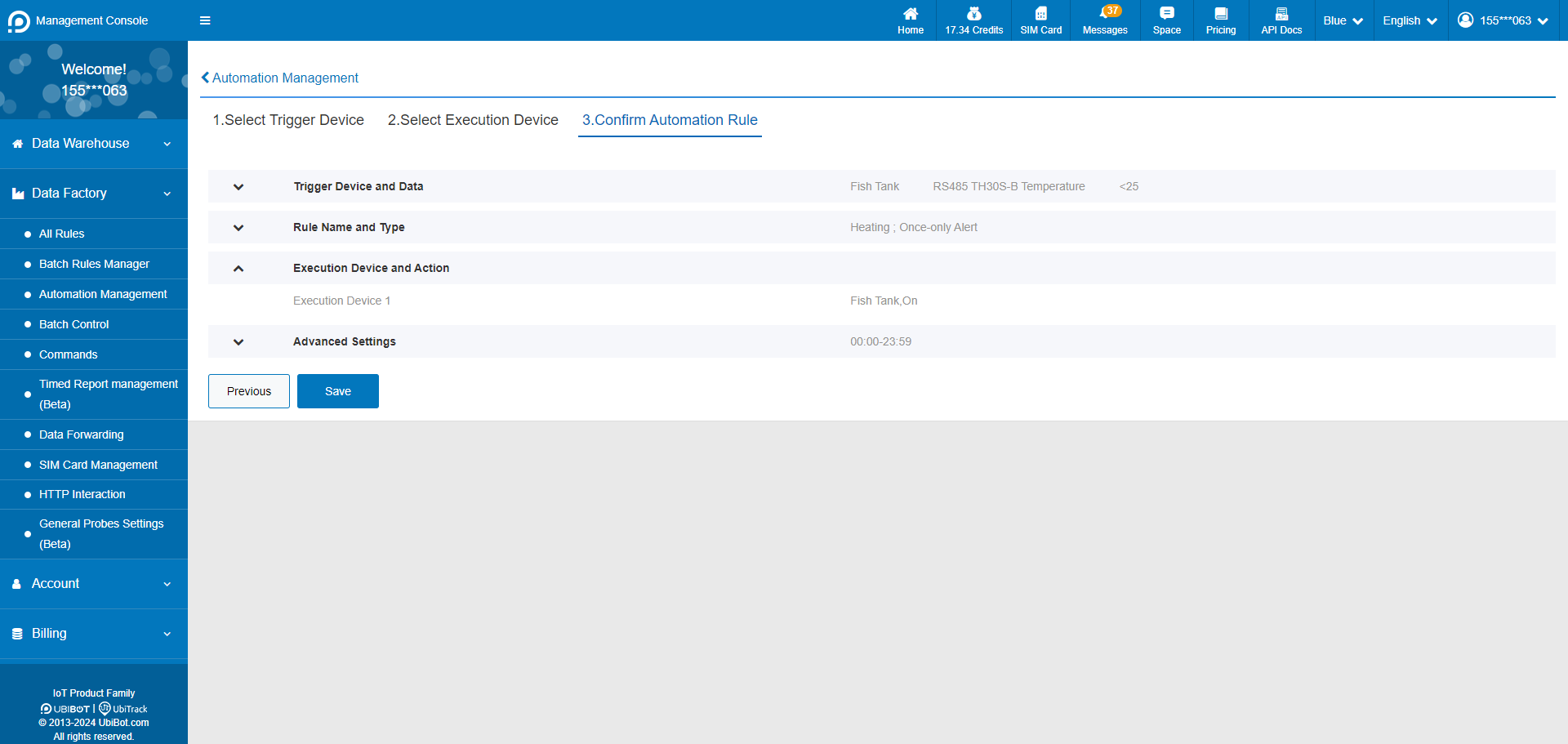
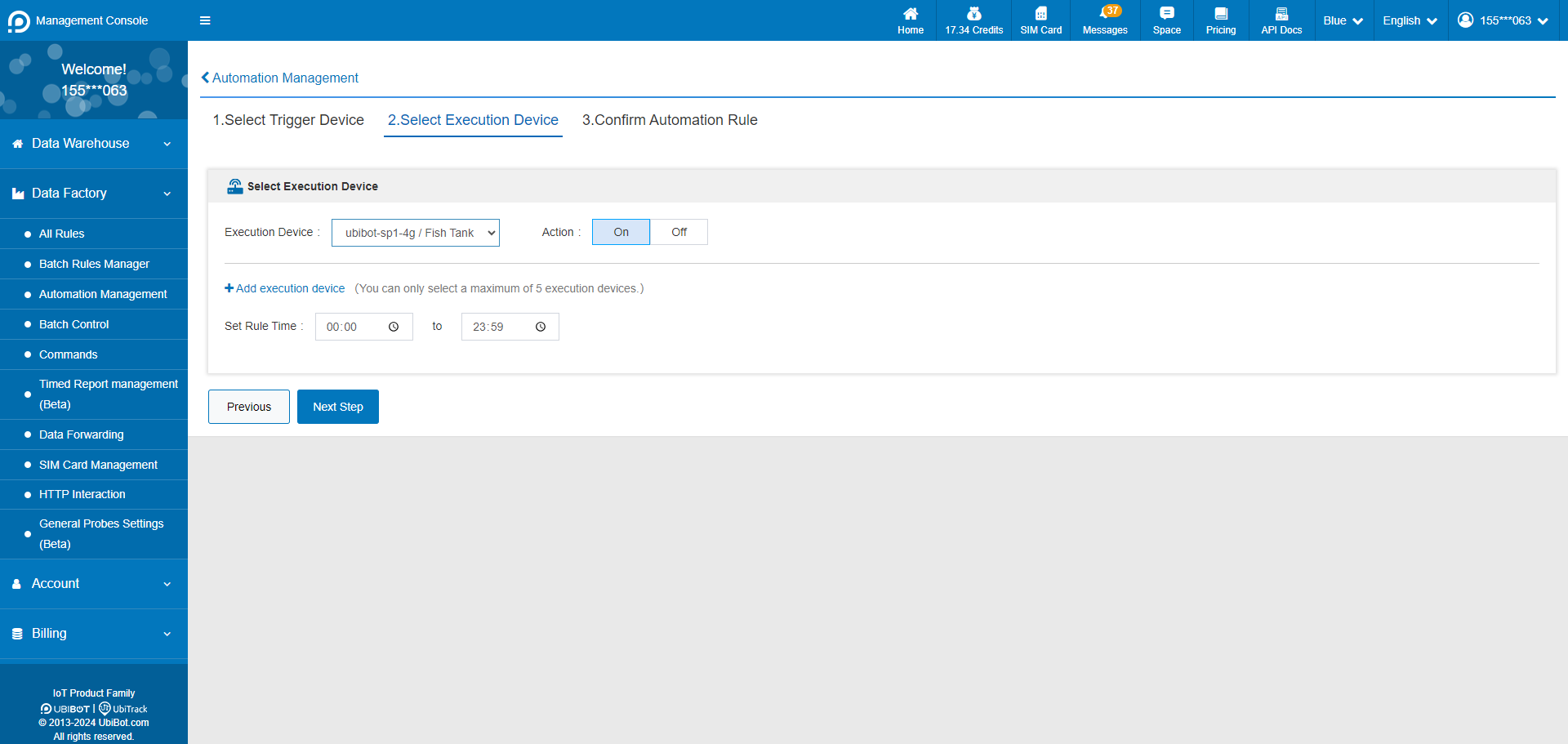 4. Confirm the automation rule and save it.
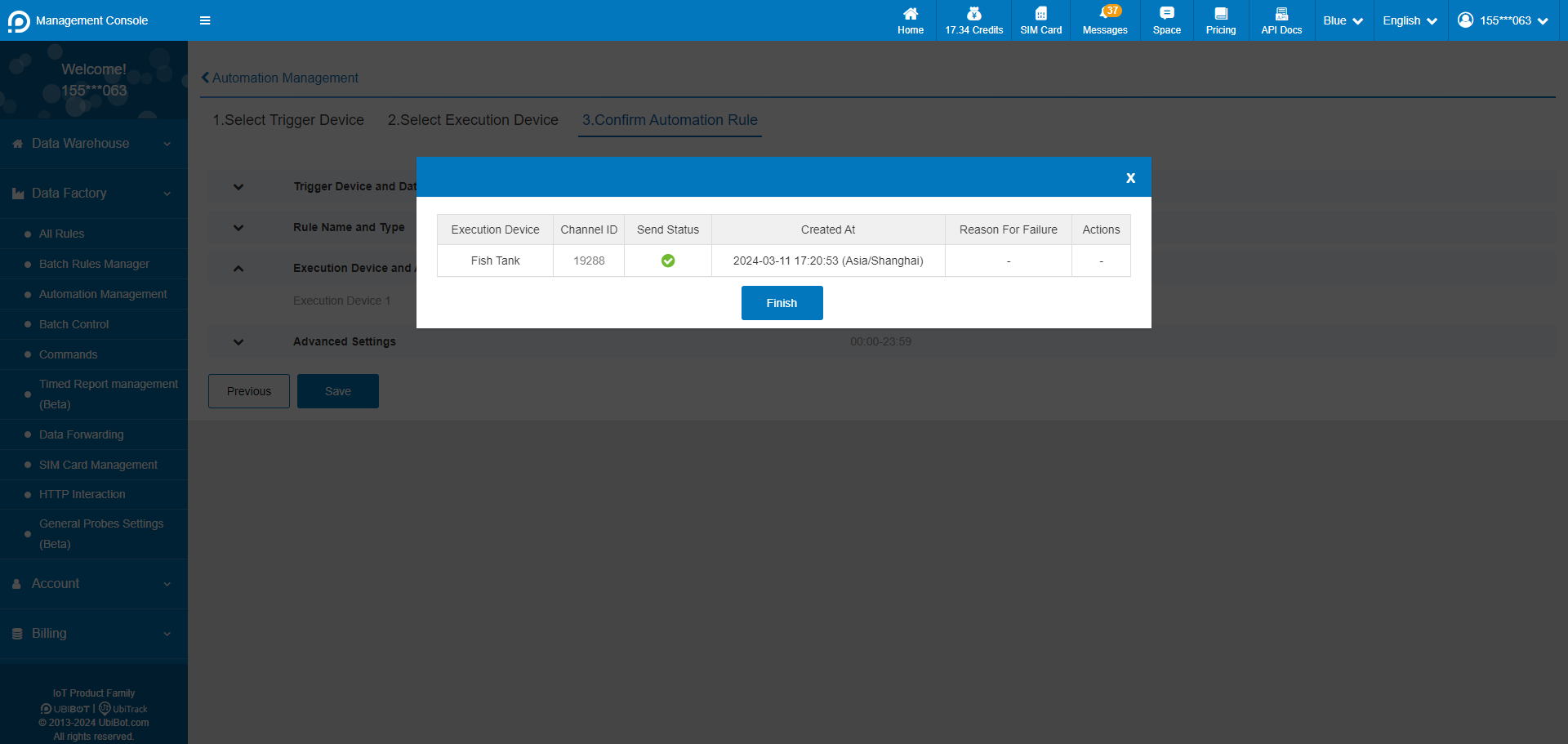
 5. Setup successful.
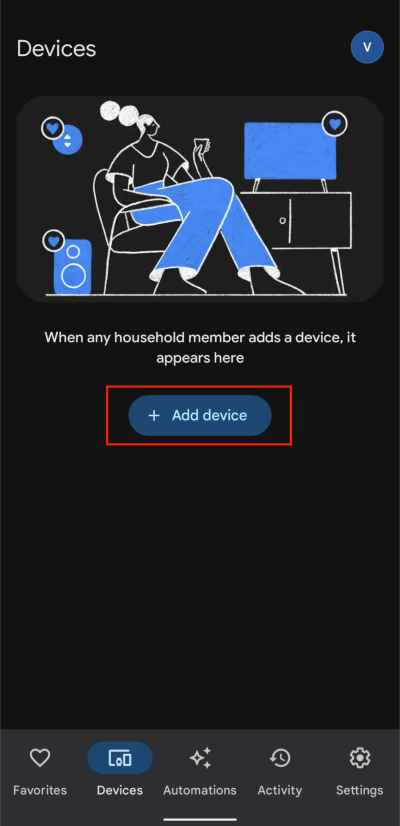
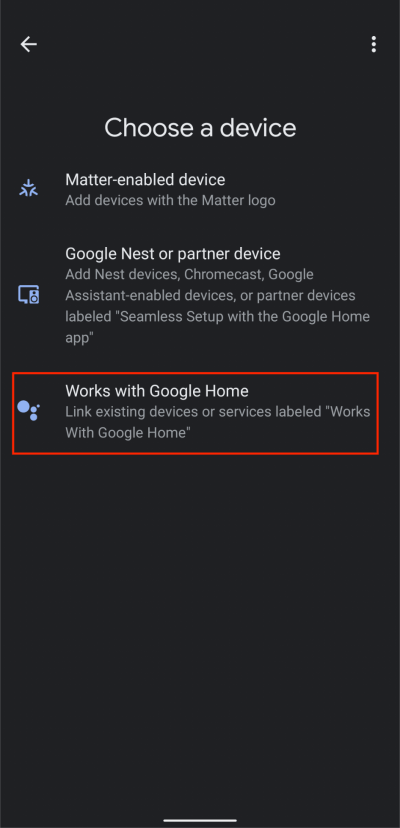 2. Tap Search button, then type UbiBot and select the UbiBot from the list.
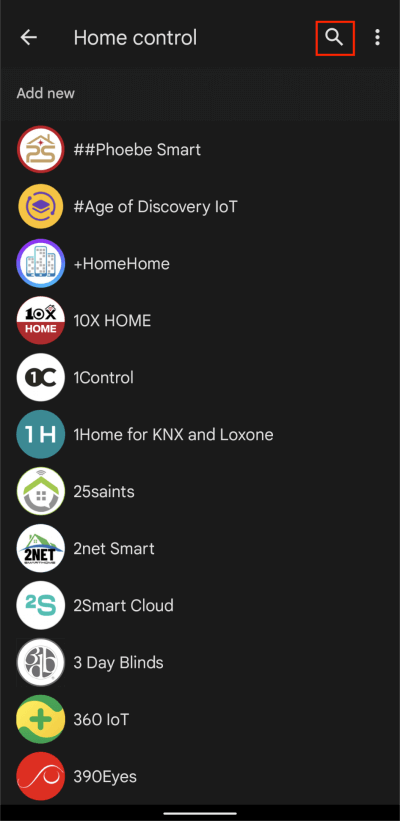
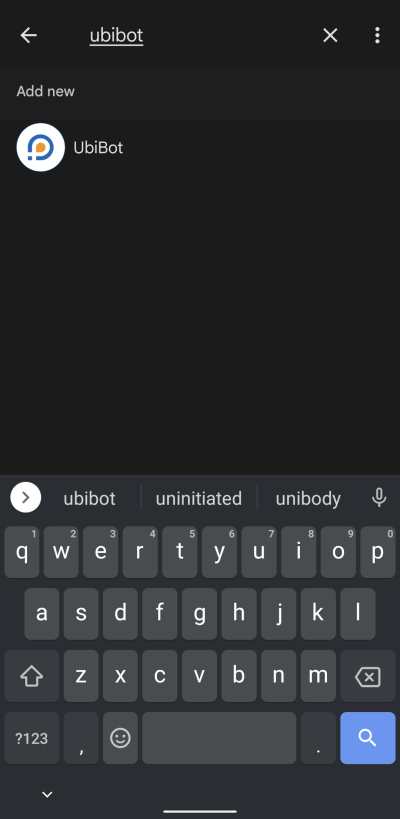 3. Tap Continue, then enter your UbiBot account information to connect it to Google Home.
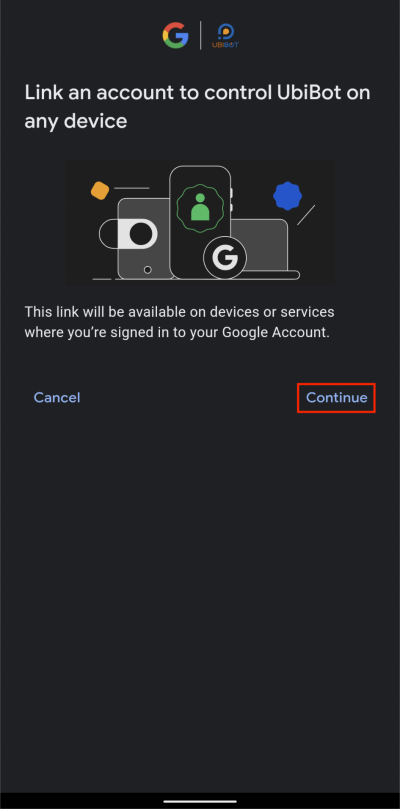
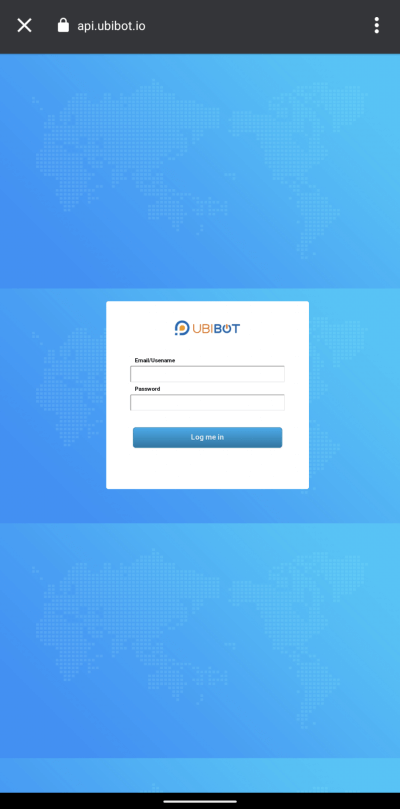
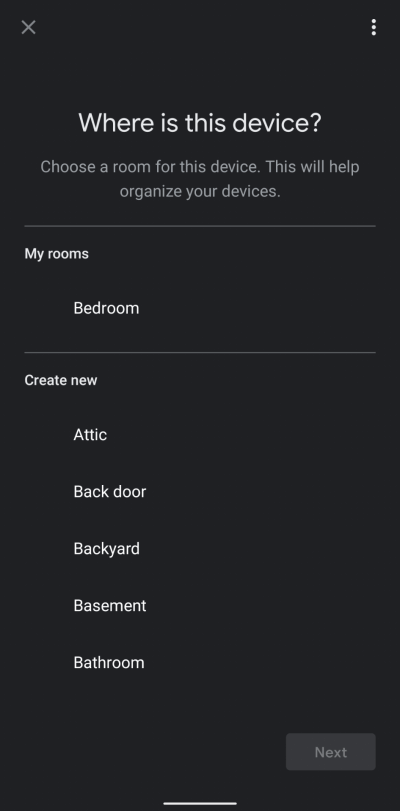
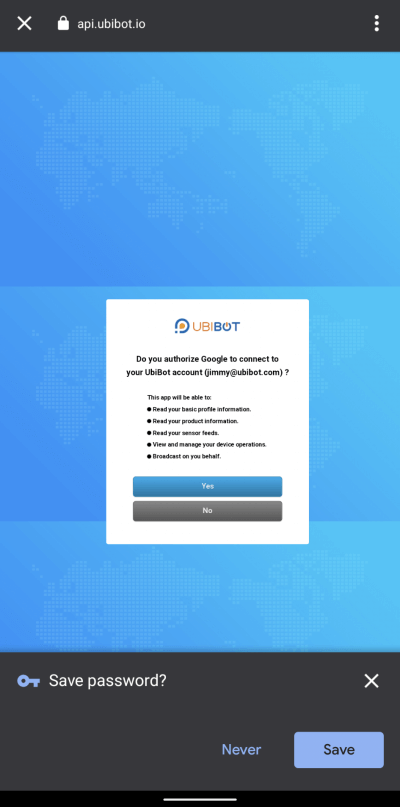 4. Select a channel ID (device) and room for it.
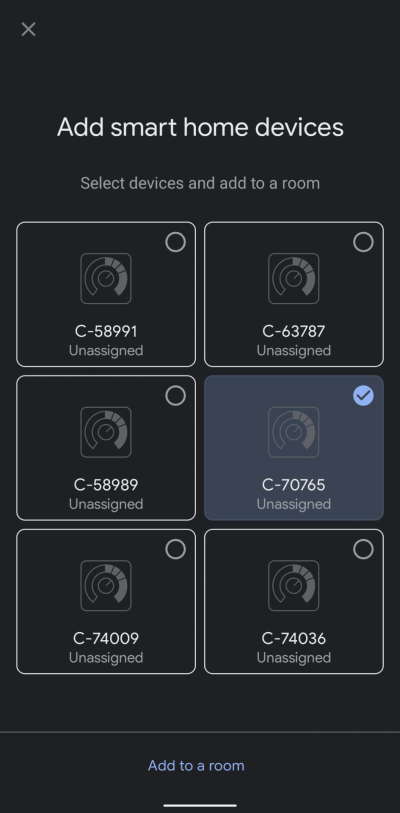
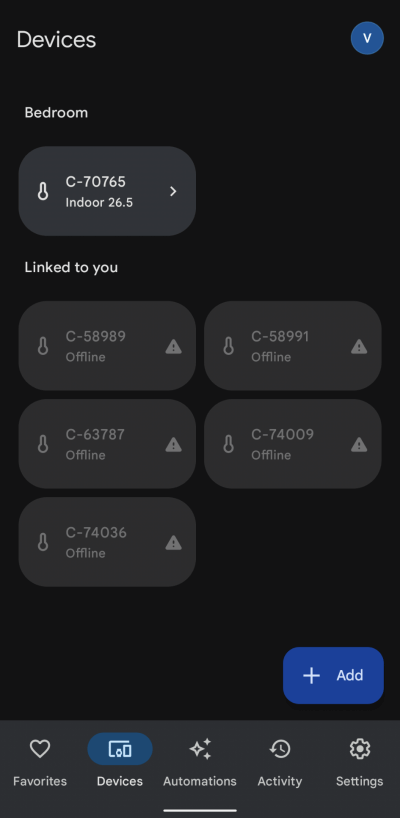
 5. Now you can see the UbiBot device successfully.
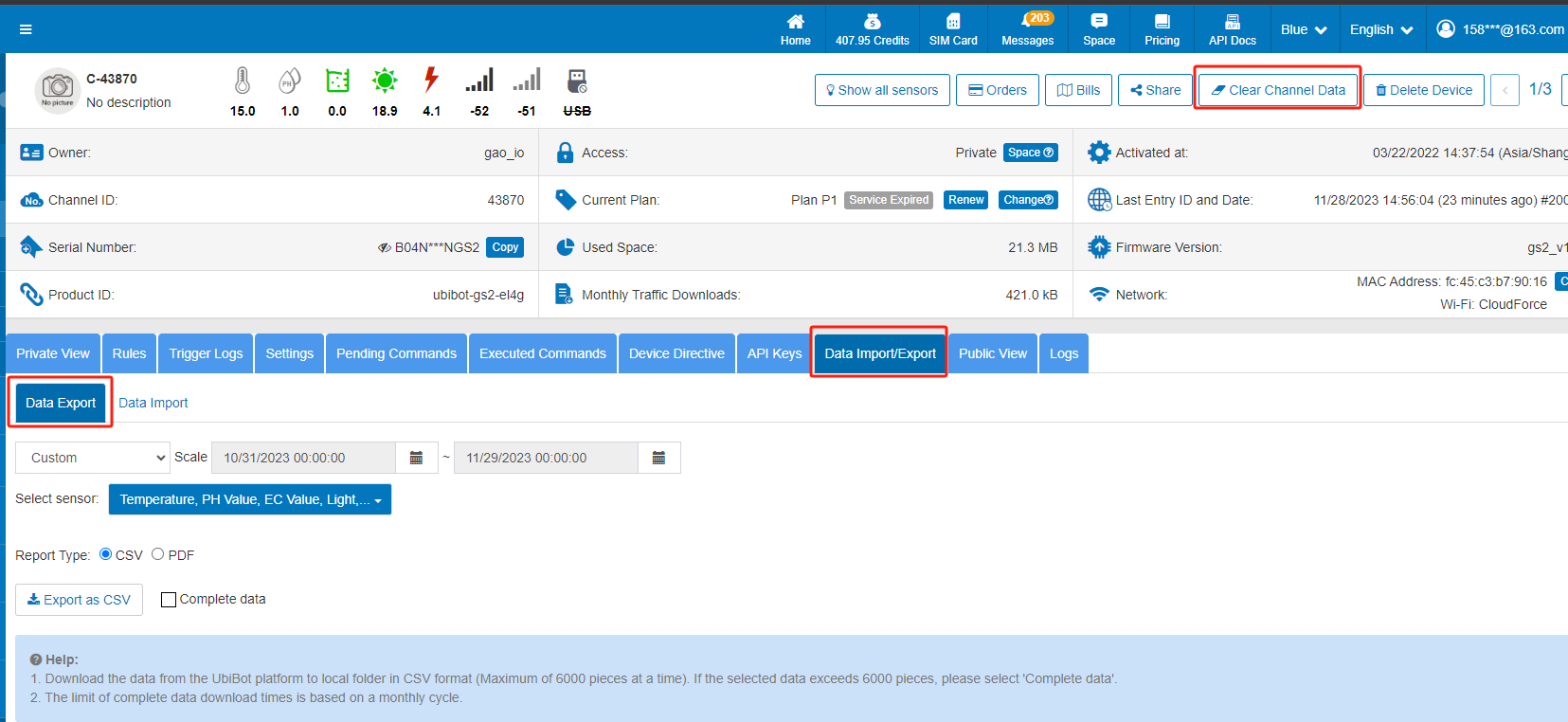
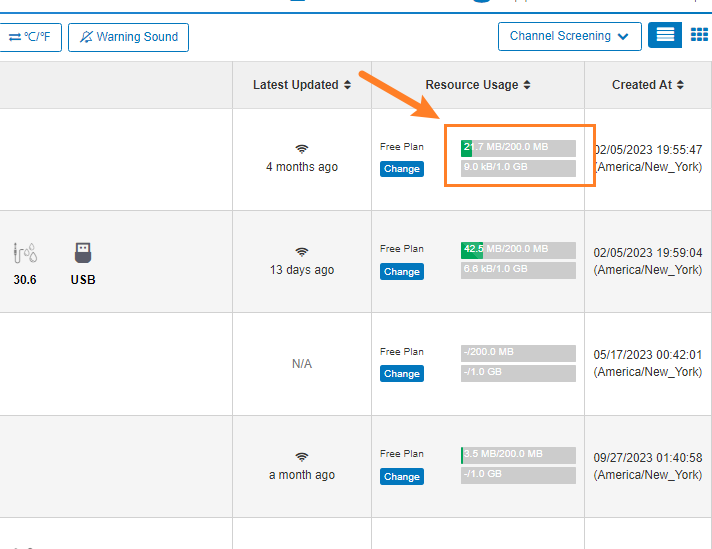 When the device's storage is full, it cannot record fresh data and may result in dropped connections. The previous data can be saved and then cleared as shown below.
 For mobile apps, you can operate as below.
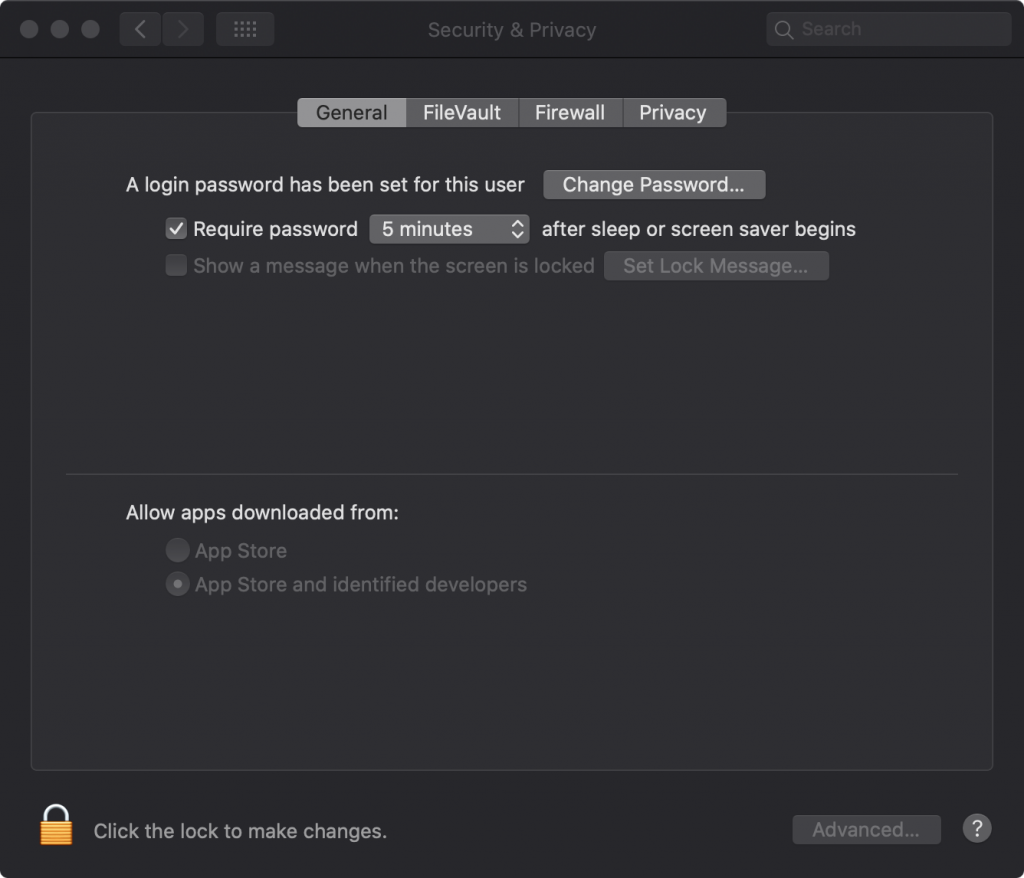
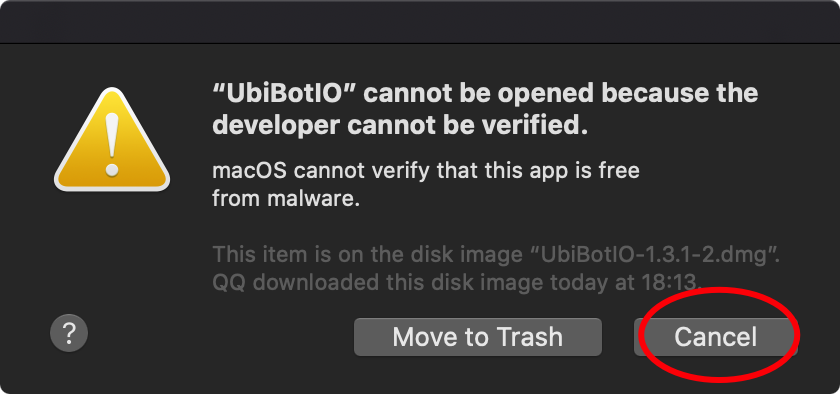
 Important : the action will delete all the data, please DO download the previous data and save it!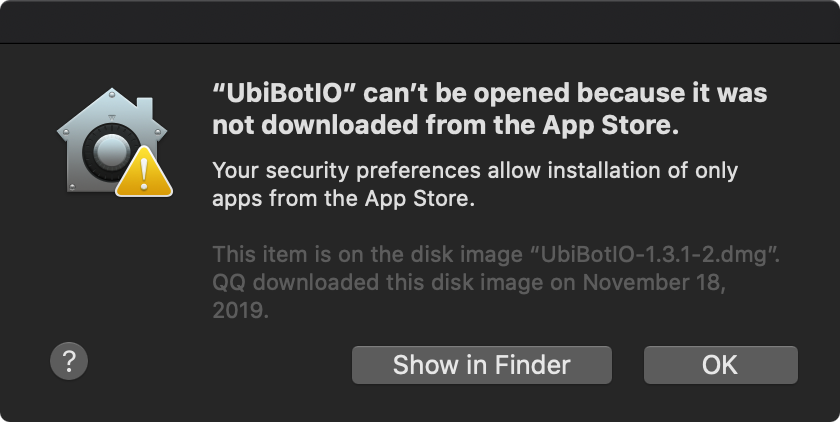
 [download id="2641"]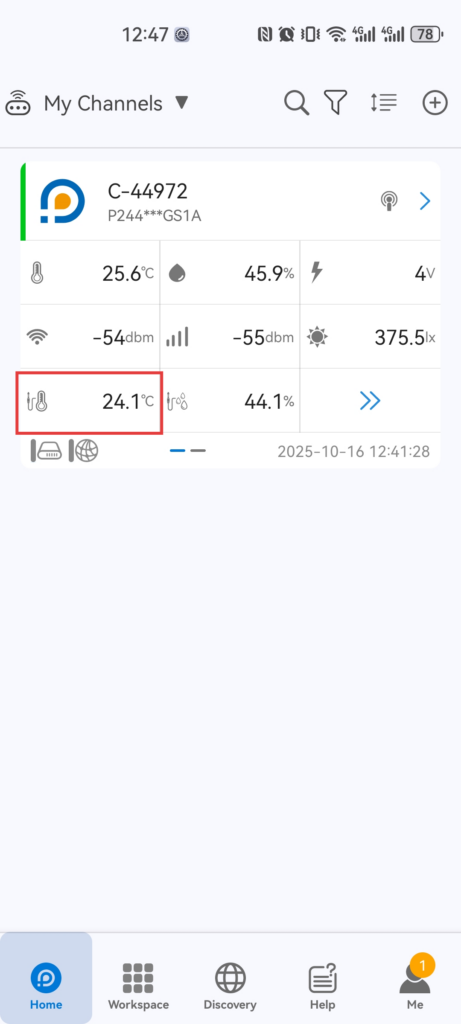
 UbiBot is a brand that has been registered in the United Kingdom, the European Union and the United States.
We believe in the world of tomorrow, robots, AI and IoT will play an increasingly important role.
Artificial intelligence promises a brand new world of computers that can plan, strategize and make smart decisions. But to actually do anything, AI needs the data from the Internet of Things (IoT).
in order to evaluate options, calculate probabilities and make smart decisions. In return, some of these insights and decisions can then be acted upon by IoT and end devices such as robots, drones and industrial machines.
That's why we created the Wireless Smart Multi-Sensor device WS1 -- a smart real-time data monitoring solution. It is embedded the industrial-leading IoT technologies, allowing you to wirelessly monitor the environment conditions that matter to you.
The team behind UbiBot, is composed of young, energetic and motivated people led by Dr. Yang Li who received his computer science PhD degree from Imperial College London. These people are dedicated in building the future of the Internet of Things and have made great progress in this field.
We are committed to building an end-to-end IoT ecosystem that leverages our expertise in cloud and hardware. We seamlessly integrate cloud-based data analytics into all our products and, combined with our advanced devices, we are able to offer customers unique environmental insights in real time.we are now looking to use our experience in big data to drive the next generation of artificial intelligence(Al) based devices.
UbiBot is a brand that has been registered in the United Kingdom, the European Union and the United States.
We believe in the world of tomorrow, robots, AI and IoT will play an increasingly important role.
Artificial intelligence promises a brand new world of computers that can plan, strategize and make smart decisions. But to actually do anything, AI needs the data from the Internet of Things (IoT).
in order to evaluate options, calculate probabilities and make smart decisions. In return, some of these insights and decisions can then be acted upon by IoT and end devices such as robots, drones and industrial machines.
That's why we created the Wireless Smart Multi-Sensor device WS1 -- a smart real-time data monitoring solution. It is embedded the industrial-leading IoT technologies, allowing you to wirelessly monitor the environment conditions that matter to you.
The team behind UbiBot, is composed of young, energetic and motivated people led by Dr. Yang Li who received his computer science PhD degree from Imperial College London. These people are dedicated in building the future of the Internet of Things and have made great progress in this field.
We are committed to building an end-to-end IoT ecosystem that leverages our expertise in cloud and hardware. We seamlessly integrate cloud-based data analytics into all our products and, combined with our advanced devices, we are able to offer customers unique environmental insights in real time.we are now looking to use our experience in big data to drive the next generation of artificial intelligence(Al) based devices. where
where
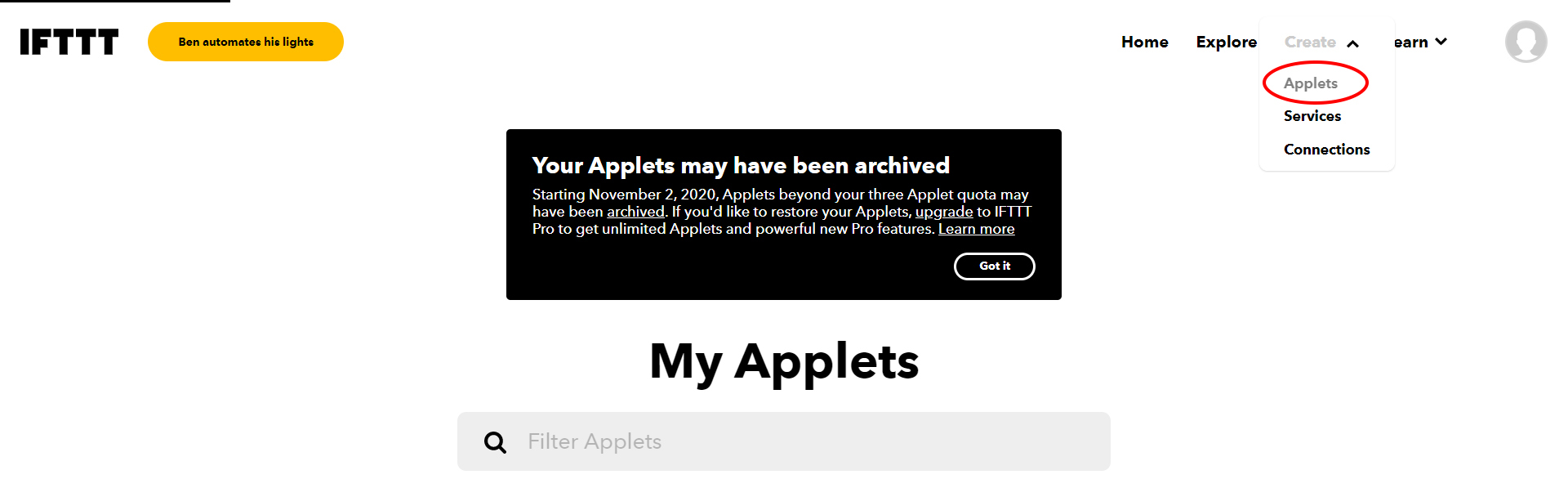
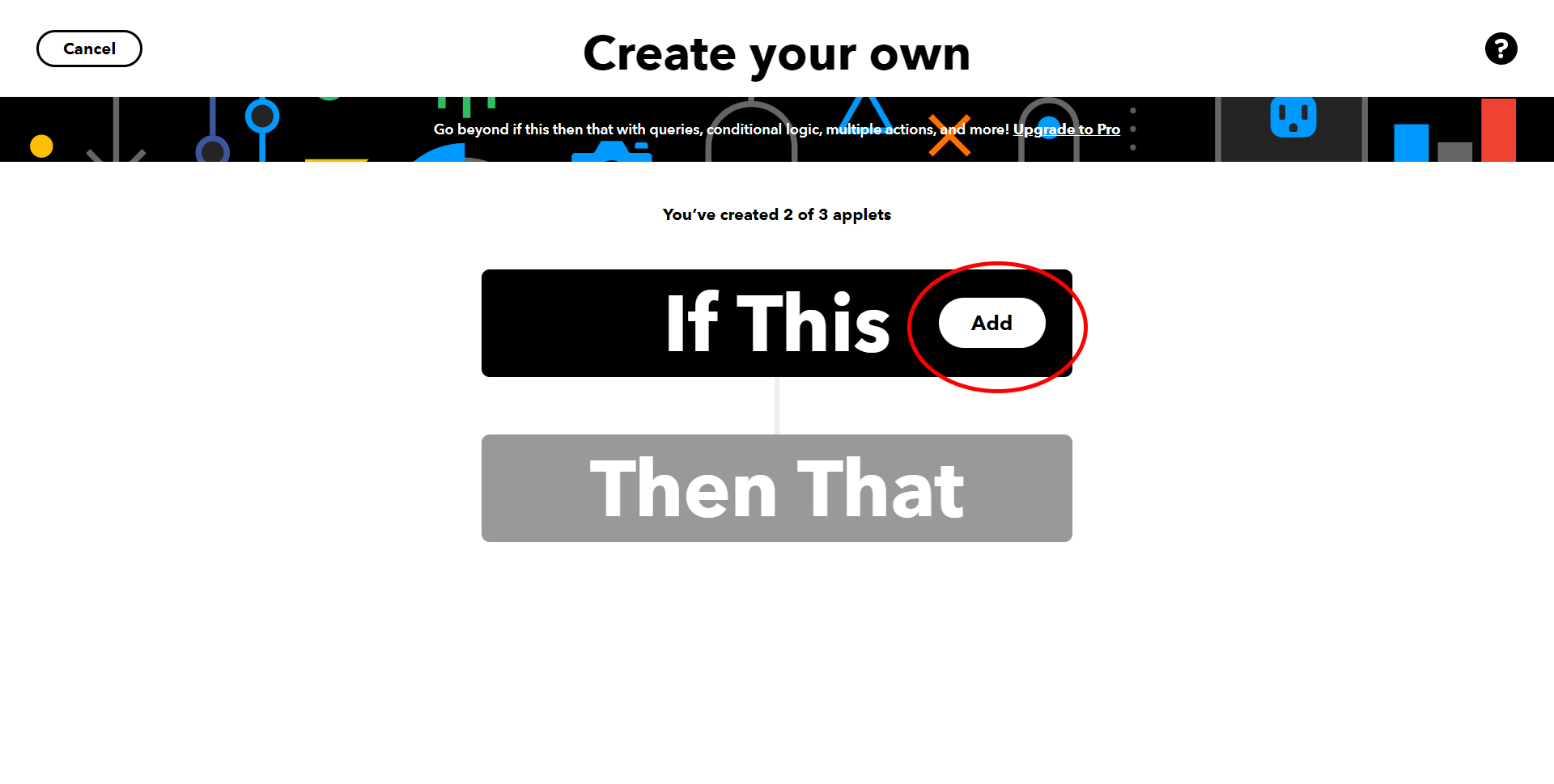
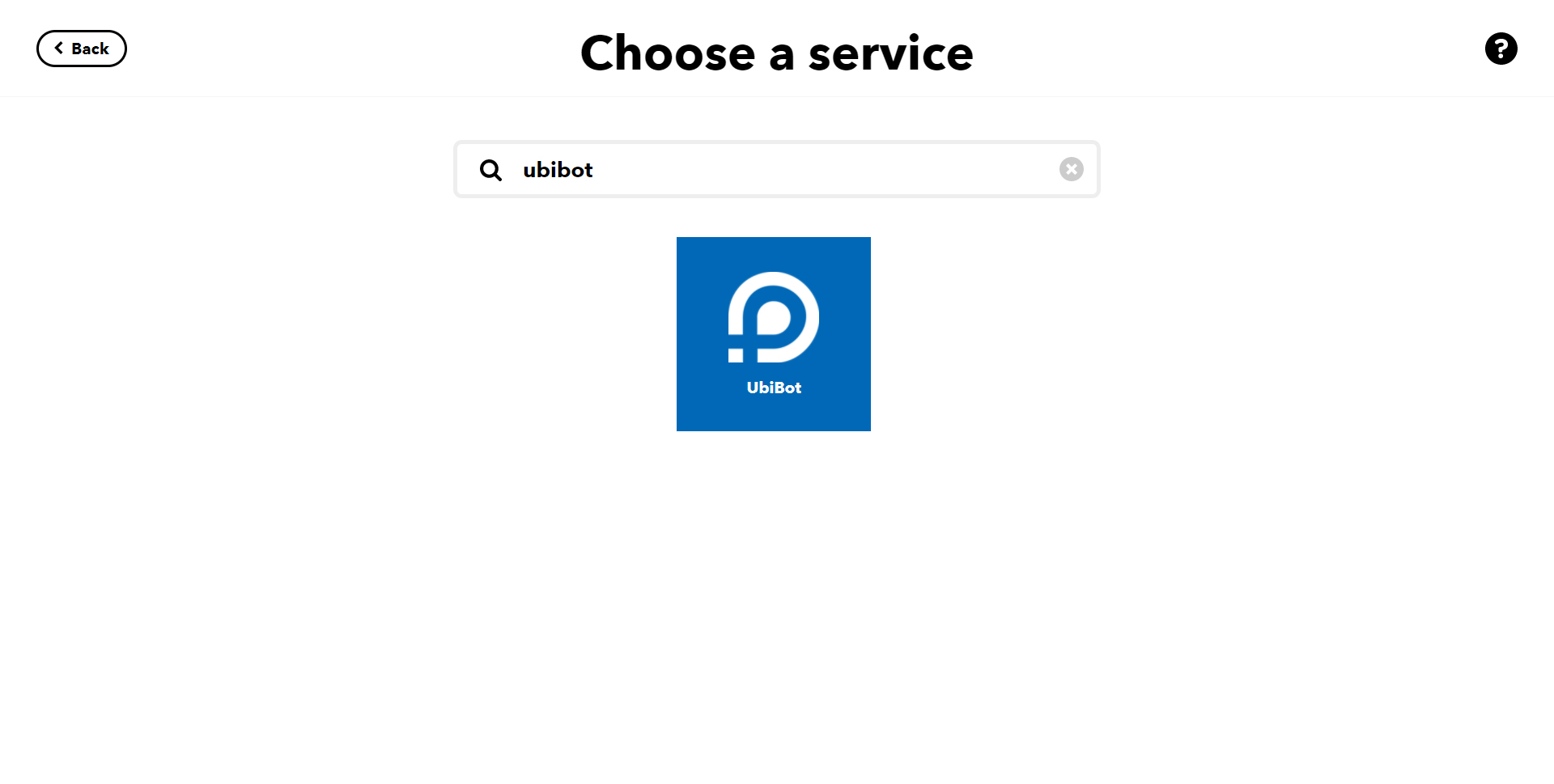
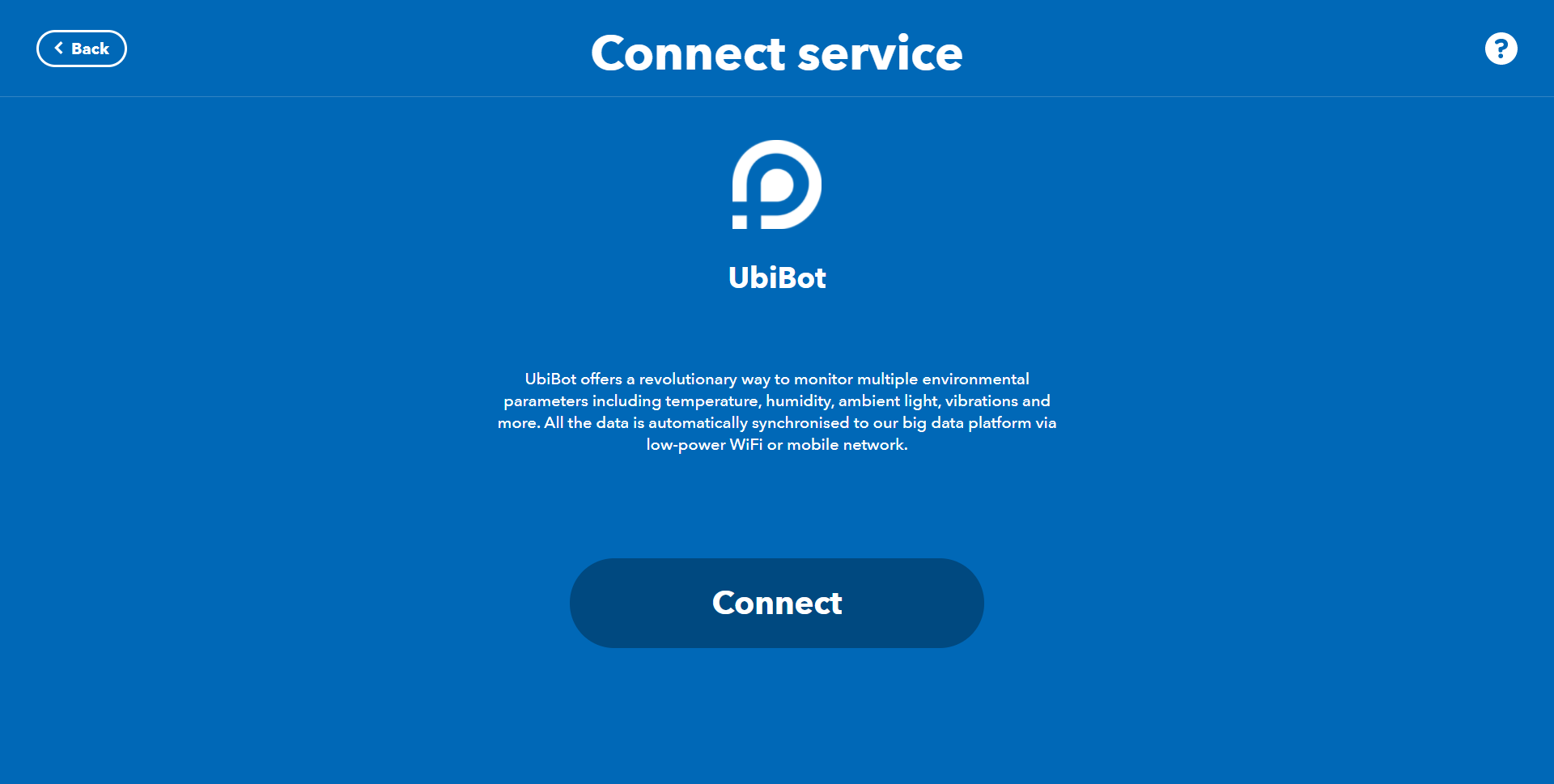
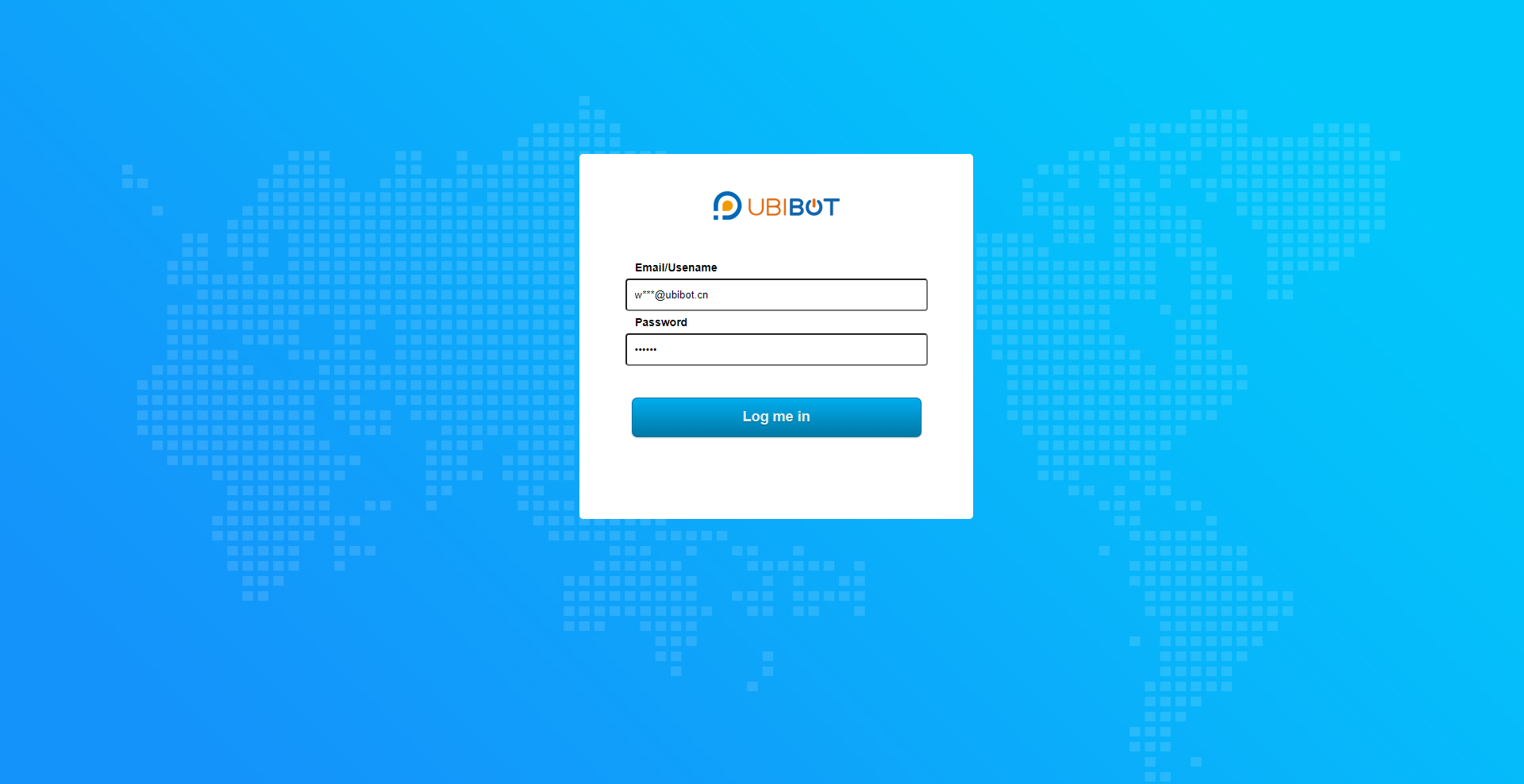
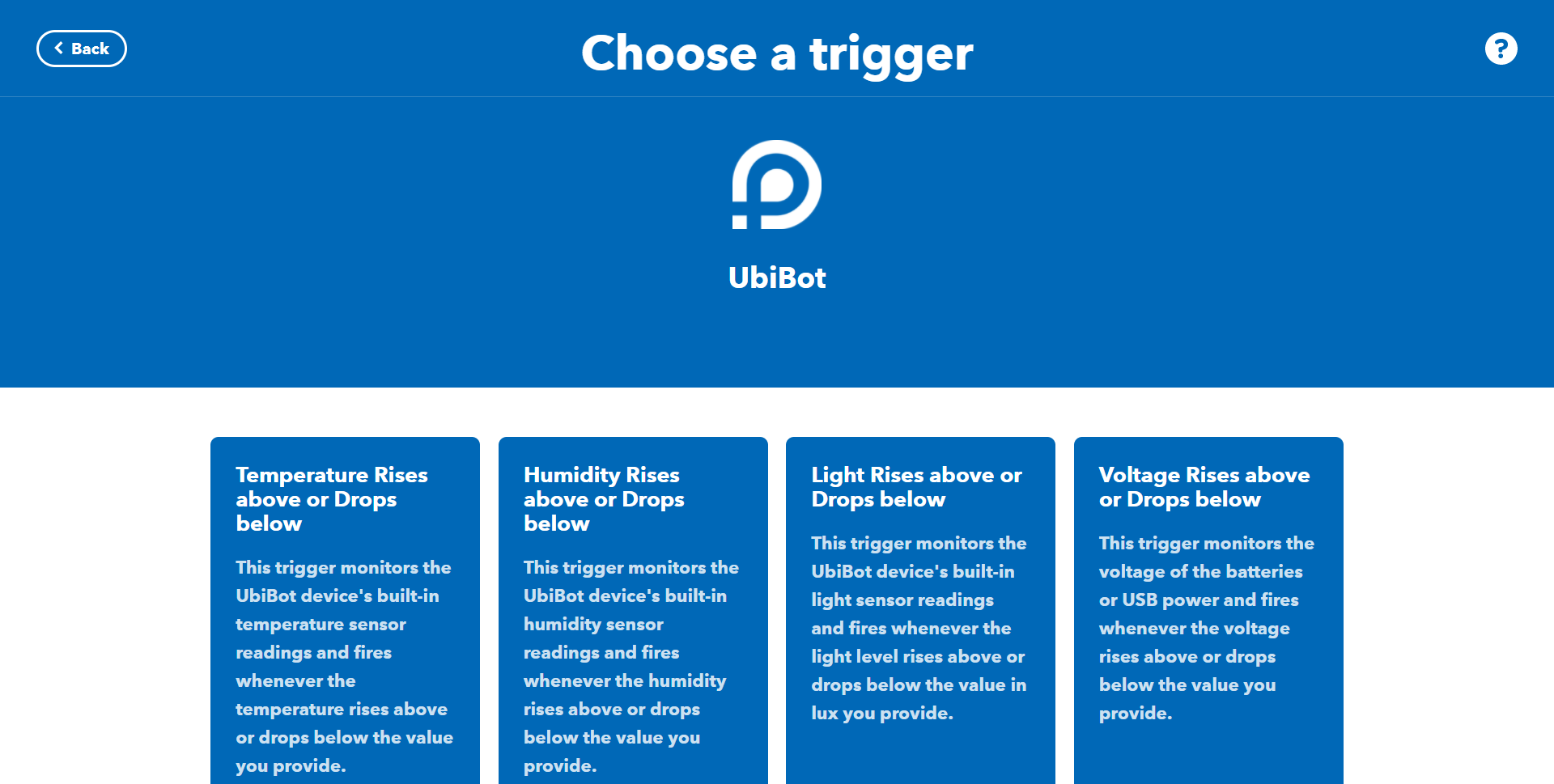
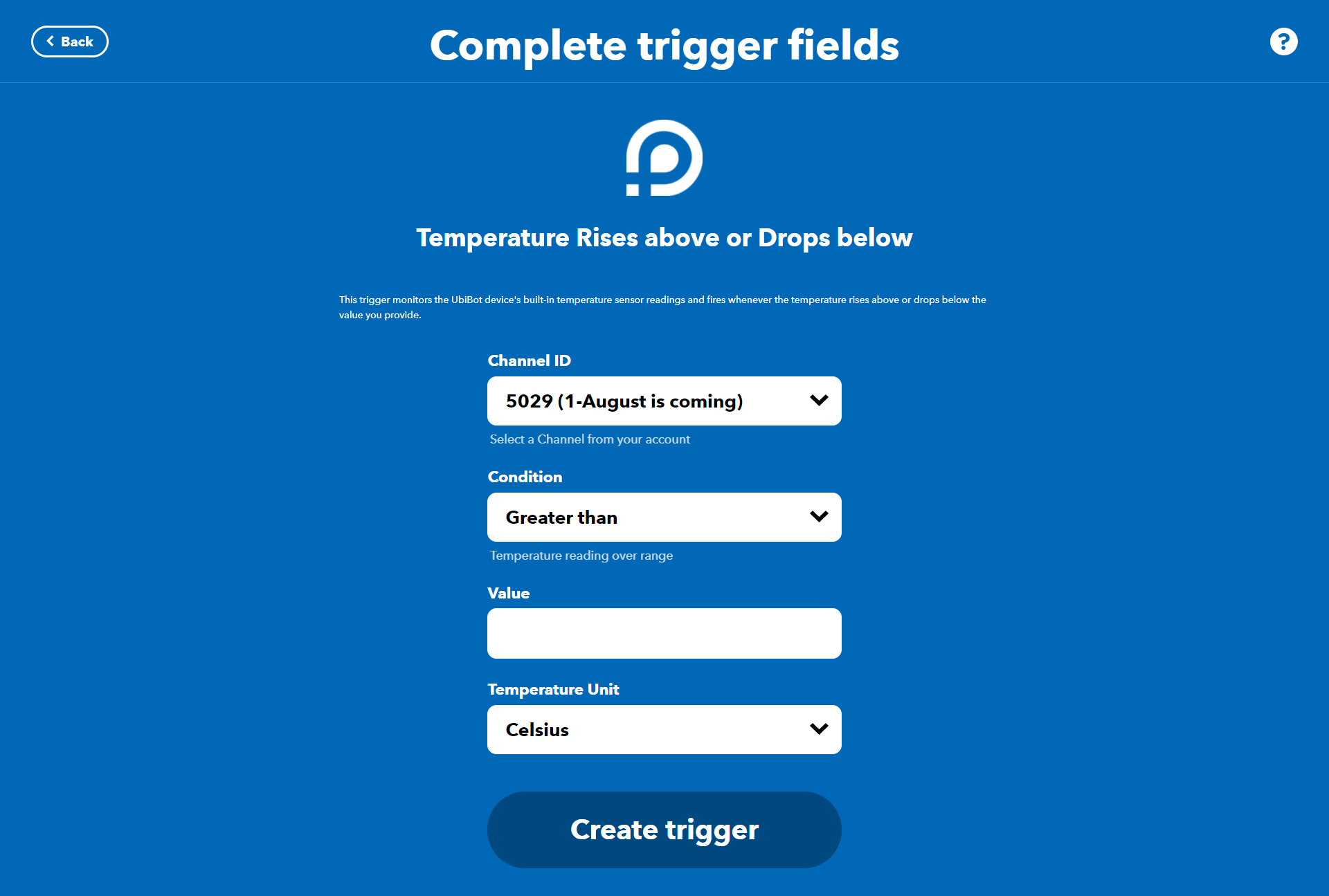
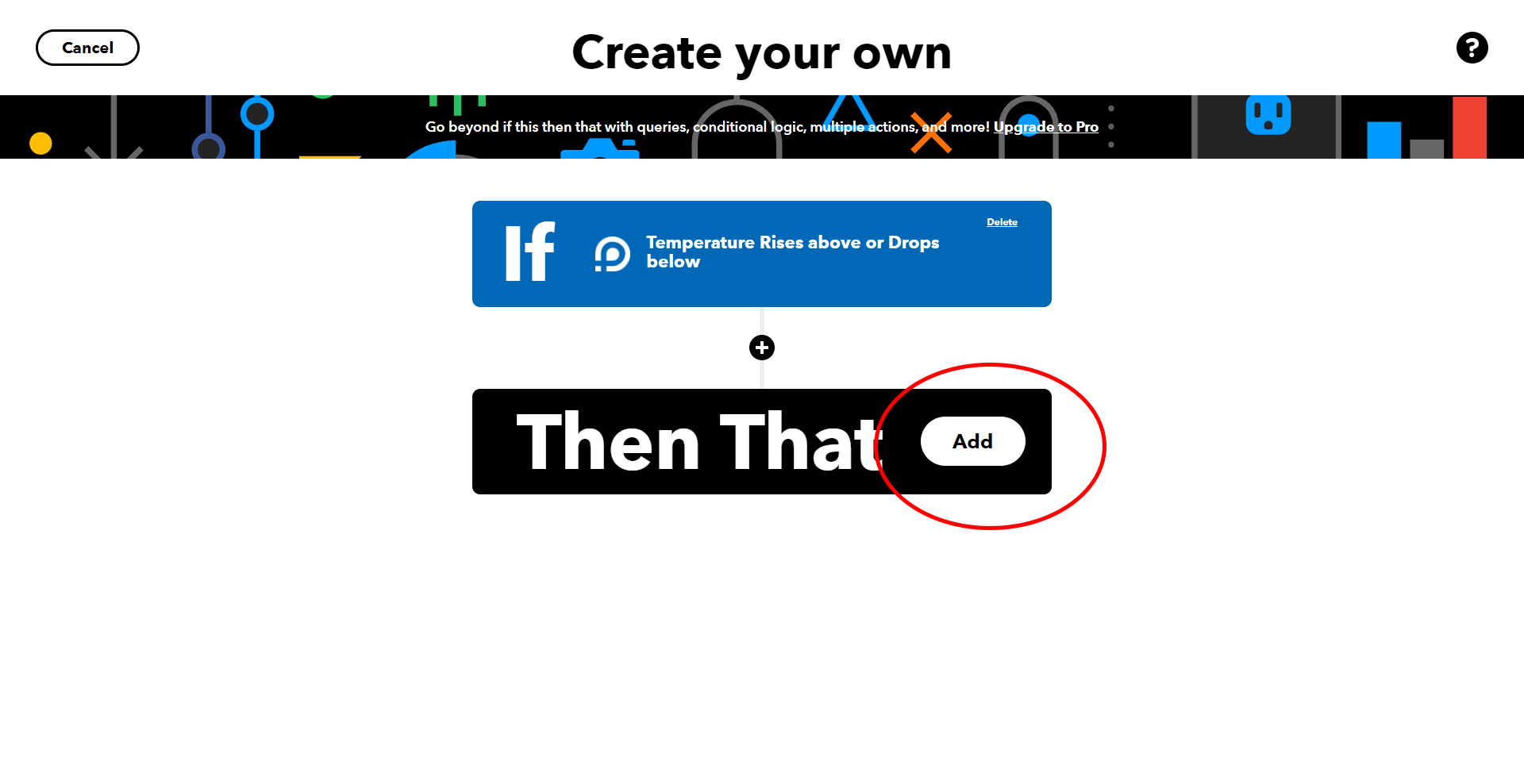
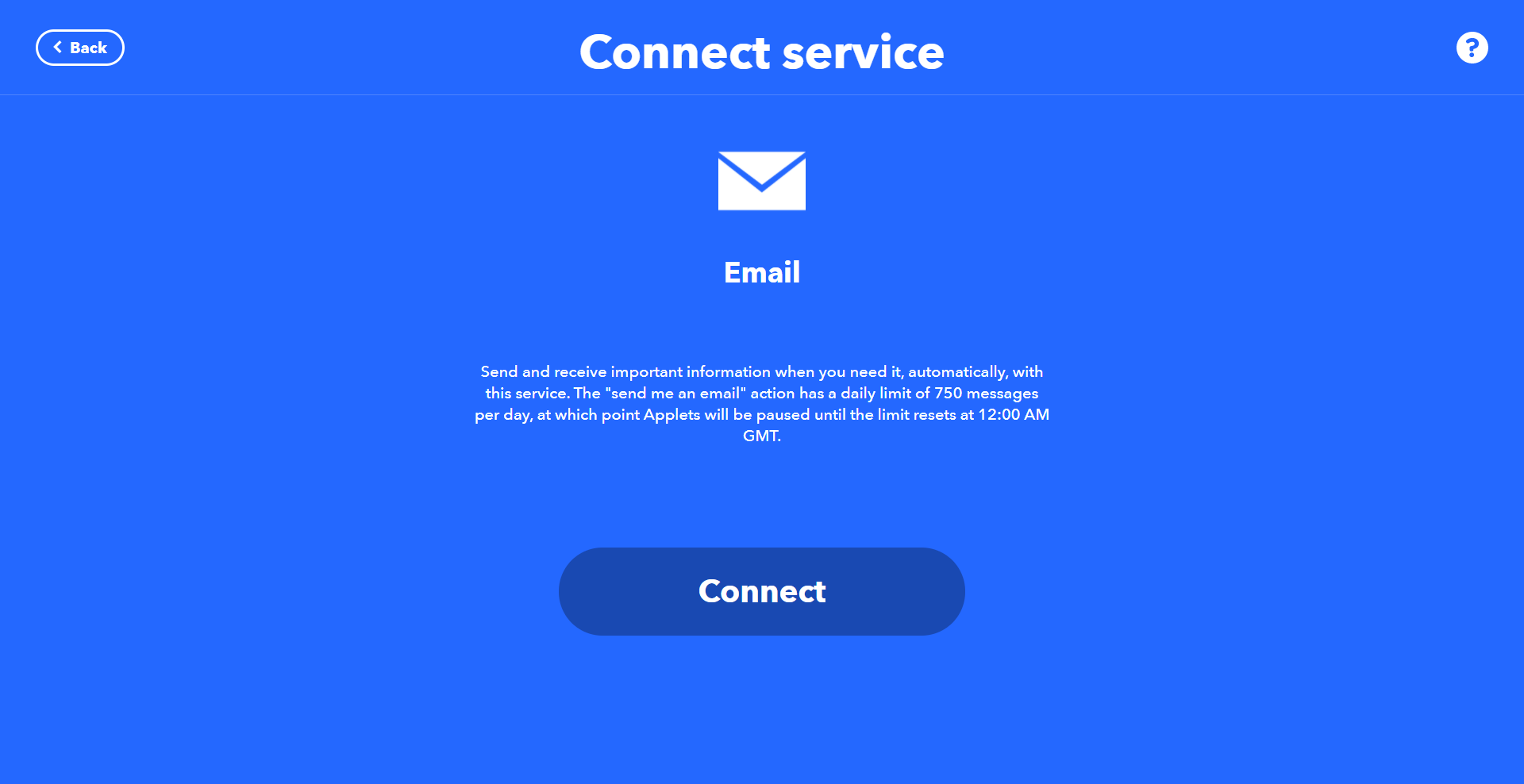
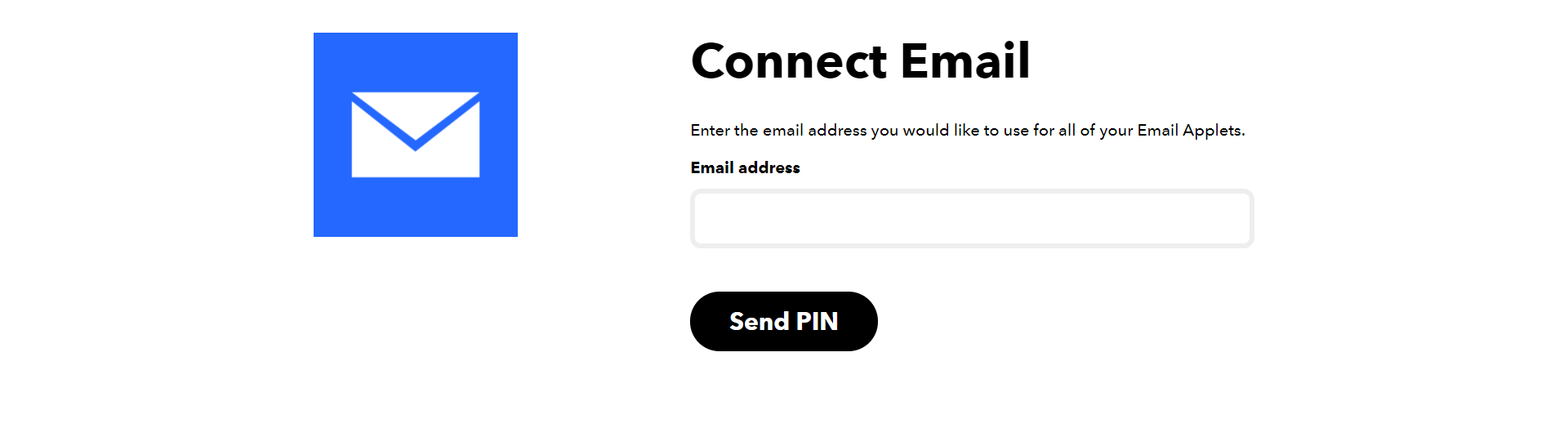
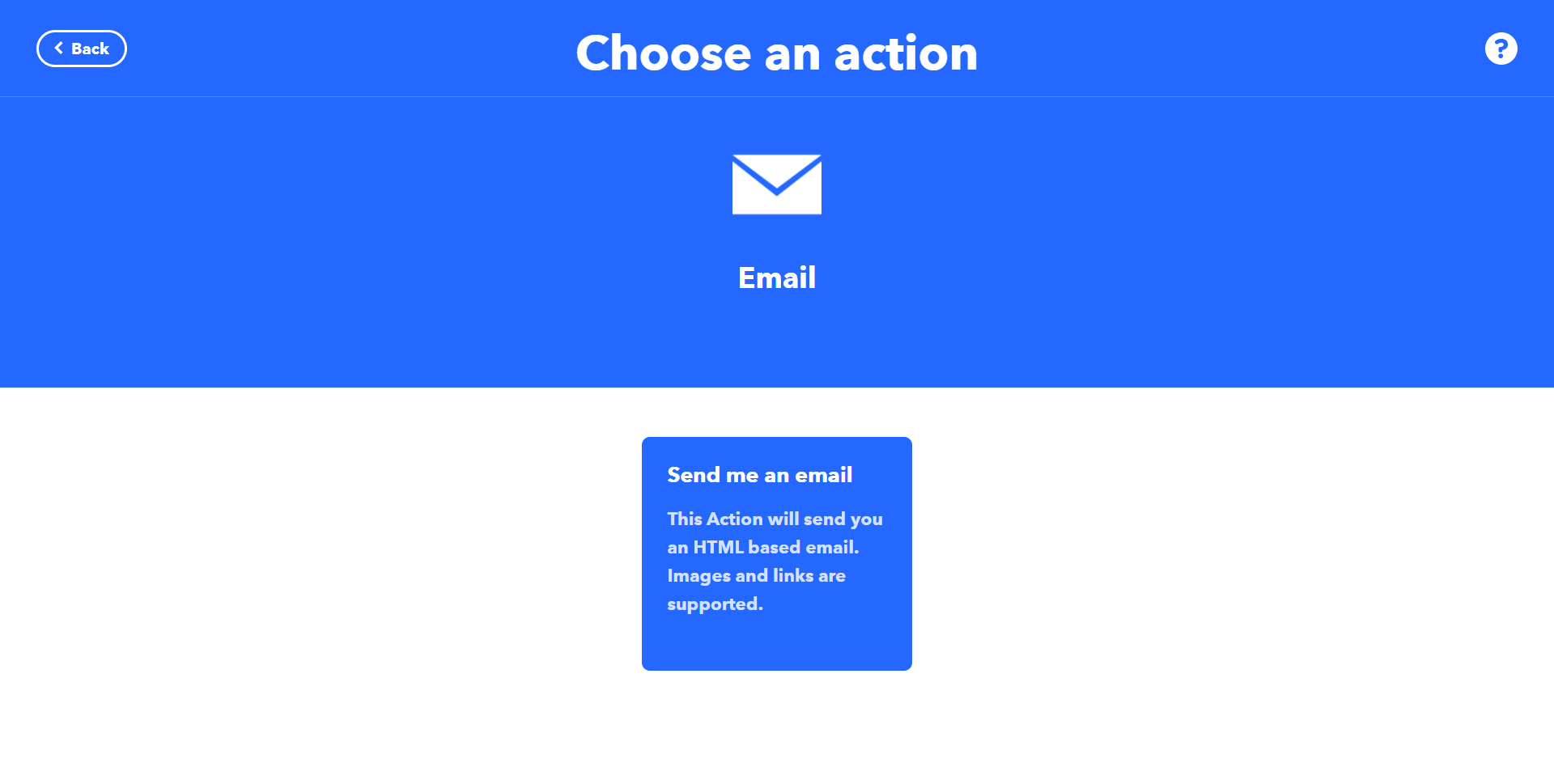
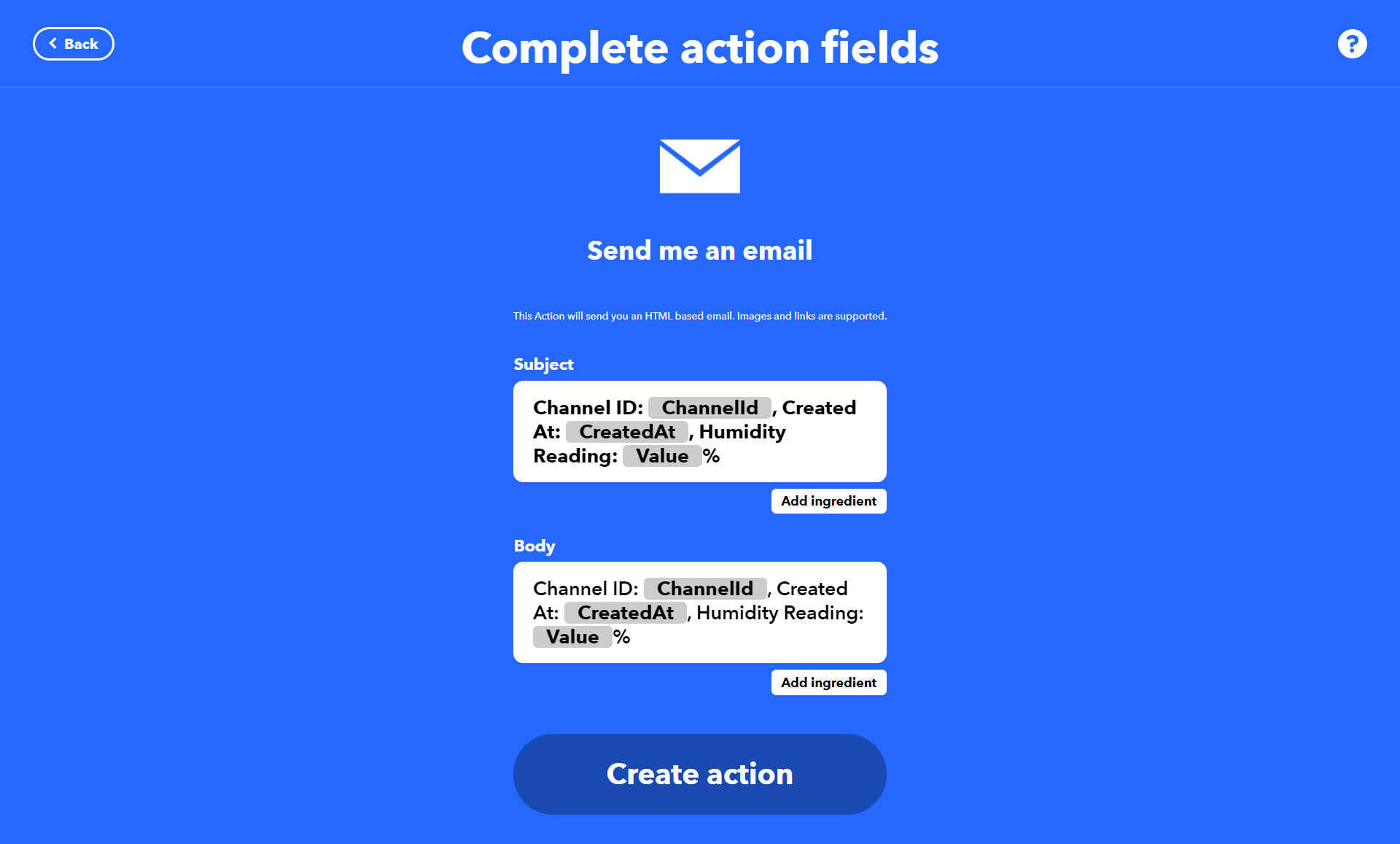
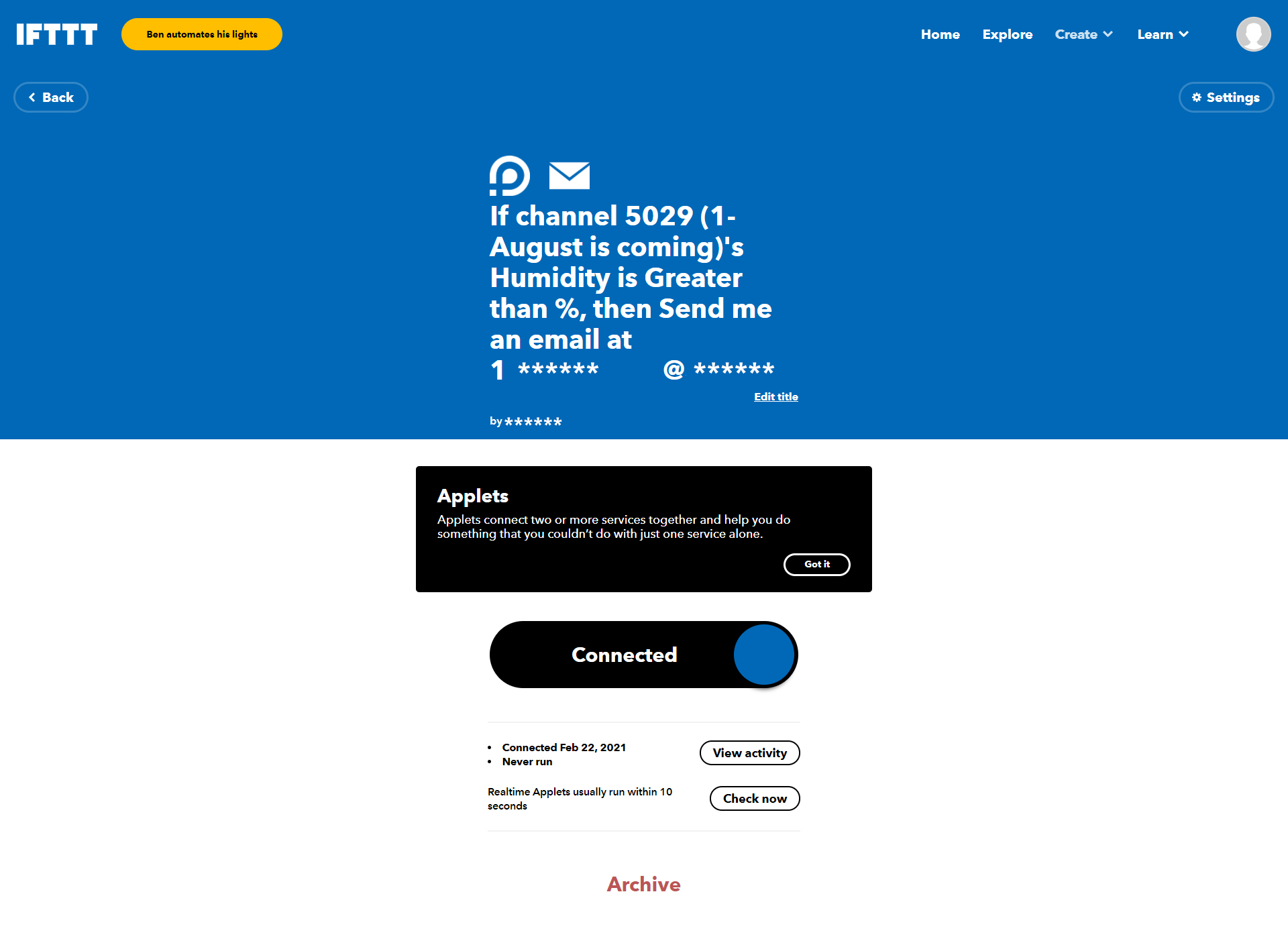
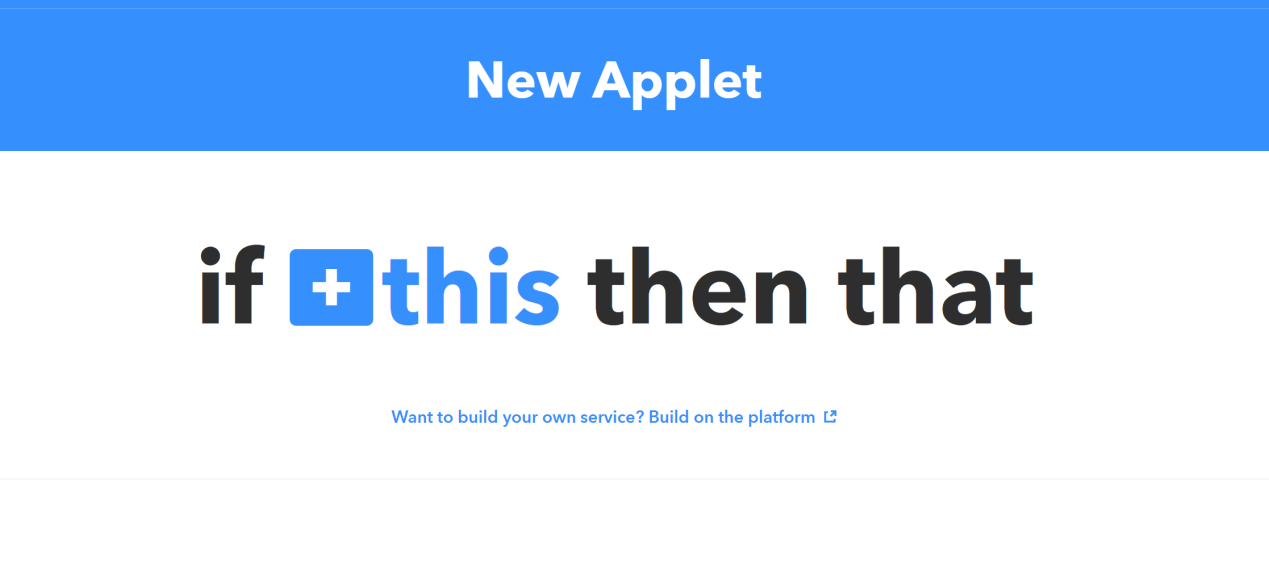
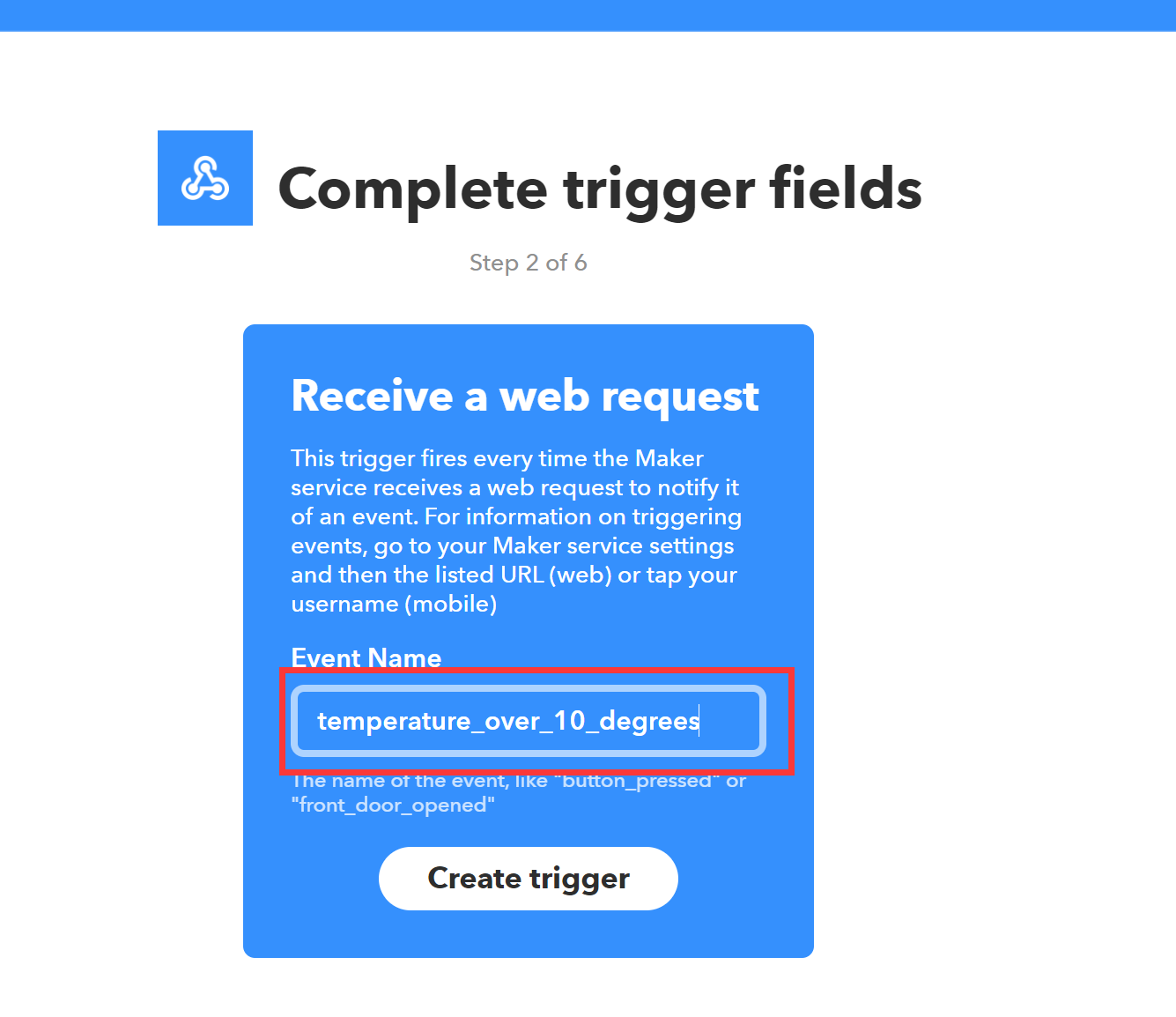
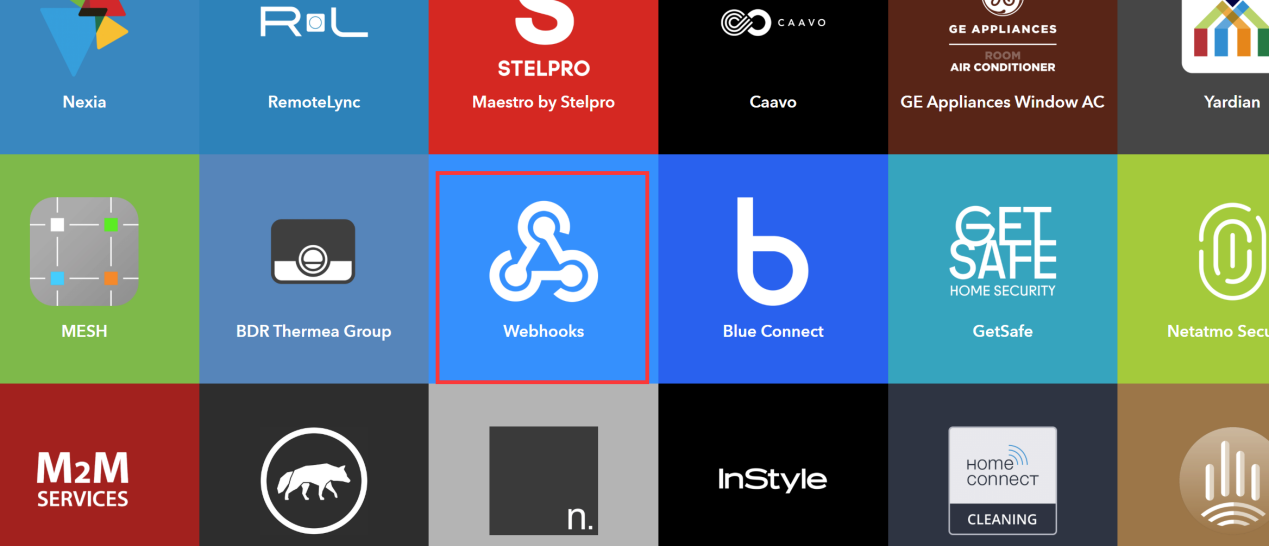 Steps 2: Select "Receive a web request". Enter the event name, please keep a note of this. The string value of this event name will be used later.
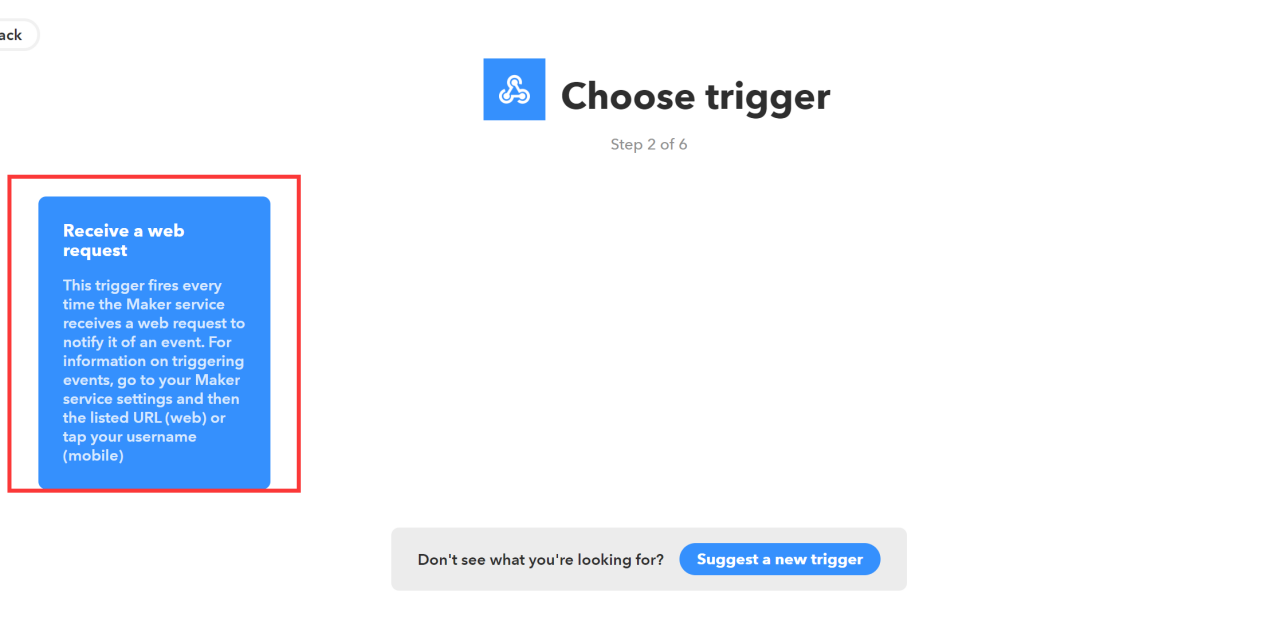
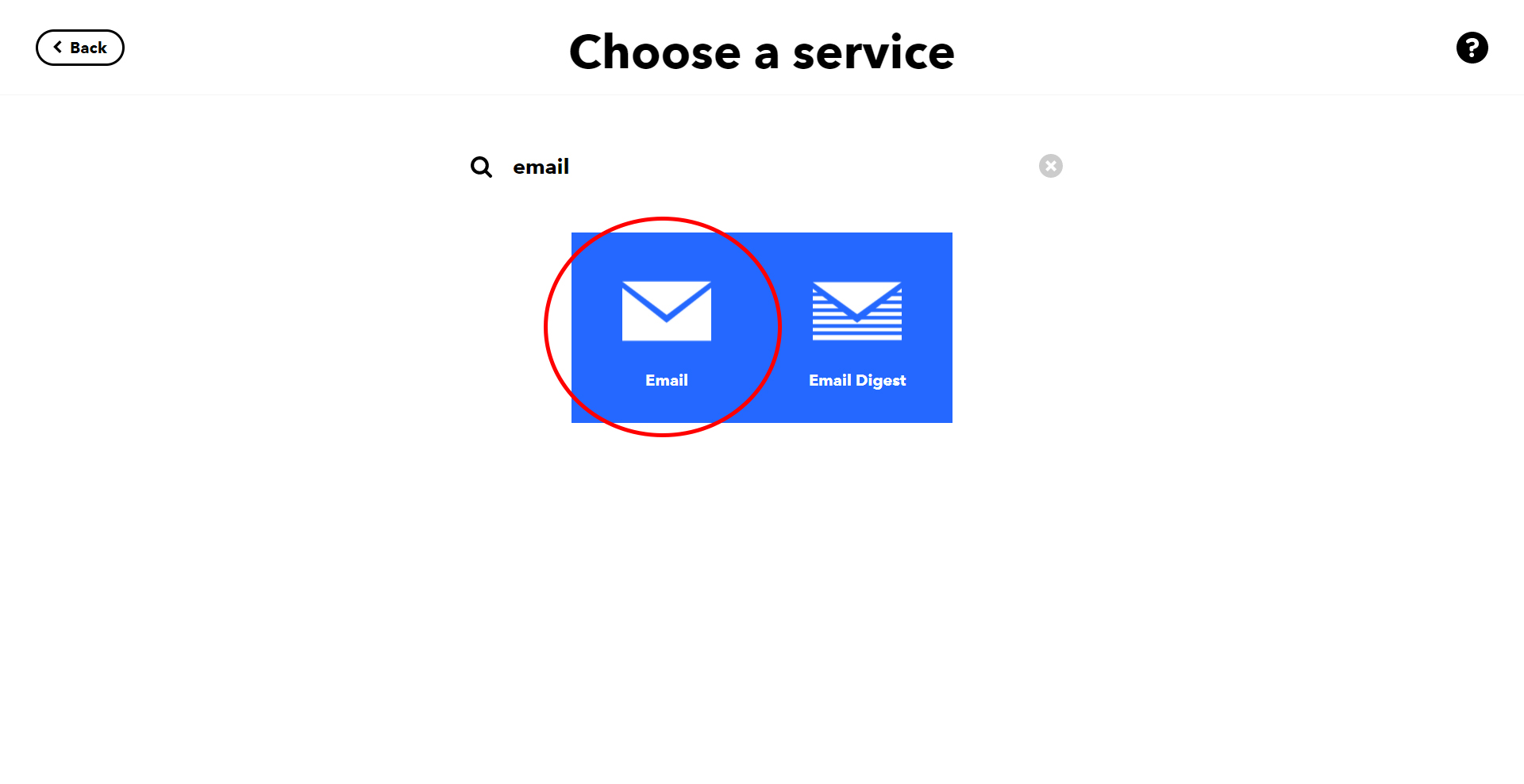
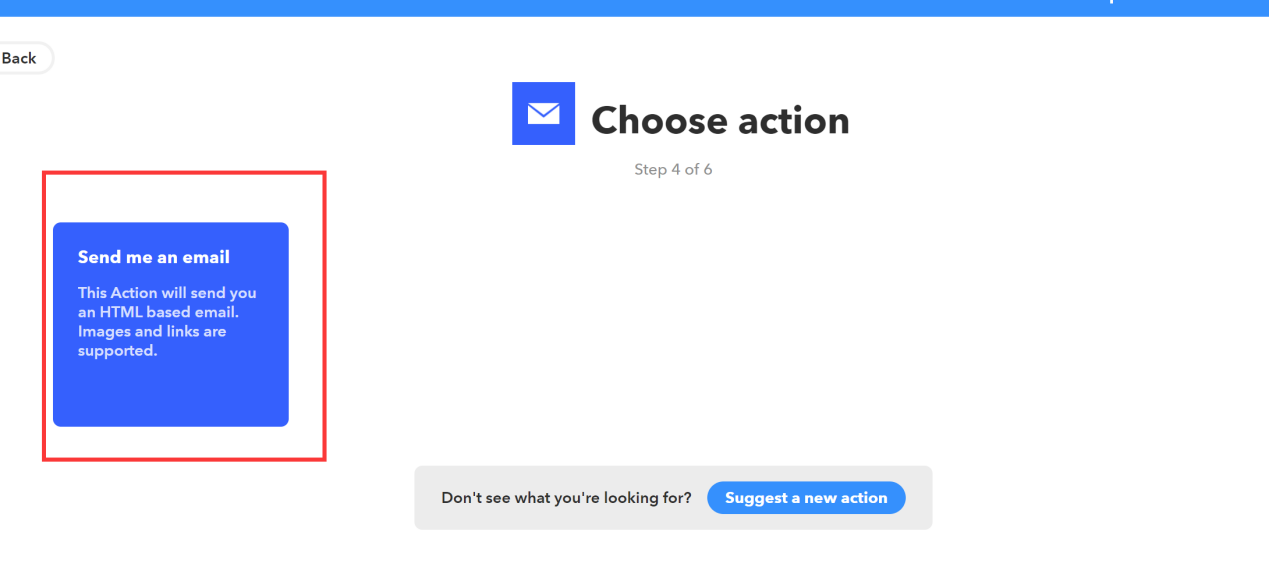
 Steps 3: Choose the desired action, in this example, we are choosing "Send me an email".
 Step 4: From the IFTTT webhook page (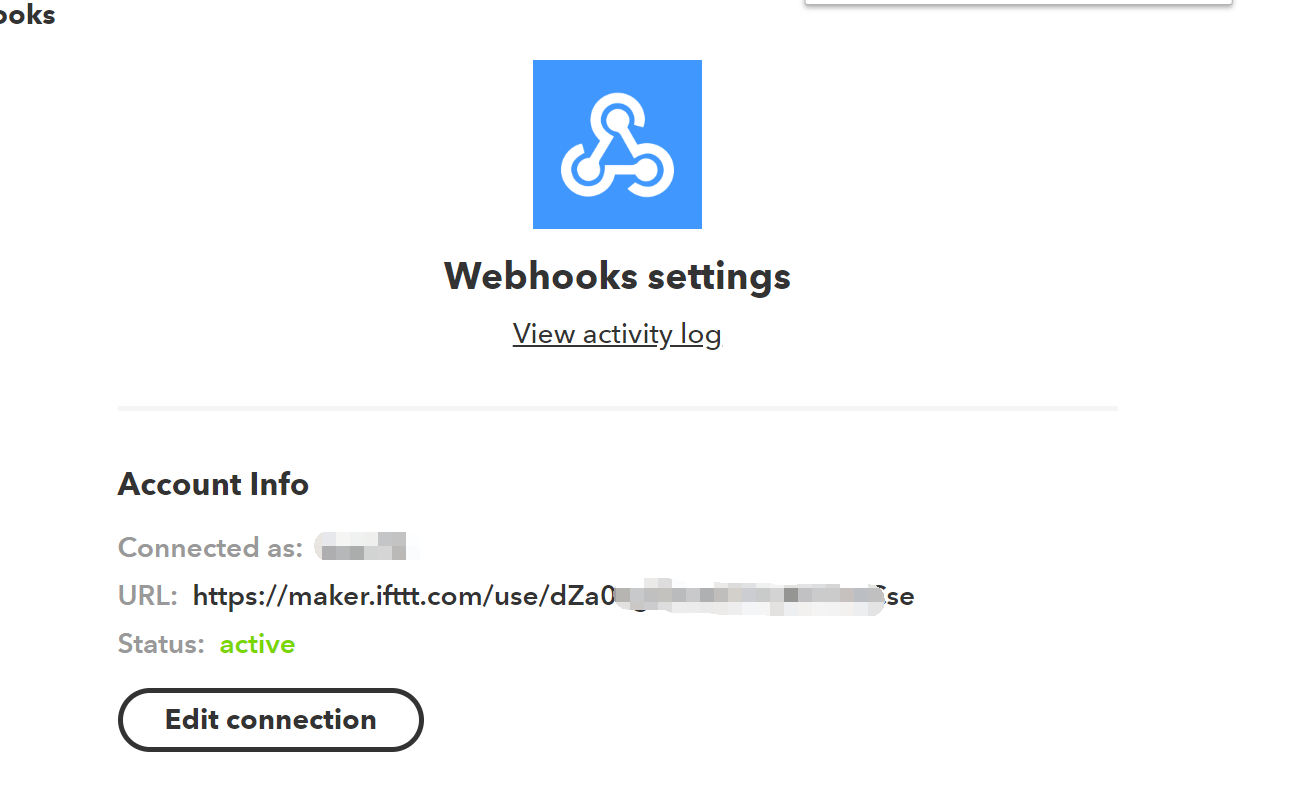
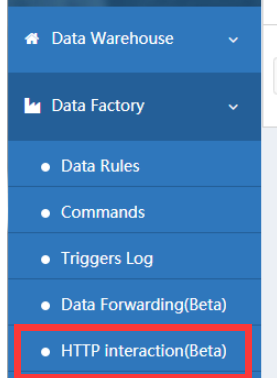
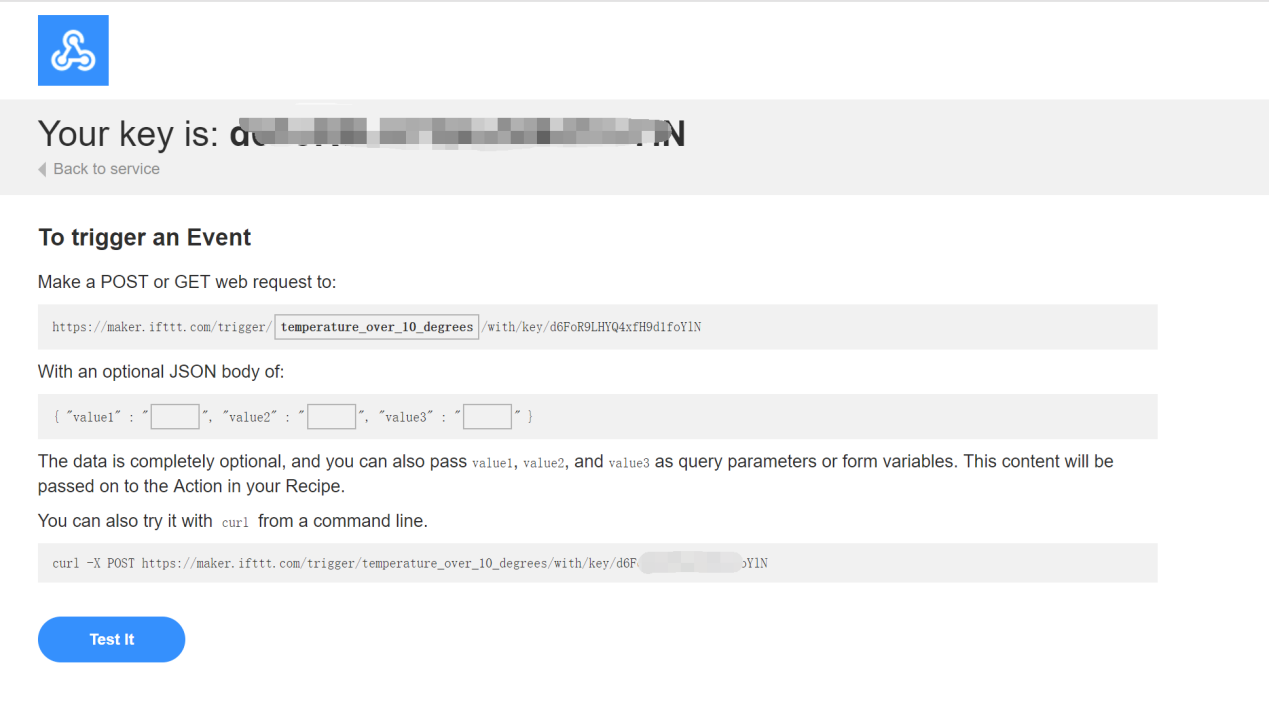 Step 5:: Login to console.ubibot.com, navigate to HTTP interaction page (http://console.ubibot.com/#/ubiHttp). Enter the URL of the trigger event URL from IFTTT. Select "POST" method, enter content type "application/json". You can pass the channel ID, trigger field and the trigger value to the body by entering this:
{"value1":"%%channel_id%%","value2": "%%trigger%%", "value3": "%%trigger_field%%"}
Step 5:: Login to console.ubibot.com, navigate to HTTP interaction page (http://console.ubibot.com/#/ubiHttp). Enter the URL of the trigger event URL from IFTTT. Select "POST" method, enter content type "application/json". You can pass the channel ID, trigger field and the trigger value to the body by entering this:
{"value1":"%%channel_id%%","value2": "%%trigger%%", "value3": "%%trigger_field%%"}
 Step 6: Create a Sensor Alert from the console panel of the selected channel. Choose "HTTP" from the mode of alert drop-down menu, and select the created UbiHTTP in the previous step. When the this sensor rule is satisfied, it will trigger the UbiHTTP to call the IFTTT event webhook and pass the required information to IFTTT to trigger the selected actions. If the Applet is triggered, you will see the events on IFTTT platform (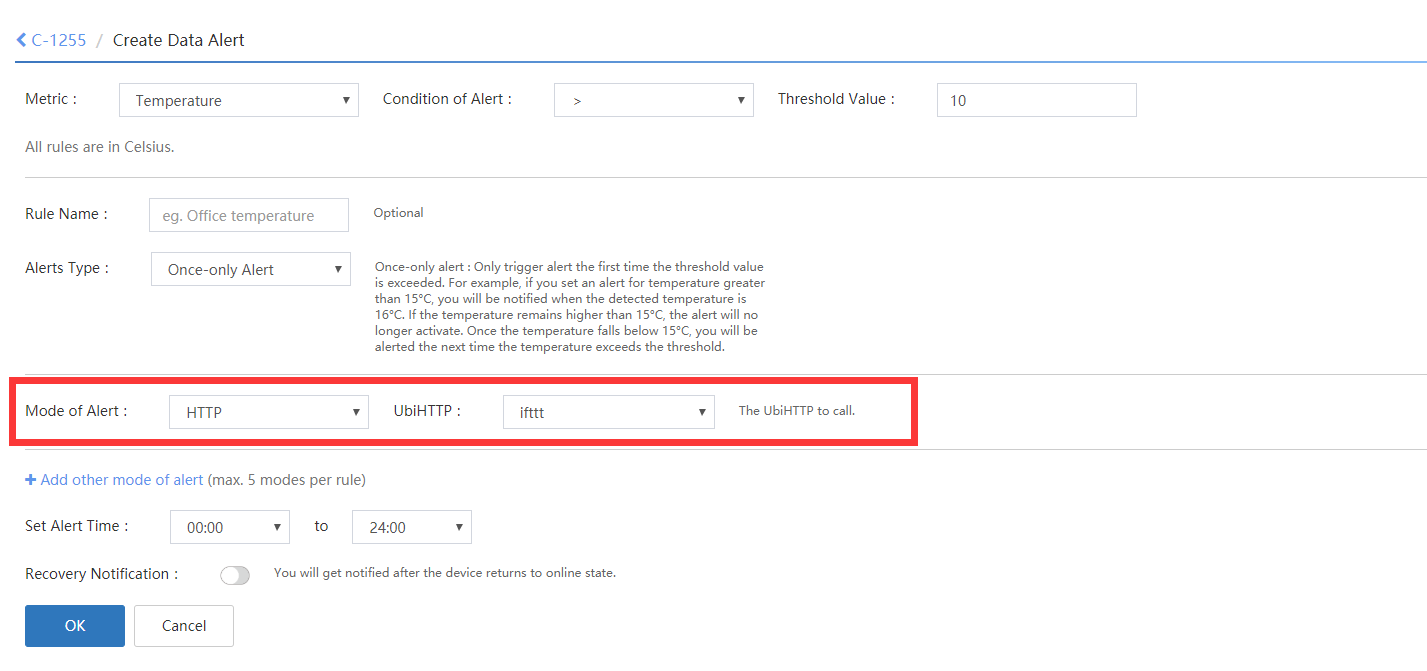
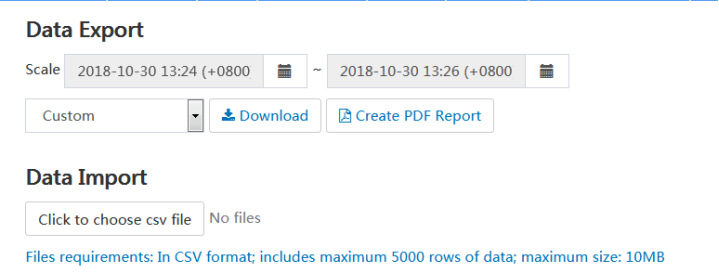
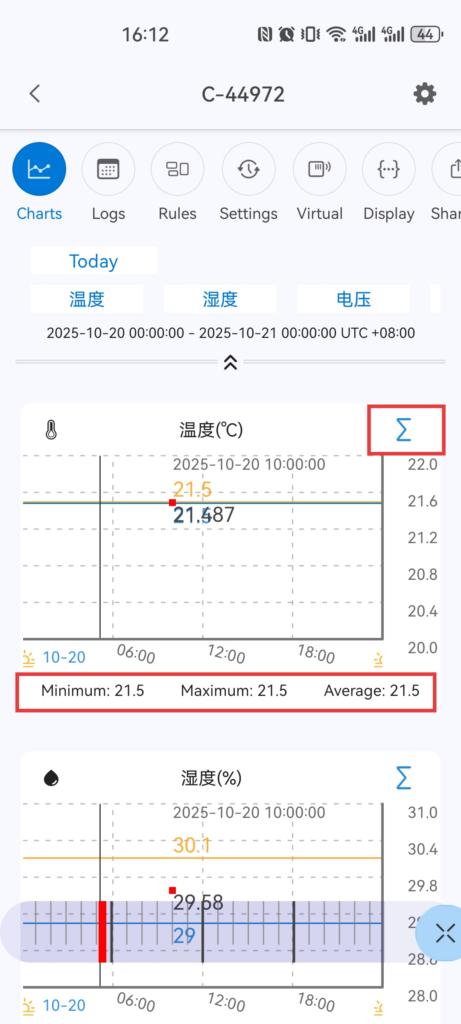
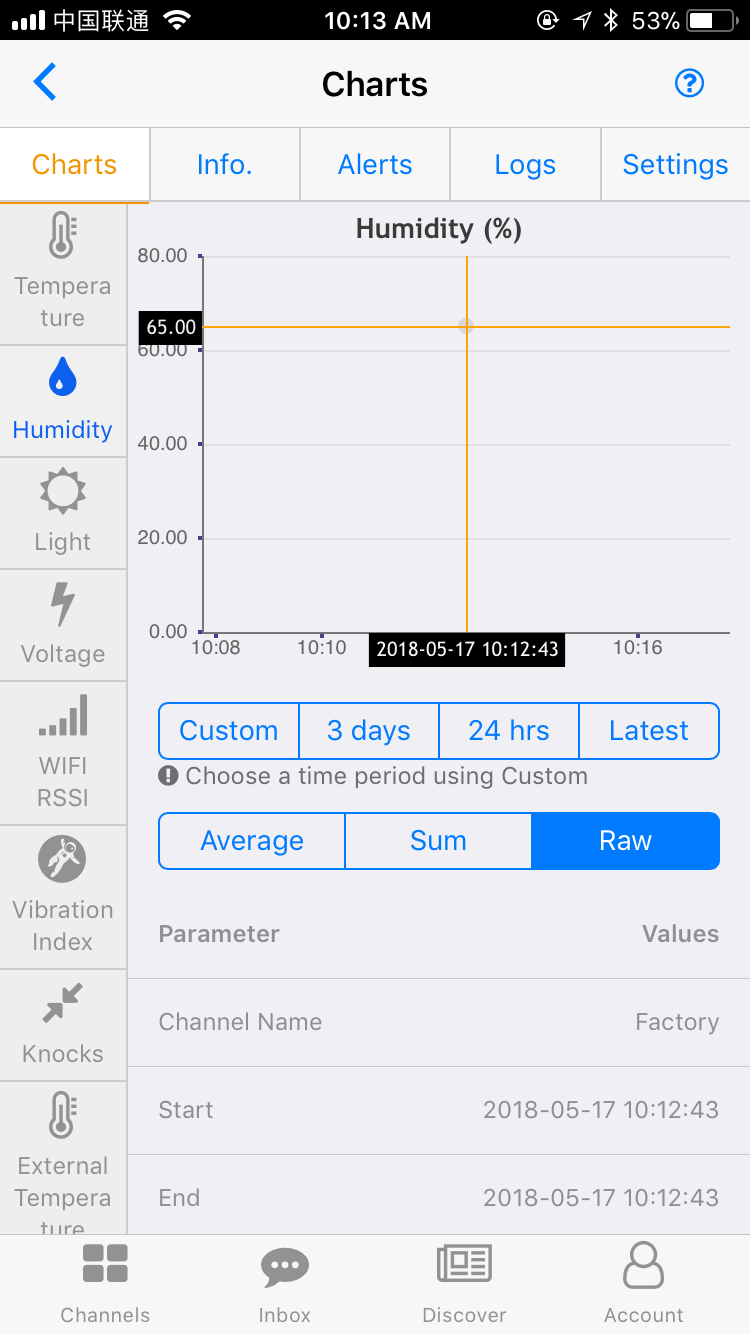
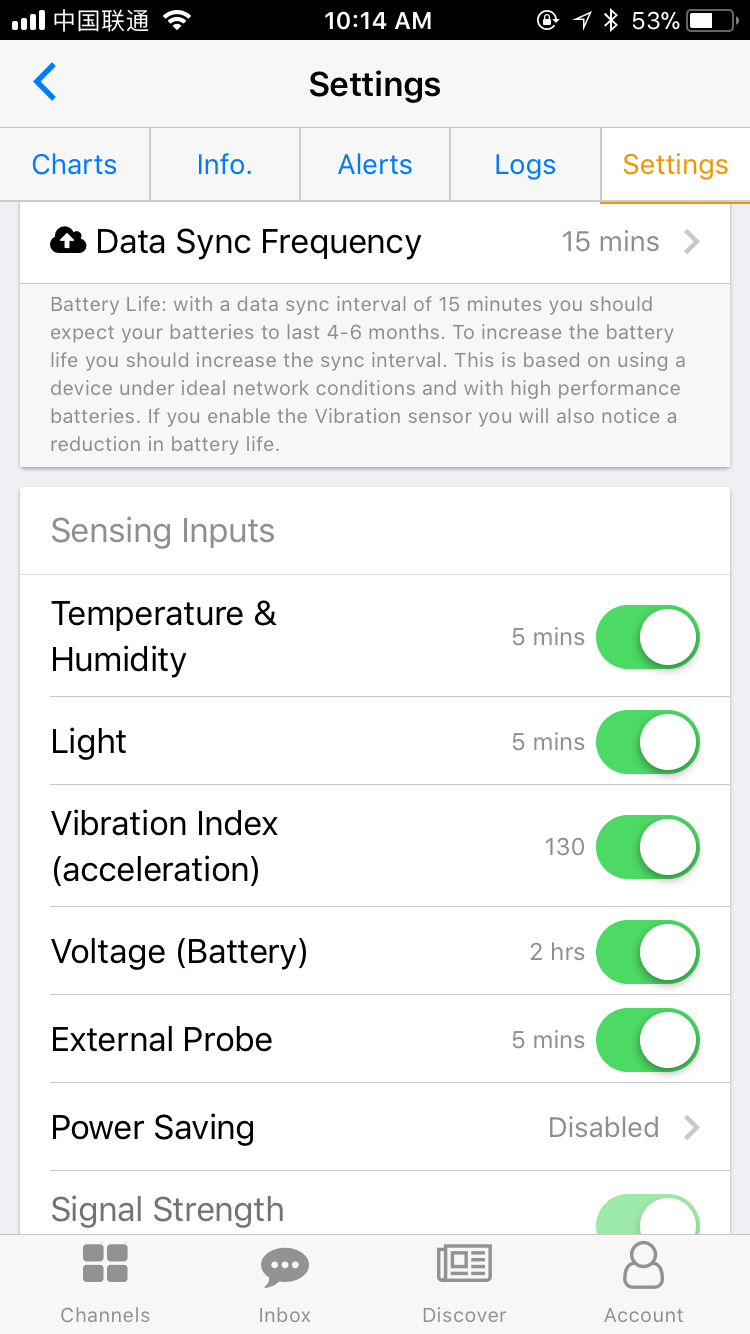
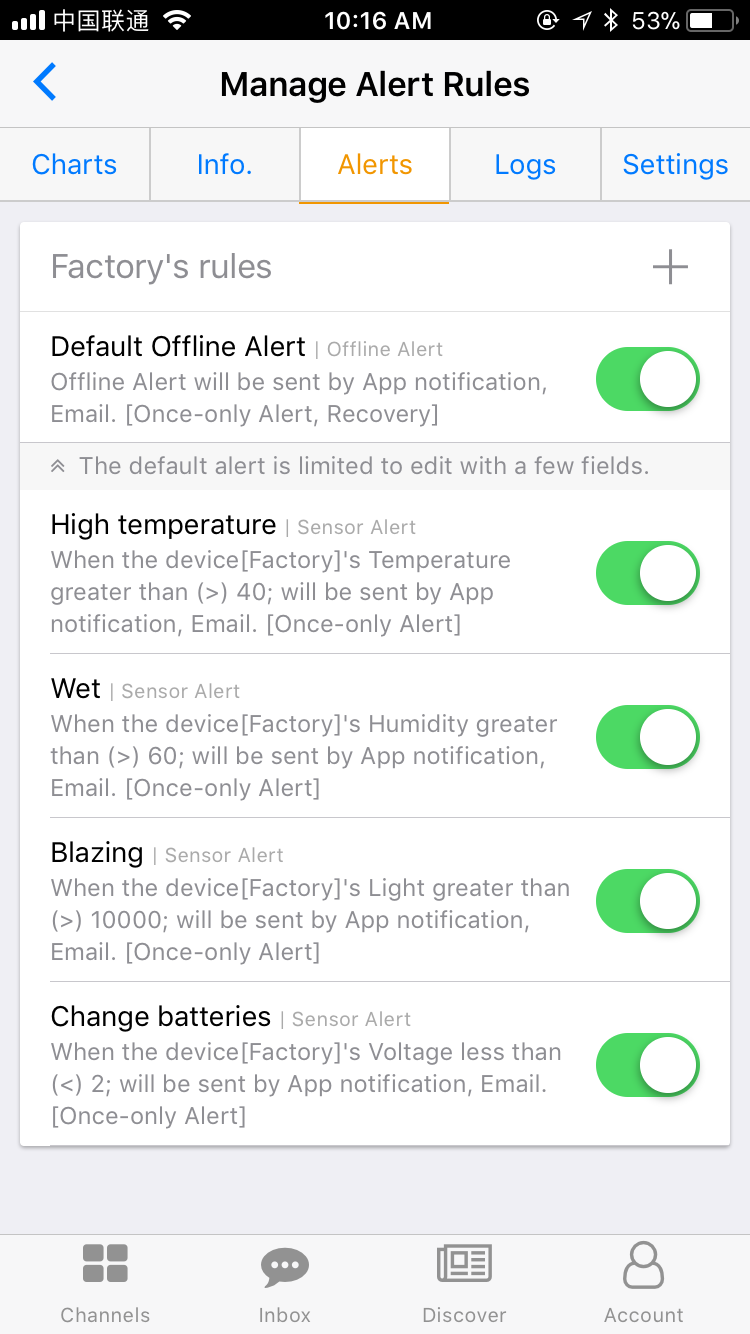 Released Date: 21th March, 2018
Size: 50.1 MB
Language:Chinese, English
Developer: Dalian Cloud Force Technologies CO., LTD
Released Date: 21th March, 2018
Size: 50.1 MB
Language:Chinese, English
Developer: Dalian Cloud Force Technologies CO., LTD
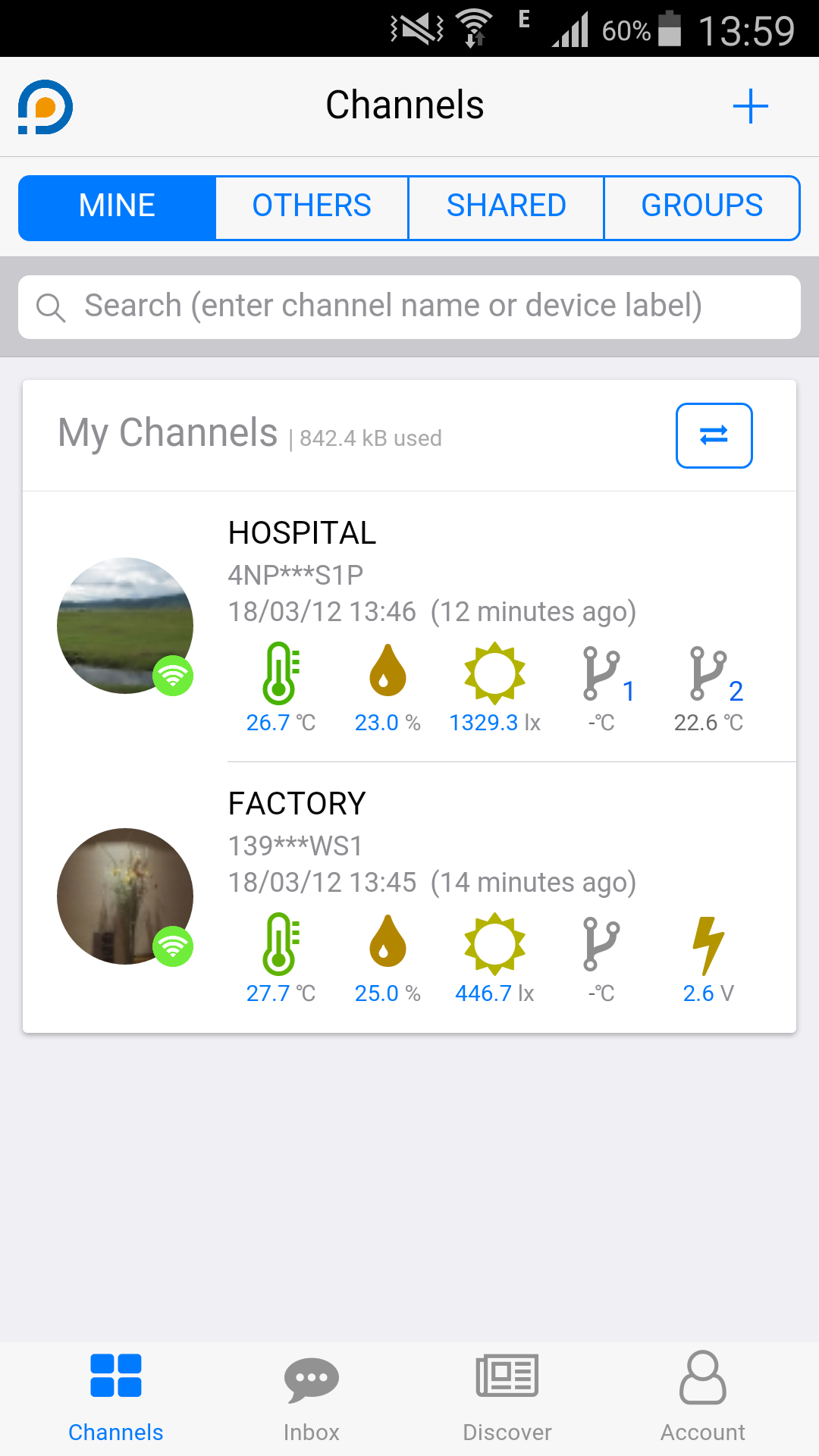
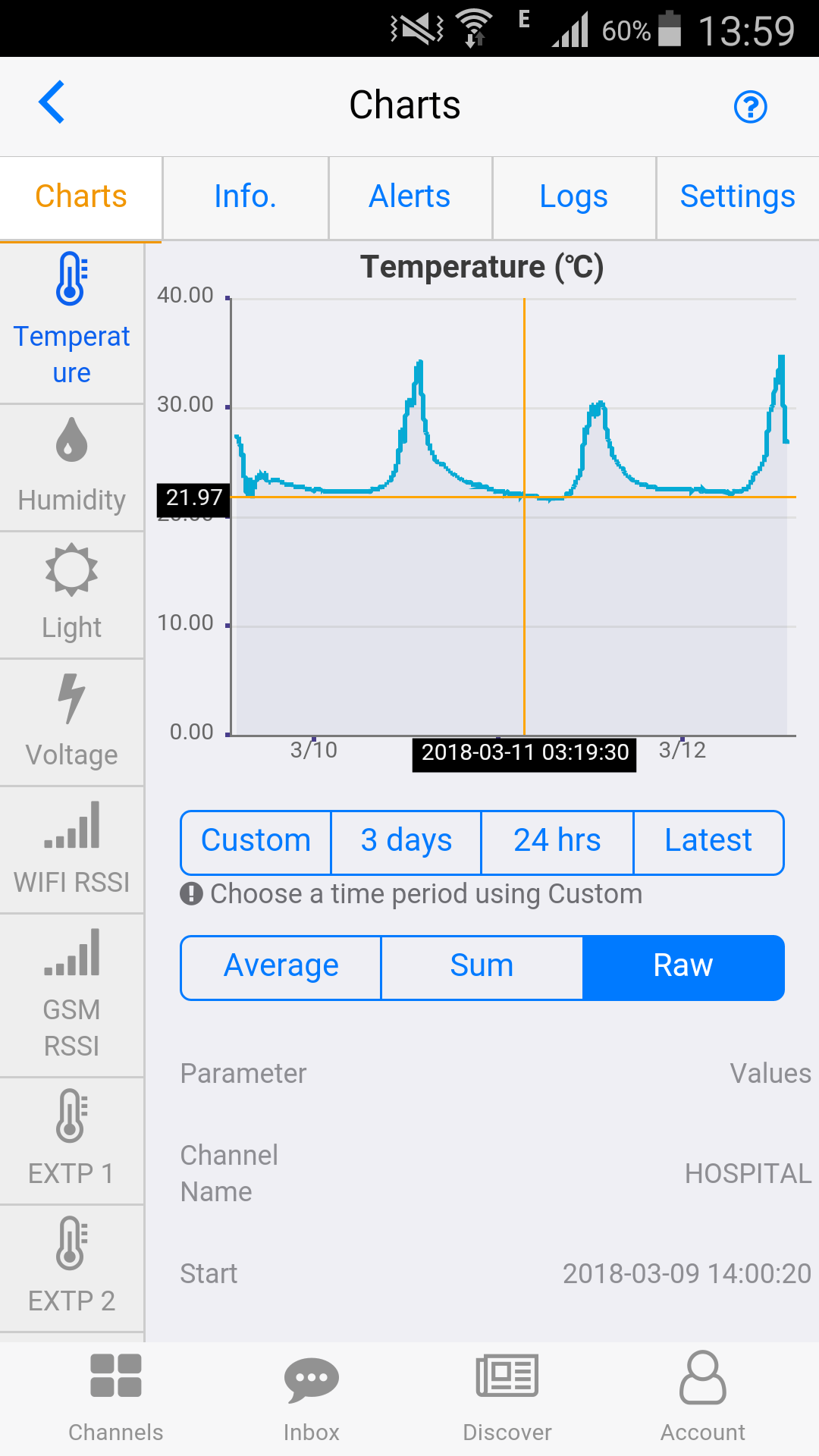
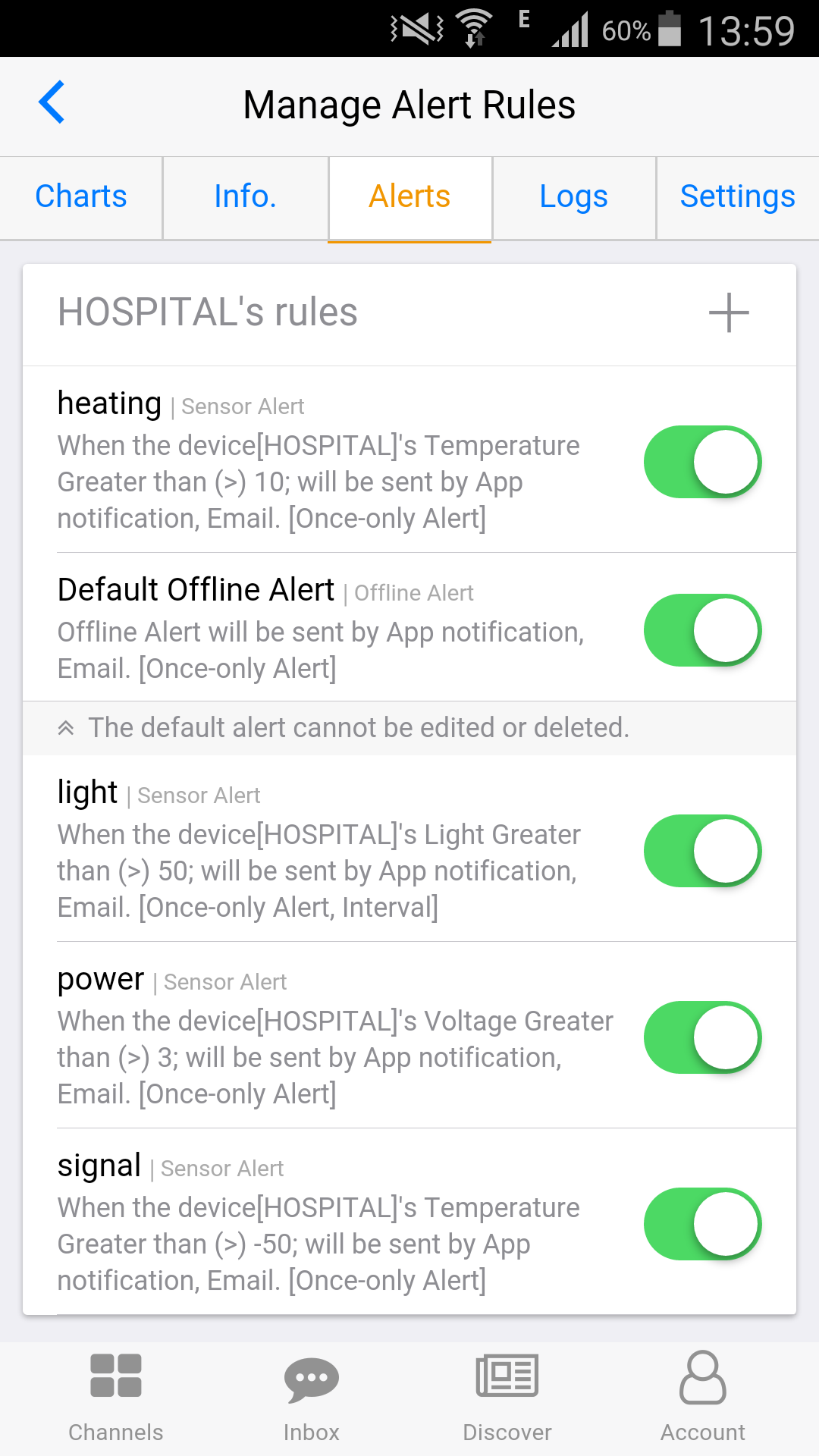
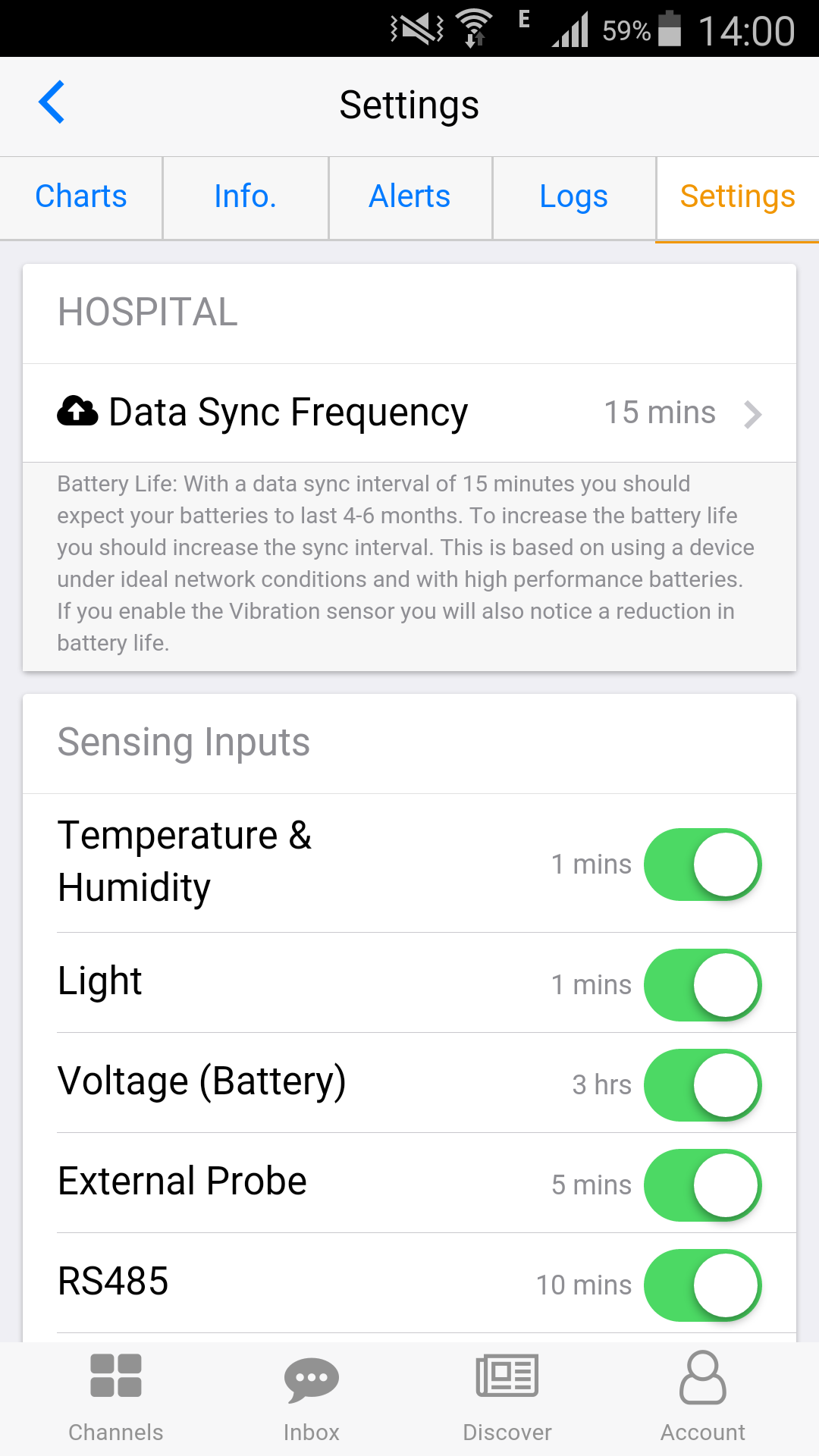
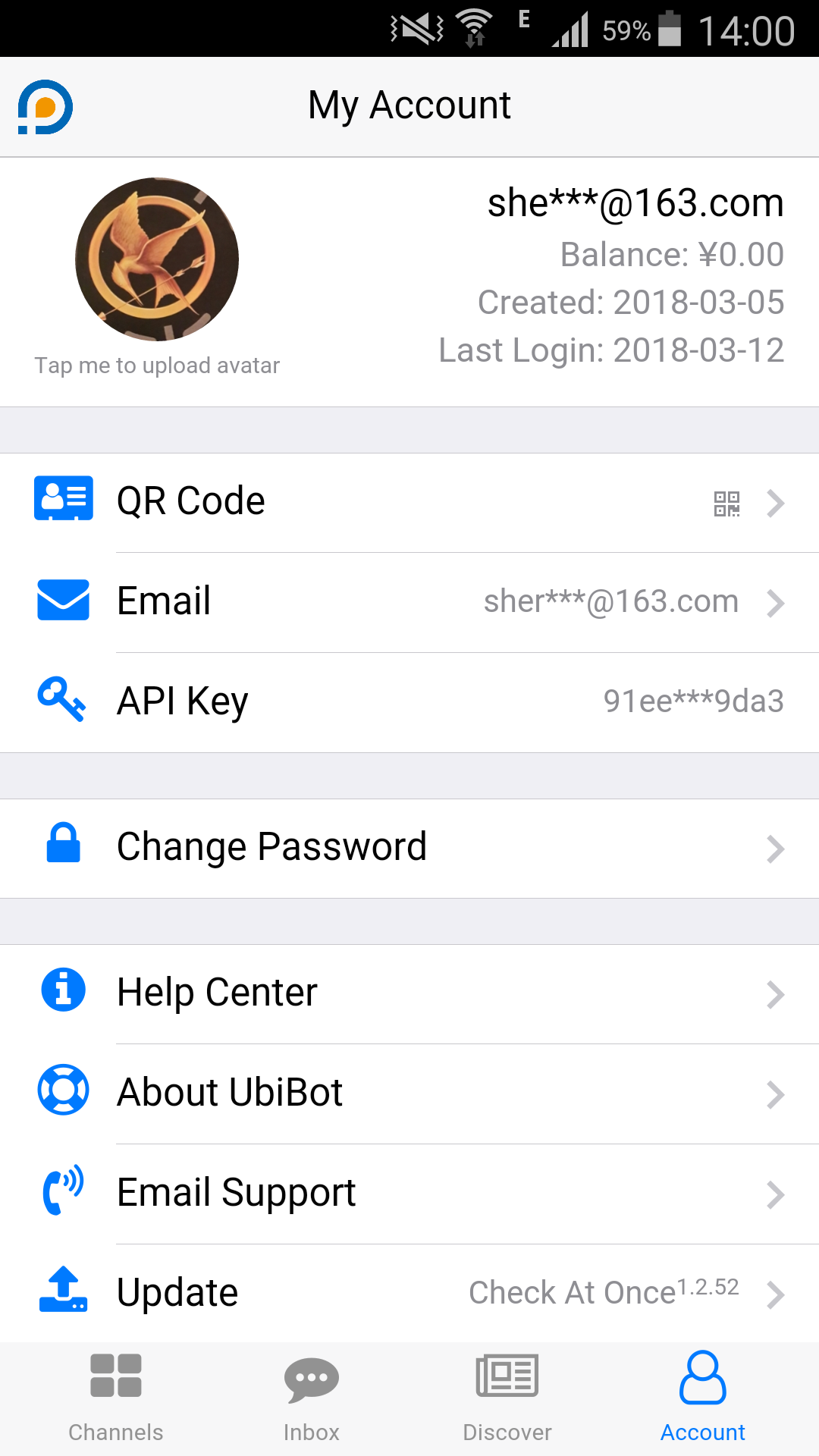 Released Date: 19th March, 2018
Size: 13.6 MB
Language:Chinese, English
Developer: Dalian Cloud Force Technologies CO., LTD
Released Date: 19th March, 2018
Size: 13.6 MB
Language:Chinese, English
Developer: Dalian Cloud Force Technologies CO., LTD
 Released Date:7th February, 2018
Size:4.35 MB
Language:Chinese, English
Developer: Dalian Cloud Force Technologies CO., LTD
Released Date:7th February, 2018
Size:4.35 MB
Language:Chinese, English
Developer: Dalian Cloud Force Technologies CO., LTD