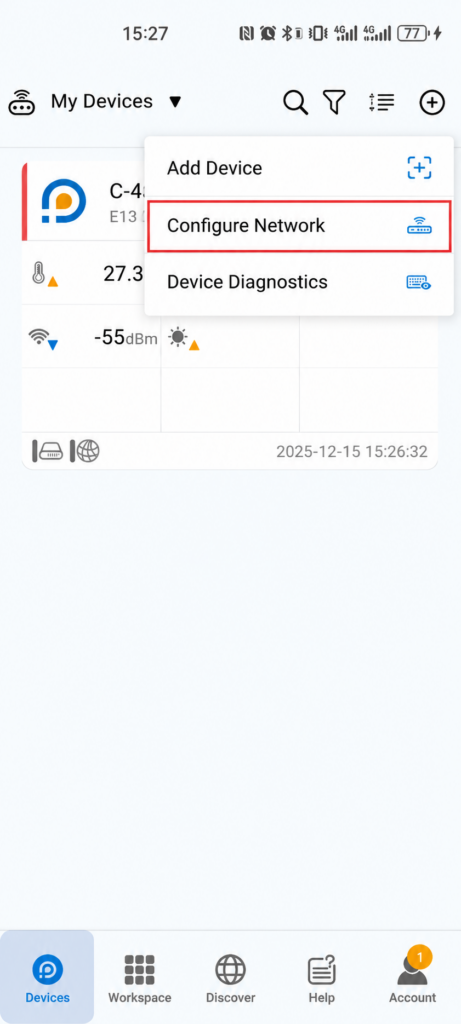
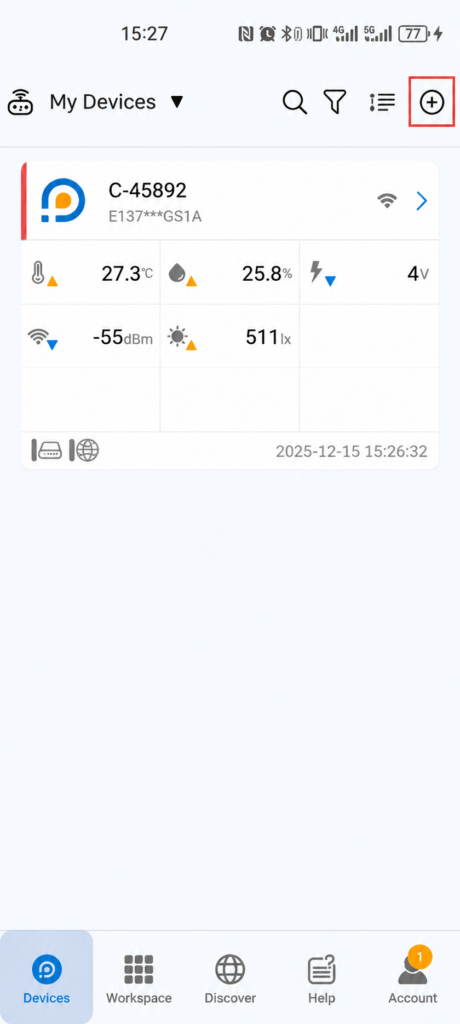
1.Open the app, tap the “+” icon in the top-right corner, select “Configure Network”, and scan the device’s barcode or QR code.
2.Put the device into configuration mode, select the appropriate network connection method, and follow the on-screen instructions to complete the setup.
If the connection fails, reset the device to factory settings and then configure the network connection again.